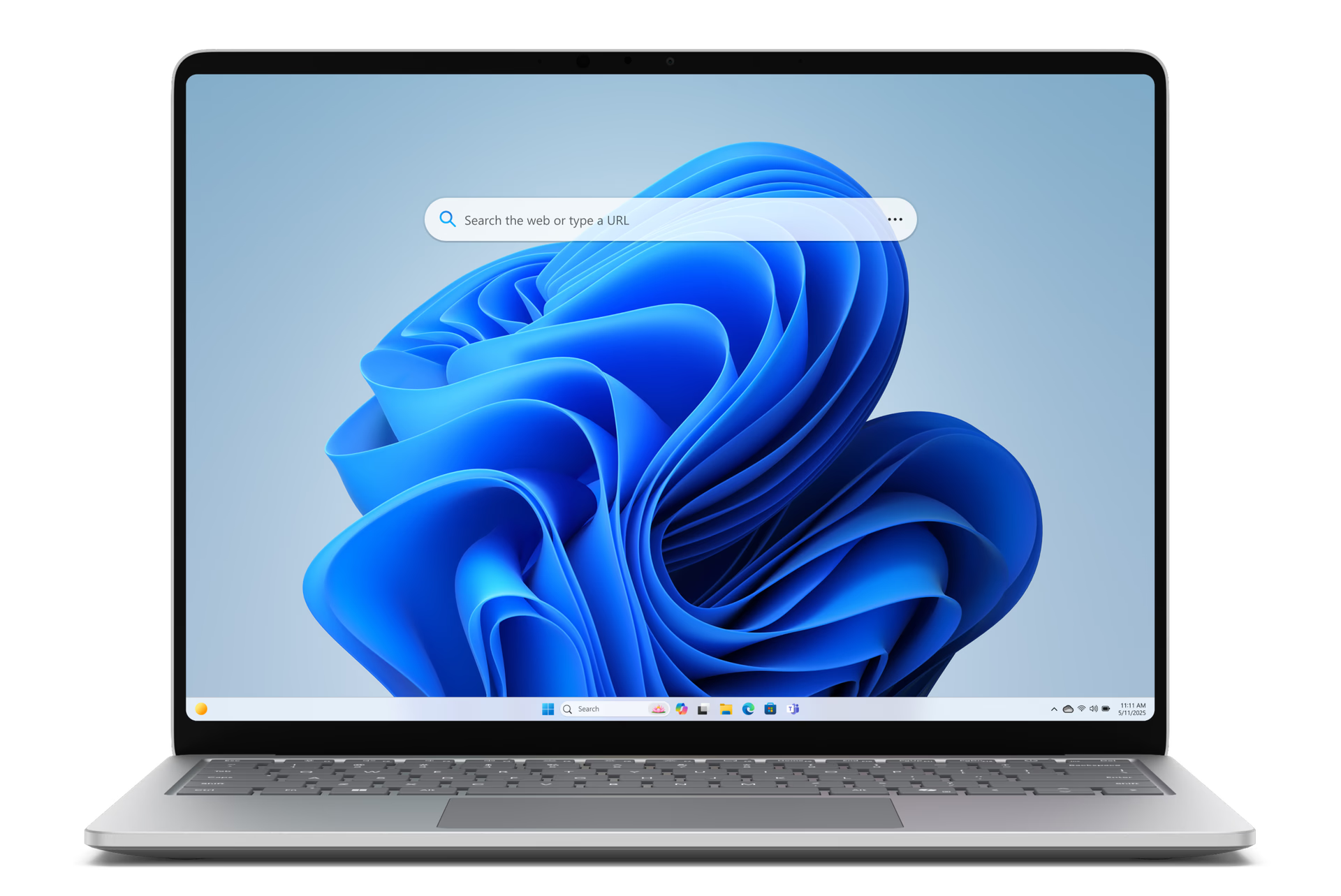
Edge Search Bar

Now with icon Visual Search

The smarter way to access the web - directly from your desktop.

Search right from your desktop

Visual Search

Search by image with Bing Visual Search, a free reverse image search tool to find similar images, match products, and identify objects instantly.

Select visual search icon from the Edge Search Bar to get started.

How to Visual Search:

Drag and drop

Drag and drop images directly into Edge Search Bar

Search files

Search and select from your computer files

Coming soon

Select screen area

Select a part of your screen to search

Tips and Tricks

How to use

Access Edge search bar quickly by hitting 'Win + Shift + F'


Turn off by clicking the elsipsis in the Edge search bar and then select Close search bar.

Get quick answers

Search your go to sites, trending topics, and more, right from your desktop. Just type, hit enter, and go.

Move search bar

You're in control - drag the search bar around to any location on your desktop.

Search made easy, right from your desktop

Move the Edge search bar wherever you want to allow for convenient web searching right from your desktop.

Frequently asked questions

  • * Feature availability and functionality may vary by device type, market, and browser version.