
Sleeping tabs
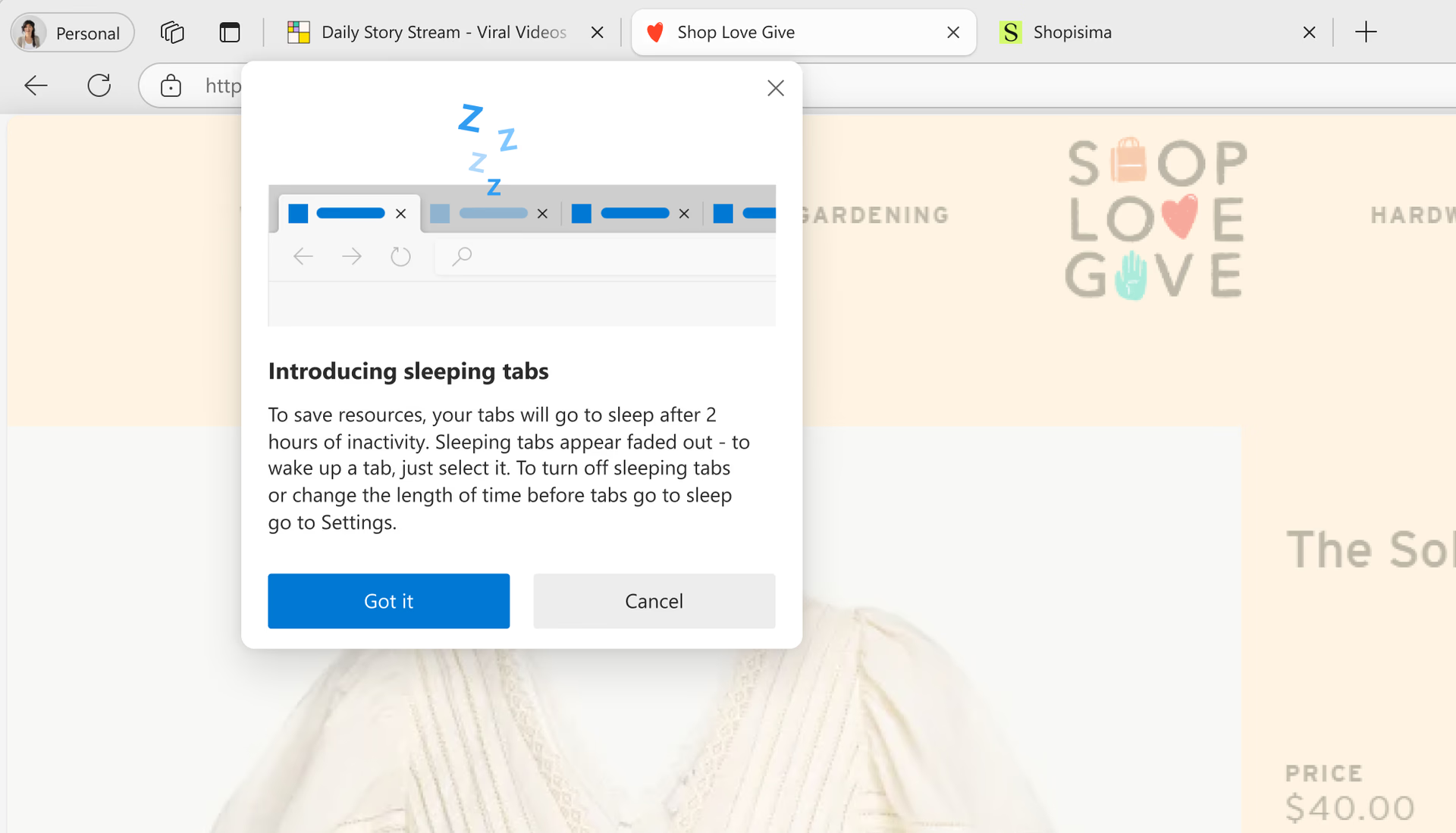
Microsoft Edge automatically puts tabs to “sleep” when you’re not using them, freeing up memory and CPU so your active tabs and apps can run smoothly. Sleeping tabs help improve performance, reduce battery consumption, and give you more control over how your browser uses system resources. You can choose when tabs go to sleep, keep important sites active, and let Edge manage background tabs so you can stay focused on what matters.
Tips and Tricks
Frequently asked questions
- * Feature availability and functionality may vary by device type, market, and browser version.