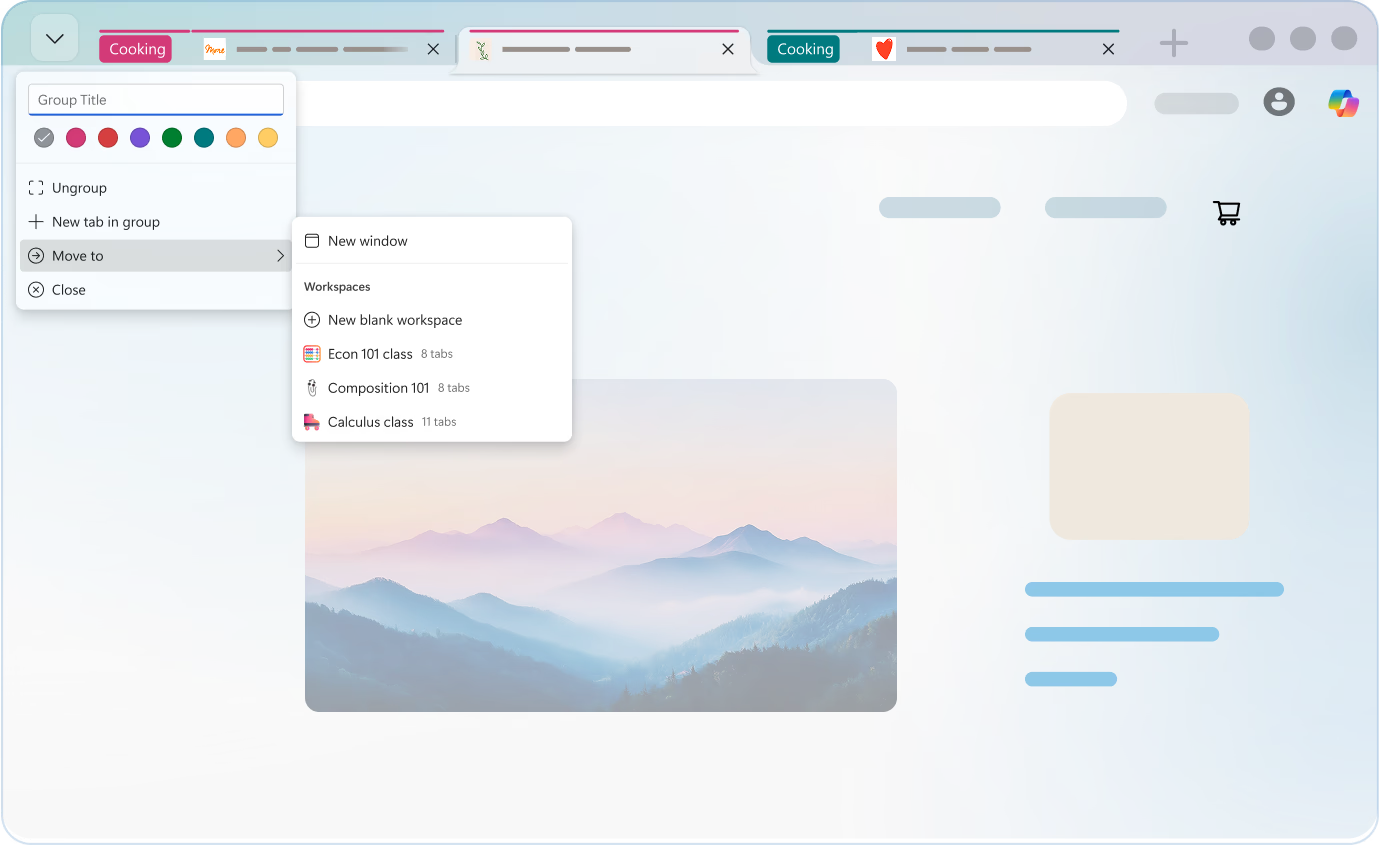
Organize your webpages with Tab groups in Microsoft Edge. Group related webpages and customize them with a name and a color, so you can easily navigate and stay focused.
To rename Tab groups, simply either right click on the group name or hover over the group name and then select "Edit". From here, you can rename your Tab group.
Right-click a tab and choose Add tab to a group and give a name to create a tab group.
Yes, of course tab groups can be used in classic tabs and vertical tabs too.
Yes, you can rename your Tab groups and change the color for the groups to make the tab group your own!
* Feature availability and functionality may vary by device type, market, and browser version.