A new tab page, built by Copilot
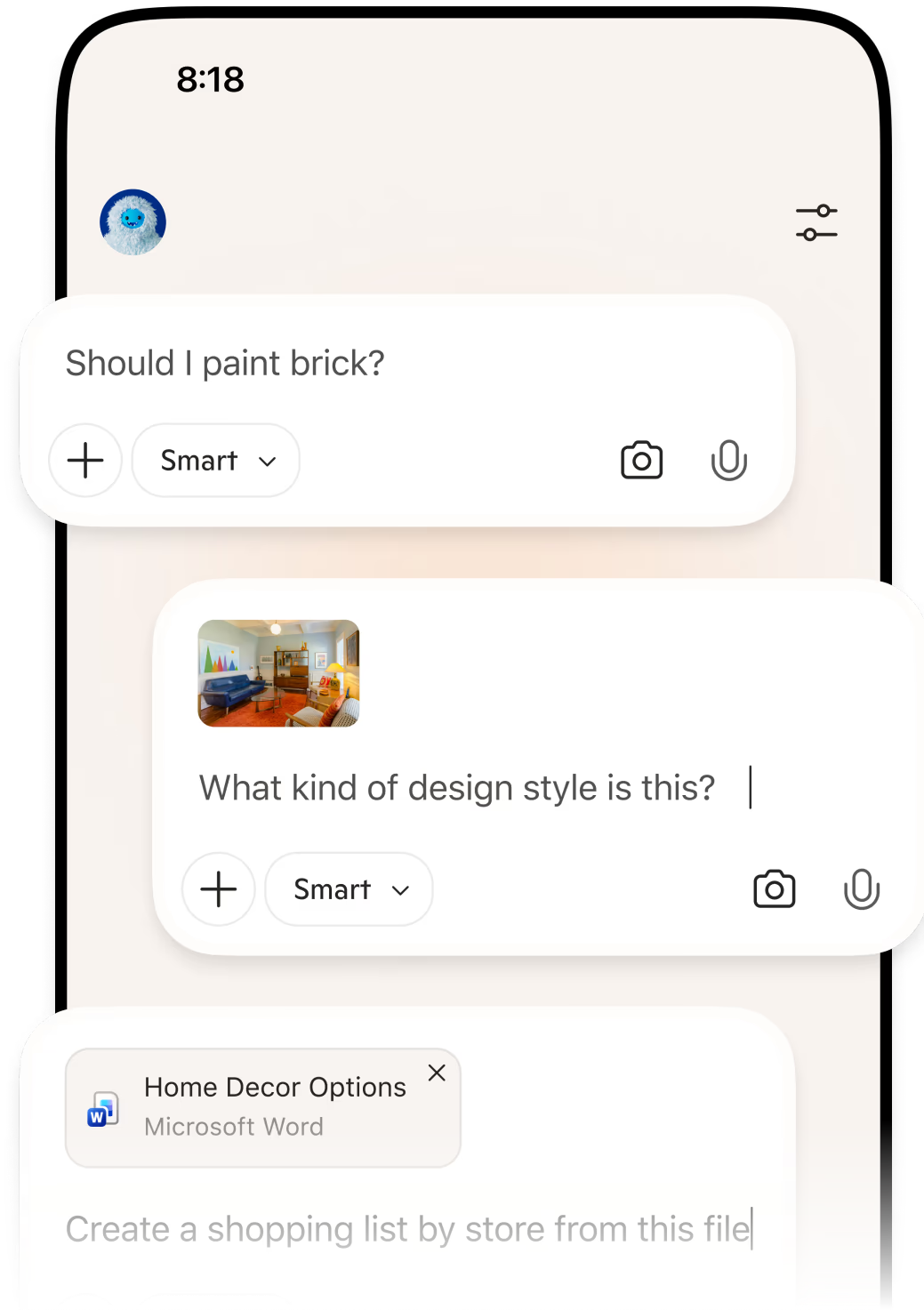

What starts here, gets done here
Turn ideas into done, cut through tab clutter and move forward faster right in Edge on your phone.
Scan to get Edge on your phone

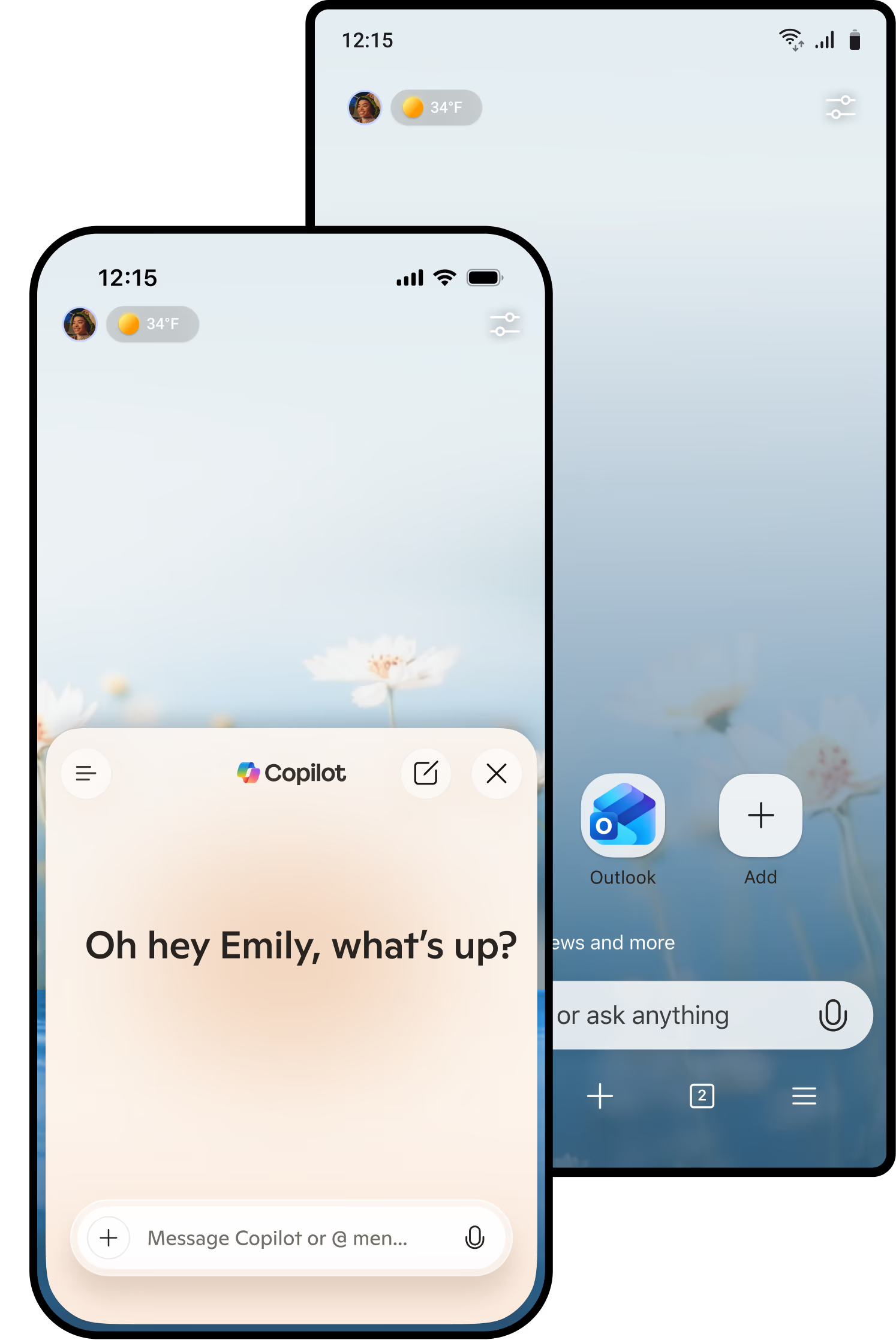
The best of Copilot, now in Edge
Copilot features you already love—like Journeys, Vision, and the ability to understand what you’re looking at across multiple tabs—plus a redesigned new tab, are now built into Edge on your phone. Find it anytime by tapping Copilot (icon) in the Edge mobile app.
A new tab page, built by Copilot
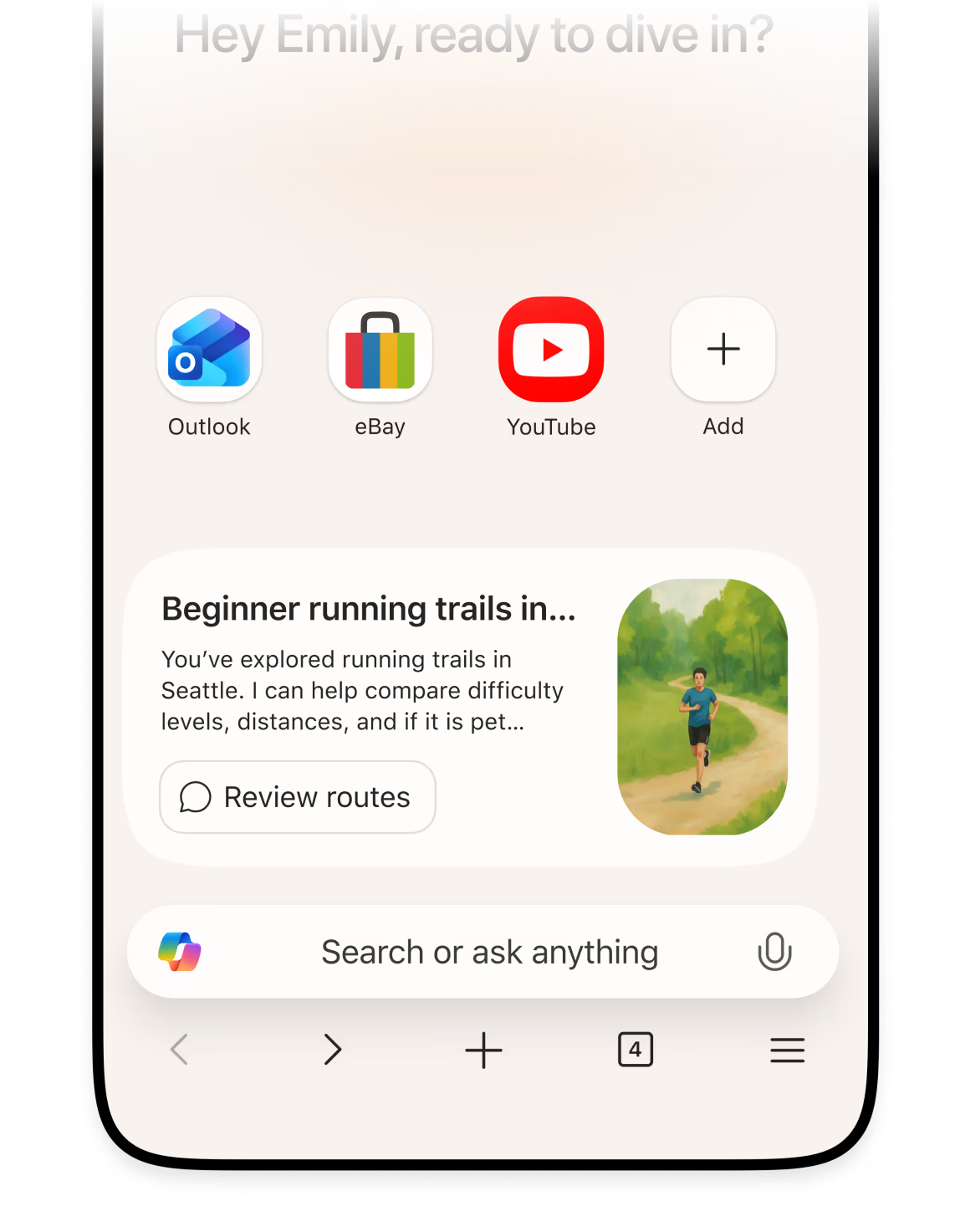
Open a Copilot new tab and type anything — a question, a search, or a website. Skip the back and forth. Move from chat to search to browsing in one smooth flow.
Copilot groups your browsing on your device into journeys — related pages, searches, and chats. Revisit what matters, go deeper, and jump back in with one click.
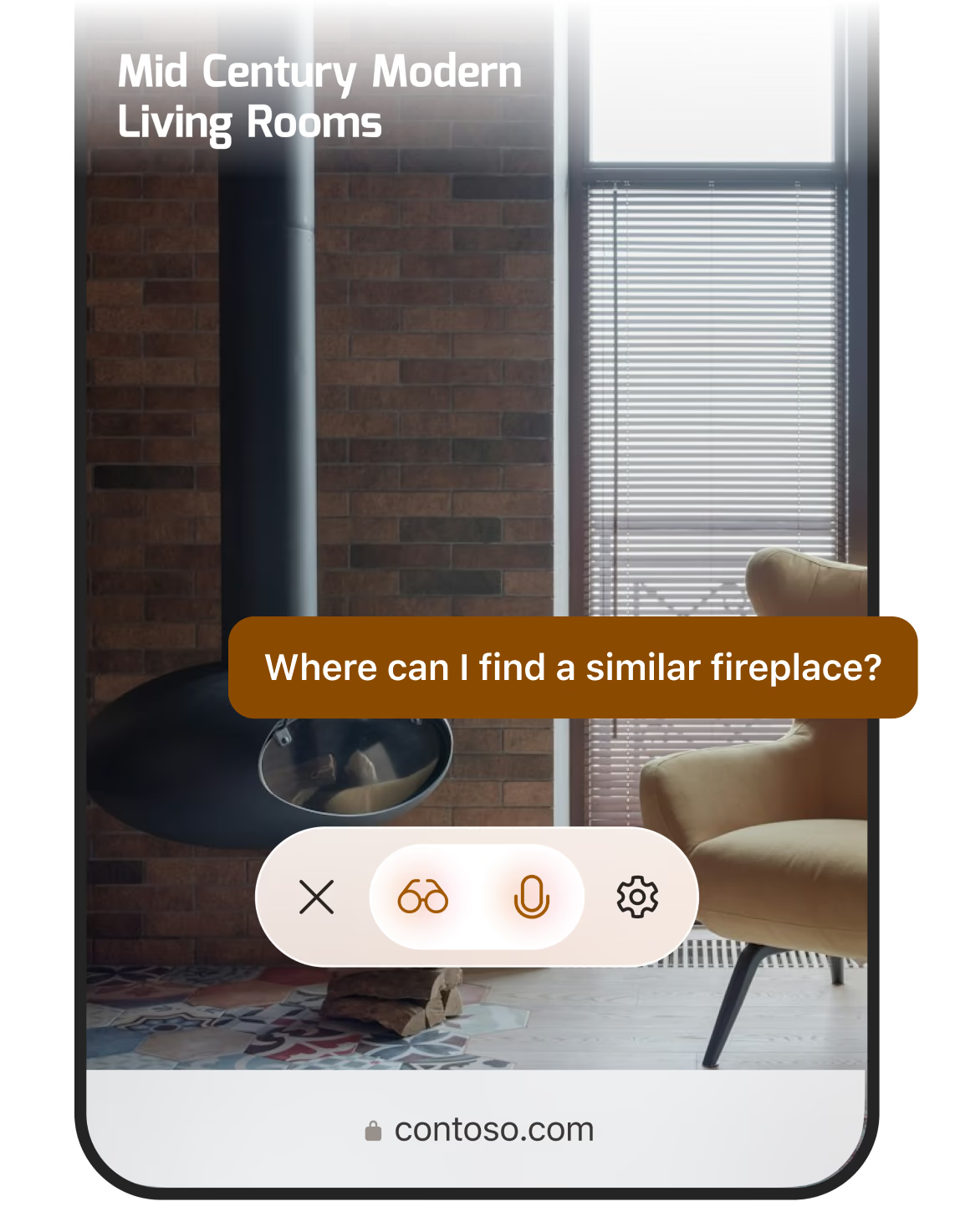
Talk through ideas and questions
Copilot sees what you see. As you browse, ask questions, highlight anything on your screen, or think through ideas naturally — and get real‑time, spoken answers as you go.
See the full picture faster and get better answers
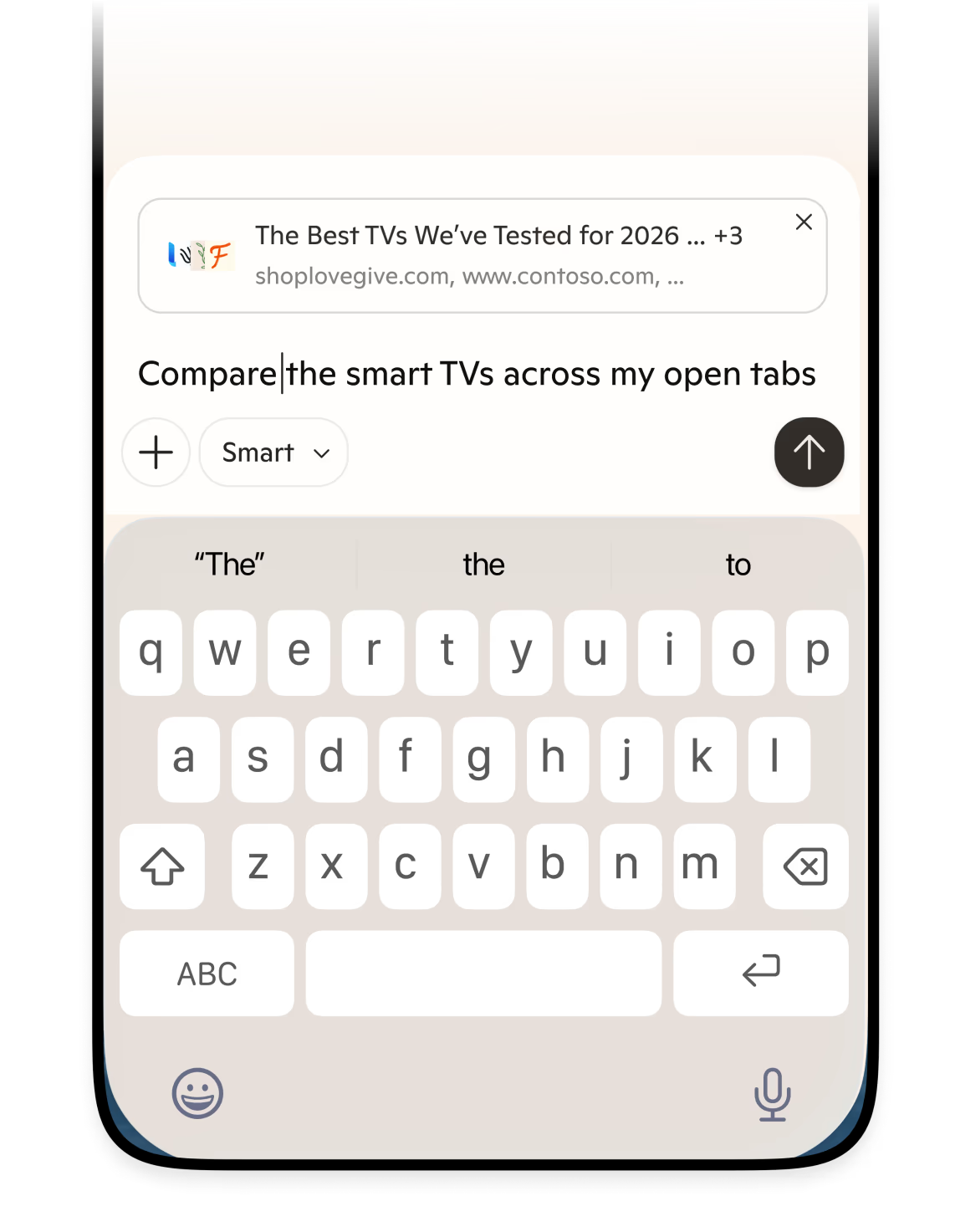
Copilot can summarize your open tabs and browsing history. Turn open tabs into clear insights — so you can compare information and move forward with confidence.
Browse smarter with quick summaries
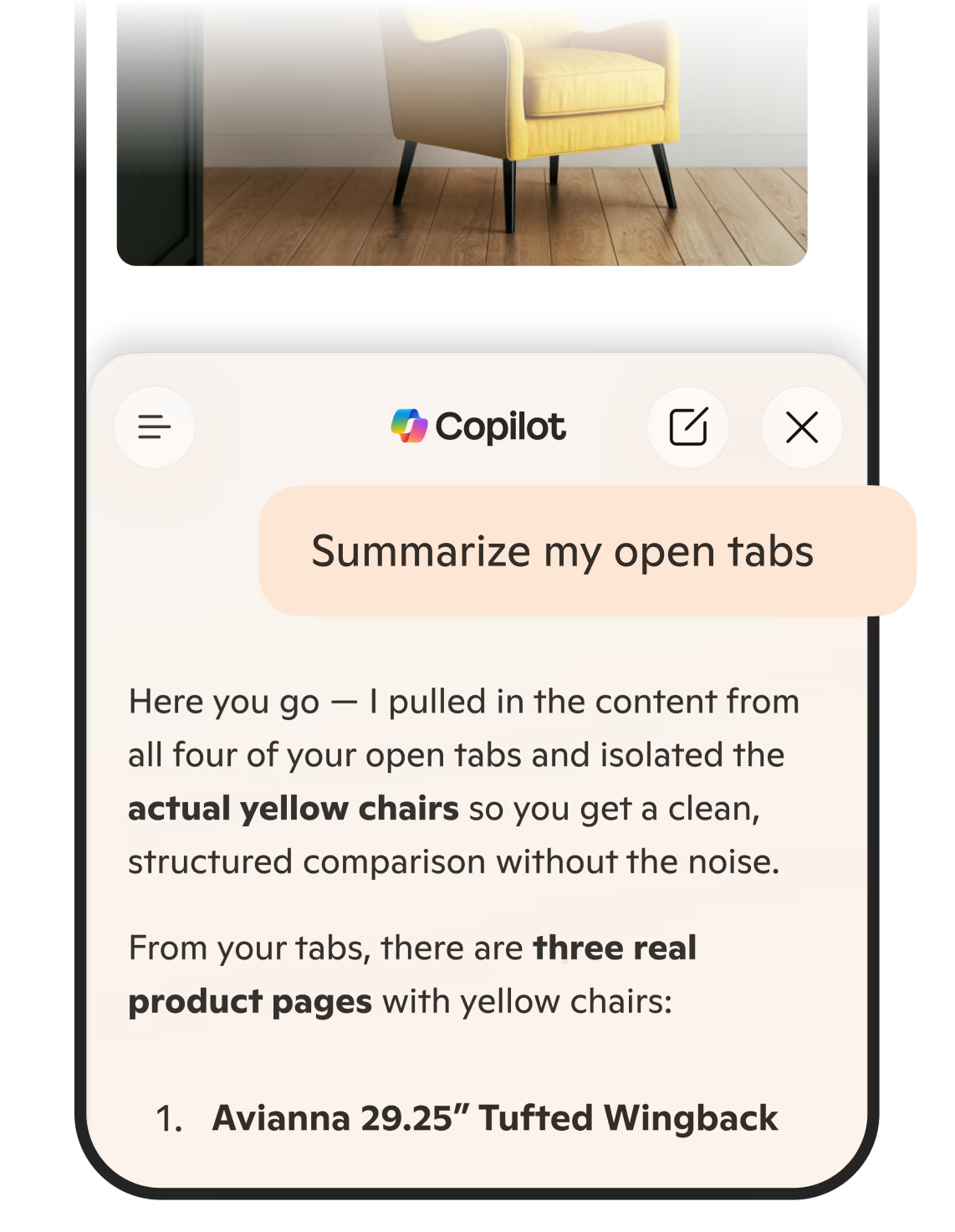
Copilot helps you summarize webpages, videos, and articles in seconds, so you can quickly find key insights without endless scrolling.
Discover more features available in Edge
Enhance your browsing with extensions
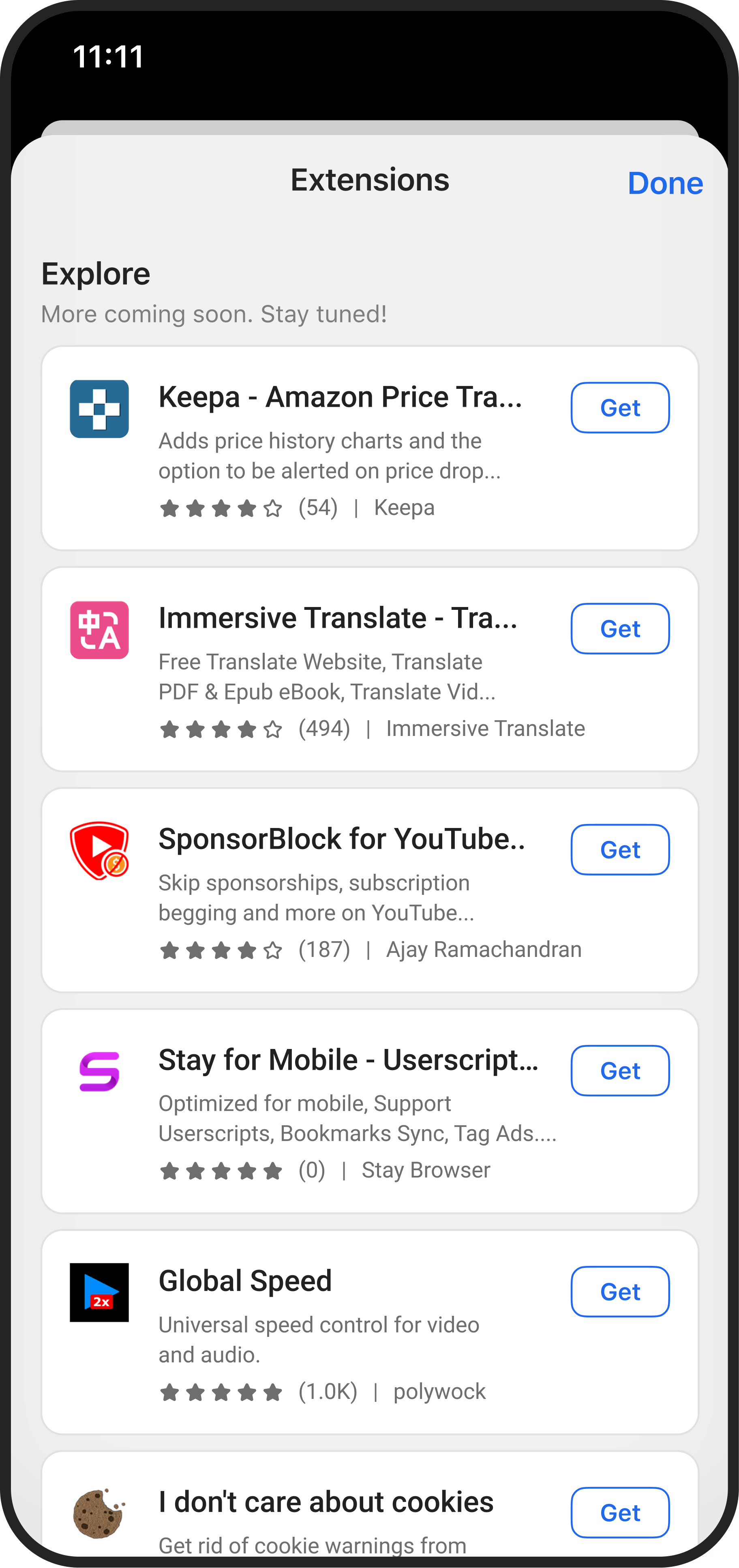
Edge has many extensions that help you customize your browsing experience on any device and make your browser uniquely yours. Supported extensions may differ between operating systems.
Browse with more privacy
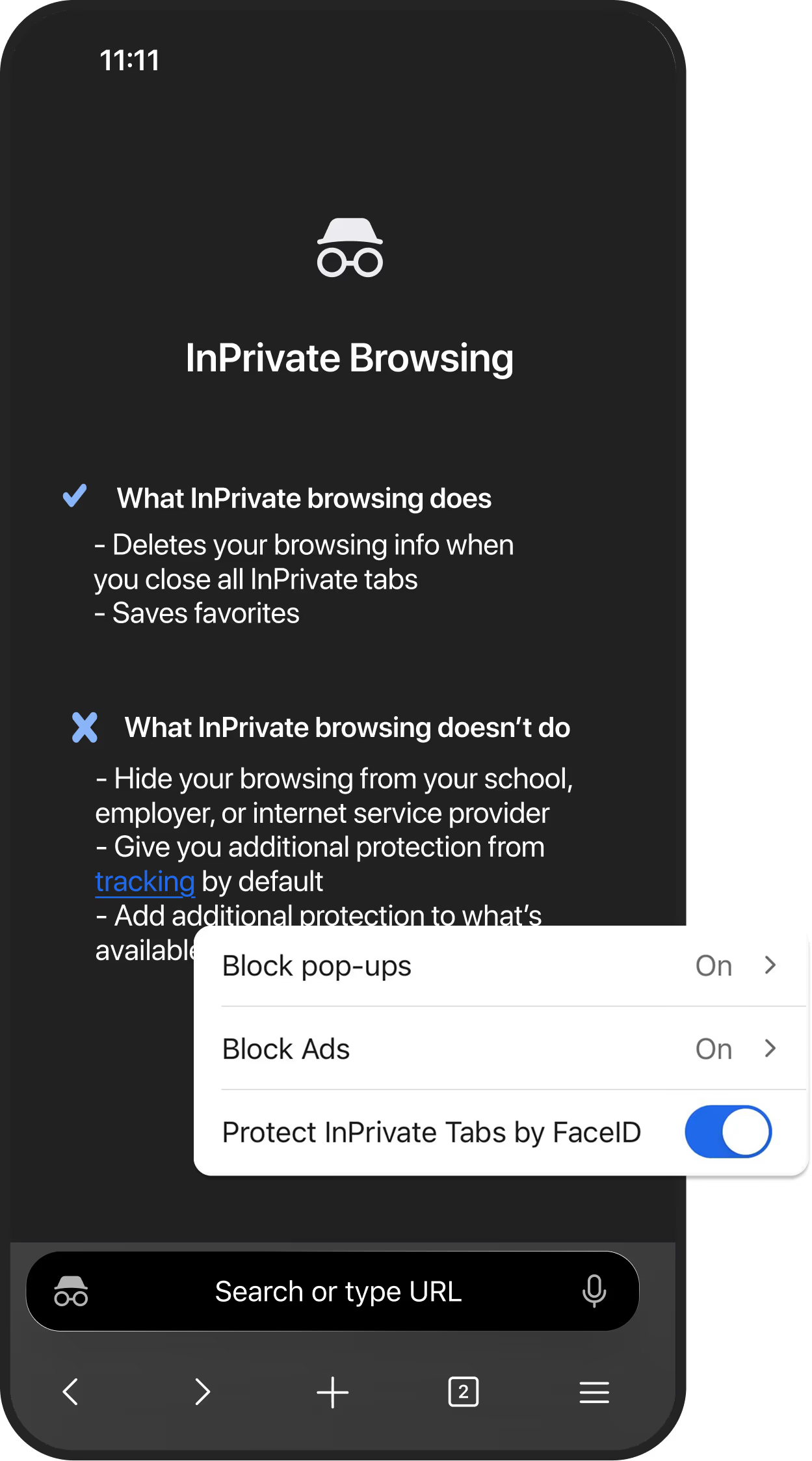
Microsoft Edge lets you browse the web with InPrivate mode, deleting all your browsing history, cookies, and other data when you close all InPrivate tabs.
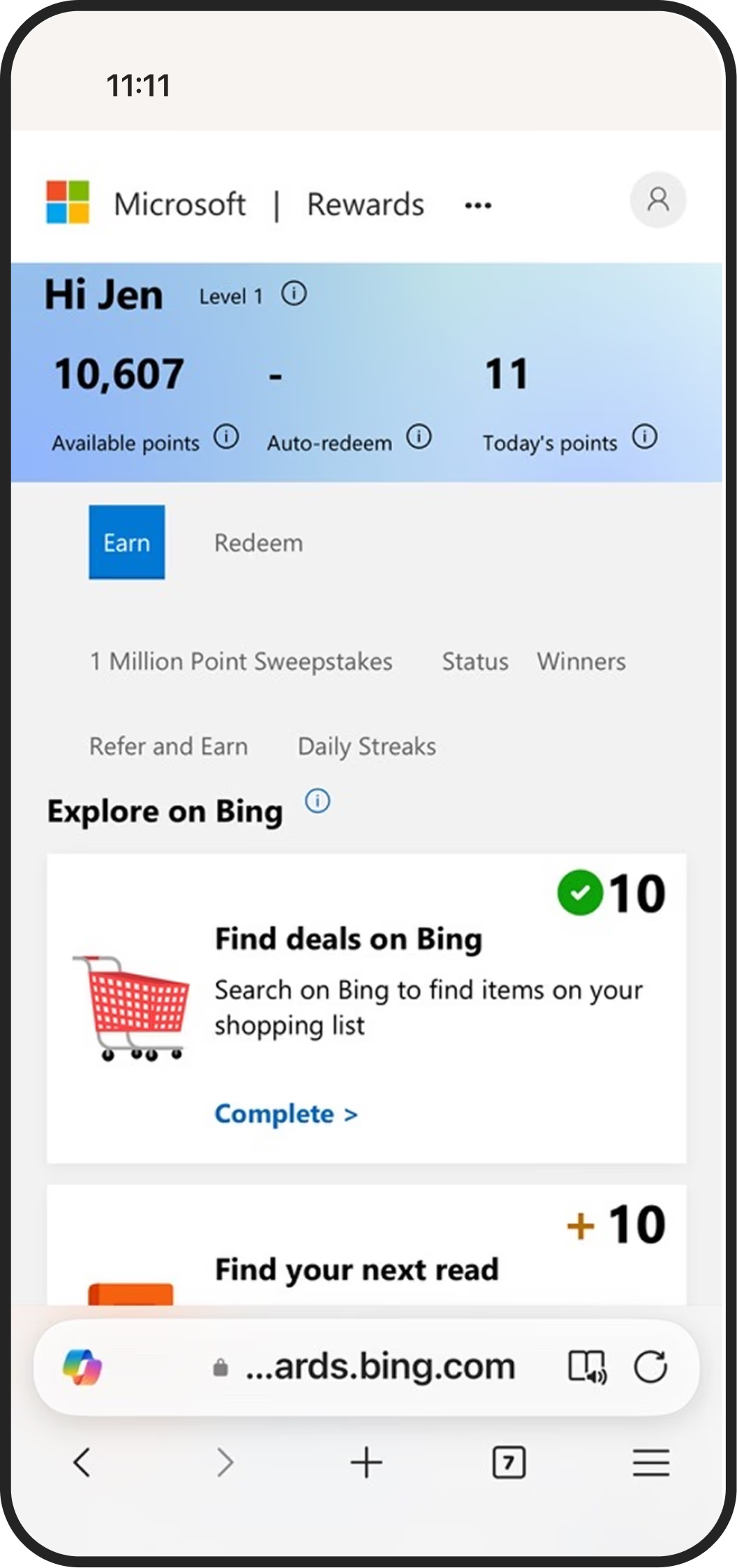
Earn rewards for browsing
Collect Microsoft Rewards points fast by searching with Bing in Microsoft Edge on your phone. Redeem your points for gift cards, donations, and more. To earn Microsoft Rewards points for browsing, you must be logged into the Edge browser with your Microsoft account. Please read the Microsoft Privacy Statement for a description of how Microsoft uses your personal information.
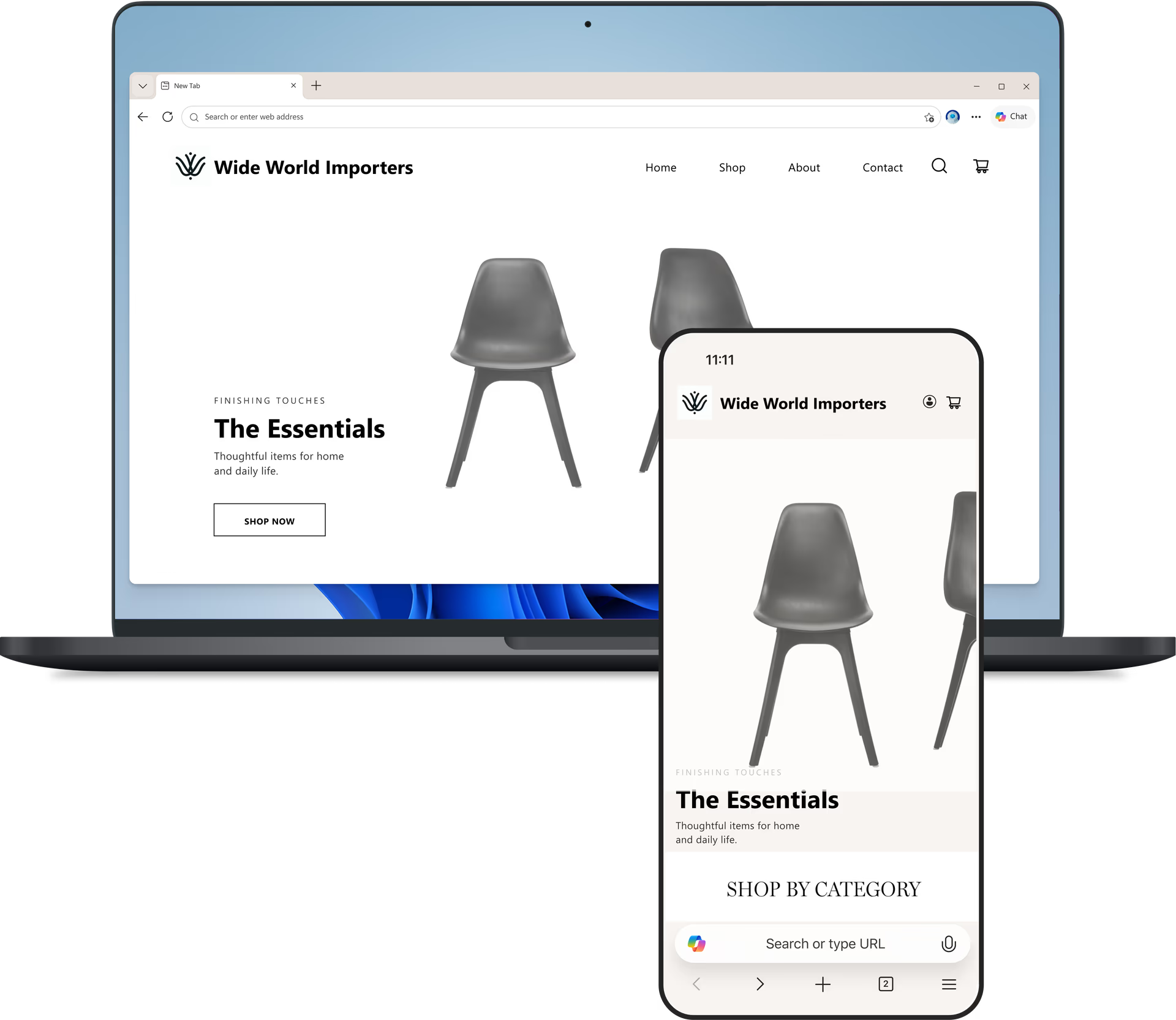
Stay in sync across devices
Sign in to Microsoft Edge to access your tabs, favorites, and passwords across your phone and PC, so you can pick up where you left off and stay connected across all your devices.
Very fast browser with great integration to Android.
Matt Q.
Google Play User

Edge is a very intelligent, intuitive and easy to use browser.
Larry B.
Google Play User
It is tremendously helpful for reading articles and even PDF files.
Alex G.
App Store User
The Microsoft Edge Android app is fast, reliable, and user-friendly.
Shahib H.
Google Play User
It's fast, reliable, perfectly designed, and the button layouts are flawless.
MyXstery
Google Play User
The best experience surfing the web.
Zaid A.
App Store User
What people are saying
Find out why millions of people choose Microsoft Edge. Hear directly from our users about the features and benefits that make the Edge mobile app stand out.

Take Edge with you
Get quick answers, compare across tabs, revisit past topics, and get things done faster wherever you go.
Get Edge on your phone