- * Feature availability and functionality may vary by device type, market, and browser version.
iconCopilot
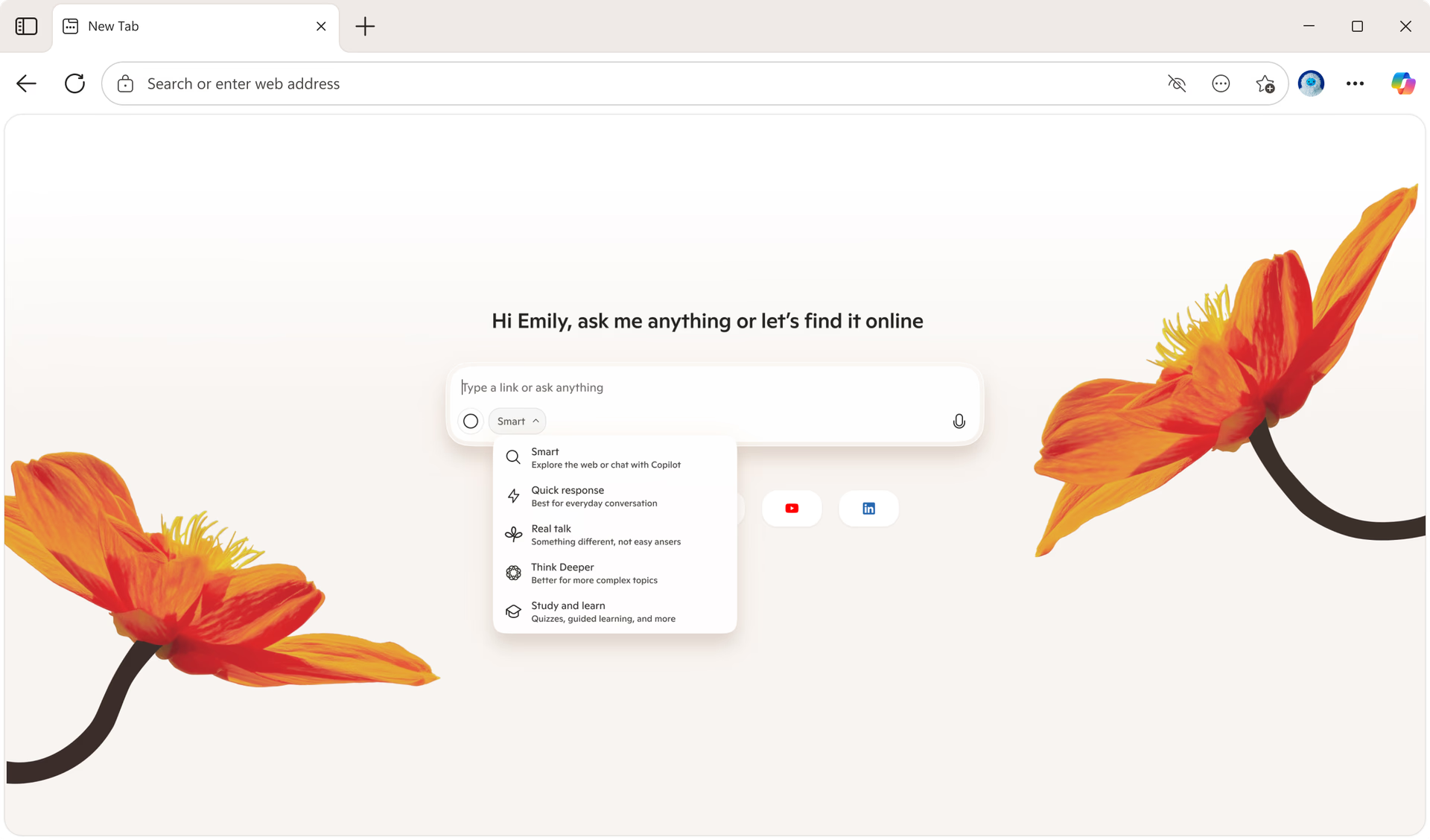
Copilot in Edge helped millions of people create quizzes, podcasts, images, and more via chat and voice.
Translation

Edge helped people consume content across the world in their preferred language—translating nearly 70 trillion characters this year!

Video summary
In March, we launched video summaries to make content easier to digest.
Microsoft's 50th Anniversary

In April, we celebrated 50 years of Microsoft and 10 years of Edge with new custom themes and celebratory experiences.

Game Assist
Microsoft Edge Game Assist, the first in-game browser built for PC gaming, launched in May so players can browse, access guides and chat with friends without leaving their game.

Streaming

Edge made it easier to stream nearly 2 billion hours of content each month with built‑in features like Media control center, Picture‑in‑picture, Real‑time video translation, and more.

Tab Management

In July, Edge helped keep people effortlessly organized with tab management features—grouping over 1.6 billion tabs in 2025.

Scareware Blocker
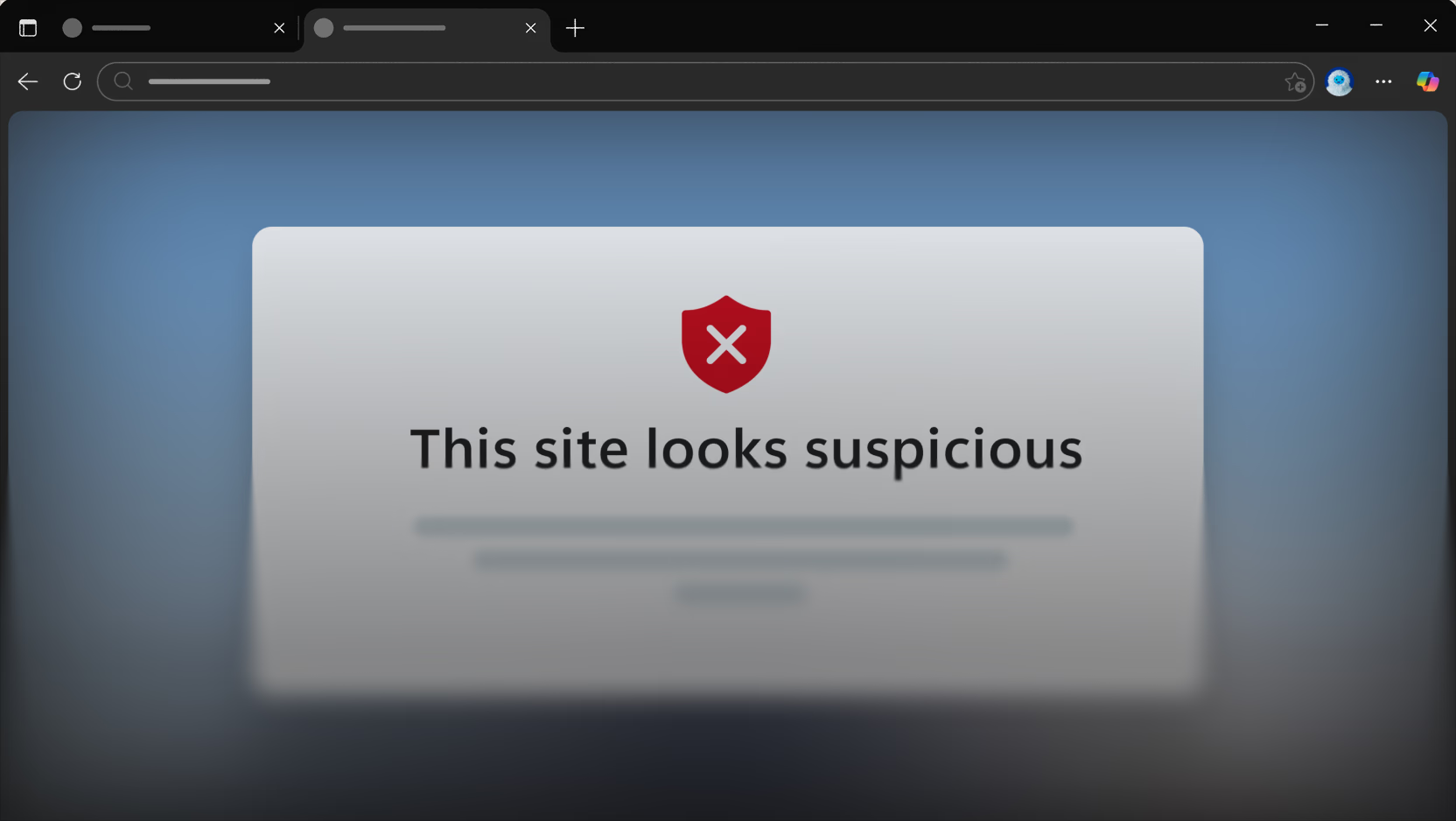
We launched Scareware blocker to help keep users safe from online threats.

Memory Savings

Memory-saving features in Edge boosted performance—saving over 7 trillion megabytes via Sleeping Tabs for millions worldwide.

Image Generation Upgrade
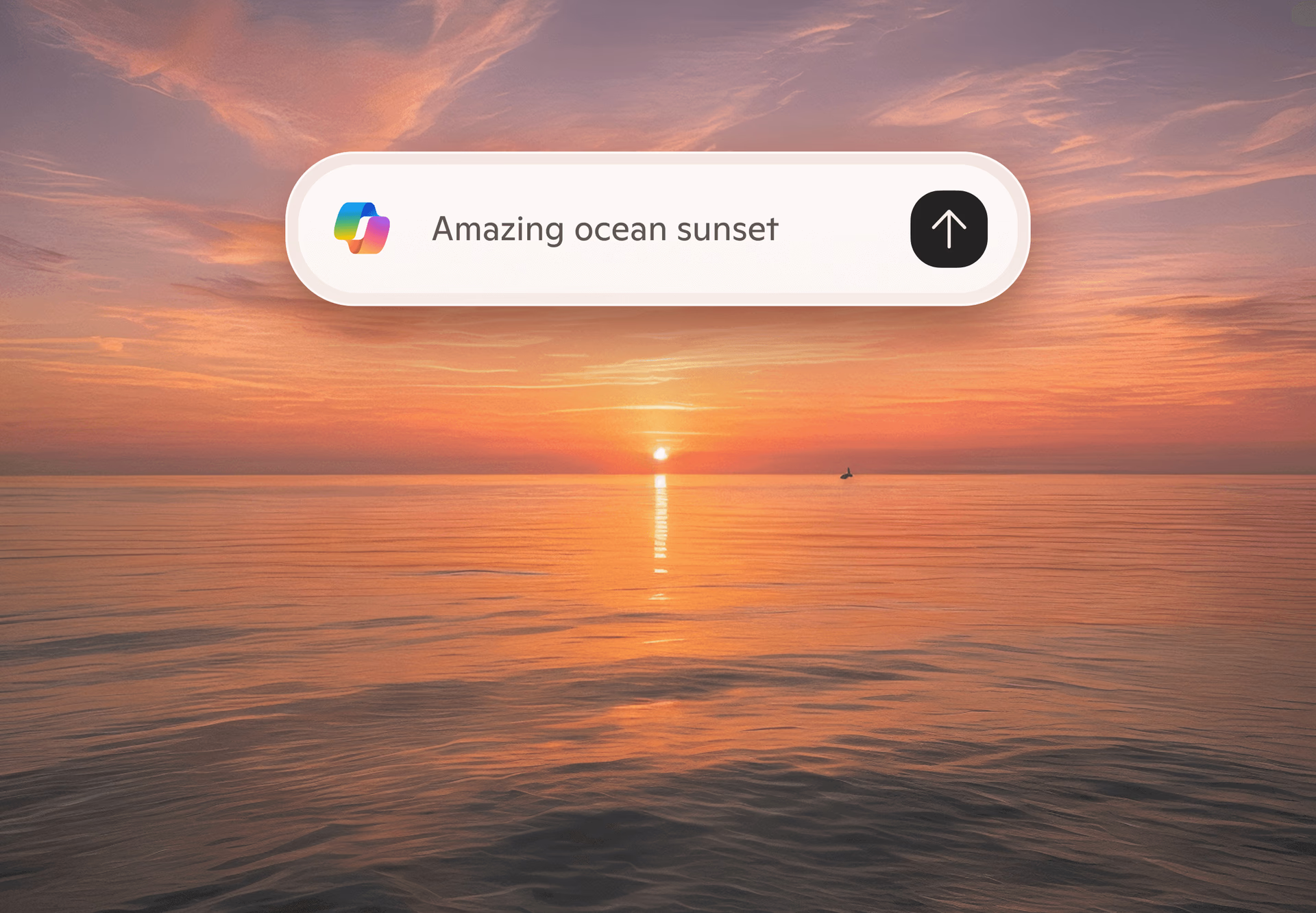
In October, Microsoft launched MAI-Image-1 in Bing Image Creator empowering millions to create even more stunning, photorealistic images.
Shopping
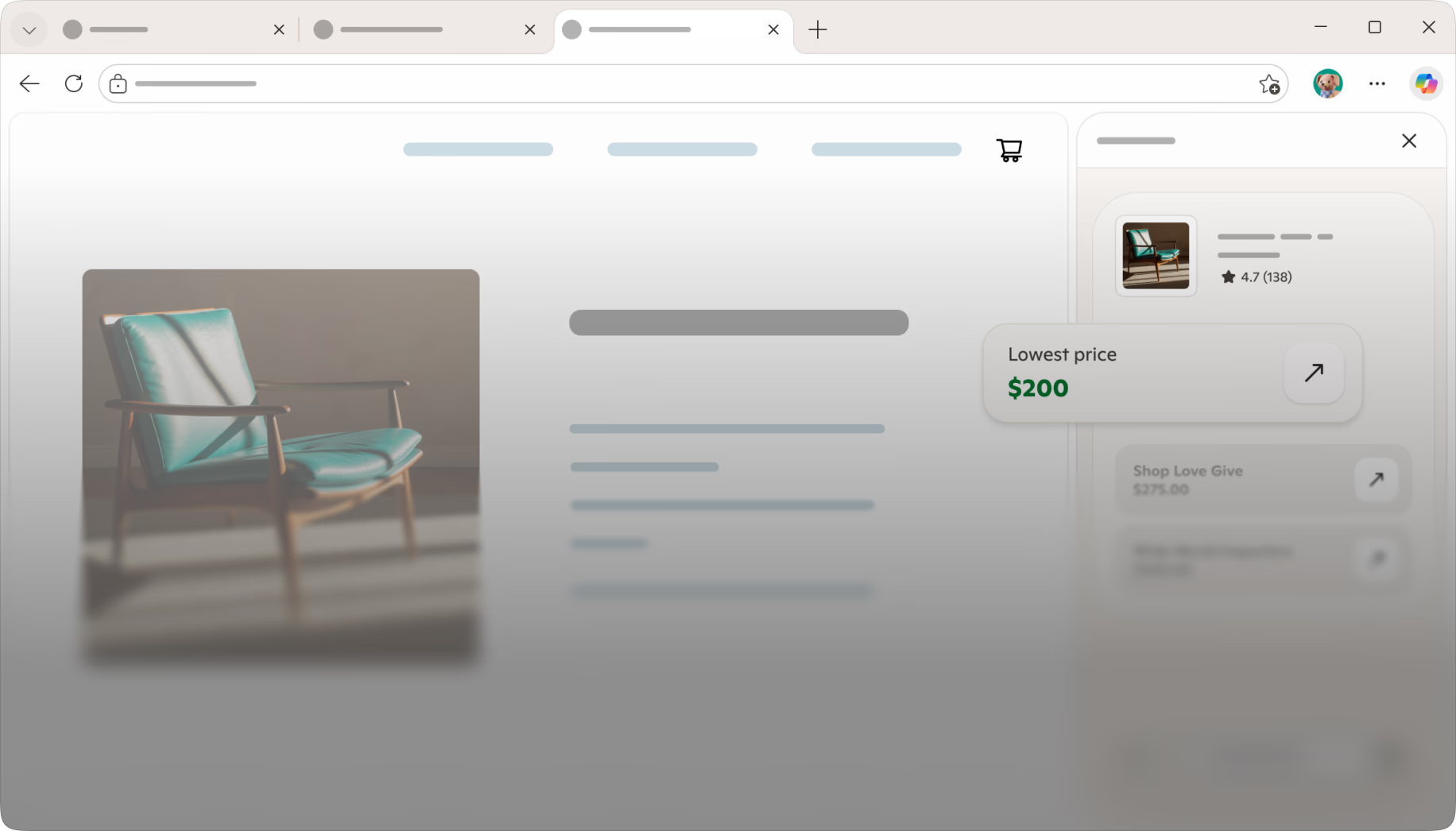
Edge helped shoppers save with 3,500+ cashback offers from retailers like Walgreens and Best Buy and smart shopping tools like price comparison and history.

Pinning

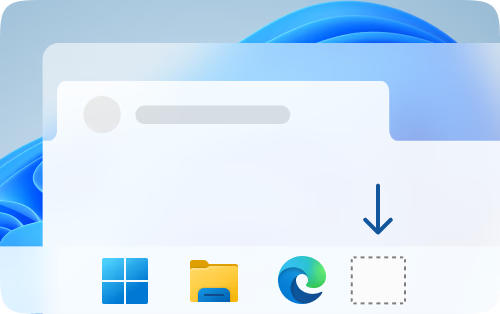
In December, we made it easier to save time with pinned sites. On average, users save 5.3 million minutes or over 10 years of time every month compared to typing.

 Microsoft Edge
2025 Year in Review
Progress 0%
Microsoft Edge2025 Year in Review
Microsoft Edge is your AI browser
Step into 2026 with Copilot, your AI companion built right into your browser.