Copilot is built right into Edge, ready to help as you browse. Whether you're reading an article or watching a video, ask questions and get quick, relevant answers without leaving the page. Just tap [icon] to get started.
tips-tricks
Explore Copilot in Edge features
Discover how Copilot helps you browse smarter and do more with Microsoft Edge.
Summarize and search
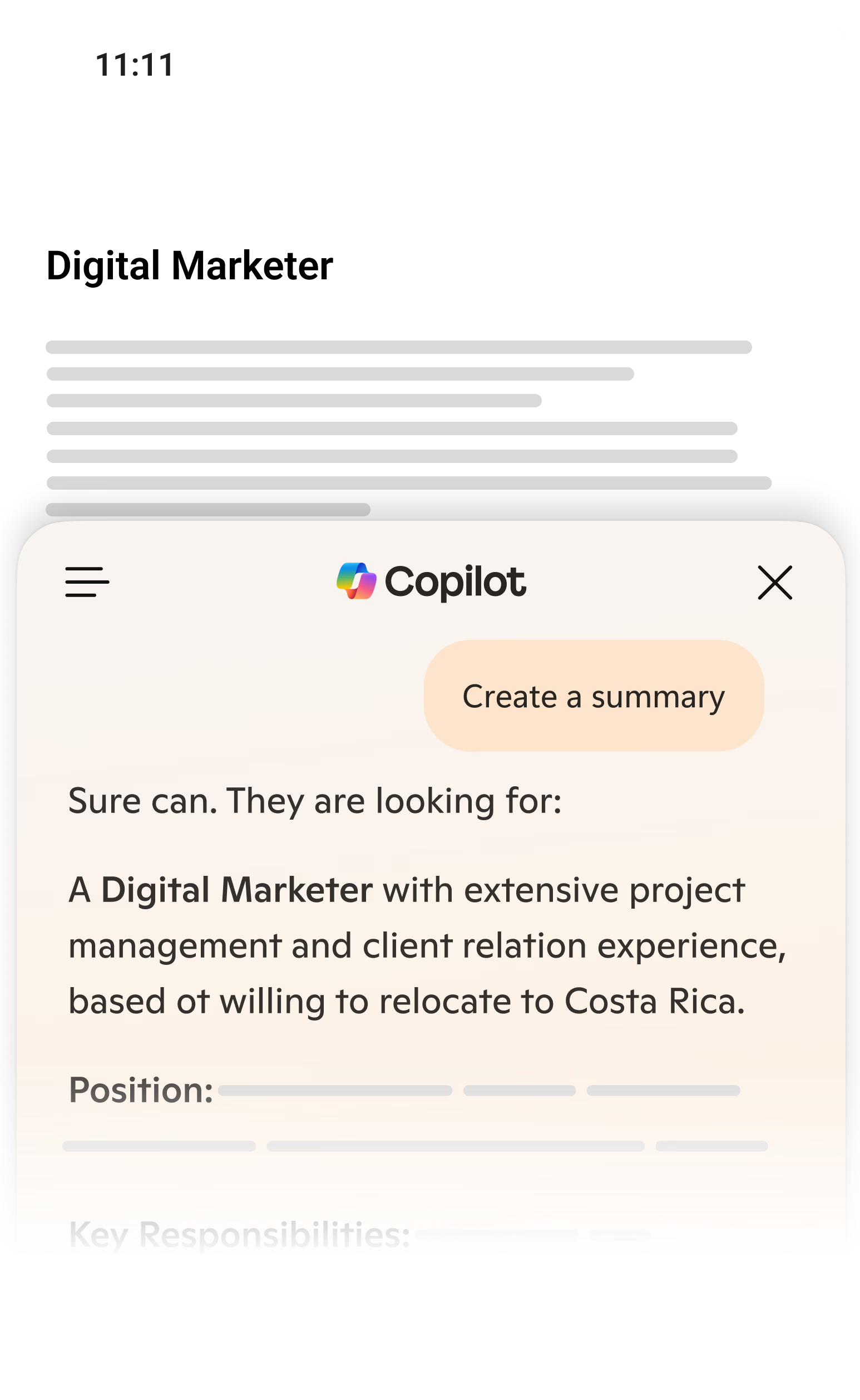
Browse smarter with contextual search
Copilot is here to help while you’re browsing. It can quickly summarize the article you're reading or answer questions the content may spark.
Video summary
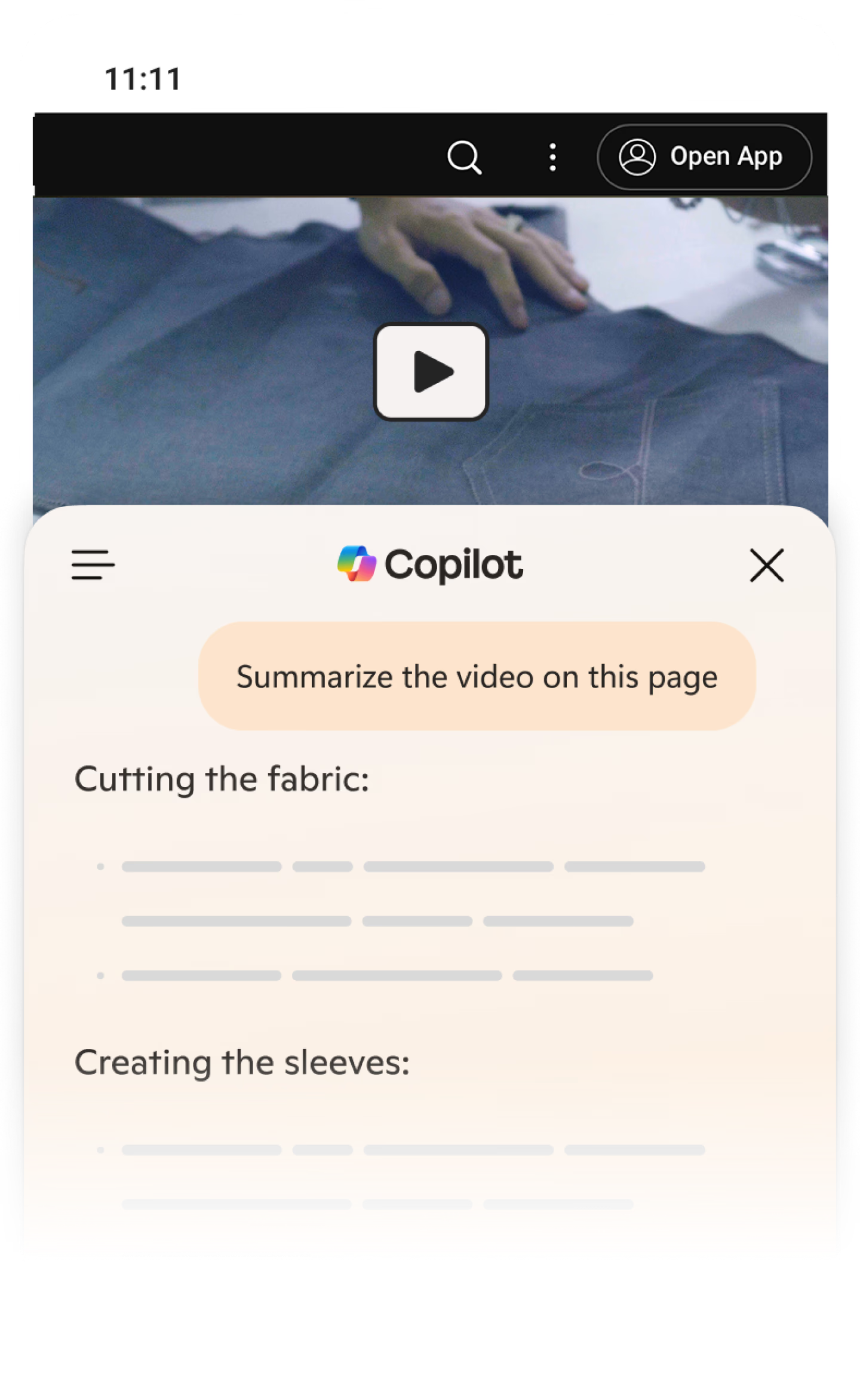
Summarize videos in seconds
When you open a YouTube video in Edge you can easily get a video recap. Just click icon to open Copilot and simply ask "Summarize this video."
Image Creator
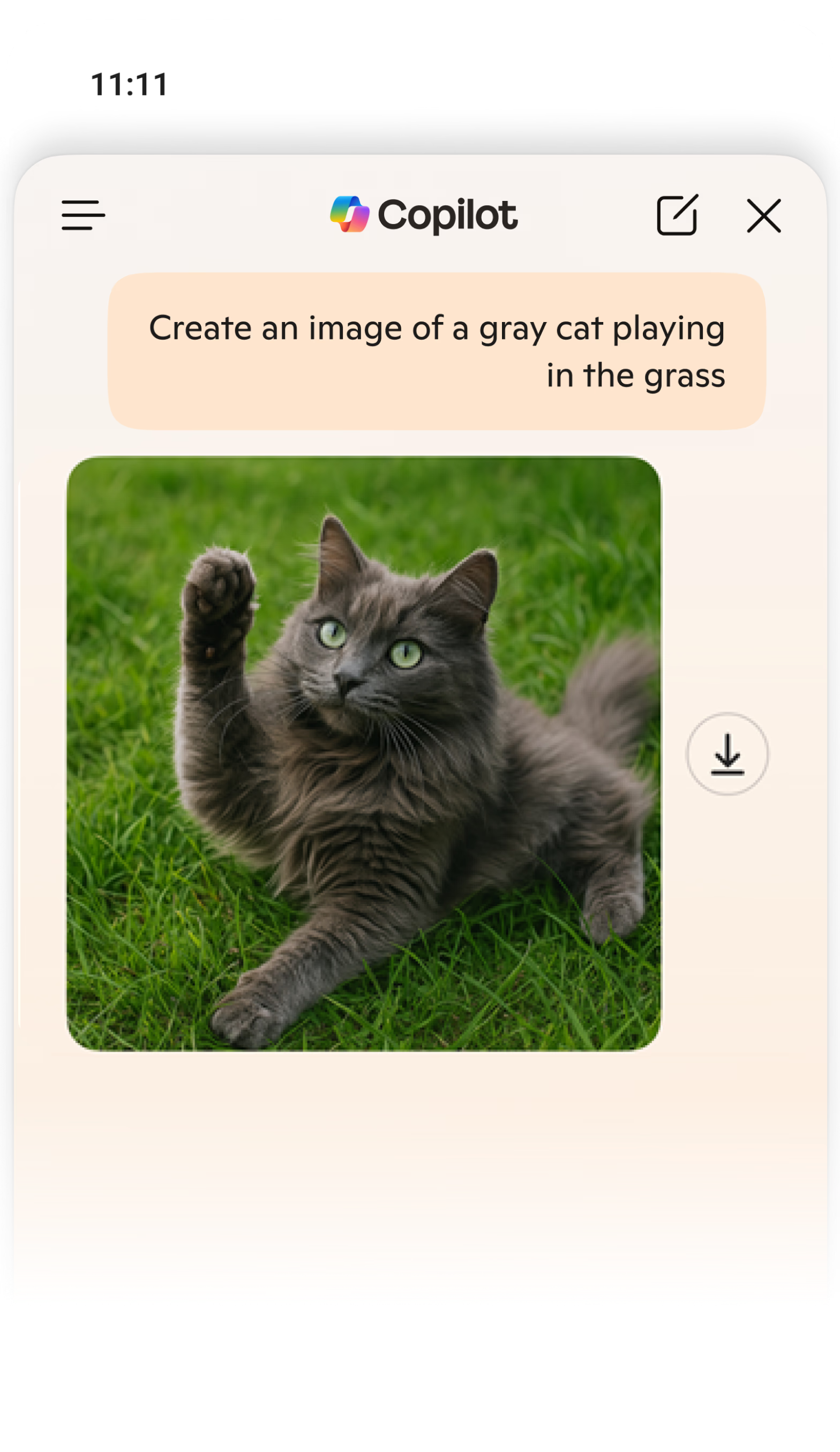
From your mind to a masterpiece
Copilot turns your ideas into real images—whether it's a birthday card, a poster, or something unique for fun. Describe what you imagine, and let Copilot bring it to life.
Copilot Voice
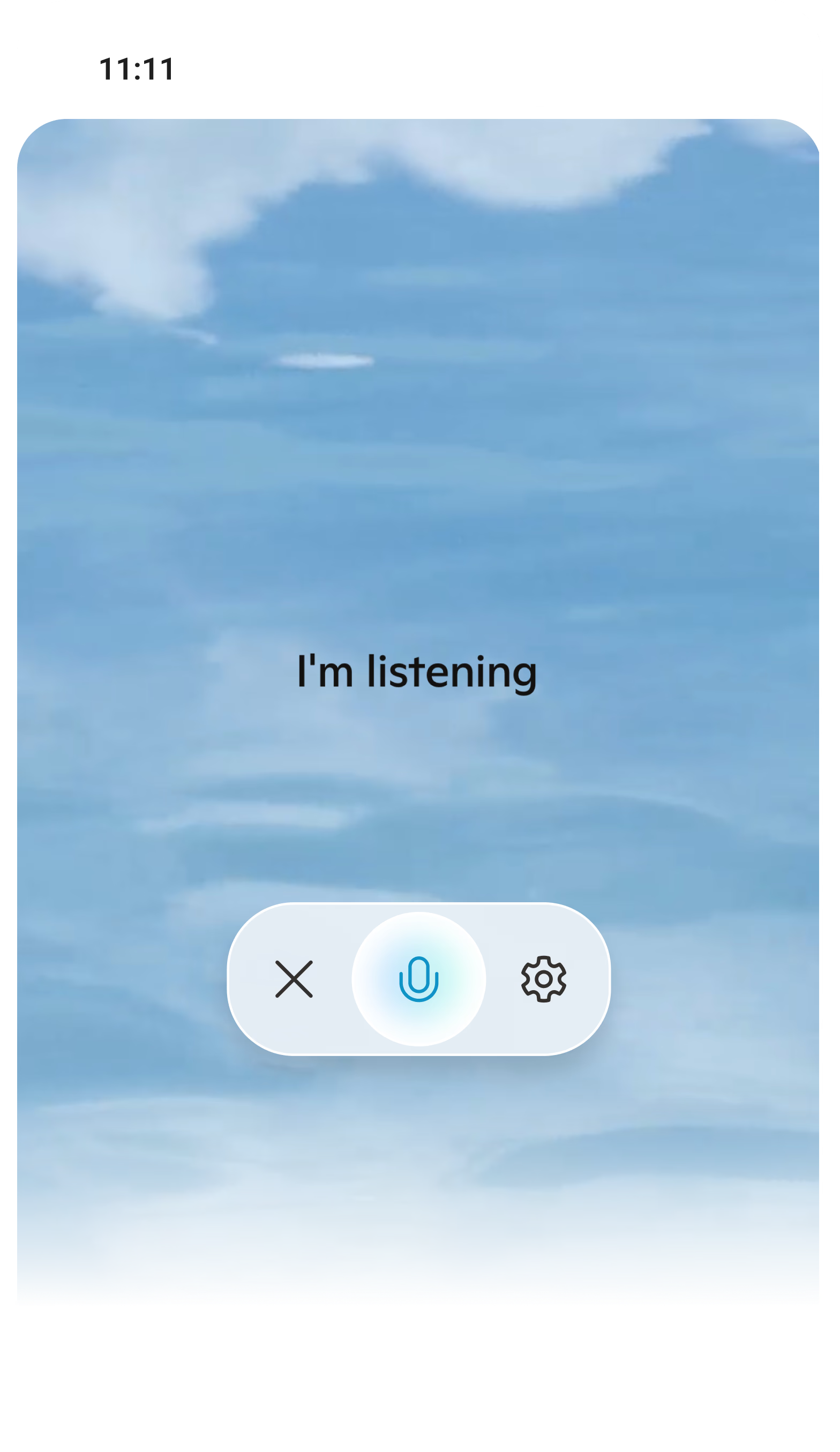
Say what's on your mind with Copilot Voice
Click on the microphone icon on the right side of the Composer and get ready to have a conversation with Copilot. You can talk to Copilot about anything!
copilot-pro
Discover Copilot Pro
Get priority access to our latest AI models, higher usage limits, and early access to new features. Experience AI in your favorite productivity and creativity tools.