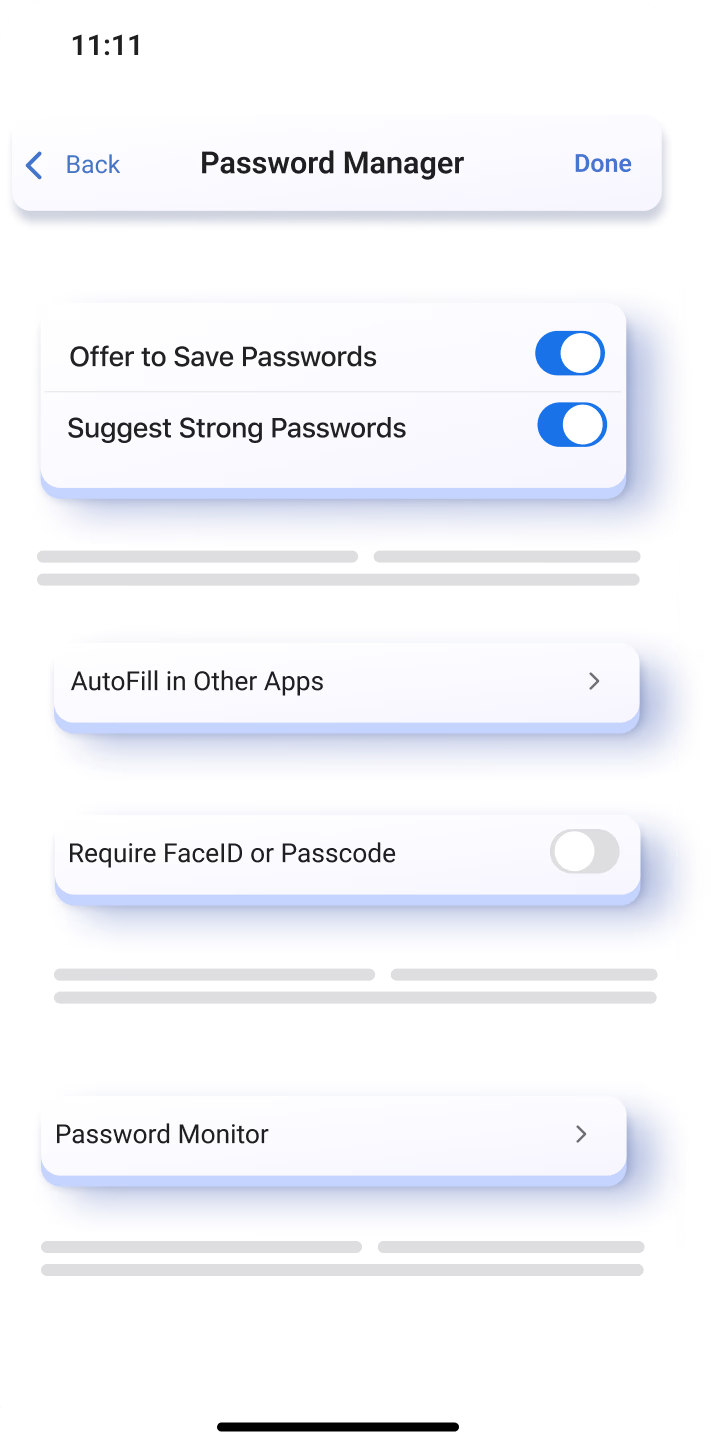
Feature

Password Manager

Keep your passwords safe and organized with Password Manager. Never forget a password, sync them across devices, and get password suggestions by simply logging in.

How to find

Open Profile > Select Profile > Passwords

Tips & Tricks

An easier way to manage your passwords

Keep your passwords, created in or Edge or anywhere else, safe and monitored. Get notified quick to take the actions you need:

  1. Go to the profile icon > Select profile
  2. Tap on "Passwords"
  3. Select "Add" and enter your log in information.

Minimize risk with suggested passwords

Password Generator makes it easier to keep your accounts safe and minimize the risk of leaked passwords. When you create a password on Edge Mobile, click the Password icon on your keyboard and select "Suggest Strong Passwords".

Frequently Asked Questions

  • * Feature availability and functionality may vary by device type, market, and browser version.
  • * The content on this page may have been translated using AI.