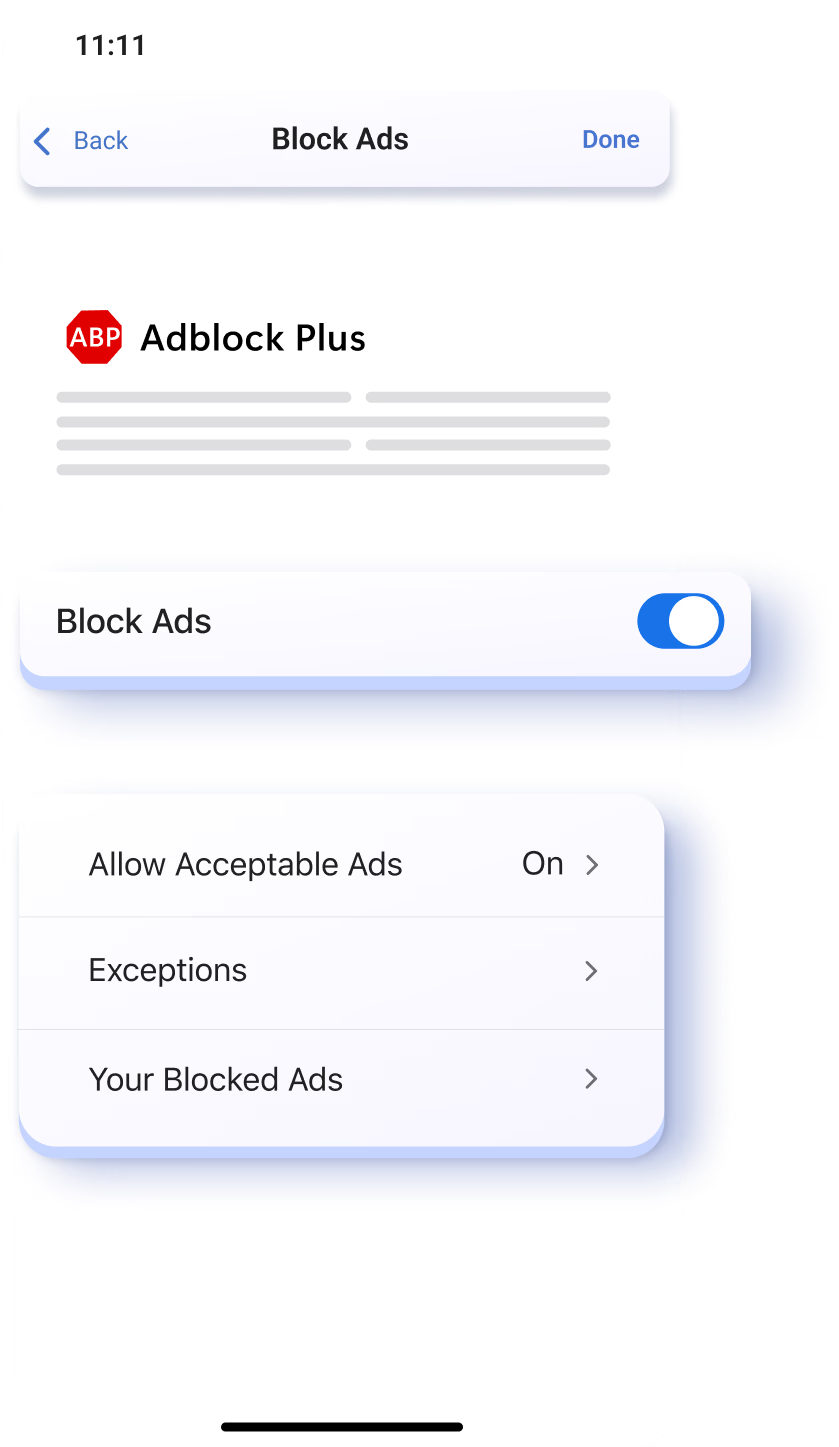
Ad blocker
Block distracting ads with the Edge built-in Ad blocker. Enjoy a distraction-free and cleaner browsing experience.
How to find
Open Menu > Settings icon > Privacy and security > Block Ads > Enable Block Ads
Tips & Tricks
Browse with zero ad distractions
Quickly block ads as they pop up while you browse. Press and hold an ad to immediately get rid of distractions.
Whitelist Trusted Sites
You can whitelist trusted sites to support content creators and still block ads. To do this in Edge Mobile:
Frequently Asked Questions
Microsoft Edge Mobile works with Adblock Plus and helps you block ads, disable tracking, and more. Adblock Plus is an open-source project and is subject to GPLv3 Terms of Use. Learn more about Adblock Plus.
Adblocker will not slow down your browser and can actually improve your browsing speed by blocking ads and pop-ups. Sites that rely on ads may not work as intended after they detect the ad blocker.
Ad blocker by default includes "Allow acceptable ads" to support a better web and allow nonintrusive, respectful ads that comply with the acceptable ads criteria agreed upon by the acceptable ads committee. You can also add website exceptions, and press and hold on an ad to select "Block Ad." These options can be found in your Ad block settings on Edge Mobile. Go to Menu > Settings icon > Privacy and security > Block Ads.