Feature

Read Aloud

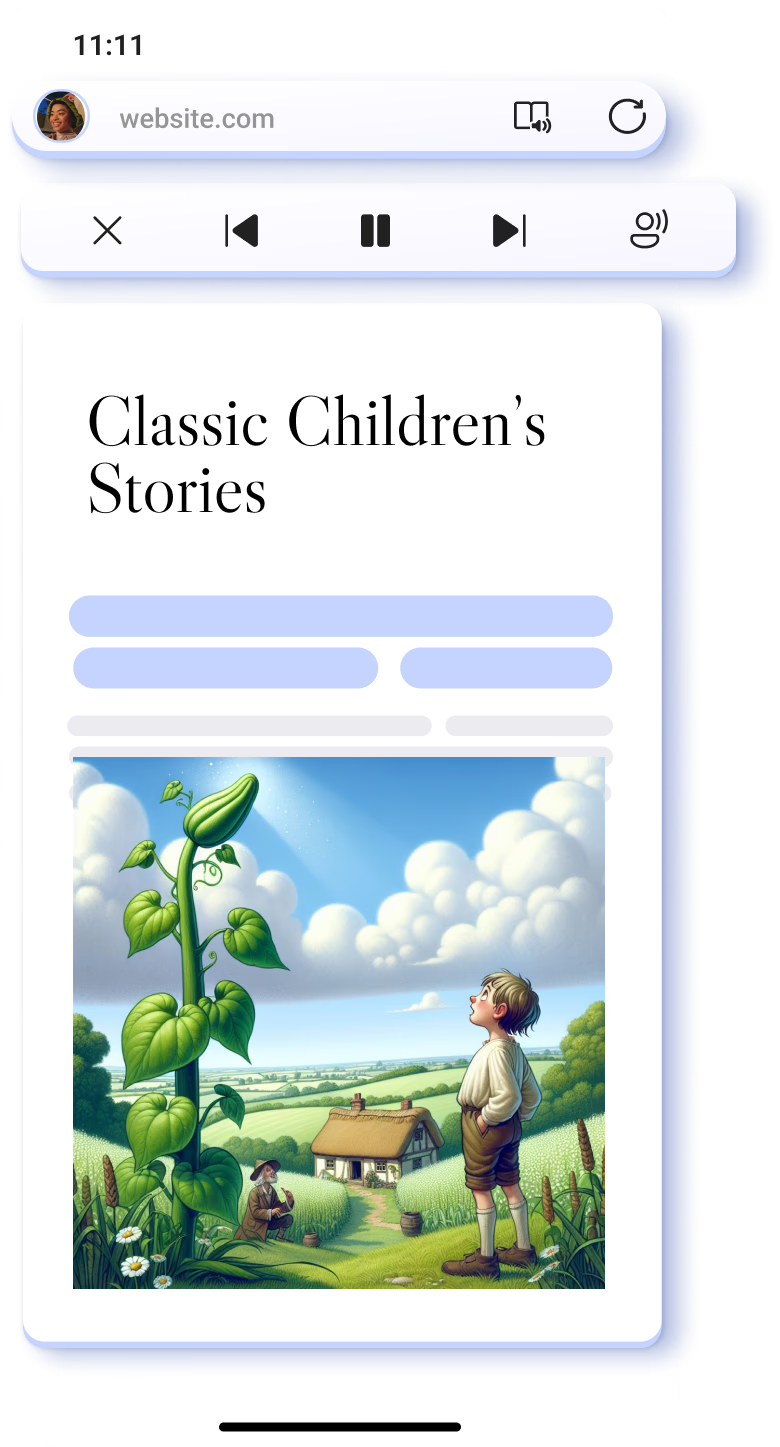
Transform visual content to audio form with Read aloud on Microsoft Edge. Listen to articles, emails, and more in various speeds and accents while you take a break or focus on other tasks.

How to find

Go to a webpage you want to read > Open Menu > Select Read aloud > Click play

Tips & Tricks

Listen to visual content with Read aloud

To start listening to your browsing content, start Read Aloud and select "Voice options" in the toolbar to speed up or slow down the pace of speech.

Customize the Read Aloud voice

Read Aloud offers a variety of voices and accents to improve your reading experiences. To choose a voice, start Read Aloud and select "Voice options".

Frequently Asked Questions

  • * Feature availability and functionality may vary by device type, market, and browser version.
  • * The content on this page may have been translated using AI.