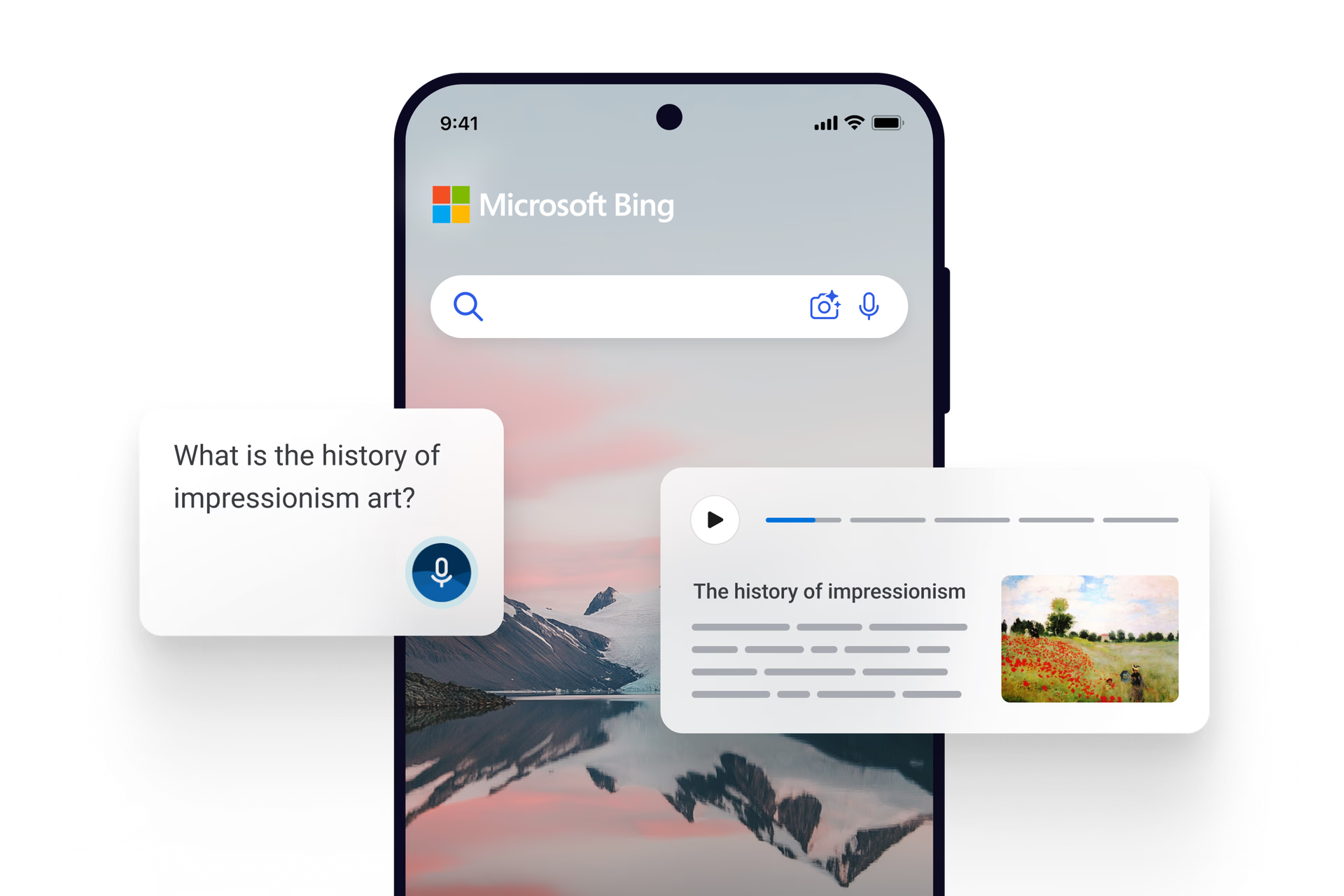
Bing's voice search revolutionizes the way you conduct searches with natural language commands. This feature is a game-changer for mobile and smart device users, offering unparalleled convenience and ease of use.
Bing's voice search revolutionizes the way you conduct searches with natural language commands. This feature is a game-changer for mobile and smart device users, offering unparalleled convenience and ease of use.
To activate Voice Search, simply tap the microphone icon in the Bing search bar on your device. Ensure your microphone is enabled and ready to capture your voice.
If your voice isn't being recognized, ensure you are speaking clearly and enunciating your words. Stand close to your device, and check for any background noise that may interfere with the microphone's ability to pick up your voice.
Yes, Bing Voice Search supports multiple languages. To change the language, go to your device's language settings and select your preferred language.
Yes, your privacy and security are important. Bing Voice Search is designed to protect your personal information and ensures that your voice data is handled securely.
* Feature availability and functionality may vary by device type, market, and browser version.