Edge for Business

Protection without compromise

Edge for Business offers enterprise-grade security, integrating benefits from Microsoft 365 at no extra cost.

none

Microsoft named a leader by IDC

Microsoft was recognized in the IDC MarketScape: Worldwide Application Streaming and Enterprise Browsers 2025 Vendor Assessment report for its strength in this category.IDC MarketScape: Worldwide Application Streaming and Enterprise Browsers 2025 Vendor Assessment, #US53004525, July 2025

The security layers your business needs


You need advanced security to help protect your data and your workforce, wherever work happens. From managed devices, to BYOD, to 3rd-party devices, and mobile.

Strong authentication

Ensure Zero Trust from the start

Data security

Prevent intentional or accidental leaks

GenAI controls

Govern prompts and apps

Comprehensive reporting

Alerts and insights to act upon

Enterprise-grade security built-in. No extensions needed.

The power of Entra, Purview, Intune, and Microsoft Defender for Endpoint, are natively built into Edge for Business—on any device, anywhere.

See Edge for Business security features in action

In preview

Protect your data on contractor devices

Extend data protections to contractor managed Windows PCs—without managing the device. Contractors simply create a dedicated Edge work profile tied to your organization, giving them a controlled browser environment that keeps sensitive data within your managed boundary.

Strong authentication on managed and unmanaged devices

Extend your data protections to personal devices—no extra configuration needed. You can audit or block your workforce from downloading a sensitive file, taking screenshots, or copying and pasting data from a corporate site to a personal device.

Protect your data on BYOD

With BYOD as the norm, securing access to work resources on personal devices isn't optional—it's critical. Edge for Business gives you a secure foundation for productivity, on any device.

Next generation AI safety

Securing sensitive data on unsanctioned GenAI apps doesn't have to be hard. Adaptive, content-aware controls are integrated into Edge for Business. Risky prompts are blocked, keeping you in control without slowing your workforce down.

Usage rights in the browser, not just the desktop

Edge for Business is the only browser that integrates usage rights restrictions from Microsoft Purview sensitivity labels, ensuring sensitive information in Word, Excel, and PowerPoint files stays secure from desktop to browser.

In preview

Keep copy/paste inside trusted boundaries

Avoid the “all or nothing” tradeoff with copy/paste. You can define trusted boundaries across managed web apps so data can’t be pasted outside approved destinations—while users get clear warnings when an action is out of bounds, helping prevent leaks.

In preview

Watermark sensitive files and sites

By enabling watermarking, a persistent visual reminder is displayed on files and sites marked as sensitive in DLP policies. This makes confidential content easier to identify and also reminds users to handle data carefully.

none

Secure mobile access

Edge for mobile extends enterprise-grade protection to iOS and Android, with seamless management via Intune and built-in data safeguards.

Get started today with three simple steps

Configure Edge for Business

Set up security, AI controls, extensions, and more based on your organization’s preferences.

Run a pilot

Set Edge for Business as the default browser for a segment of your workforce and gather feedback.

Drive adoption

Ready to make Edge for Business the standard? Take advantage of the adoption kit to help your workforce get the most out of Edge for Business.

Connectors that welcome your security solutions

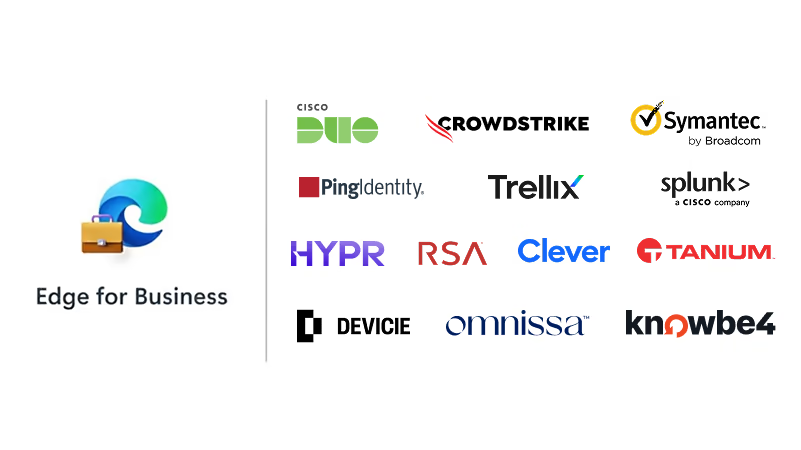
With connectors, extend the power of your security solutions into Edge for Business—at no additional cost.

Need more help?

No matter the size of your business, we’re here to help.
  • * Feature availability and functionality may vary by device type, market, and browser version.