
Split screen
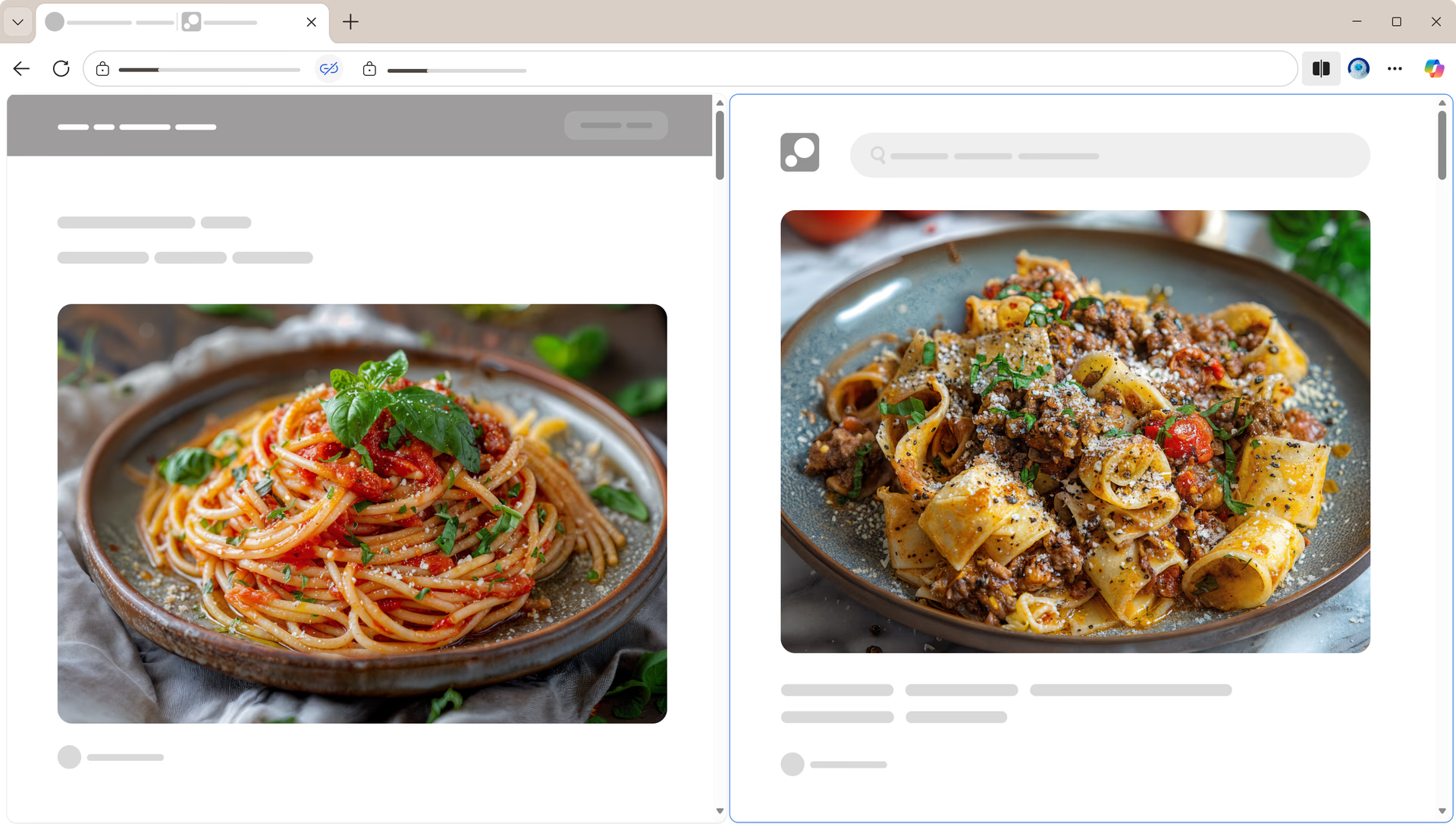
Work on two tasks at once without switching tabs. With Split screen in Microsoft Edge, you can view and interact with two pages side by side in a single browser tab—helping you multitask more efficiently. Select "Split screen" from "Settings and more" (Alt+F) to get started and stay focused on what matters.
Tips and Tricks
Frequently asked questions
- * Feature availability and functionality may vary by device type, market, and browser version.