
Stay focused and save time with tab search in Microsoft Edge. Whether you’re managing research for work or juggling multiple tasks at home, tab search helps you instantly find any open or recently closed tab by simply typing a keyword.
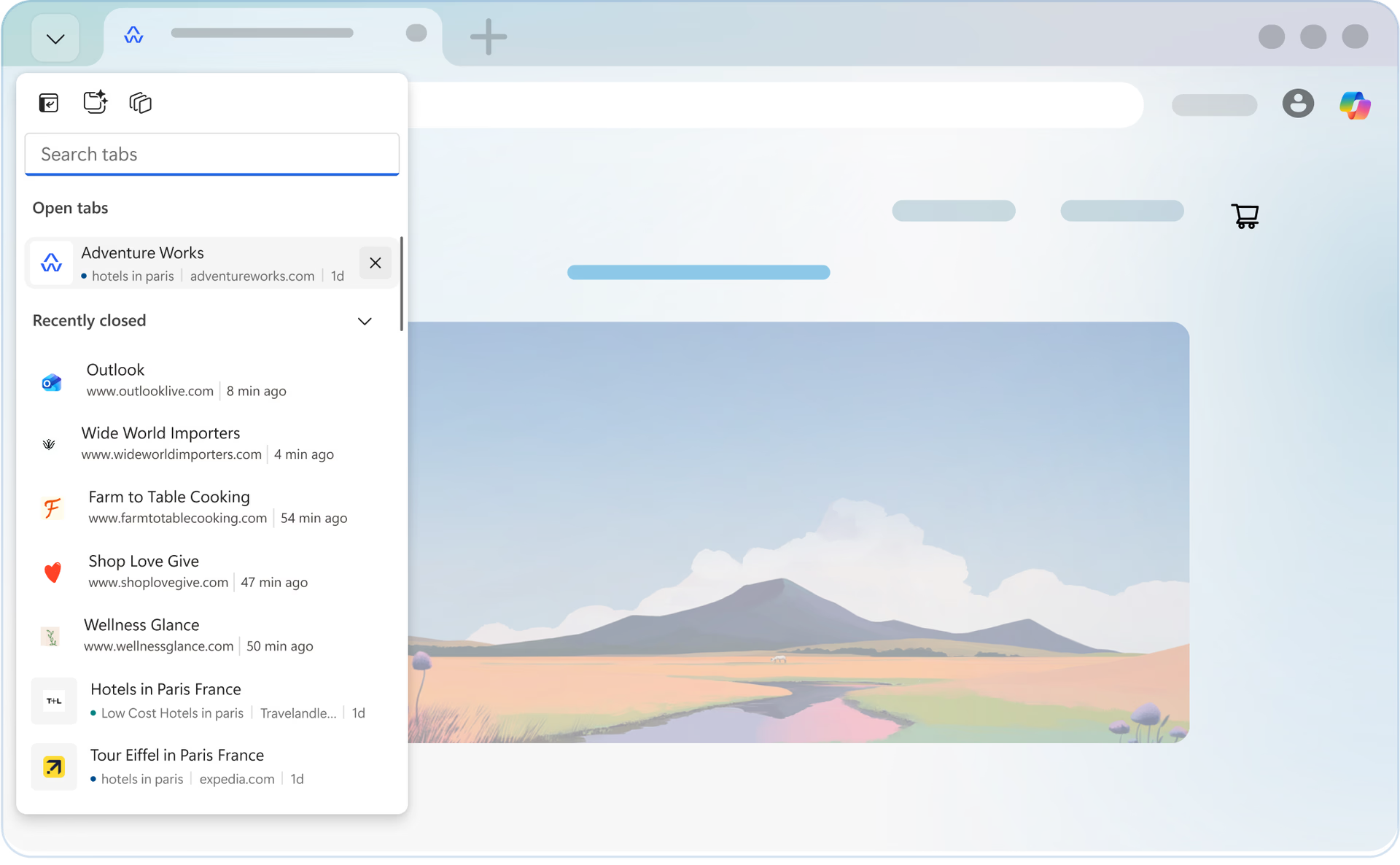
Yes. Tab search shows both open and recently closed tabs, making it easy to recover something you just closed.
Yes. Tab search scans all open Edge windows, so you can find a tab even if it’s not in your current window.
Yes.
Yes. However, tab search only shows tabs opened in the same browsing mode. Tabs opened in regular mode won’t appear in InPrivate Tab search, and vice versa.
No. Tab search is currently not available on mobile devices.
* Feature availability and functionality may vary by device type, market, and browser version.
* The content on this page may have been translated using AI.