
What's new in Microsoft Edge
Latest features

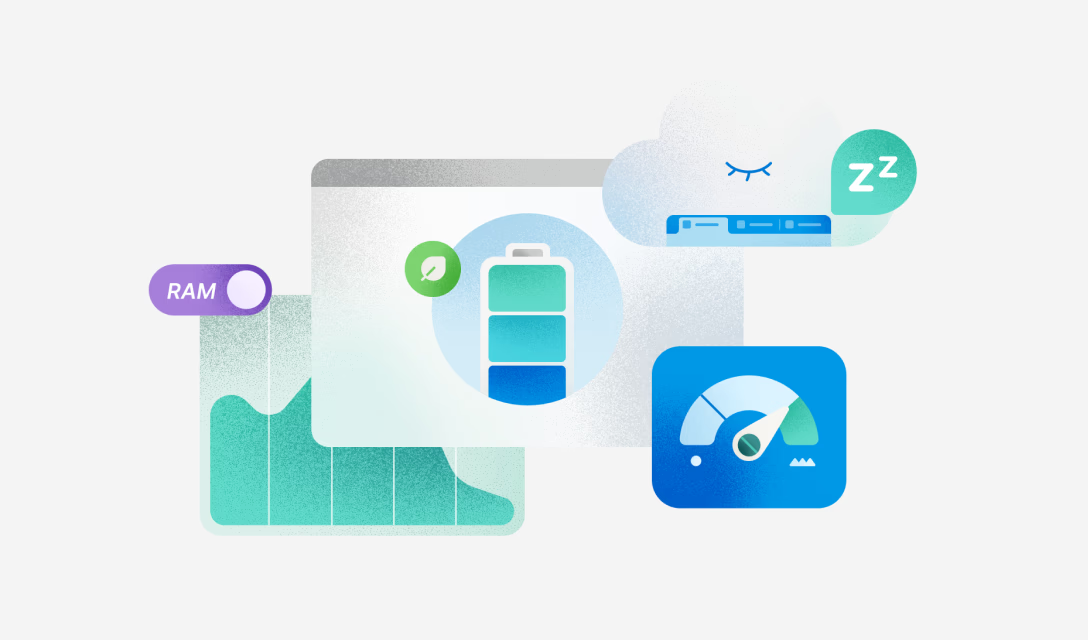
Achieve more performance
Built on Chromium, Microsoft Edge adds features that boost your browsing with fast, reliable performance optimized for Windows.
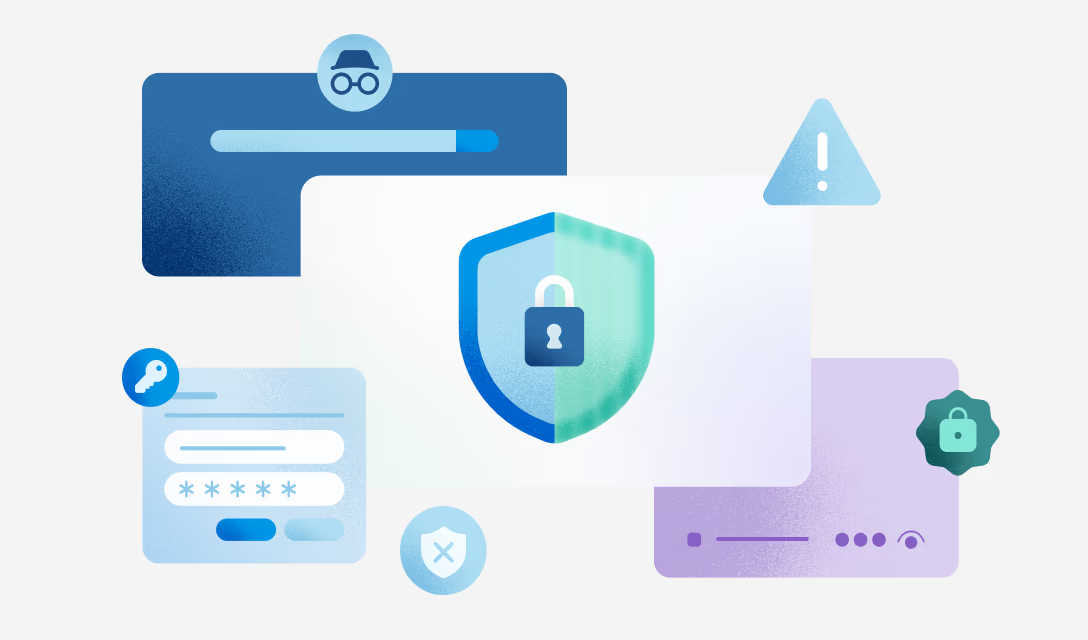
Stay safer online
Microsoft Edge has built-in security features to help keep you and your loved ones protected and secure online.
The best of Copilot, now in Edge
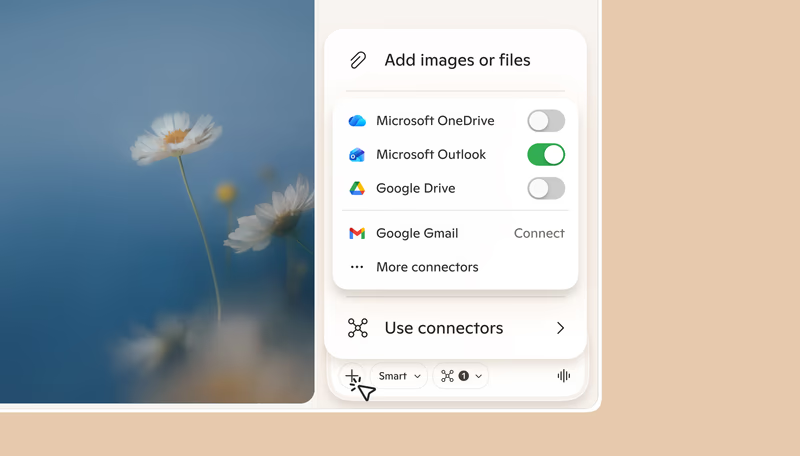
Copilot uses the context of your open tabs to compare options, explain what matters, and complete tasks with help that gets more personal over time.
Make the most of your time online
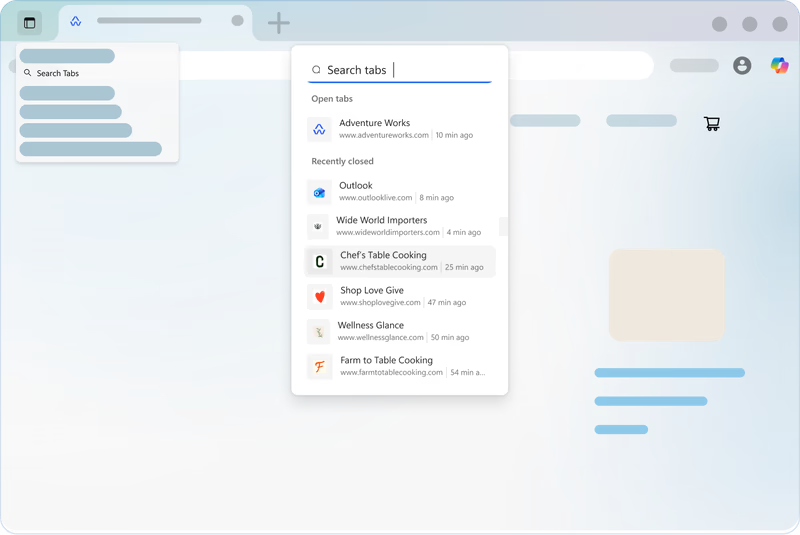
Microsoft Edge has built in tools like Vertical tabs, Profiles, and Tab groups that help you stay organized and make the most of your time online.
Best browser for gamers
Learn about the unique built-in features that make Microsoft Edge the best browser for gamers.
Discover your edge at work
Crush your workday using the fast, modern Microsoft Edge browser with built-in tools to help you stay focused and productive.
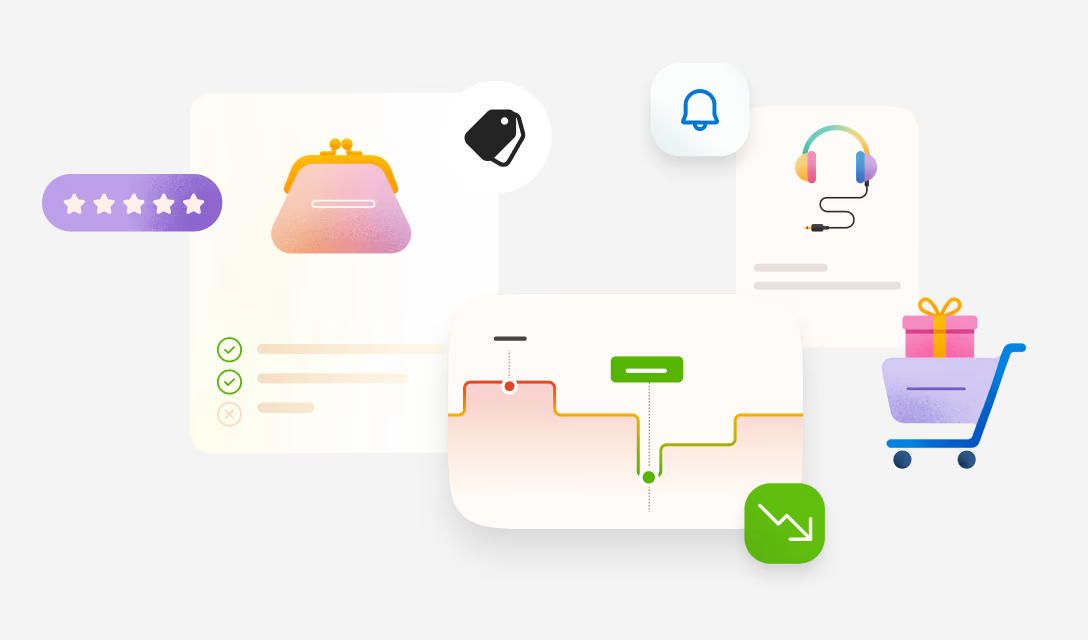
Save more when you shop online
Track price drops, compare prices across retailers, earn cashback, and do more with built‑in shopping tools in Microsoft Edge.
Built-in learning and accessibility tools
Microsoft Edge includes built‑in tools like Immersive Reader to improve reading comprehension and Read aloud to turn webpages into a listening experience.
Most viewed features
- * Feature availability and functionality may vary by device type, market, and browser version.