Copilot Search in Bing

Intelligently curated answers in your AI-powered search and answer engine

Learn how to use Copilot Search

New to Copilot Search? Follow this easy tutorial to learn how to search, summarize and get smarter results all in one place.

Open Copilot Search

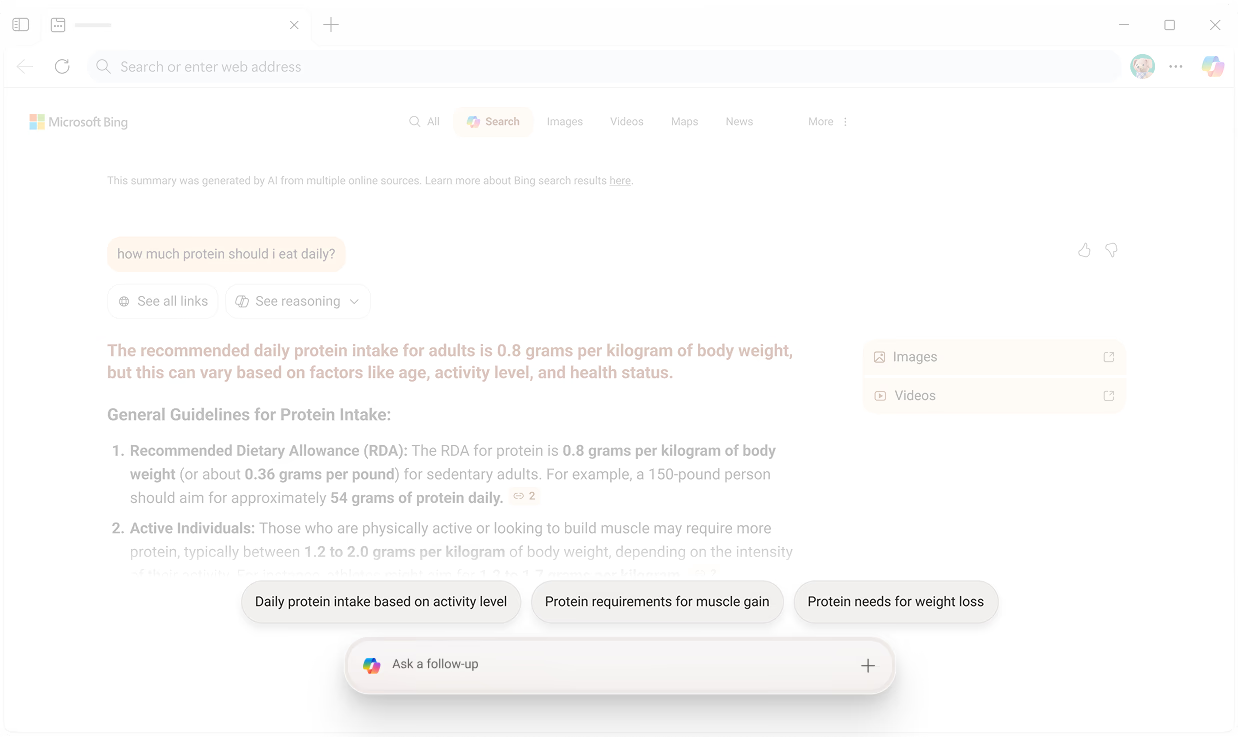
Click here when searching in Bing to open Copilot Search with the query you have already searched.

View results

View the full response from Copilot Search.

View media results

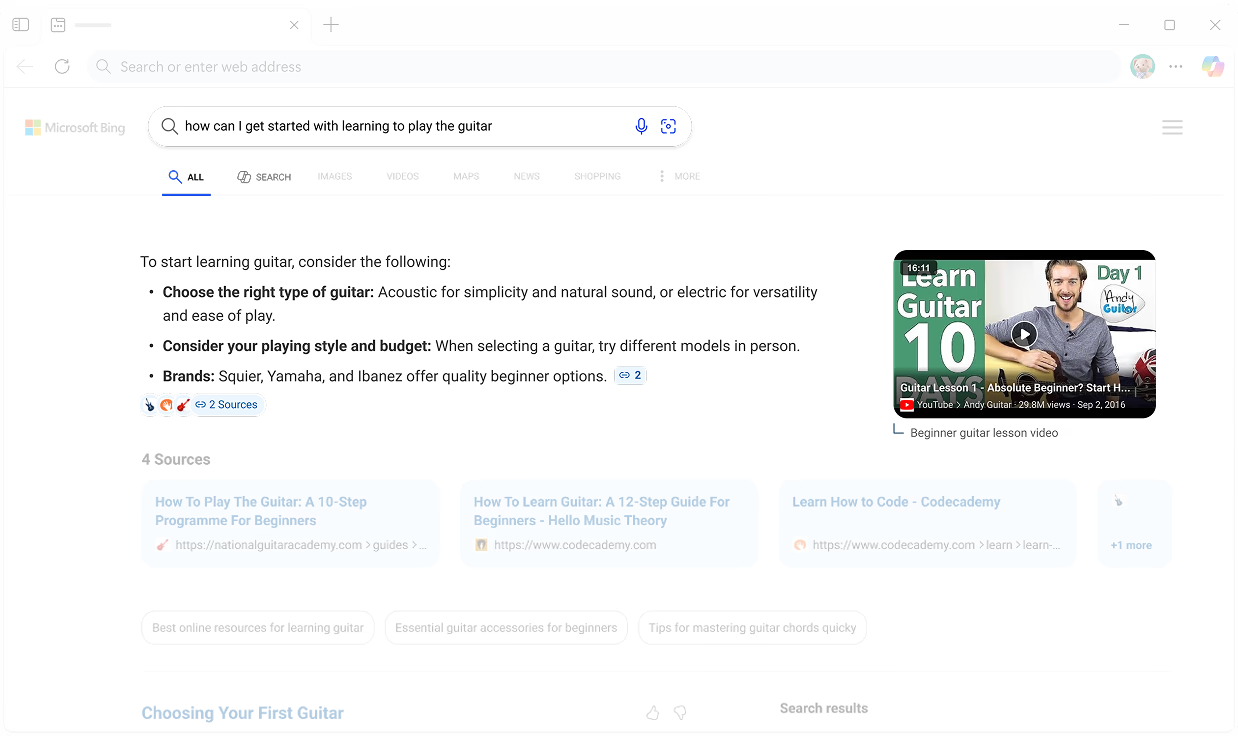
View images or watch videos related to your search. You can also select to enlarge a video to full-screen before returning to Copilot Search.

Add follow-up questions

Type your very own follow-up questions or click the + icon to start a brand new search query.

Suggestion cards

Click on pre-made suggestion cards to dive deeper into the topic.

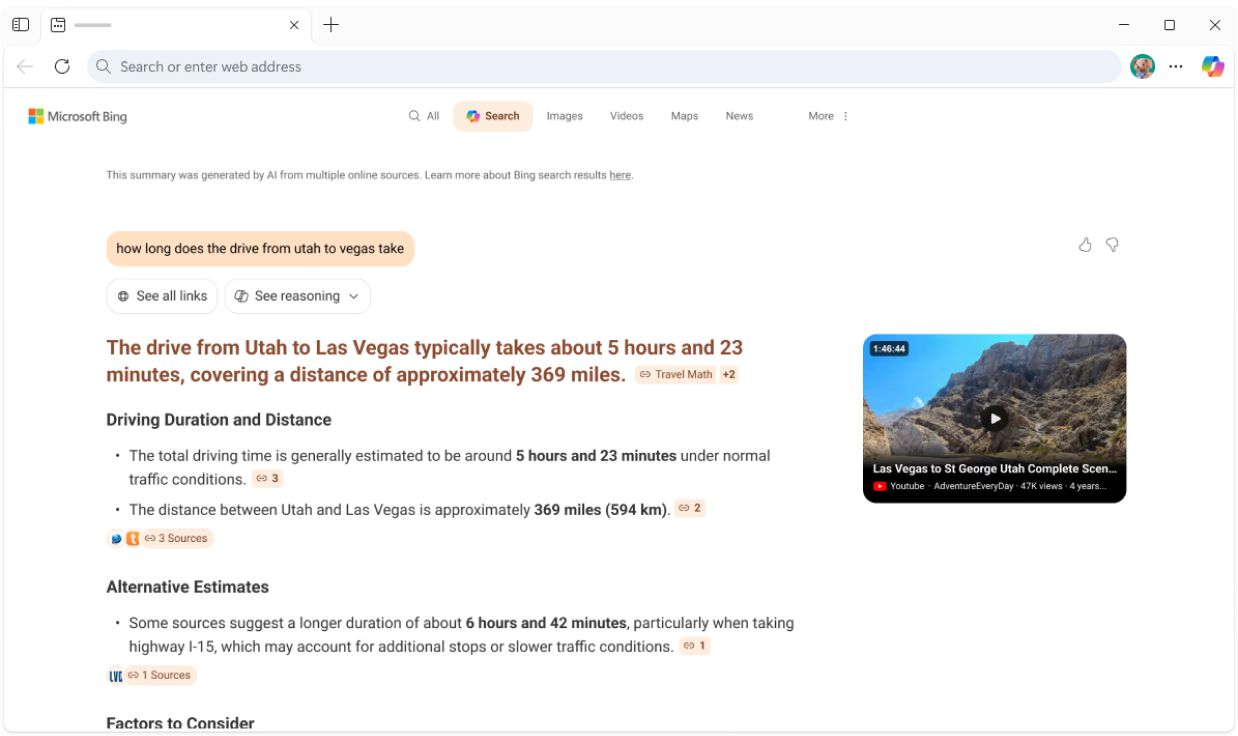
See all links

Select here to view the sources and links that populated your search results.

View sources

Here you can view all the sources in which the Copilot Search responses are pulled from.

View links

Select All links to view all links related to the search results—these links weren’t used to inform the Copilot Search responses.

What is Copilot Search?

Copilot Search in Bing gives you quick, summarized answers with cited sources and suggestions for further exploration, making it easier than ever to discover more. Simply click the Copilot icon Search to get started.

Use Copilot Search for any search

Explore different ways you can use Copilot Search from discovering more, diving deep on research, or learning quickly. Try it now to see how Copilot Search transforms your search experience.

Understanding the Difference:

Search and Copilot Search

Explore how each experience is designed to help you find information, get things done, and go beyond traditional search.

Bing icon Traditional Search

Bing helps you search the web for facts, directions, shopping, and more. With Bing, you can search effortlessly across multiple locations for a smoother experience.

Best for:

  • Finding websites, articles, quick facts, or product info.

Copilot Search icon Copilot Search

Copilot Search takes your questions to the next level, offering contextual answers, helpful summaries, and deeper insights. It’s perfect for when you want more than just a list of links.

Best for:

  • Richer context, deeper exploration and understanding.

Rannsachadh traidiseanta
Rannsachadh Copilot
Rannsachadh Copilot
Toraidhean rannsachaidh fìor fhreagarrach

Y
Y
A’ moladh cheistean a bharrachd
Y
Y
Freagairtean air an cruthachadh le AI
Y
Y
Liosta de dhiofar làraich agus stòran
Y
Y
A 'cruthachadh freagairt pongail
N
Y
Còmhradh ioma-thionndaidh
N
Y

Dèan sgrùdadh air barrachd fheartan Rannsachadh Copilot.
Ionnsaich mar as urrainn do Rannsachadh Copilot freagairtean soilleir a thoirt dhut agus tòiseachadh air an ath lorg agad
Duilleag-dachaigh Rannsachadh Copilot

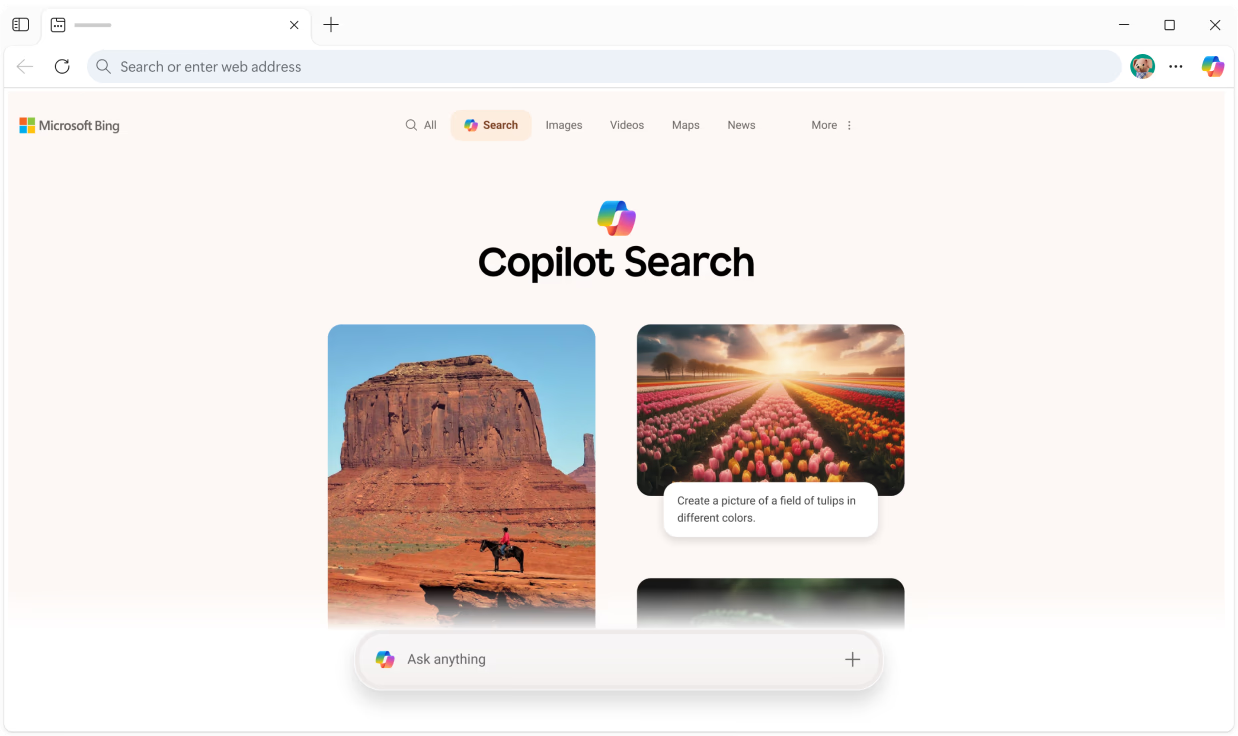
Lorg Kickstart le molaidhean brosnachail

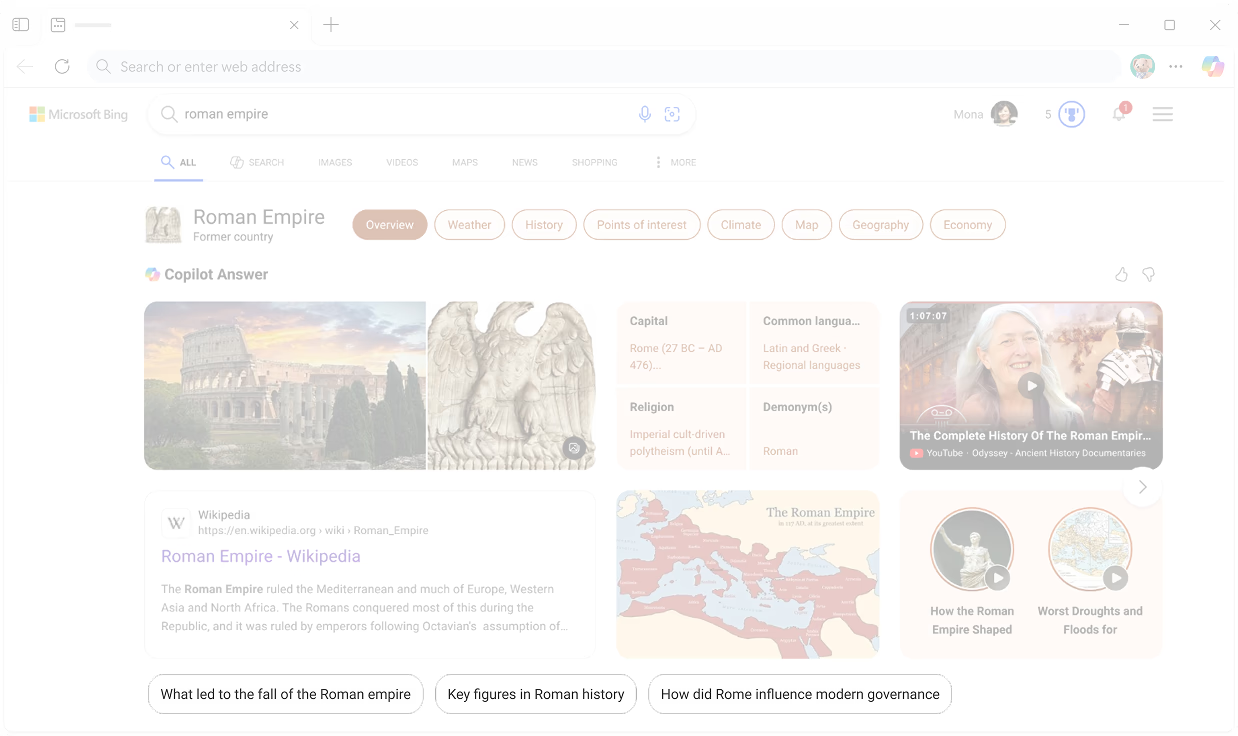
When you first open Copilot Search, clickable prompt cards give you a starting point for your search journey.

Duilleag nan toraidhean

Simplify your research with Copilot Search

With Copilot Search, follow a connected flow of your results so you can compile all your research in one place

Leantainn air cuspairean

Explore new angles or dive deeper

Every Copilot Search result has suggested related topics, making it easier to discover more. Simply click on a topic to initiate Copilot Search.

Stòran

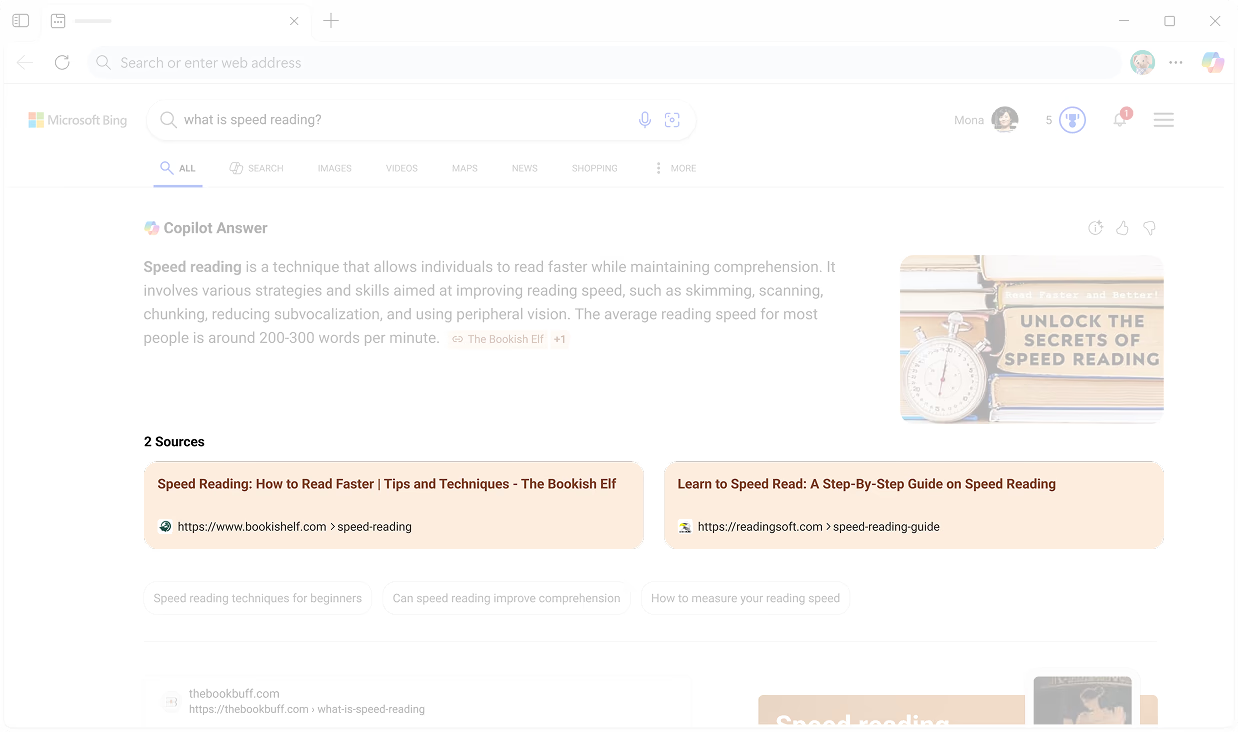
Get helpful sources with each result

Copilot Search displays a list of the sources and links used to generate the answer, making it easier to see where information is coming from and helping you go straight to the source.

Freagairtean geàrr-chunntas

Save time with quickly curated information

Copilot Search delivers easy-to-scan information and clear answers right at the top of your search results – eliminating the need to go hunting across the web.

Bogsa lorg

Start a new search to explore more

With the search box in Copilot Search, input complex queries to start a new search of curated information or use it to ask a follow-up question on your latest result.

Rannsachadh Copilot

Choose how you want to search

Search right in Bing or click on Copilot Search to harness the power of AI while you search with a dedicated experience of delightfully digestible results.

CÀBHA

  • * Dh’fhaoidte gum bi diofar ghleusan ri làimh agus gun dèan iad rudan beagan eadar-dhealaichte a-rèir an uidheim, na margaid agus tionndadh a’ bhrabhsair.
  • * Dh’fhaoidte gun deach susbaint na duilleige seo eadar-theangachadh le IF.