
Faigh a-mach do Edge aig an obair

Microsoft Edge is the fast and secure browser with productivity tools built in. It's designed to help you stay organized and manage your work and projects, so you can accomplish more.
Need help staying organized at work?

Check out this tip sheet to help you go from chaos to calm using Microsoft Edge.

Cleachd AI aonaichte gus an obair agad a dhèanamh nas luaithe

Make the most of your time online with Copilot Chat in Edge. The AI-powered feature that helps you do more than you ever thought possible, built right into your browser. 

Lorg faidhlichean obrach agus fiosrachadh gu sgiobalta

Not being able to find work files is a thing of the past. With Edge, you can search for work files, websites, and colleagues in the address bar, just like you’d search the web, enabling you to find what you’re looking for more quickly and easily.
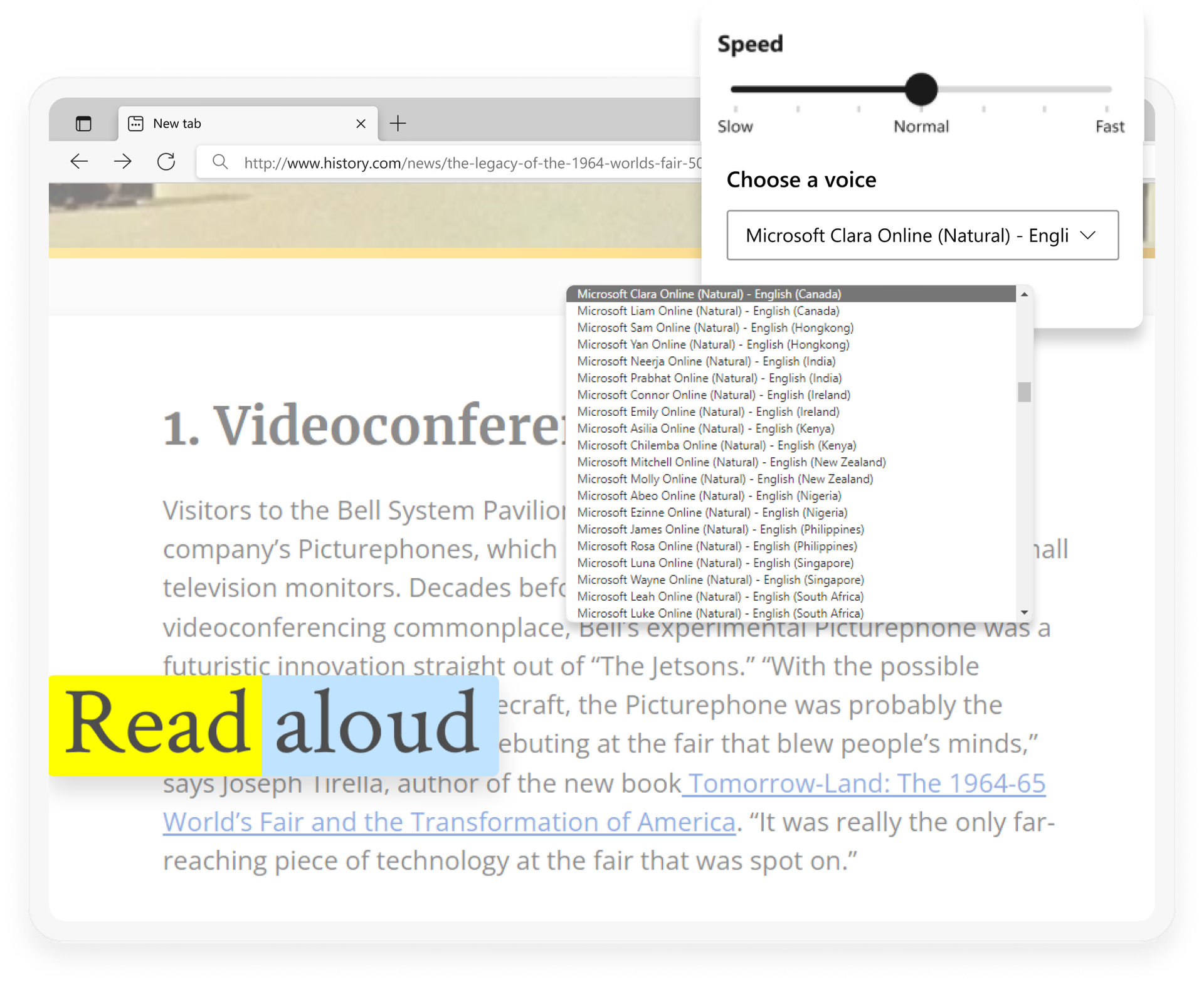

Simplify your surfing

Edge has features to improve website readability and enhance focus while browsing, so you can get your work done fast.

Grafaig a’ sealltainn ìomhaigh aplacaid Microsoft Edge.

Work on the go

With the Edge mobile app, you can access your work files and information on your phone, so you can work from anywhere.

How to get started with Edge:

1) Download Edge

2) Sign into Edge with your work email

3) Transfer your data and favorites from your old browser (Settings > Profile > Import browser data

  • * Dh’fhaoidte gum bi diofar ghleusan ri làimh agus gun dèan iad rudan beagan eadar-dhealaichte a-rèir an uidheim, na margaid agus tionndadh a’ bhrabhsair.