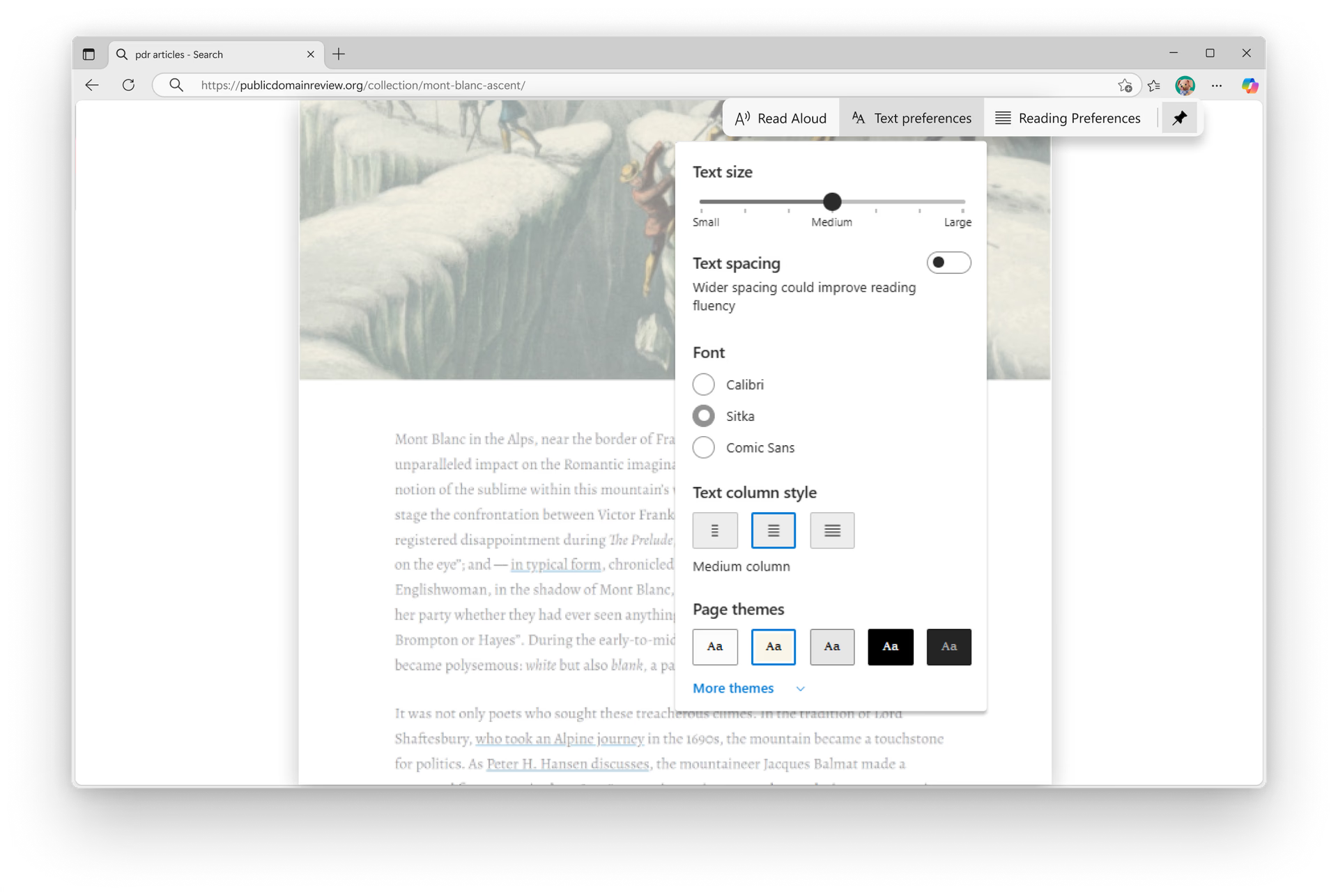
Immerse yourself in distraction-free reading with Immersive Reader—designed to simplify web content, boost comprehension, and adapt to your unique reading style.
Immerse yourself in distraction-free reading with Immersive Reader—designed to simplify web content, boost comprehension, and adapt to your unique reading style.
For websites that are available to fully enter Immersive Reader, Press F9 or select the Immersive Reader icon in the address bar or right-click and choose Immersive Reader. For only certain parts of a webpage, select the text you want to read, then right-click and select Open selection in Immersive Reader from the menu.
Dèan eòlas air Leughadair bogaidh ann an Microsoft Edge air Windows 10 no Windows 11.
Tha, nuair a thaghas tu cuspair na duilleige agad, farsaingeachd, clòidean, agus barrachd, bidh Immersive Reader a’ cuimhneachadh air na roghainnean sin, agus mar sin cha leig thu leas an suidheachadh an ath thuras a dh’ fhosglas tu duilleag ann an Immersive Reader
* Dh’fhaoidte gum bi diofar ghleusan ri làimh agus gun dèan iad rudan beagan eadar-dhealaichte a-rèir an uidheim, na margaid agus tionndadh a’ bhrabhsair.