
Performance
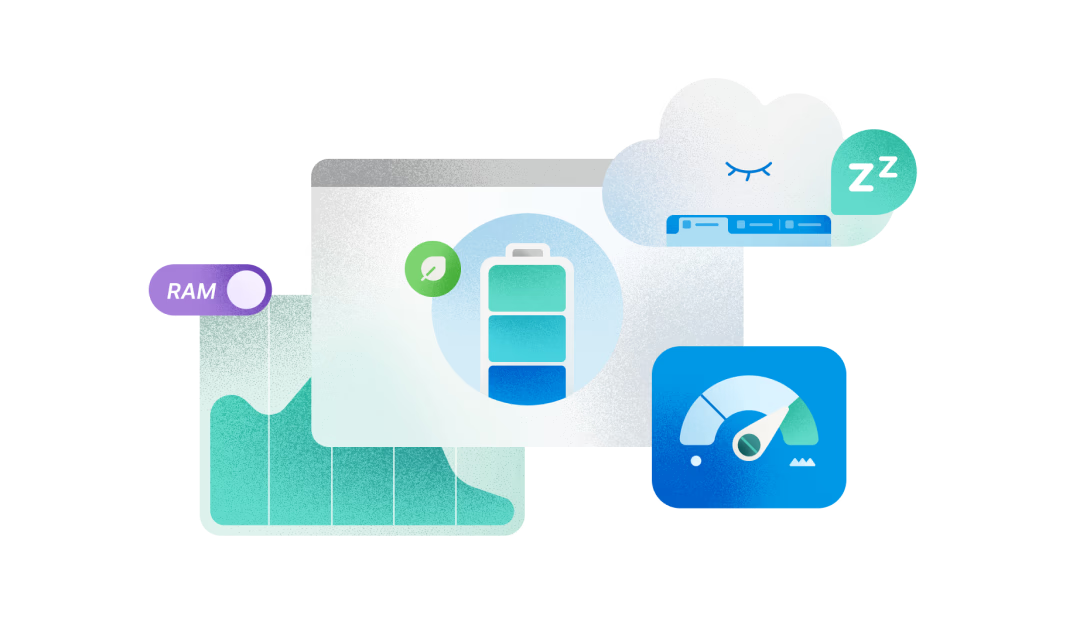
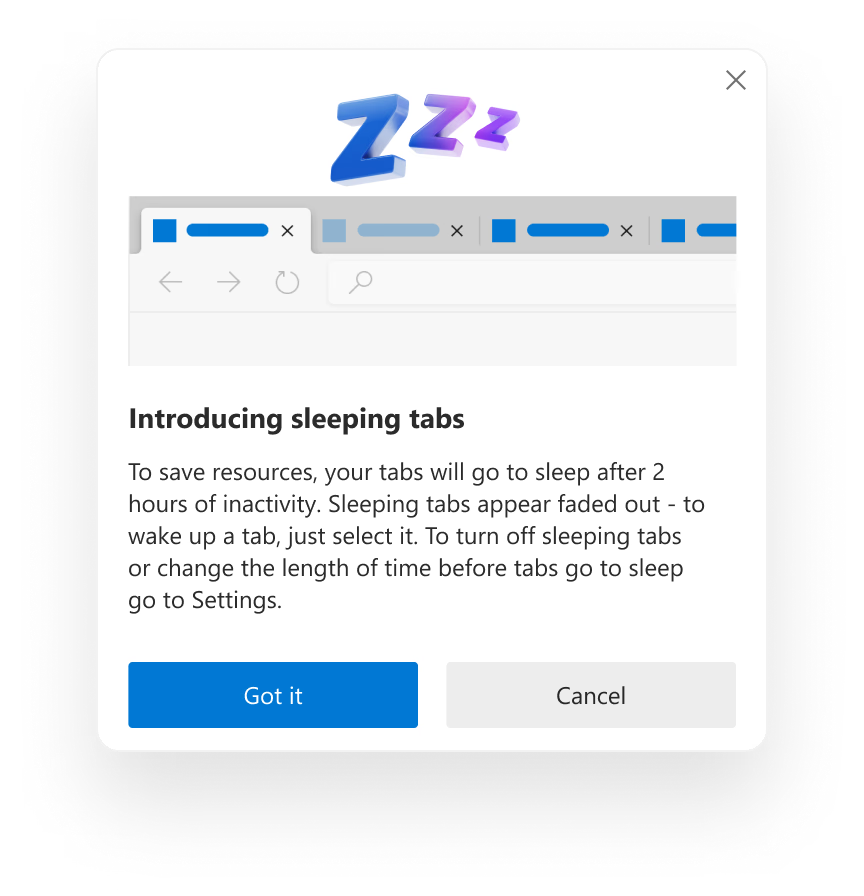
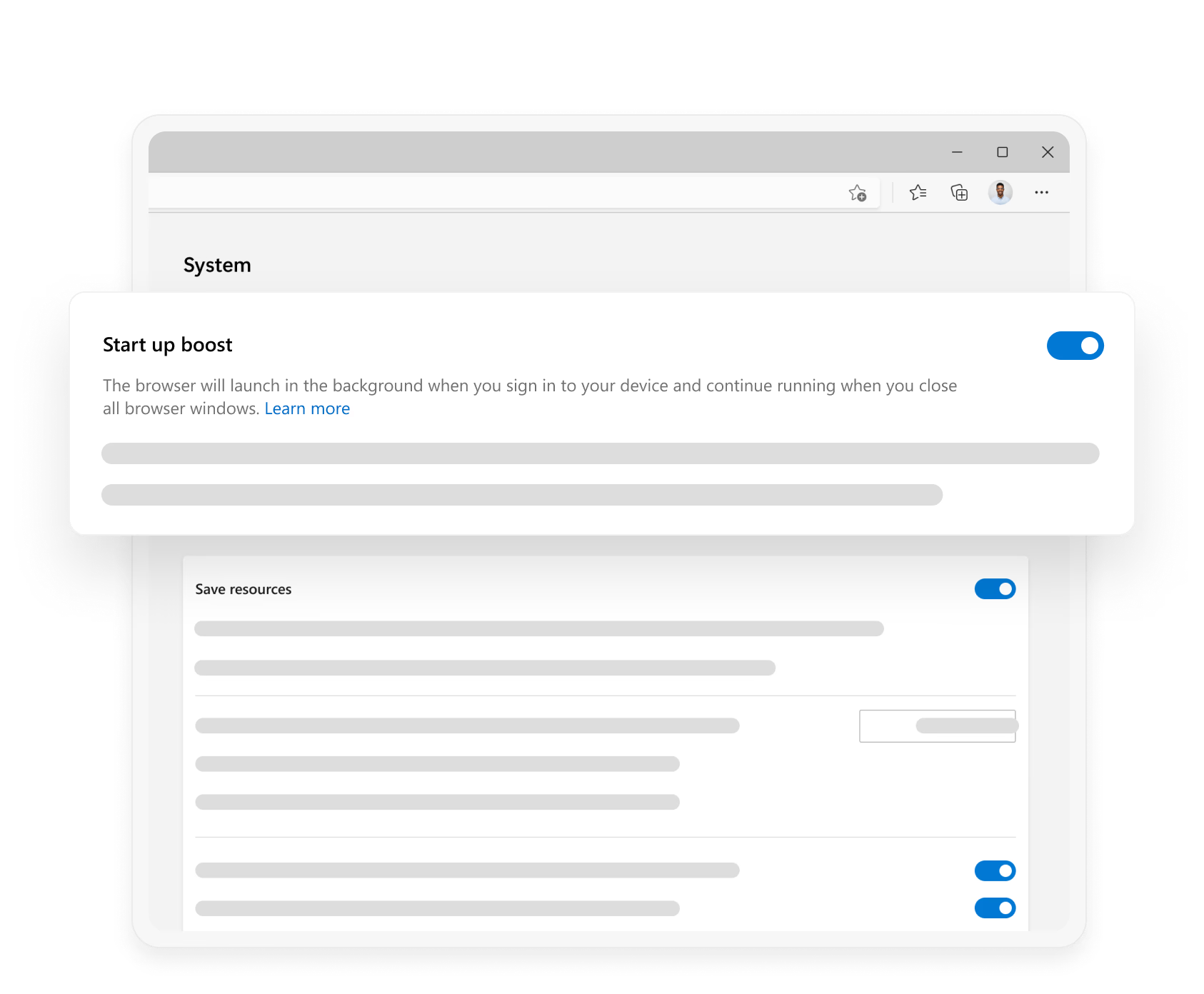
Microsoft Edge has built-in features like Startup boost and Sleeping tabs, which make your browser start up quicker and boost your browser’s performance.
Top Tips
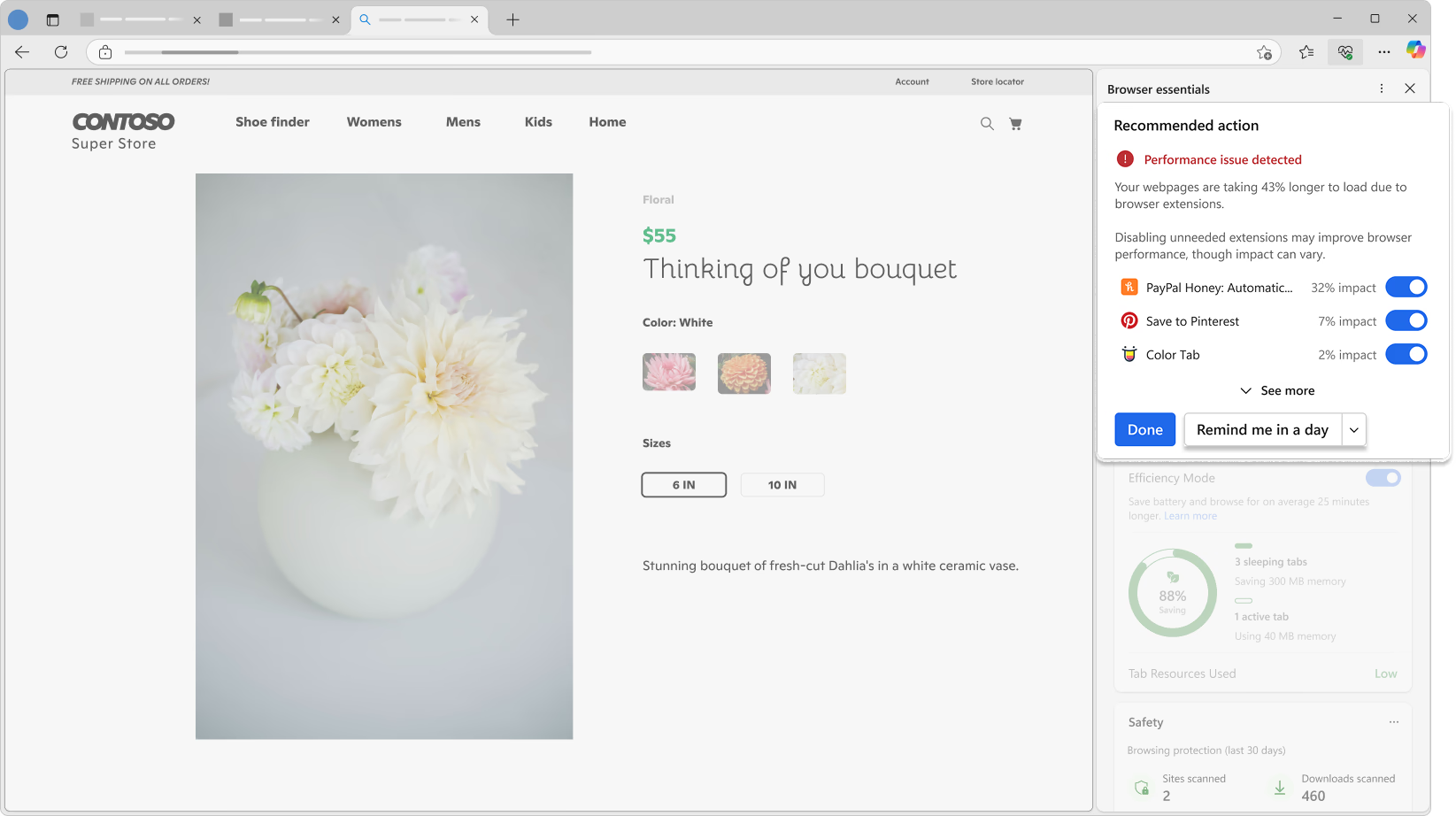
Stay informed about your browser's performance
Go to Microsoft Edge's toolbar and select icon Performance to get started with a single, intuitive view that provides helpful suggestions for browser performance optimization.
Performance Features
- * Feature availability and functionality may vary by device type, market, and browser version.