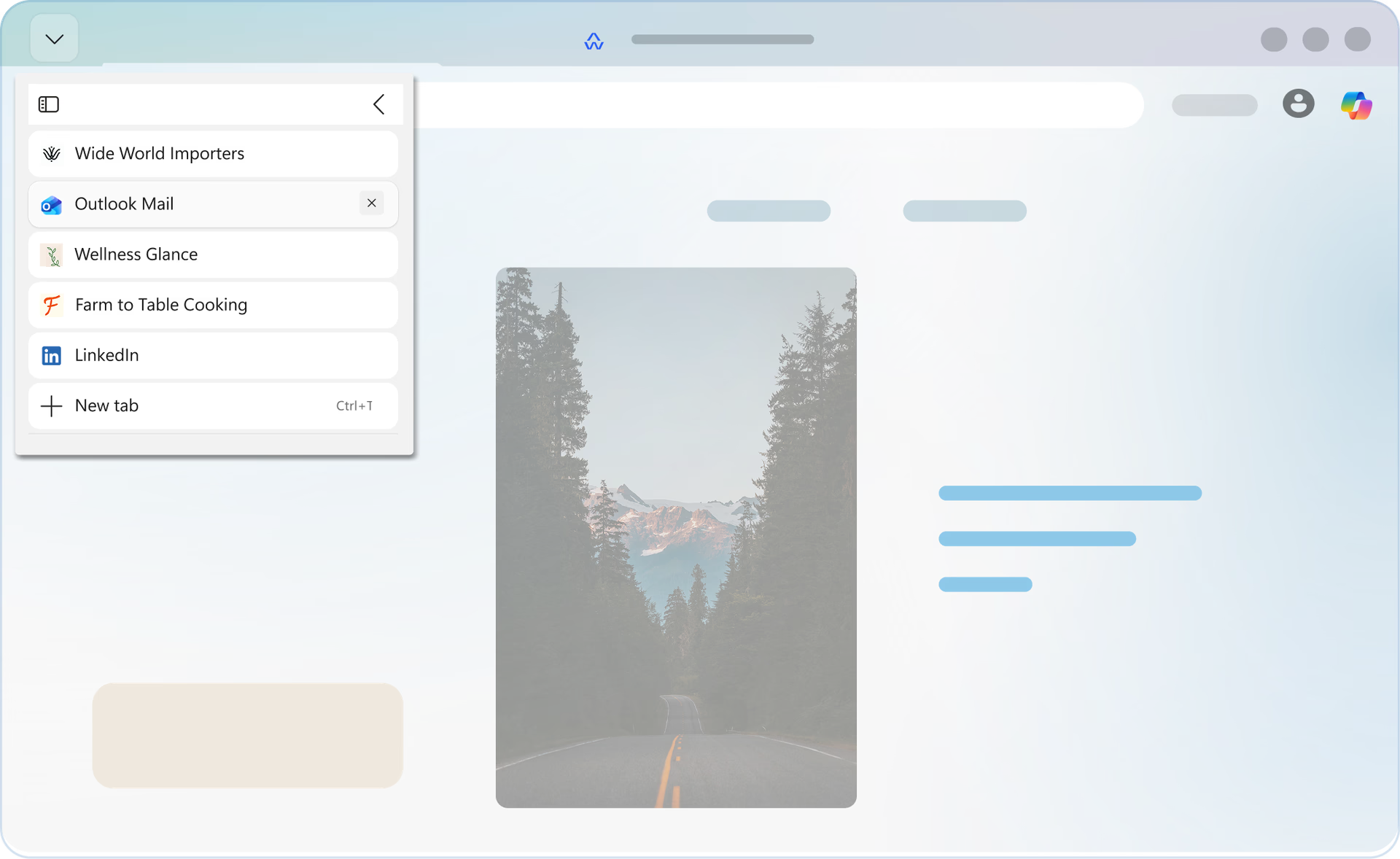
Vertical tabs are available in Microsoft Edge on the latest versions of Windows and MacOS.
No, you can change back to your original browser layout quickly by turning off vertical tabs or even toggle between the two layouts with Ctrl+Shift+,(Comma).
You can group tabs by using the Tab groups feature. Right click or press and hold a tab and choose Add tab to a new group.
To switch between Vertical Tabs and Horizontal Tabs, simply click on the "Search tabs" icon in the top left corner of your Microsoft Edge window (the downward facing arrow) and select the "Turn on (or off) Vertical Tabs" option.
* Feature availability and functionality may vary by device type, market, and browser version.