
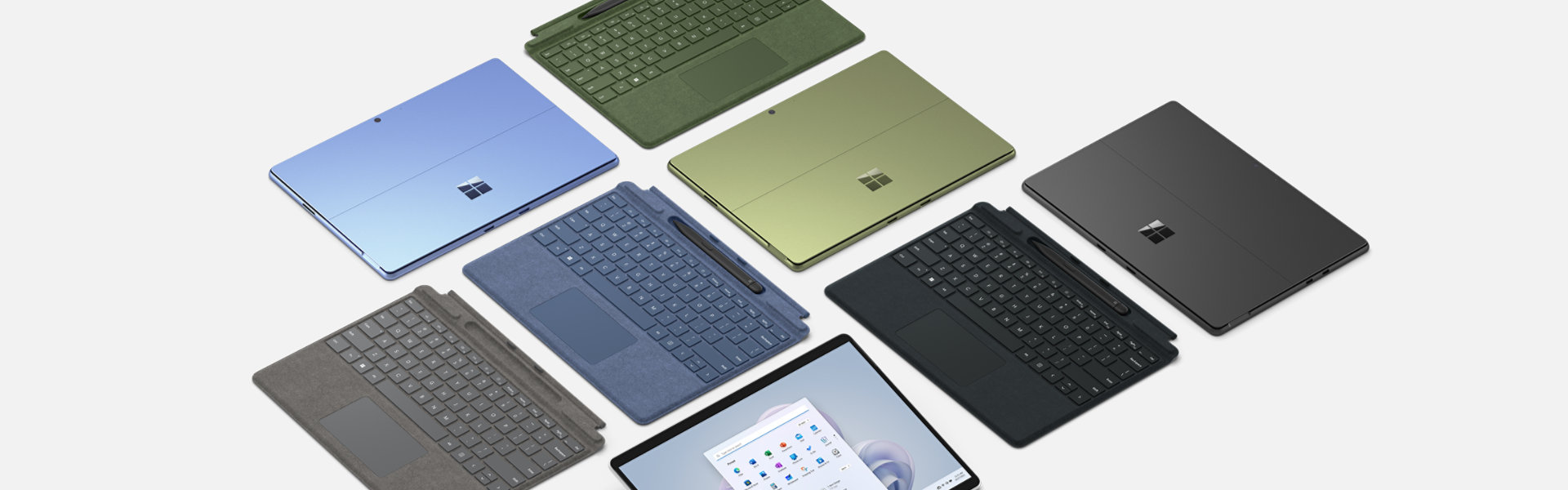


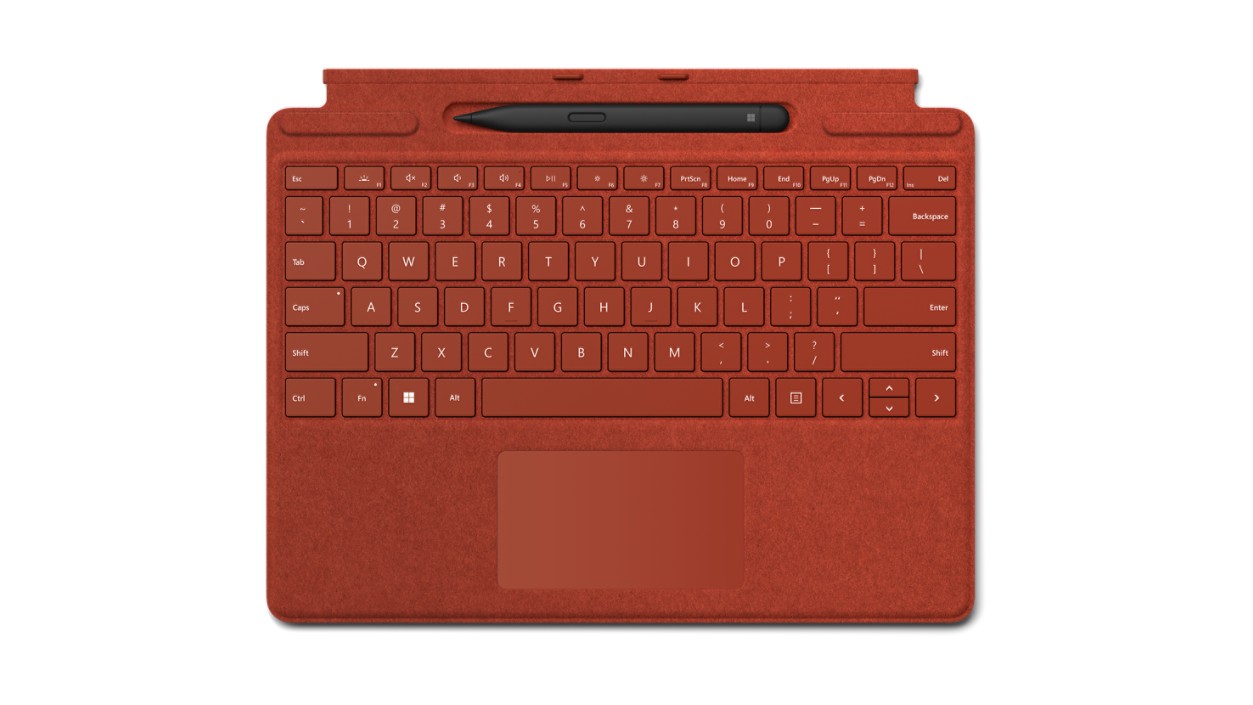
Surface Pro Signature Keyboard with Slim Pen – Sapphire
Surface Pro Signature Keyboard with Slim Pen is compatible with Surface Pro 9,¹ Surface Pro 8¹ and Surface Pro X.¹
Shop with confidence at Microsoft Store
Find the best of Surface at Microsoft Store: free standard shipping and returns, price protection, trade-in, 90 days free technical support, VAT refund for eligible customers with disabilities and more.Learn more
Surface Pro Signature Keyboard with Slim Pen is currently not available.
Pay in 3 instalments with PayPal and Klarna.Learn more
Out of stock
Free 1-2 business day delivery. Free returns. Next day delivery available for £10.00.
Image shown is for illustration purposes only. Please check technical specifications for details on the keyboard you are ordering.
Store, charge, type and write
Transform Surface Pro 91 into a full laptop with the premium keyboard. And with Slim Pen stored, charged and close at hand, it delivers typing and on-screen writing in one.
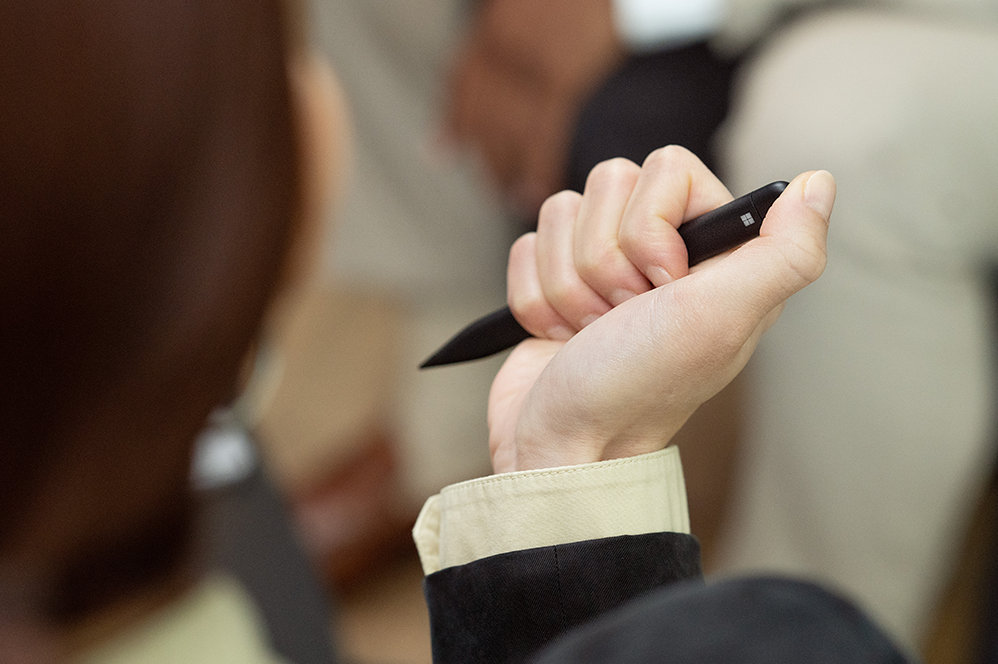
Always at your fingertips
Slim Pen securely sits and recharges in the keyboard’s built-in storage tray. Typing and writing in one, without the bulk, Surface Pro Signature Keyboard delivers fast, accurate typing like a traditional, full-size keyboard, plus natural on-screen writing with our best inking experience yet.
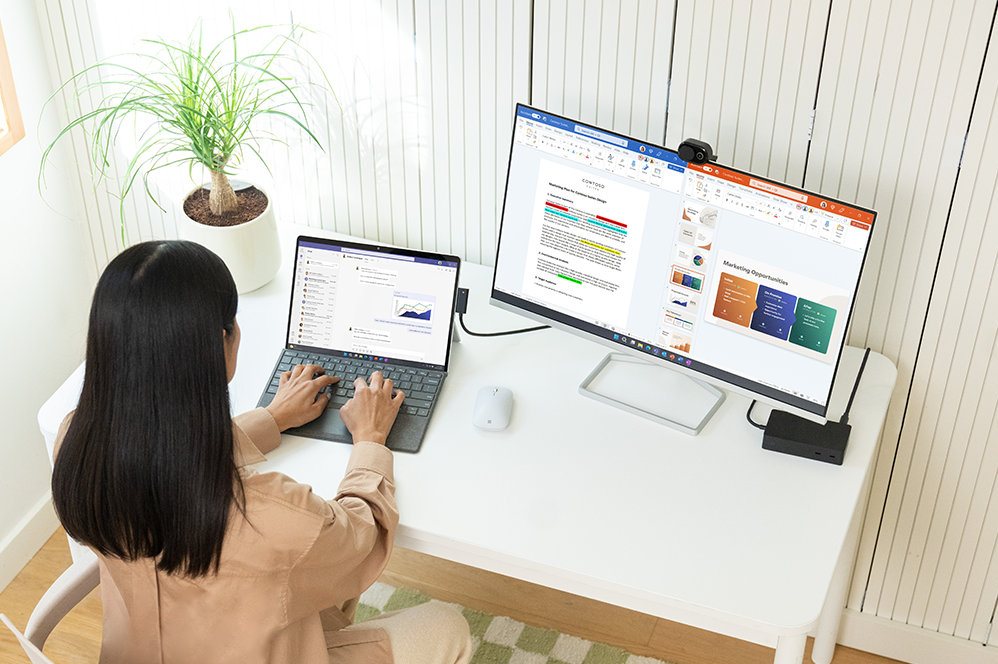
An exceptional typing experience
Type in comfort with Surface Pro Signature Keyboard. Sleek and compact, it performs like a traditional laptop keyboard, complete with a large touchpad for precise control and navigation.
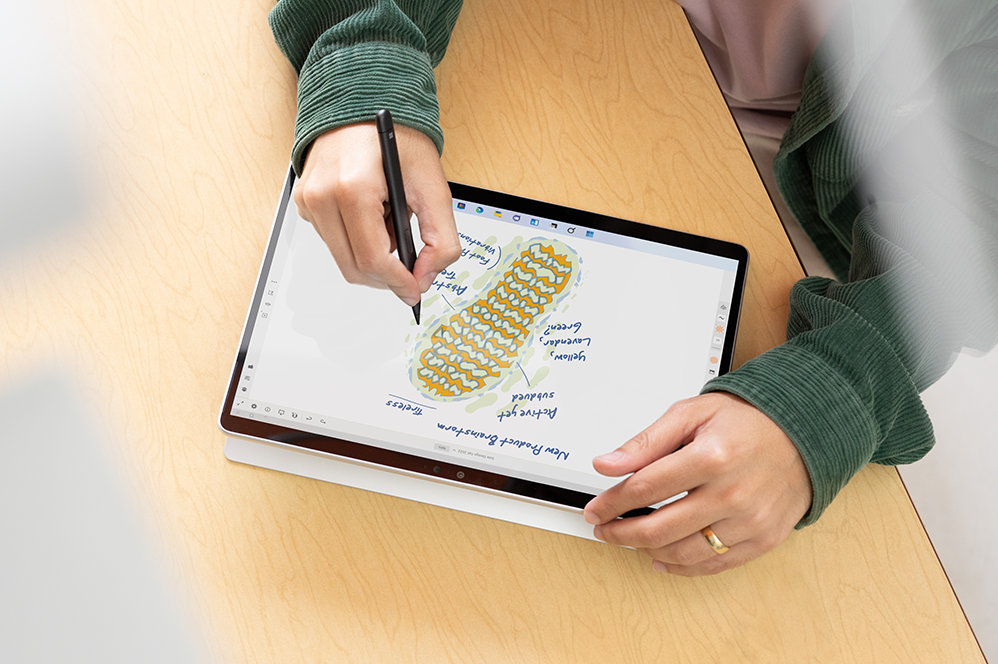
Fast, fluid and perfect with your Surface
Our best performing pen yet, with real-time writing, pinpoint accuracy and incredible shading thanks to a sharper pen tip and improved design.
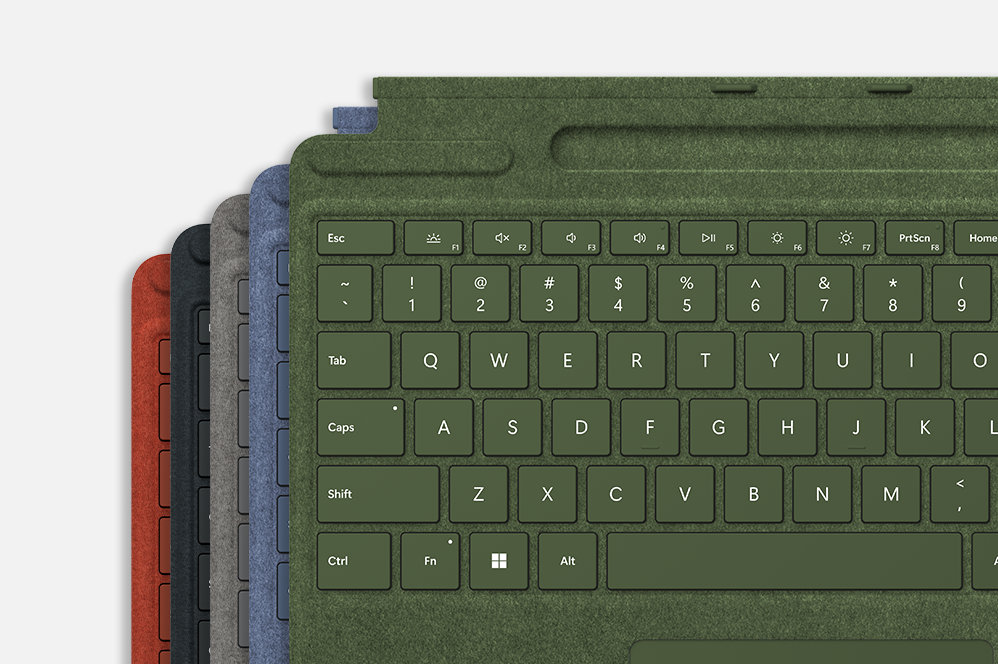
Choose your colour
Surface Pro Signature Keyboard adds a warm, comfortable touch to everyday tasks. New Sapphire and Forest3 Signature Keyboards are made with partially biobased Alcantara® material containing at least 12% renewable content2 that is derived from sugarcane waste.
Pair with Surface Pro devices

Surface Pro 91
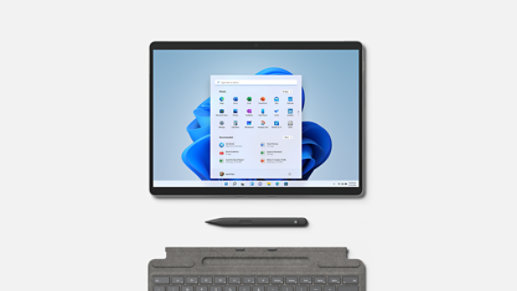
Surface Pro 81

Surface Pro X1
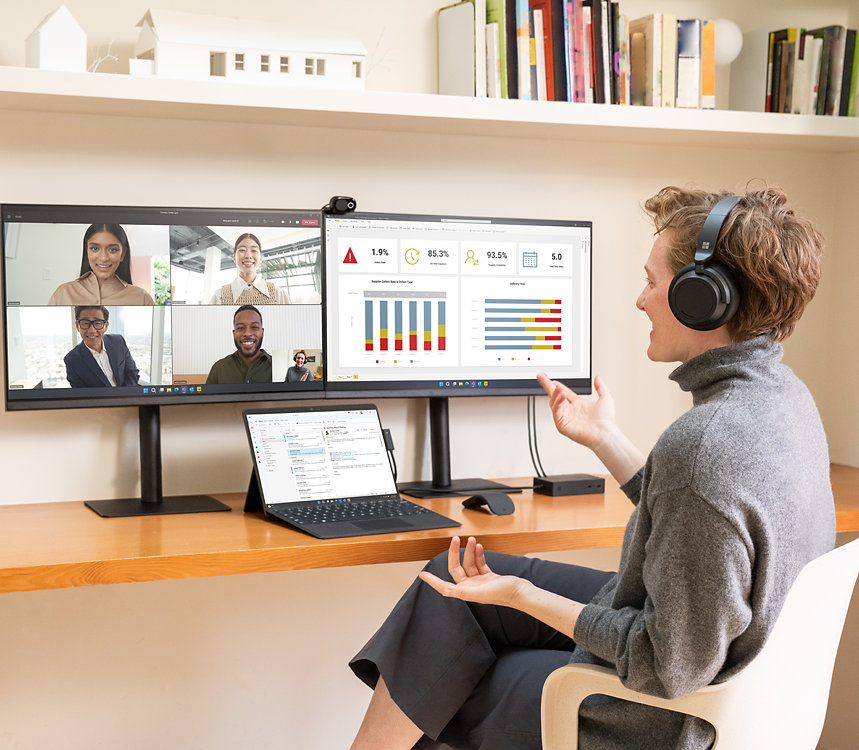
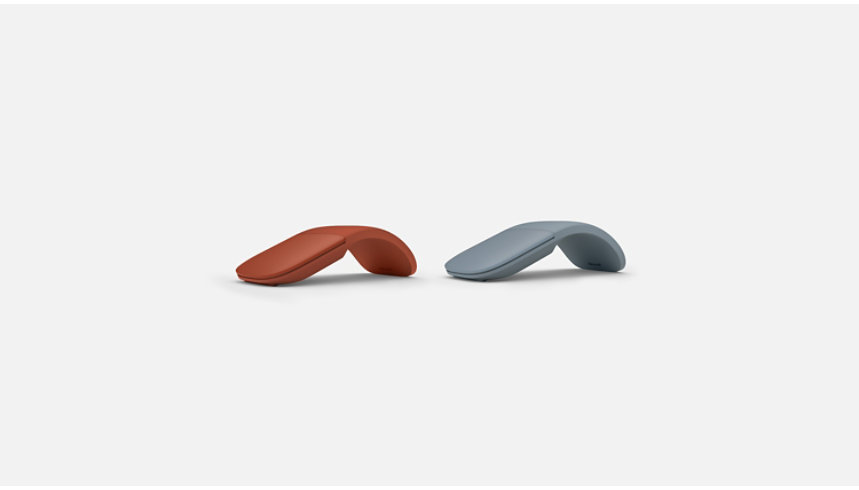
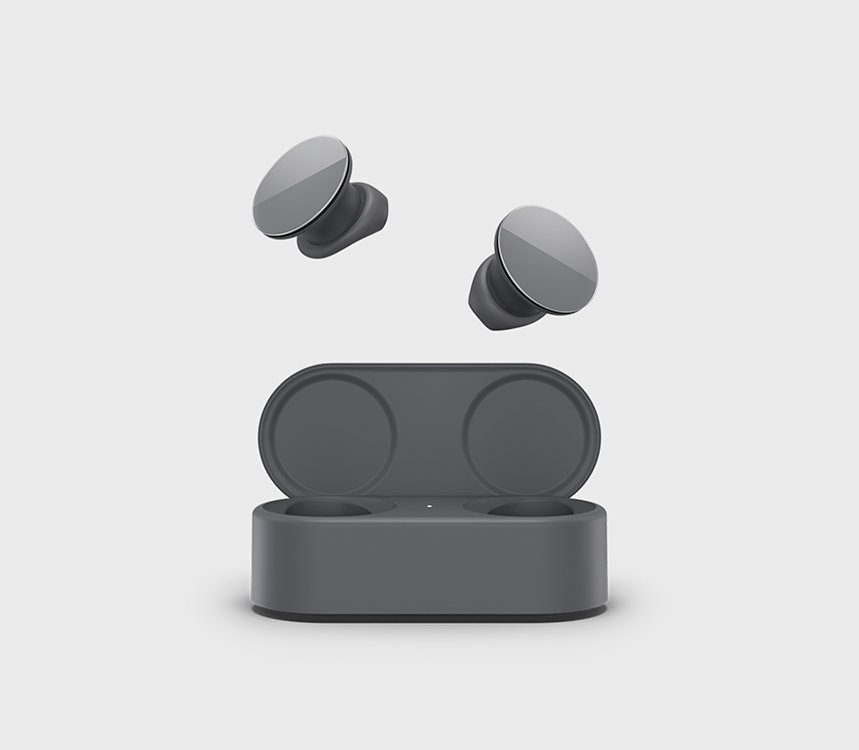
Essential accessories
Get more from your Surface with accessories designed to enhance your productivity and streamline your workflow.
Microsoft
Client Error: 408 Request Timeout
Why shop from Microsoft Store

Free returns through January 31, 2027

Extended Price Protection

Get it now, pay later

Cash out when you trade in
- Free returns through January 31, 2027: Holiday extended return policy available with eligible physical products purchased between October 1, 2026- December 2, 2026 from Microsoft Store online and Microsoft Experience Centers in select markets. Holiday purchases made during that window can be returned through January 31, 2027. For purchases made outside the window of October 1, 2026 – December 2, 2026, returns are available with eligible physical products purchased from Microsoft Store online and Microsoft Experience Centers in select markets. Return process must be started within 60 days after customer receives the product. Limit 5 product returns per eligible customer purchase. Excludes Surface Hub, HoloLens, and Windows DevKit. Applicable return policy applies. For purchases made at Microsoft Store, see applicable Microsoft Terms of Sale for more information. For purchases made at a Microsoft Experience Center, see receipt for more information. Microsoft reserves the right to modify or discontinue offers at any time
-
Extended Price Protection: Microsoft Store Price Adjustment: Holiday extended price protection valid on purchases of qualifying physical consumer products purchased from Microsoft Store online and Microsoft Experience centers in select markets between October 1, 2026 – December 2, 2026. Holiday purchase price adjustment may be requested until January 31, 2027. Purchases made outside the window of October 1, 2026 – December 2, 2026: Price adjustment available on purchases of qualifying physical consumer products made at Microsoft Store and Microsoft Experience Centers in select markets for 60 days from the date product is received.
Eligible Retailer Price Adjustment: Valid on purchases of qualifying new consumer physical products from Microsoft Store and Microsoft Experience Centers in select markets for 60 days from the date product is received. Excludes Surface for Business devices and accessories, and refurbished products. An Eligible Retailer Price Adjustment cannot be requested at time of purchase. Microsoft reserves the right to verify an eligible retailer’s advertised price and availability of the product. The product sold by the eligible retailer must be identical to the product sold by Microsoft and must be in stock for purchase at the eligible retailer at the reduced price. Exclusions apply. Both price adjustments: Customer is eligible only if the product is in stock for purchase at Microsoft Store or a Microsoft Experience Center. Customer must contact Microsoft to request the adjustment. For purchases from Microsoft Store, contact Microsoft Store Sales and Support with your Microsoft Account information and any other information requested by a representative. For purchases from a Microsoft Experience Center, you must return to the location with your receipt. Limit 1 price adjustment total per product. Excludes Surface Hub, HoloLens, and Windows DevKit. See Microsoft Store Price Protection for full terms and full list of eligible retailers. - Any offers shown are for a limited time while supplies last. See terms.
- [2] Per cent of modern carbon according to ASTM-D6866—based upon Alcantara® analytical test results.
- [3] Available colours may vary by market.
- [4] Slim Pen experiences and compatibility vary by which device you are using it with. Visit Surface Slim Pen Compatibility to learn more.
- [5] Battery life varies significantly based on usage, network and feature configuration, signal strength, settings and other factors. See Surface Battery Performance for details.
- Features and app availability may vary by region.
Tech specs
Compatibility |
Surface Pro Signature Keyboard compatibility*
Surface Pro 9 Surface Pro 8 Surface Pro X Surface Slim Pen designed for2 Surface Laptop Studio Surface Pro 8 and Surface Pro 9 Surface Pro X Surface Duo 2 Surface Hub 2S Surface Slim Pen Tips Surface Slim Pen Charger |
Dimensions |
Surface Pro Signature Keyboard specifications
289.1 x 226.1 x 4.89 mm (11.38” x 8.90” x 0.19”) Surface Slim Pen dimensions 136.8 x 11.3 x 6.3 mm (5.38” x 0.44” x 0.25”) |
Weight |
Surface Pro Signature Keyboard with Surface Slim Pen weight
294 g (0.65 lbs) Surface Pro Signature Keyboard 281 g (0.62 lbs) Surface Slim Pen 13 g (0.03 lbs) |
Exterior |
Surface Pro Signature Keyboard exterior
Material: Alcantara® Colours: Sapphire, Forest, Platinum, Poppy Red, Black, Ice Blue1 Surface Slim Pen colour and material Matte Black; plastic enclosure |
Connections |
Surface Slim Pen connections
Bluetooth® Wireless 5.0 Technology |
Interface |
Surface Pro Signature Keyboard interface
Magnetic |
Pen integration |
Surface Pro Signature Keyboard Pen integration
Surface Slim Pen storage and charging |
Keys |
Surface Pro Signature Keyboard keys
Activation: Moving (mechanical) keys Layout: QWERTY (UK), full row of function keys (F1 - F12) Dedicated buttons for Windows shortcuts, media controls, screen brightness Right-click button |
Sensors |
Surface Pro Signature Keyboard sensors
Accelerometer |
Buttons |
Surface Slim Pen buttons
Side button, Top Button with eraser functionality |
Tactile signals |
Surface Slim Pen
Haptic feedback functionality compatible only with Surface Pro 8*, Surface Pro 9* and Surface Laptop Studio* with Windows 11 |
Pressure and sensitivity |
Surface Slim Pen pressure sensitivity2
4,096 pressure levels Zero force inking |
Battery |
Surface Slim Pen battery
Rechargeable Lithium Ion Up to 15 hours of typical usage3 |
Battery capacities |
Surface Slim Pen battery capacities
Battery Capacity Nominal (WH) 0.171 Battery Capacity Min (WH) 0.164 |
What’s in the box |
Surface Pro Signature Keyboard
Surface Slim Pen Startup Card/Warranty Guide |
Warranty4 |
1 year limited hardware warranty
|
- [1] Available colours may vary by market.
- [2] Additional compatibility details can be found at Surface Slim Pen Compatibility Pairing functionality requires Windows 10, Windows 11 or Android with the latest updates.
- [3] Battery life varies significantly based on usage, network and feature configuration, signal strength, settings and other factors. See Surface Battery Performance for details.
- [4] Microsoft’s Limited Warranty is in addition to your consumer law rights.