Microsoft Access
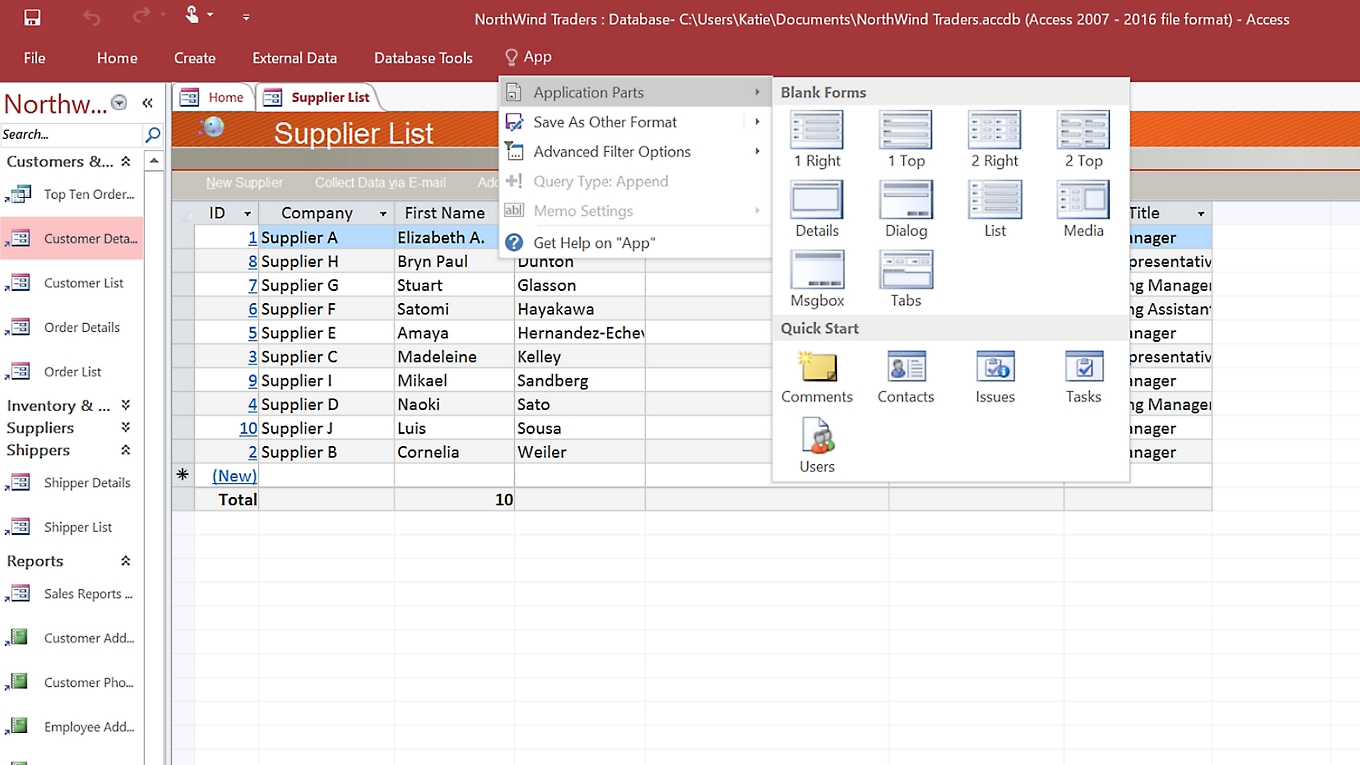
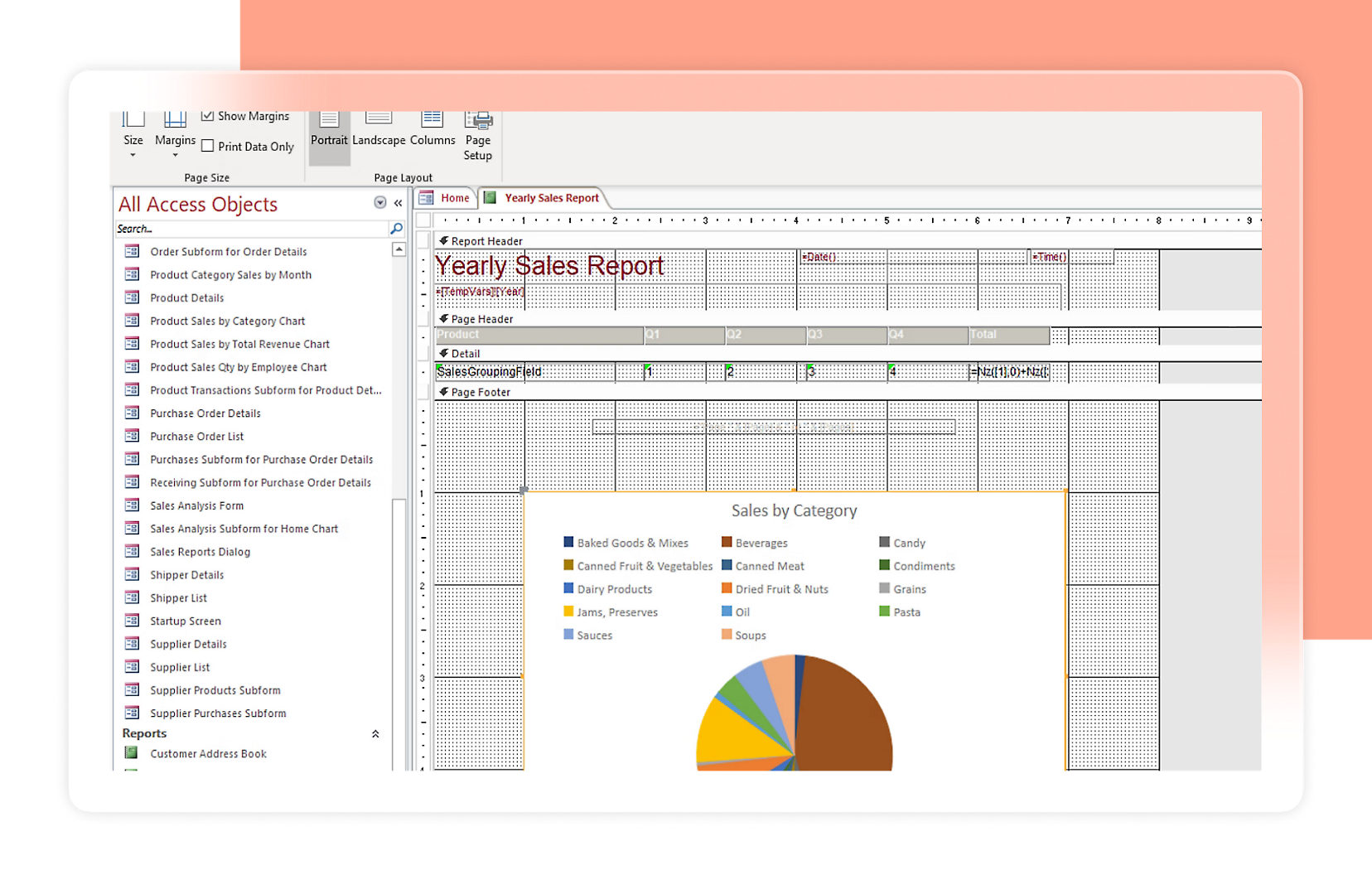
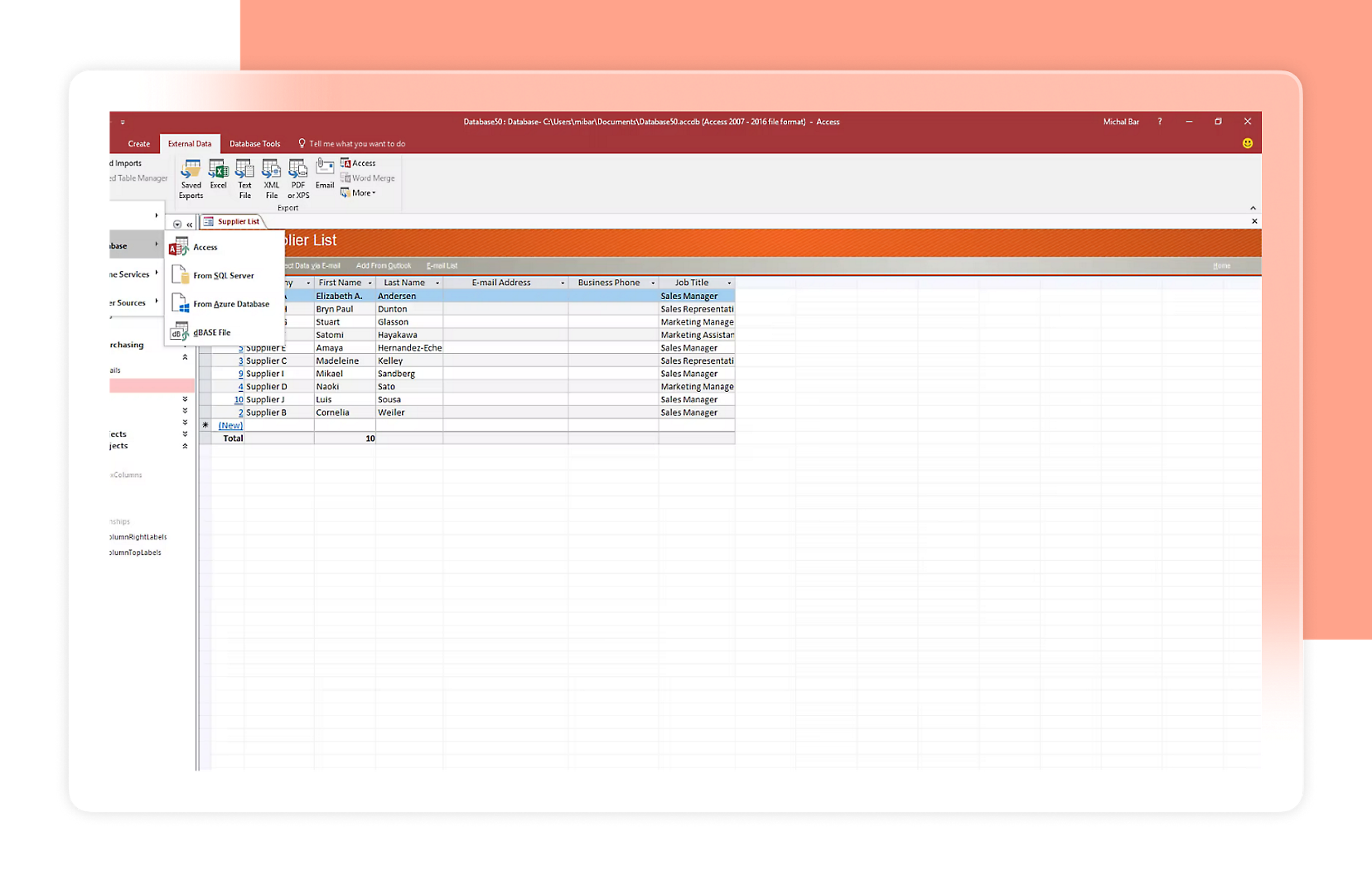
Create your own database apps easily in formats that serve your business best. PC only.
 Microsoft 365



Word (web and mobile only): Create impressive documents and improve your writing with built-in intelligent features.
Excel (web and mobile only): Simplify complex data and create easy-to-read spreadsheets.
PowerPoint (web and mobile only): Easily create polished presentations that stand out.
OneNote (web and mobile only): Meet all your notetaking needs with one cross-functional notebook.
Outlook: Manage your email, calendar, tasks, and contacts together in one place.
Exchange: Work smarter with business-class email and calendaring.
Microsoft Teams: Bring everyone together in one place to meet, chat, call, and collaborate.
OneDrive: Save, access, edit, and share files and photos wherever you are.
SharePoint: Create team sites to share information, files, and resources.
Word: Create impressive documents and improve your writing with built-in intelligent features.
Excel: Simplify complex data and create easy-to-read spreadsheets.
PowerPoint: Easily create polished presentations that stand out.
OneNote: Meet all your notetaking needs with one cross-functional notebook.
Microsoft Loop: Cocreate with workspaces that bring all the parts of a project together.
Microsoft Clipchamp: Create and edit professional-looking videos with easy-to-use tools.
Outlook: Manage your email, calendar, tasks, and contacts together in one place.
Exchange: Work smarter with business-class email and calendaring.
Microsoft Teams: Bring everyone together in one place to meet, chat, call, and collaborate.
OneDrive: Save, access, edit, and share files and photos wherever you are.
SharePoint: Create team sites to share information, files, and resources.


Word (web and mobile only): Create impressive documents and improve your writing with built-in intelligent features.
Excel (web and mobile only): Simplify complex data and create easy-to-read spreadsheets.
PowerPoint (web and mobile only): Easily create polished presentations that stand out.
OneNote (web and mobile only): Meet all your notetaking needs with one cross-functional notebook.
Outlook: Manage your email, calendar, tasks, and contacts together in one place.
Exchange: Work smarter with business-class email and calendaring.
OneDrive: Save, access, edit, and share files and photos wherever you are.
SharePoint: Create team sites to share information, files, and resources.
Word: Create impressive documents and improve your writing with built-in intelligent features.
Excel: Simplify complex data and create easy-to-read spreadsheets.
PowerPoint: Easily create polished presentations that stand out.
OneNote: Meet all your notetaking needs with one cross-functional notebook.
Microsoft Loop: Cocreate with workspaces that bring all the parts of a project together.
Microsoft Clipchamp: Create and edit professional-looking videos with easy-to-use tools.
Outlook: Manage your email, calendar, tasks, and contacts together in one place.
Exchange: Work smarter with business-class email and calendaring.
OneDrive: Save, access, edit, and share files and photos wherever you are.
SharePoint: Create team sites to share information, files, and resources.
Microsoft Copilot: Reimagine what’s possible with your everyday AI companion.
Word: Create impressive documents and improve your writing with built-in intelligent features.
Excel: Simplify complex data and create easy-to-read spreadsheets.
PowerPoint: Easily create polished presentations that stand out.
Outlook: Manage your email, calendar, tasks, and contacts together in one place.
OneNote: Meet all your notetaking needs with one cross-functional notebook.
OneDrive: Save, access, edit, and share files and photos wherever you are.
Microsoft Defender: Get threat prevention and detection with Microsoft Defender security capabilities.
Microsoft Teams: Bring everyone together in one place to meet, chat, call, and collaborate.
Microsoft Copilot: Reimagine what’s possible with your everyday AI companion.
Word: Create impressive documents and improve your writing with built-in intelligent features.
Excel: Simplify complex data and create easy-to-read spreadsheets.
PowerPoint: Easily create polished presentations that stand out.
Outlook: Manage your email, calendar, tasks, and contacts together in one place.
OneNote: Meet all your notetaking needs with one cross-functional notebook.
OneDrive: Save, access, edit, and share files and photos wherever you are.
Microsoft Defender: Get threat prevention and detection with Microsoft Defender security capabilities.
Microsoft Teams: Bring everyone together in one place to meet, chat, call, and collaborate.


Microsoft Access is available for PC only. Learn more.
The most up-to-date version of Microsoft Access is always available with a Microsoft 365 subscription. Microsoft Access 2024 is the latest version of Access available as a one-time purchase. Previous versions include Access 2021, Access 2019, Access 2016, Access 2013, Access 2010, Access 2007, and Access 2003. Access 2024 is compatible with Windows 11.


Follow Microsoft Copilot