
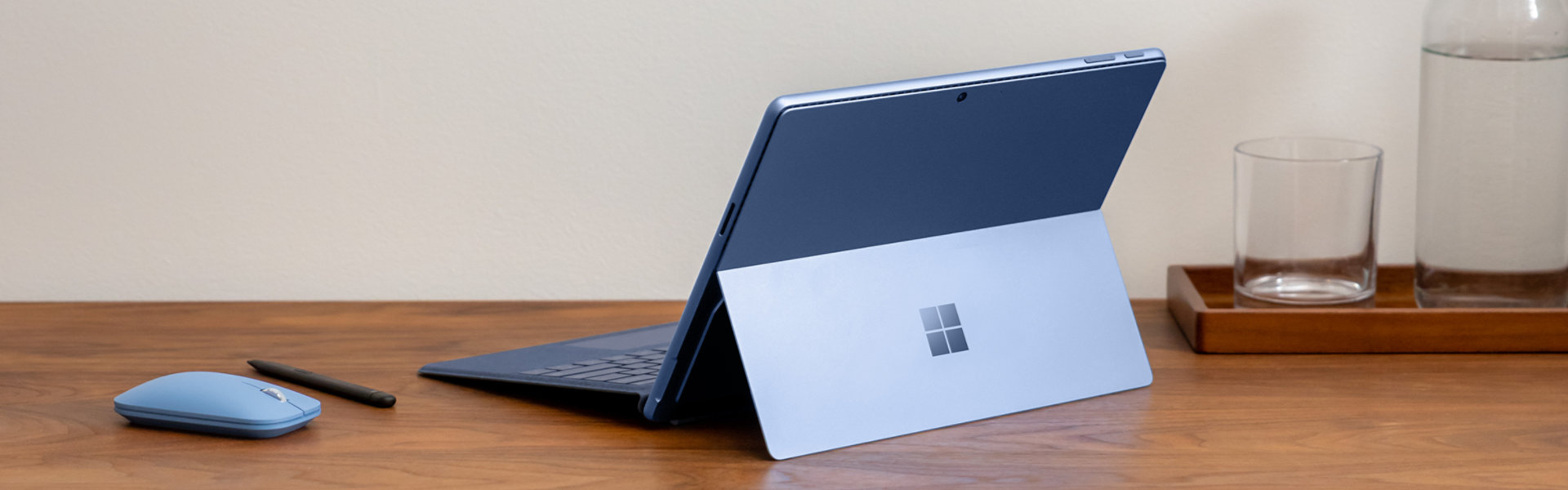


Microsoft Modern Mobile Mouse
SG$65.00 incl. GST
Out of stock
Free standard delivery. Free returns.
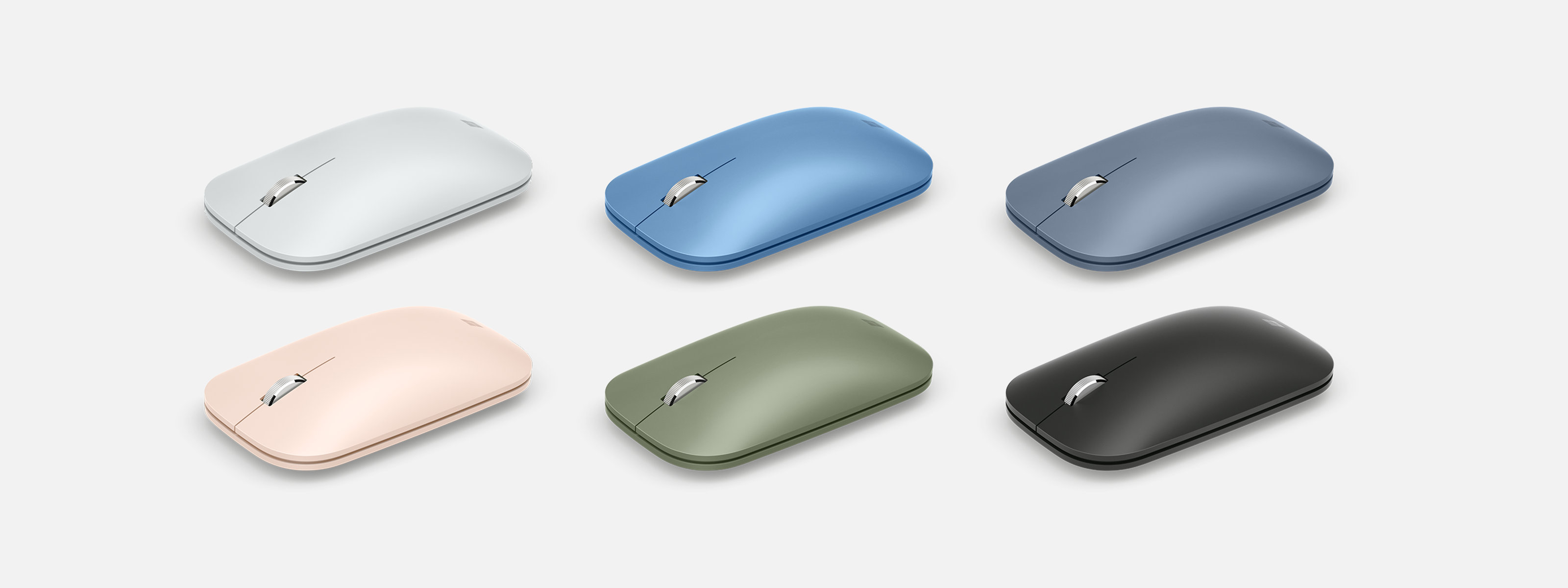
Your go-to everyday mouse

Thin and light
Microsoft Modern Mobile Mouse delivers precise navigation without the weight or bulk of a traditional mouse.

Wireless freedom
No cords or dongle make for a cleaner workspace and less stuff to carry. Connects wirelessly to your Windows 11 Home/Pro and Windows 10 PC via Bluetooth®.

Smooth, comfortable scrolling
Features a wheel for great scrolling performance. The smooth, sculpted shape fits comfortably in your hand for hours of work.

Works on a variety of surfaces
Use the Microsoft Modern Mobile Mouse almost anywhere—desk, couch or floor—thanks to built-in BlueTrack technology.1
Pair the Microsoft Modern Mobile Mouse with these other accessories
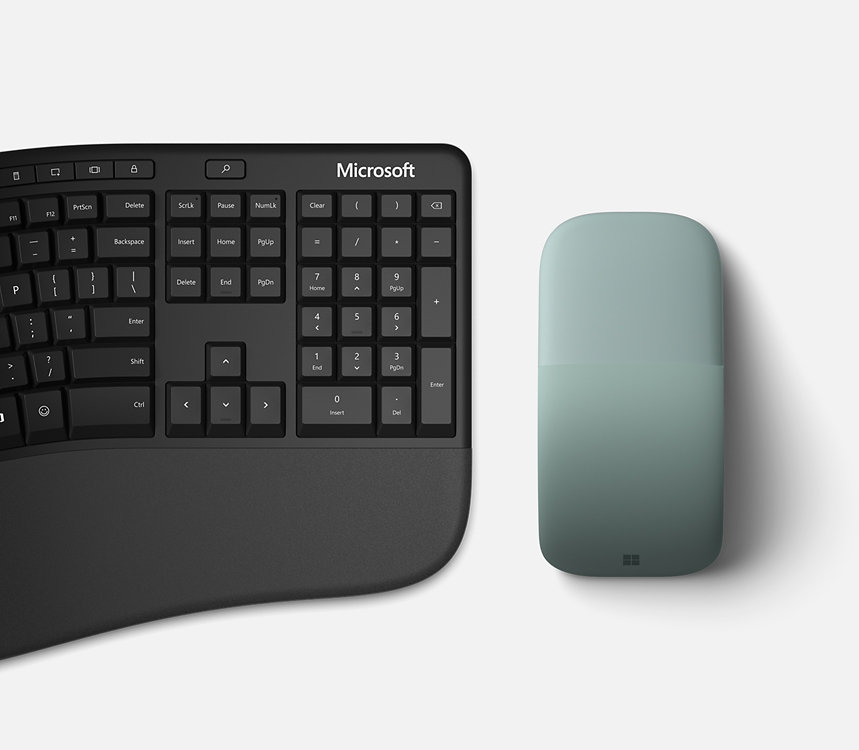

Optimise your workspace
Get more done with Microsoft accessories designed to enhance comfort and maximise productivity.

More products coming soon
Why shop at Microsoft Store
Free shipping

Free returns
Instant software downloads

Questions? We've got answers.
-
Price Protection
Valid on purchases of physical products made at Microsoft Store online with a valid Microsoft Account and at Microsoft Experience Centers in select markets for 60 days from the date the customer receives the product (“Offer Period”). Excludes Surface Hub, HoloLens, and Windows DevKit. Customer is eligible only if price of the purchased product is reduced during the Offer Period and in stock. For purchases from Microsoft Store, contact Microsoft Store Sales and Support with your Microsoft Account information and any other information requested by a representative. For purchases from a Microsoft Experience Center, customer must return to the location with receipt. Price adjustment will be provided in same manner as purchase method. Limit 1 price adjustment per product. Price adjustments apply only to purchase price and do not include taxes, shipping or other fees. Microsoft reserves the right to modify or discontinue offers at any time. -
Extended Returns
Available with eligible physical products purchased from Microsoft Store online and Microsoft Experience Centers in select markets. Return process must be started within 60 days after customer receives the product. Limit 5 product returns per eligible customer purchase. Excludes Surface Hub, HoloLens, and Windows DevKit. Applicable return policy applies. For purchases made at Microsoft Store, see applicable Microsoft Terms of Sale for more information. For purchases made at a Microsoft Experience Center, see receipt for more information. Microsoft reserves the right to modify or discontinue offers at any time.Any offers shown are for a limited time while supplies last. See terms.
Interface |
Bluetooth® 4.2
|
Wireless frequency |
2.4 GHz frequency range
|
Wireless range |
10 metres (33 feet) in open air, up to 5 metres (16 feet) in a typical office environment
|
Buttons |
Left, right, middle button, wheel and power (pairing button by long press)
|
Features |
Metal wheel for vertical scrolling, wheel button clicking, Swift Pair to pair mouse to computer easily, supported by Windows 10 April 2018 Update or later
|
Customisable features3 |
Adjust X-Y resolution; reassign wheel button function; swap left and right click; customise wheel; report battery level
|
Tracking |
Microsoft propriety BlueTrack™ Technology Windows 10/8.1
|
Compatibility |
Windows 11 Home/Pro/ Windows 10/Windows 10 ARM/Windows 8.1/Mac OS 10+/Android 6.0+*
|
Weight |
78 g (2.75 oz) including 2 AAA alkaline batteries
|
Battery life1 |
Up to 12 months’ typical usage1
|
Warranty |
1-year limited hardware warranty4
|
Product feature performance |
4.22″ × 2.37″ × 1.01″ (107.20 mm × 60.30 mm × 25.80 mm)
|
Colours2 |
Glacier, Black, Peach, Mint, Pastel Blue, Sapphire and Forest
|
*Compatible with Windows 11 Home/Pro and Windows 10 with latest updates.
[1] Battery life may vary based on user and computing conditions.
- [2] Available colours may vary by market.
- [3] Requires Mouse and Keyboard Centre (MKC) software installed on host that meets the requirements: 1) OS Microsoft Windows 10 or Windows 8.1/8 and 2) 150 MB of available hard disk space. You must accept the Licence Terms for the software download at Microsoft accessories. Internet is required and associated charges may apply.
- [4] Microsoft’s Limited Warranty is in addition to your consumer law rights