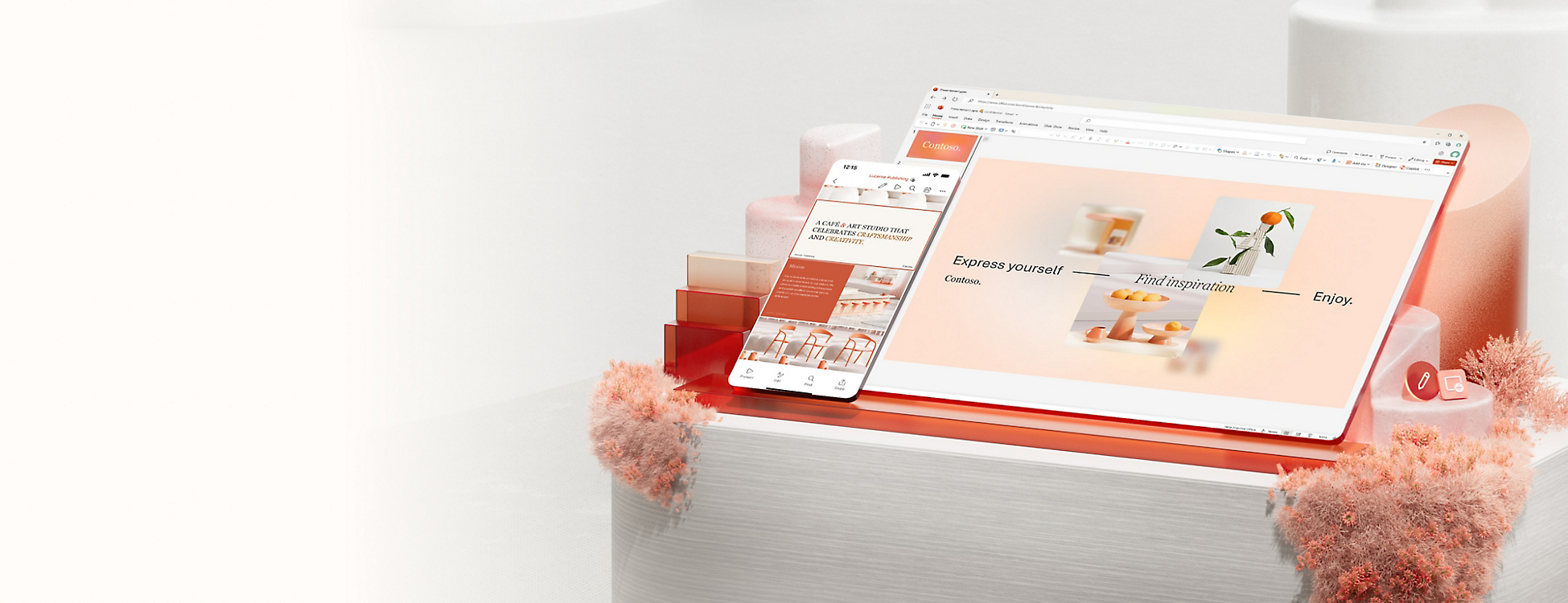
Anywhere you need to stay productive—on desktop (Windows and MacOS), mobile and tablets (iOS and Android) or online. PowerPoint works across devices so you can keep projects moving whether you’re at your desk or on the go.
Yes, Microsoft PowerPoint for the web is free for anyone to use online. Sign up or sign in using any email address.
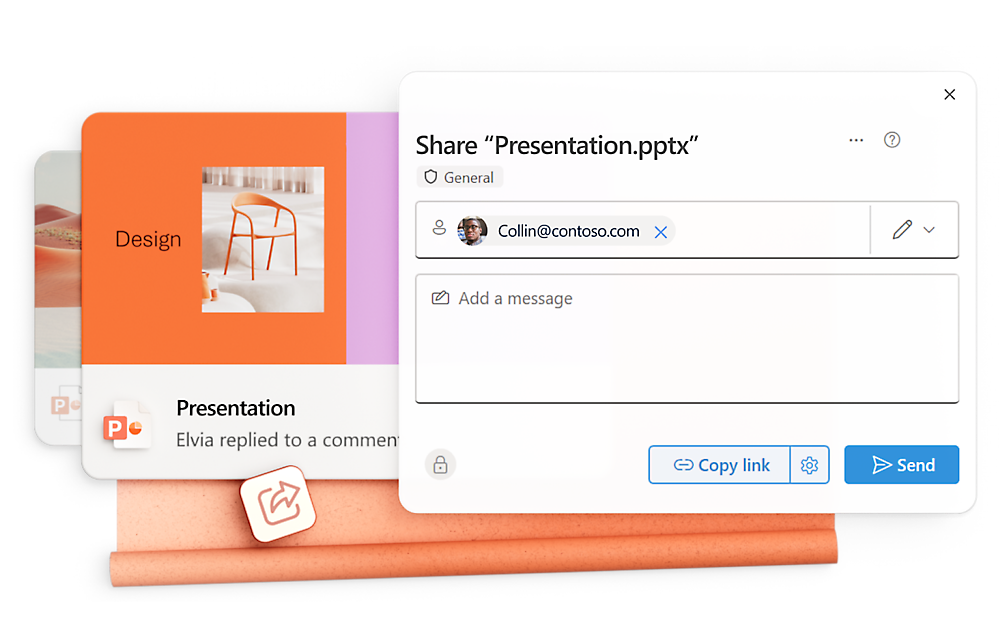
Absolutely. Real-time collaboration means fewer email attachments and faster feedback, so you can finalize work without delays.4
PowerPoint supports multiple languages, helping you communicate clearly and confidently with clients, partners, or teams worldwide. Learn more.
This discount offer is available between December 1, 2025, and June 30, 2026. Convenience SKU offers (Microsoft 365 Business Standard and Microsoft 365 Copilot Business or Microsoft 365 Business Premium and Microsoft 365 Copilot Business) are available only to new Microsoft 365 commercial customers. The Microsoft 365 Copilot Business add‑on is available only to existing Microsoft 365 customers with an eligible Business plan. Discount amounts may vary between convenience SKUs and add-on offers. An annual commitment is required, and promotional pricing applies to the first year only. This subscription automatically renews and is subject to recurring annual billing with a payment method required. This promotion is not available on trial subscriptions. Customers have a 7-day cancellation window to receive a prorated refund. This offer may not be combined with any other offer. Microsoft reserves the right to cancel, change, or suspend this offer at any time without notice in its sole discretion.
App availability varies by device/language. Features vary by platform. Minimum age limits may apply to use of AI features. Details.
After your one-month free trial ends, your subscription will automatically convert to a paid subscription and you’ll be charged the applicable subscription fee based on the subscription term and billing plan you select. Cancel anytime during your free trial to stop future charges. A credit card is required to sign up. Storage for trials will be limited. Microsoft reserves the right to suspend access to its products and services if payment is not received after your one-month free trial ends. Learn more.
Microsoft 365 Personal, Family or Premium subscription required; AI features only available to subscription owner and cannot be shared; usage limits apply. Learn more.
 Microsoft 365










Follow Microsoft 365