This is the Trace Id: 12b63dc8cc870c6ff7658f001e3b693d
Skip to main content Meet Windows 11 Compare Windows 10 & 11 Windows 11 security AI features in Windows Photo & film editing Draw & create with Paint Digital pen, voice & touch Apps PC gaming Sync smartphones to computer Windows accessibility features How to get Windows 11 Windows 11 specs & requirements Windows Backup FAQ Help me choose a PC Buy Windows 11 Home Buy Windows 11 Pro Help me choose a PC PC Buying Guide Shop all PCs Shop laptops Shop Copilot+ PCs Shop 2-in-1s Shop gaming PCs Shop desktop computers Laptops for university students Windows help & support Tips End of support for previous versions Extended Security for Windows 10 For business Microsoft 365 Azure Copilot Windows Surface XBOX Deals Small Business Support Windows Apps OneDrive Outlook Moving from Skype to Teams OneNote Microsoft Teams Shop XBOX Accessories VR & mixed reality XBOX Game Pass Ultimate XBOX games PC games Microsoft AI Microsoft Security Azure Dynamics 365 Microsoft 365 for business Microsoft Power Platform Windows 365 Digital Sovereignty Microsoft Developer Microsoft Learn Support for AI marketplace apps Microsoft Tech Community Microsoft Marketplace Software companies Visual Studio Microsoft Rewards Free downloads & security Education Gift cards Licensing View Sitemap

Creativity

Get creative like never before. With AI-powered features and enhanced controls, Windows 11 will help you explore your artistry beyond your expectations. Learn more to get started now.
A person sitting at a table drawing on their PC

All features

Photos app

The Photos app in Windows 11 gathers photos from your PC, phone, cloud storage accounts and other devices, and puts them in one place where you can more easily find what you’re looking for. 

Microsoft Clipchamp

Auto compose helps you with scenes suggestions, edits and narratives based on your images and footage automatically so you can create and edit videos to share with family, friends and social media like a pro.

Touch

On touchscreen devices, you can tap to select, swipe to navigate, and pinch to zoom. You can also swipe from screen edges to bring out features like the Taskbar, widgets and the notifications panel. You can also select and drag objects to move them – just like on your smartphone.

Paint

Find your new creative partner in Paint, a digital creation app that helps you express your creativity with AI.
Windows 11 Search bar with the Bing logo

Meet Windows 11

Explore what’s new and learn why Windows 11 is the best Windows yet.
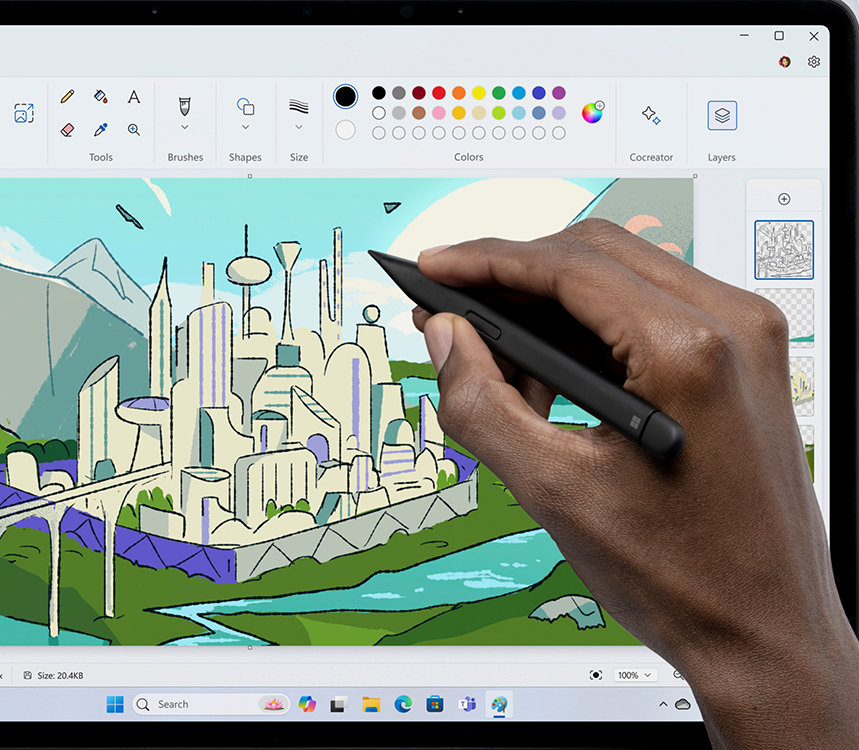
A person’s hand using a pen to create a city skyline in Paint

Draw & create with Paint

With AI-powered features and updated abilities, Microsoft Paint is your new creative partner.

Follow Microsoft Windows

Share this page

English (United Kingdom)
Your Privacy Choices Opt-Out Icon Your Privacy Choices
Consumer Health Privacy Contact Microsoft Privacy Manage cookies Terms of use Trademarks About our ads EU Compliance DoCs Regulatory reporting