

More is possible with Windows 11
This is the best Windows made better, with a Copilot for every person on every device. From AI-powered features to built-in security protections and state of the art creativity, it’s the Windows you know, and more.
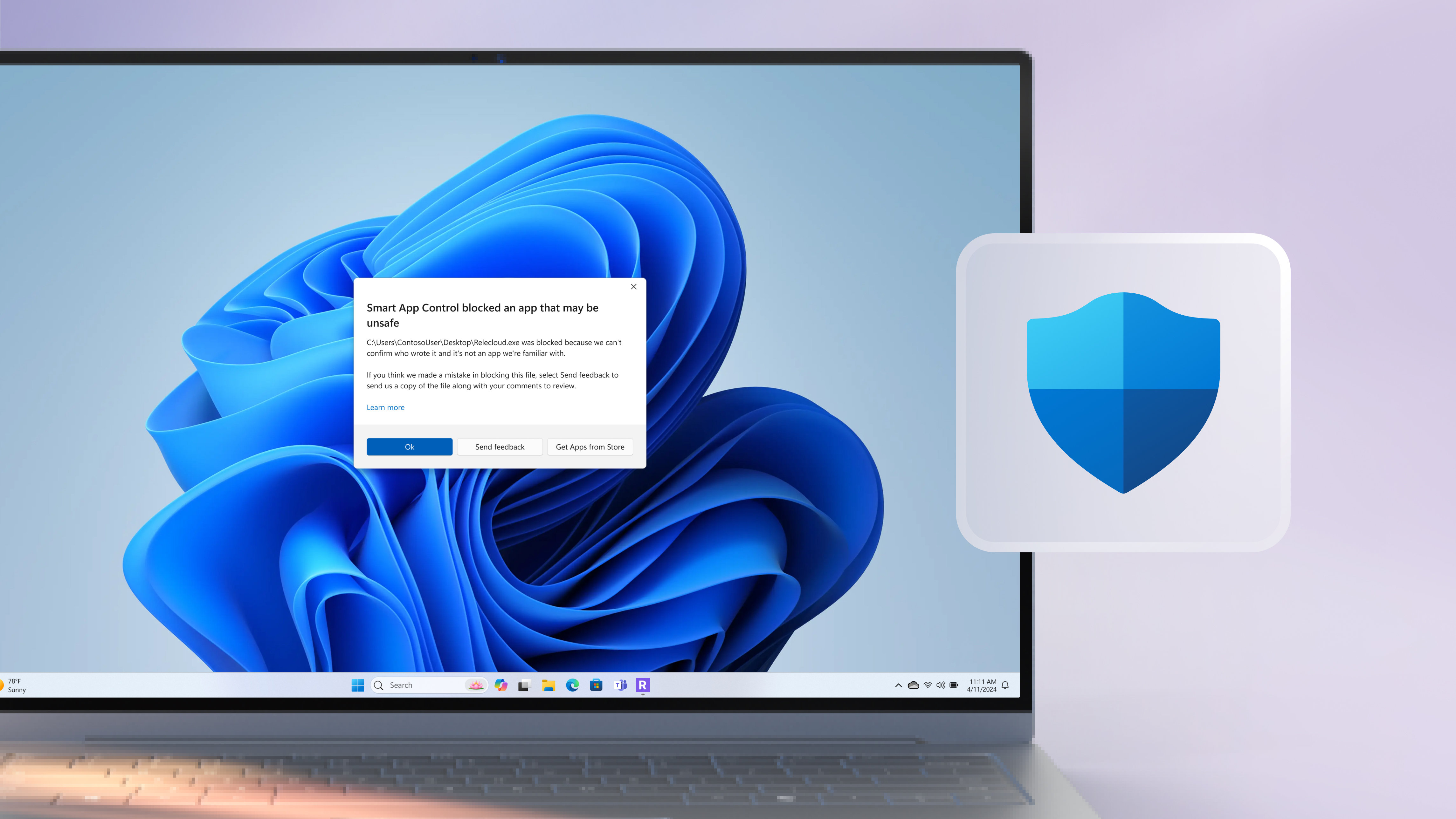
Smart App Control
With the predictive power of AI, Smart App Control can predict which apps are safe to run on Windows 11.1
Microsoft Copilot
Always on hand to help you do what you do like a pro, Copilot is your AI companion.2
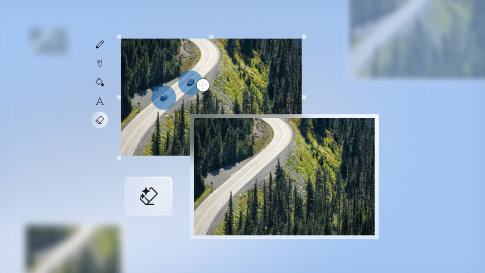
Generative erase
Remove elements from a photo like they were never there with Generative erase.
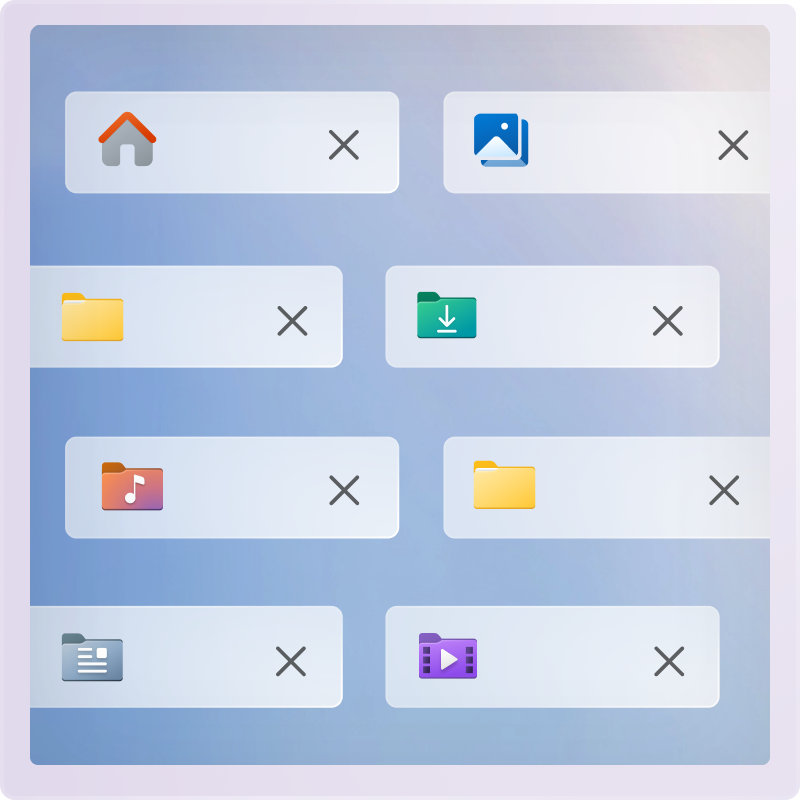
All your files in one place
Finding a file shouldn’t be hard. File Explorer in Windows puts all your files and folders in one place. There, you’ll find recommended, favourite and recent files you’ve used and the autocomplete feature that predicts your next moves to speed up everyday tasks.
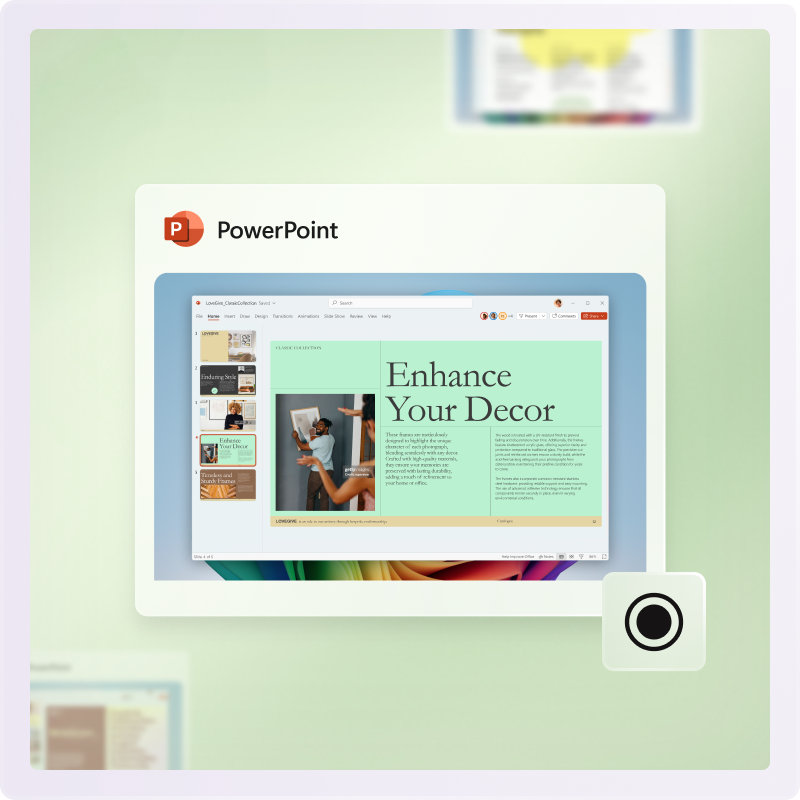
Record what’s on your screen
If it’s on your screen, you can capture or record it with Snipping Tool and Screen Recorder. Just click, drag to frame your shot, and you’ve got it.
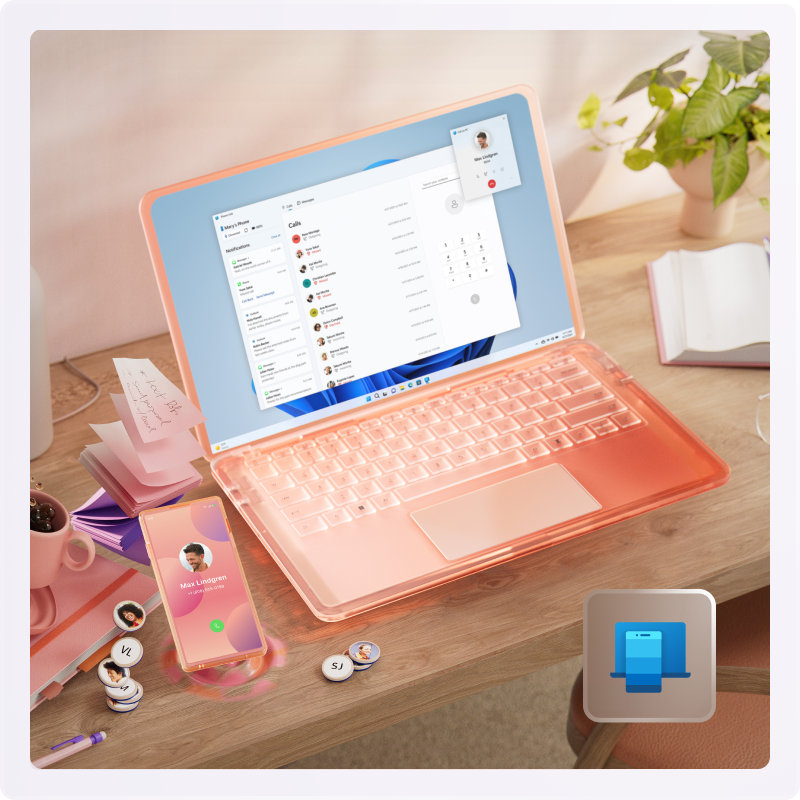
Connect your PC and your phone
Get seamless interactions between your mobile device and your Windows 11 PC with Phone Link.3 Connect your Android™ or iPhone®456 devices to view and manage notifications, send and receive messages, or make or take calls right from your PC.
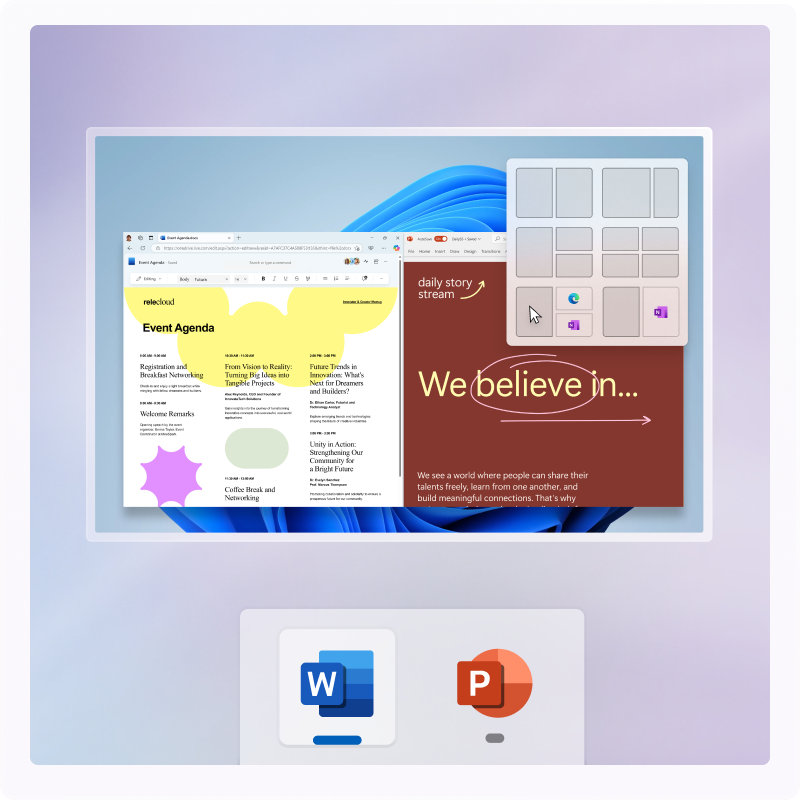
Time-saving tools
Bring out your best ideas with Snap layouts. With Snap you can quickly organise what’s on your screen and customise layouts so you can easily find what you need and improve your productivity.

It’s a new era for security
In this new era of AI, you don’t have to choose between having inspiring technology and peace of mind. You can have both. Your Windows 11 PC brings layers and layers of security measures to help keep your digital life in safe hands—yours.
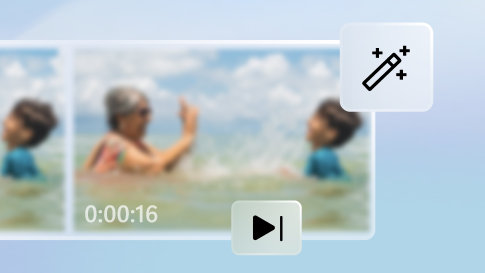
Photo and video editing
Preserve, edit and manage your memories with Windows 11 Photos app14 and AI-powered Clipchamp7.
Touch, Voice, Pen
Work the way you work best with voice navigation and typing8, touch gestures9 and digital pen input10.
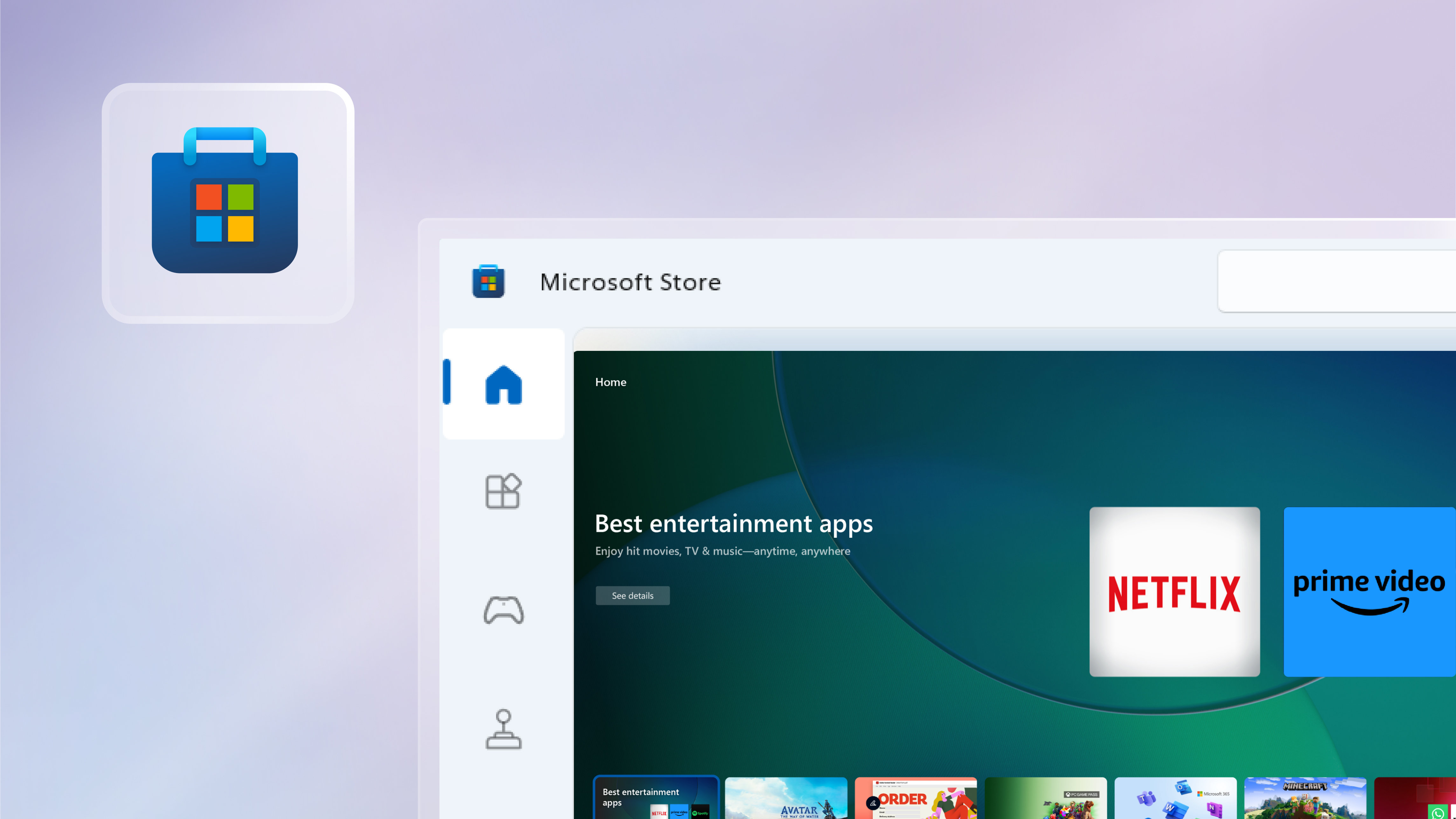
Apps
Customise your computer with apps for creativity, productivity and a whole lot of fun in the Microsoft Store.

Find your next PC
Sleek, innovative, and exactly what you need. Find a PC that can run Windows 11 and is just for you.




- Screens simulated. Features and app availability may vary by region.
- Trademarks are the property of their respective owners.
- 1 Smart App Control: Only available on the latest version of Windows 11. In order to keep you as safe as possible, you must start with a fresh system. PCs that have been running previous versions of Windows must do a full reset of the Windows 11 operating system for the feature to work. Available in North America and Europe only. Available on all Windows 11 PCs and all Copilot+ PCs.
- 2 Microsoft Copilot: May require Windows Update or app download from the Microsoft Store.
- 3 Bluetooth connection to PC required.
- 4 iPhone® only (no iPad® OS support).
- 5 To experience the full functionality, mobile phones must be running iOS 14 or later with Windows 10 or 11 on the PC.
- 6 Messaging feature is limited by iOS. Image/video sharing and group messaging is not supported. Messages are session based and will only come through when phone is connected to PC.
- 7 Microsoft Clipchamp subscription sold separately (premium filters & effects, premium stock content, brand kit, advanced AI features - highlights, retake and filler word removal, premium output (4k)).
- 8 Hardware dependent. Requires Windows PC with microphone capability.
- 9 Requires a PC with touchscreen capability.
- 10 Pen-capable tablet or PC required. Pen accessories may be sold separately.
- 11 For computers with Windows 10 in S mode, download this version of PC Health Check app.
- 12 Windows 11 upgrade is available for eligible PCs that meet minimum device specifications. Internet service fees may apply. Features and app availability may vary by region. Certain features require specific hardware, see Windows 11 Specifications.
- 13 Certain features require specific hardware, see Windows 11 Specifications.
- 14 Access to images stored on OneDrive is contingent on the associated Microsoft account the device is signed in with.
Follow Microsoft Windows
Share this page