Choose an Intel® or Snapdragon® processor with a built-in NPU for fast, complex multitasking.
Sharp, vibrant visuals
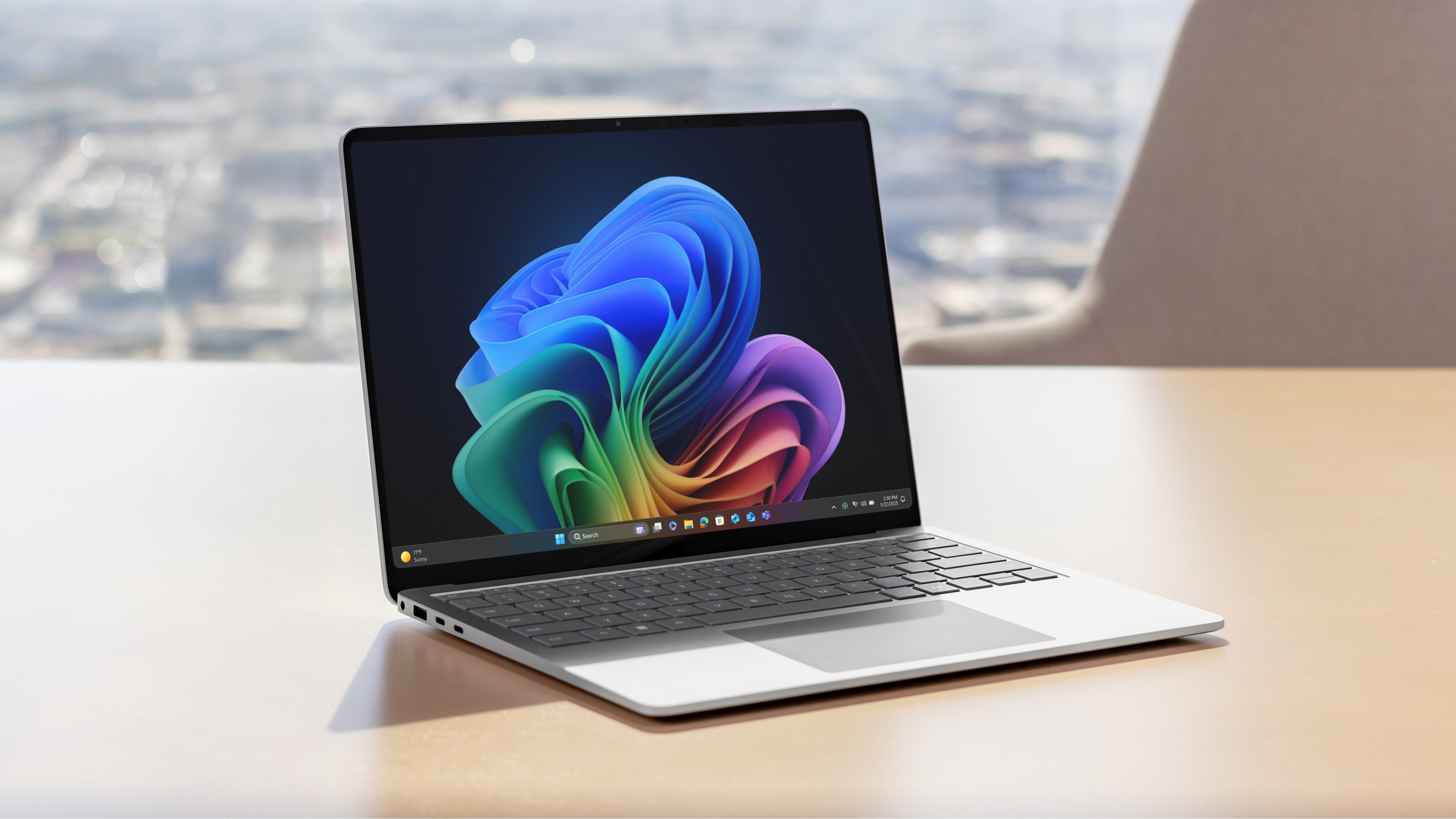
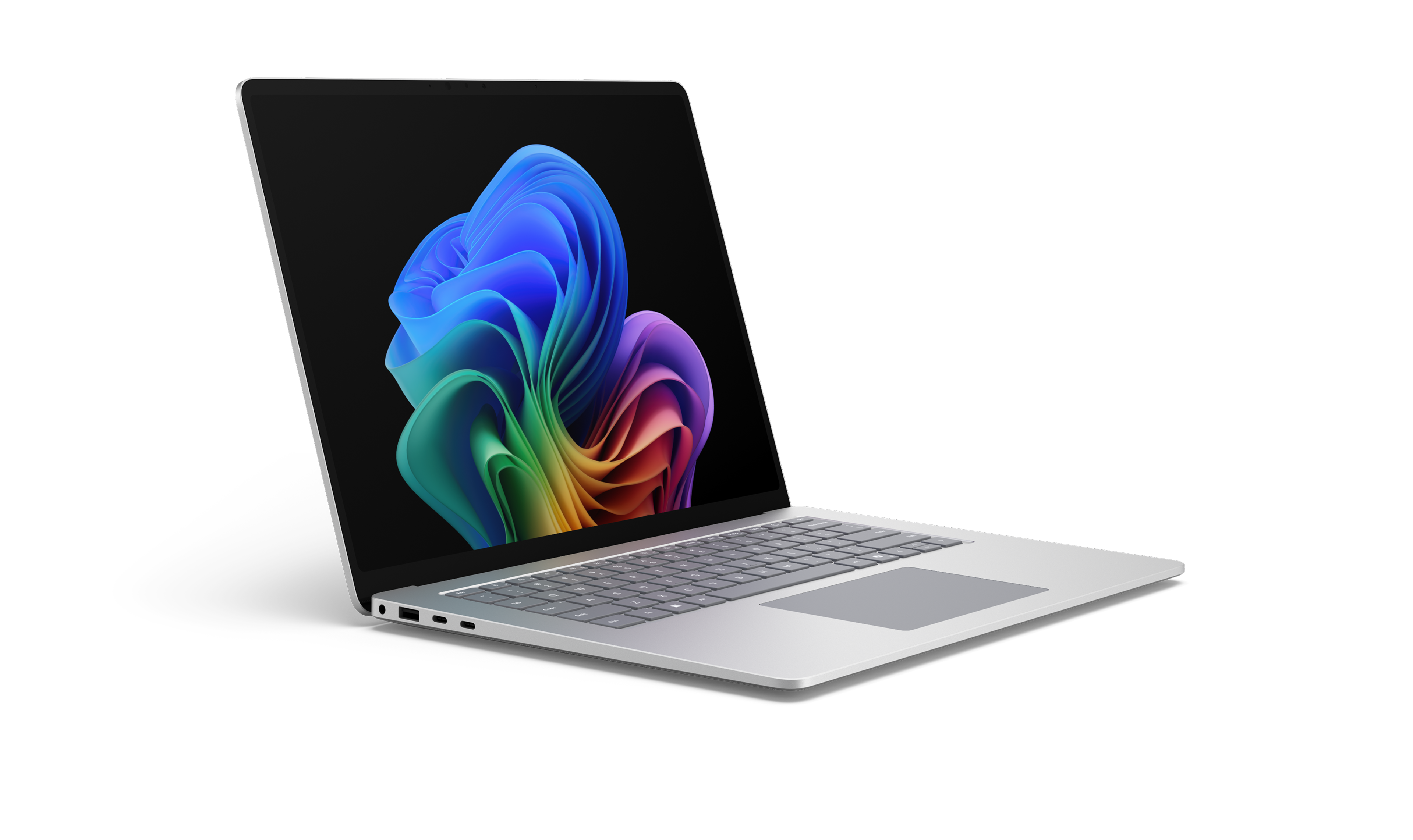
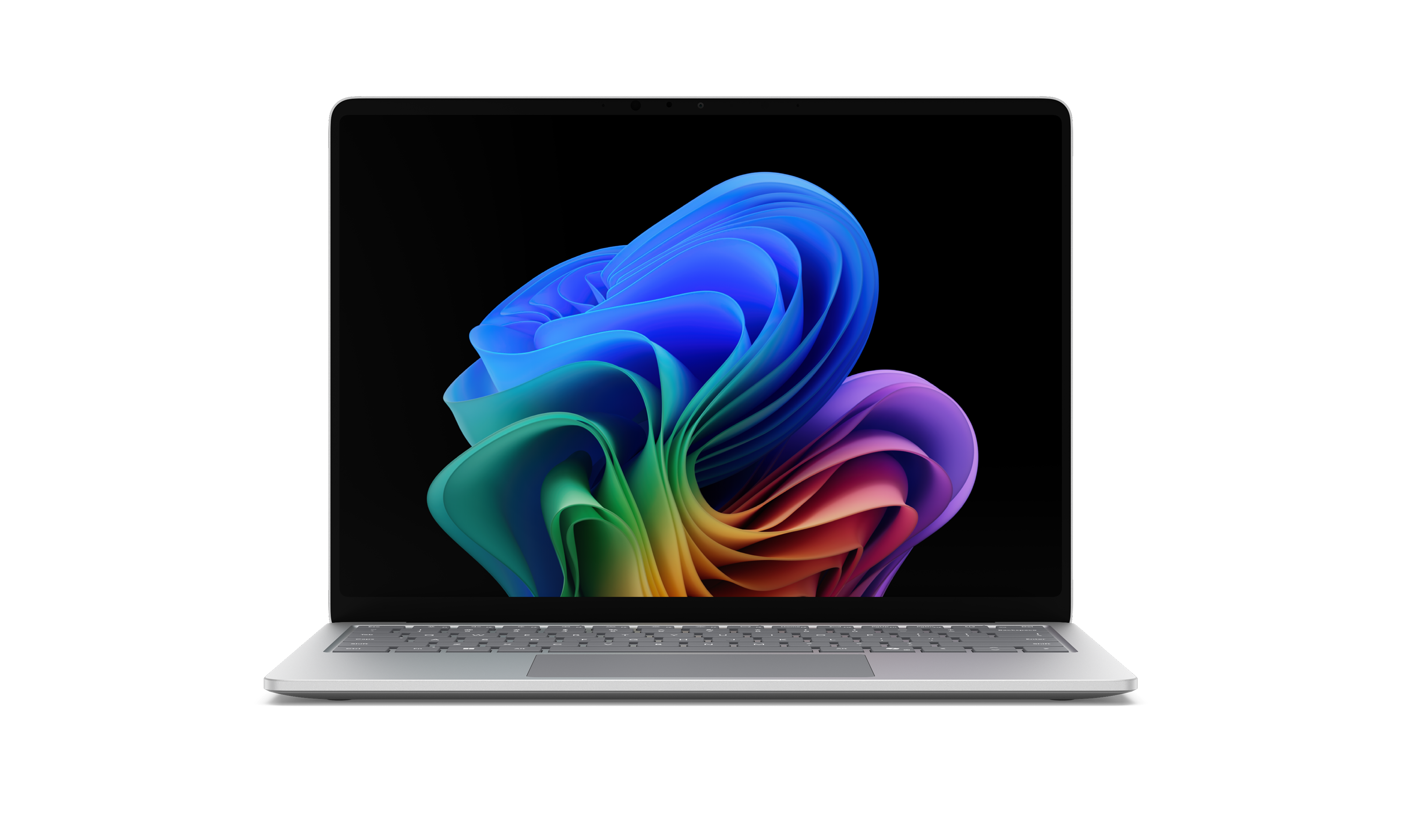
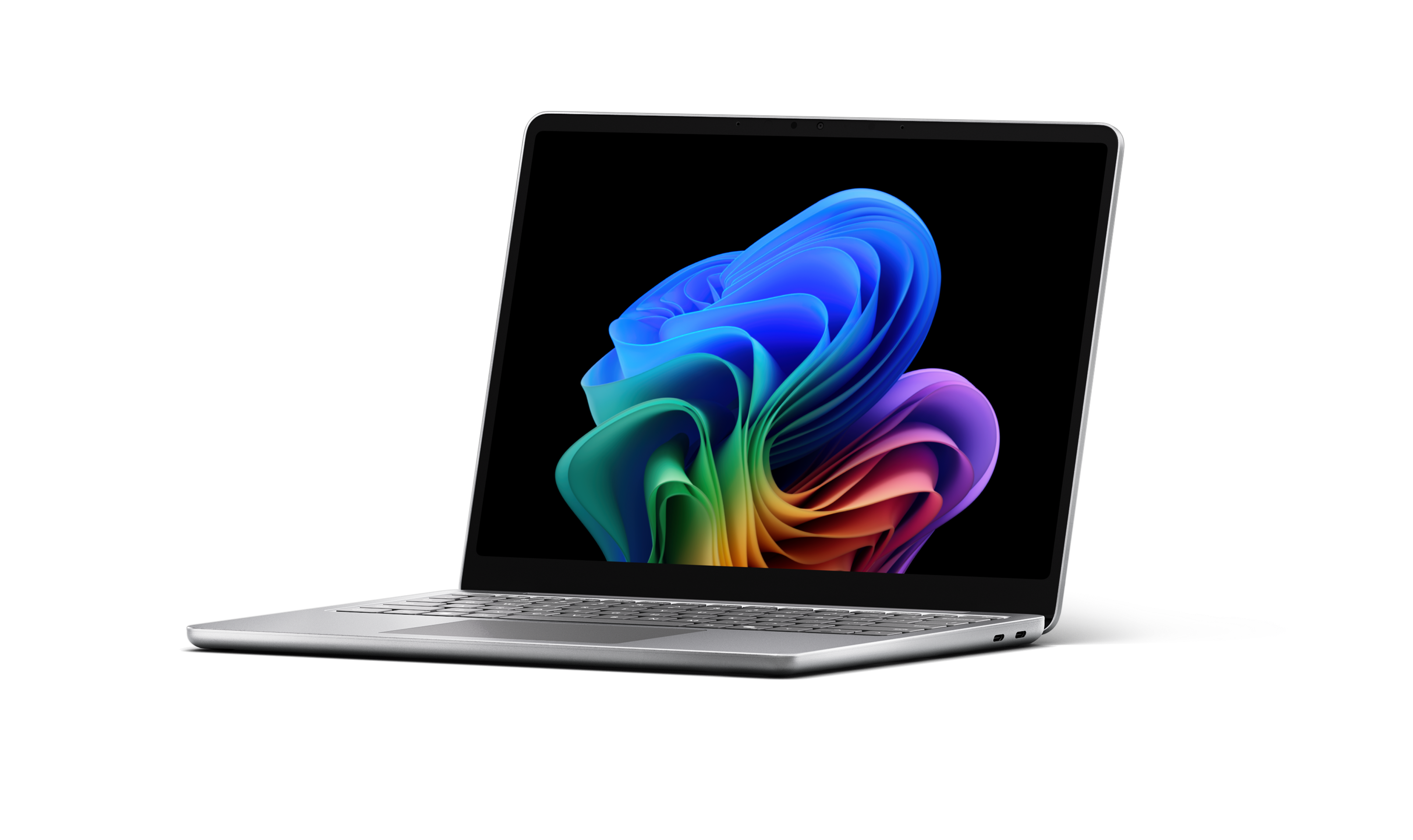
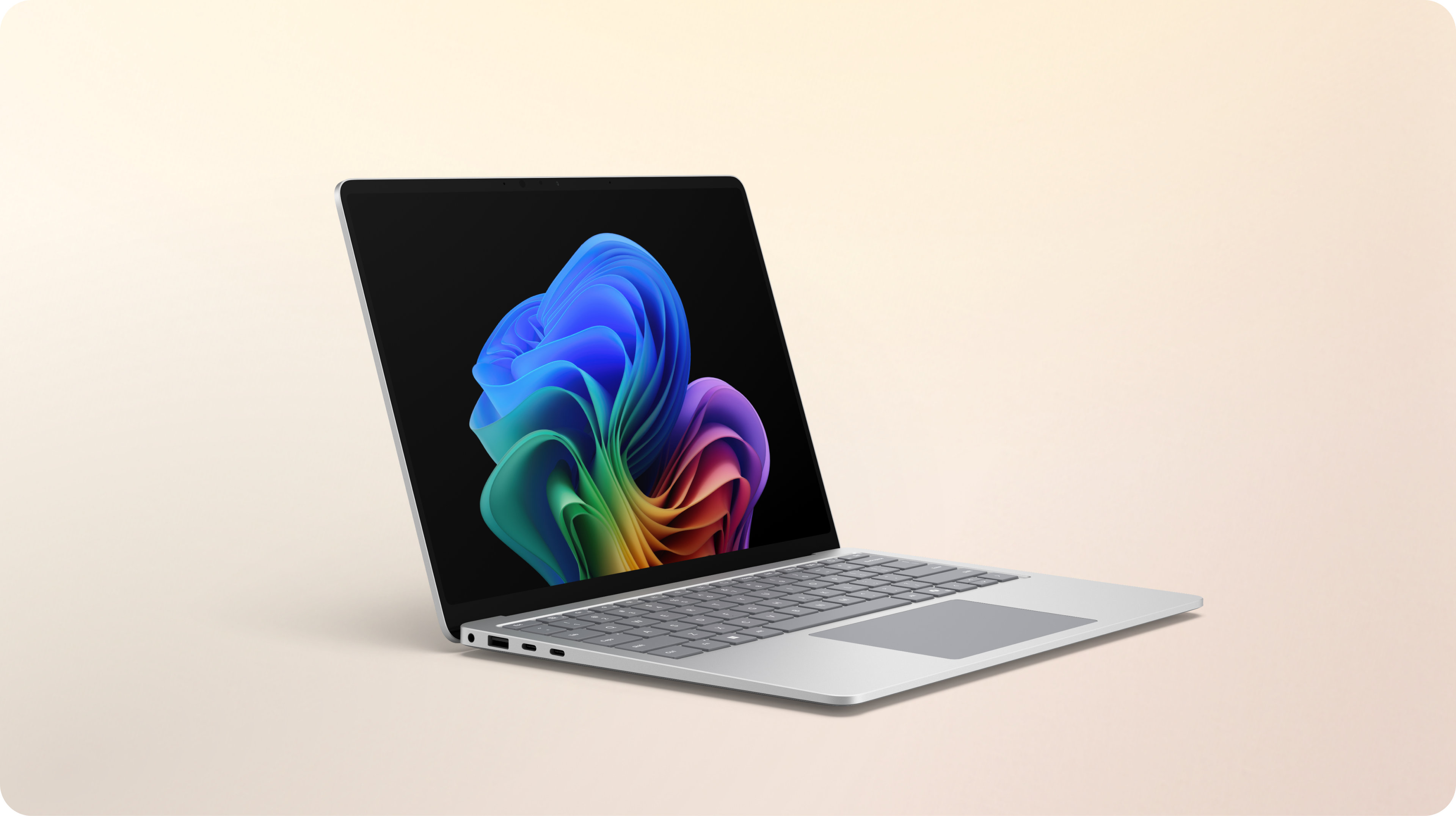
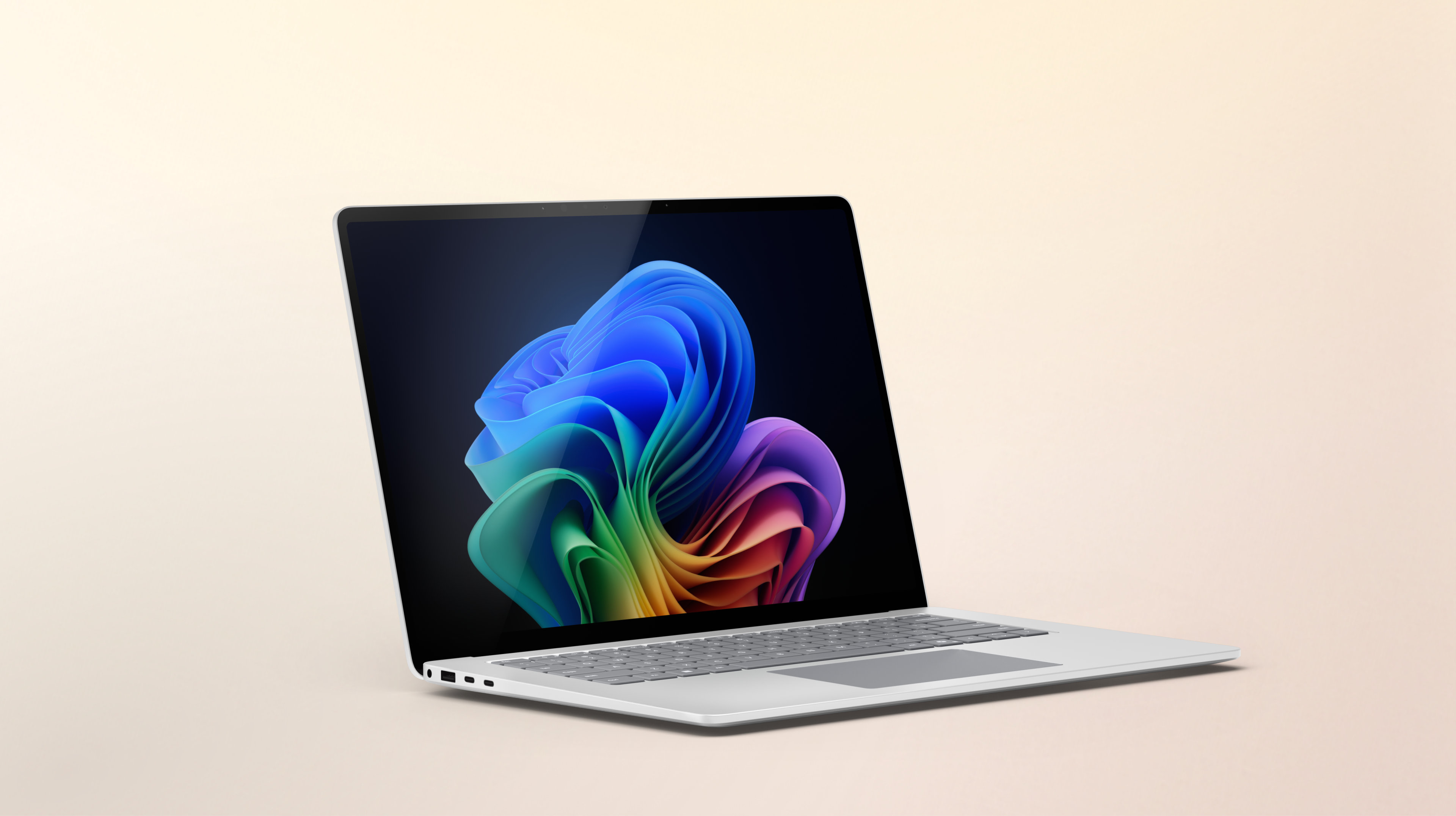
Vivid, anti-reflective 1 PixelSense™ 2 displays in 13-inch, 3 13.8-inch and 15-inch sizes. 4
Built with sustainability in mind
64% of the enclosure on select devices is made with recycled content.5 Modular components, 6 including removable SSDs, 7 allow for easy repair and help extend device use.
Higher-quality meetings
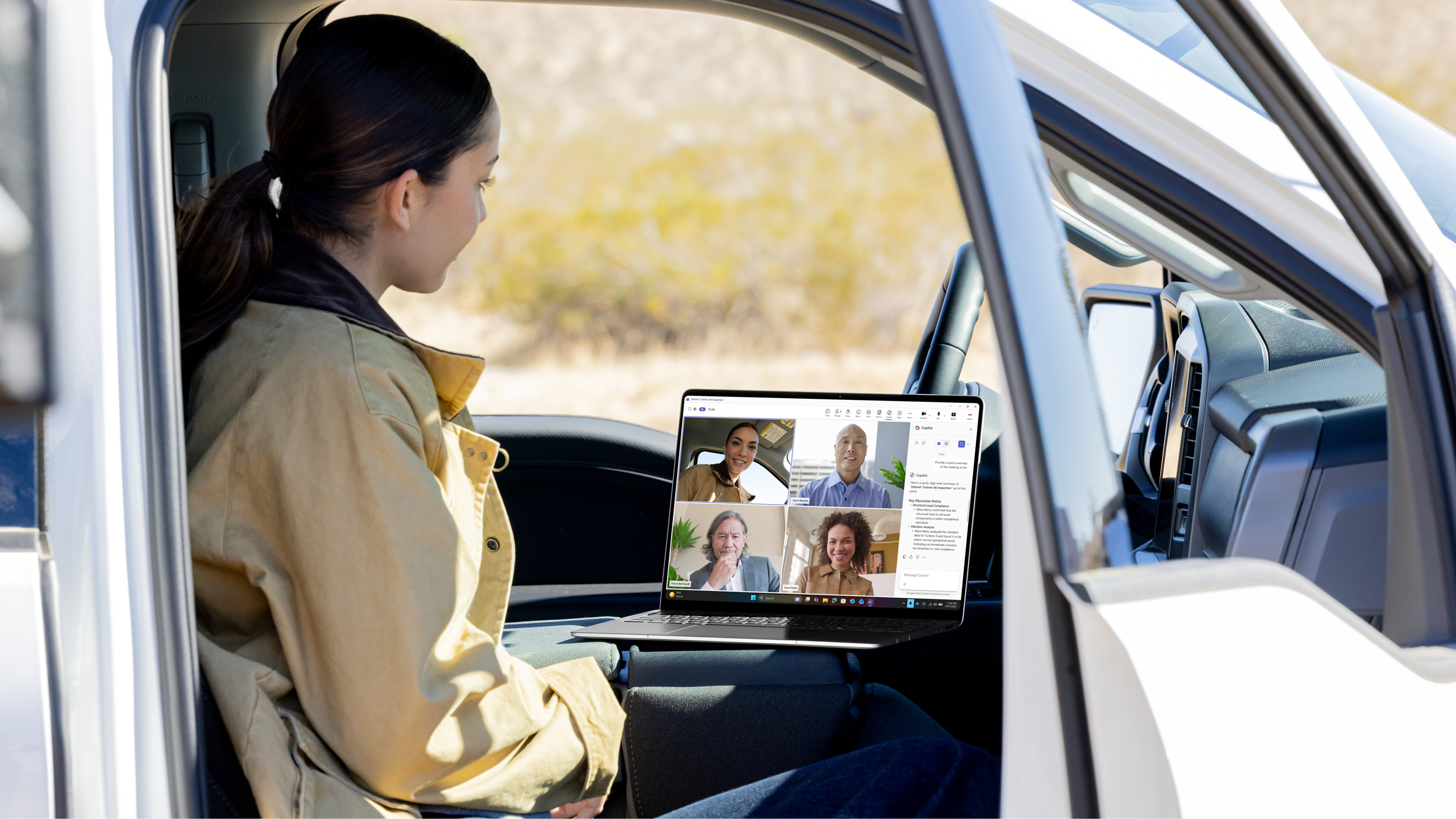
AI-optimised 1080p Surface Studio Cameras 8 and dual Studio Mics 9 improve calls everywhere.
More natural, accessible input
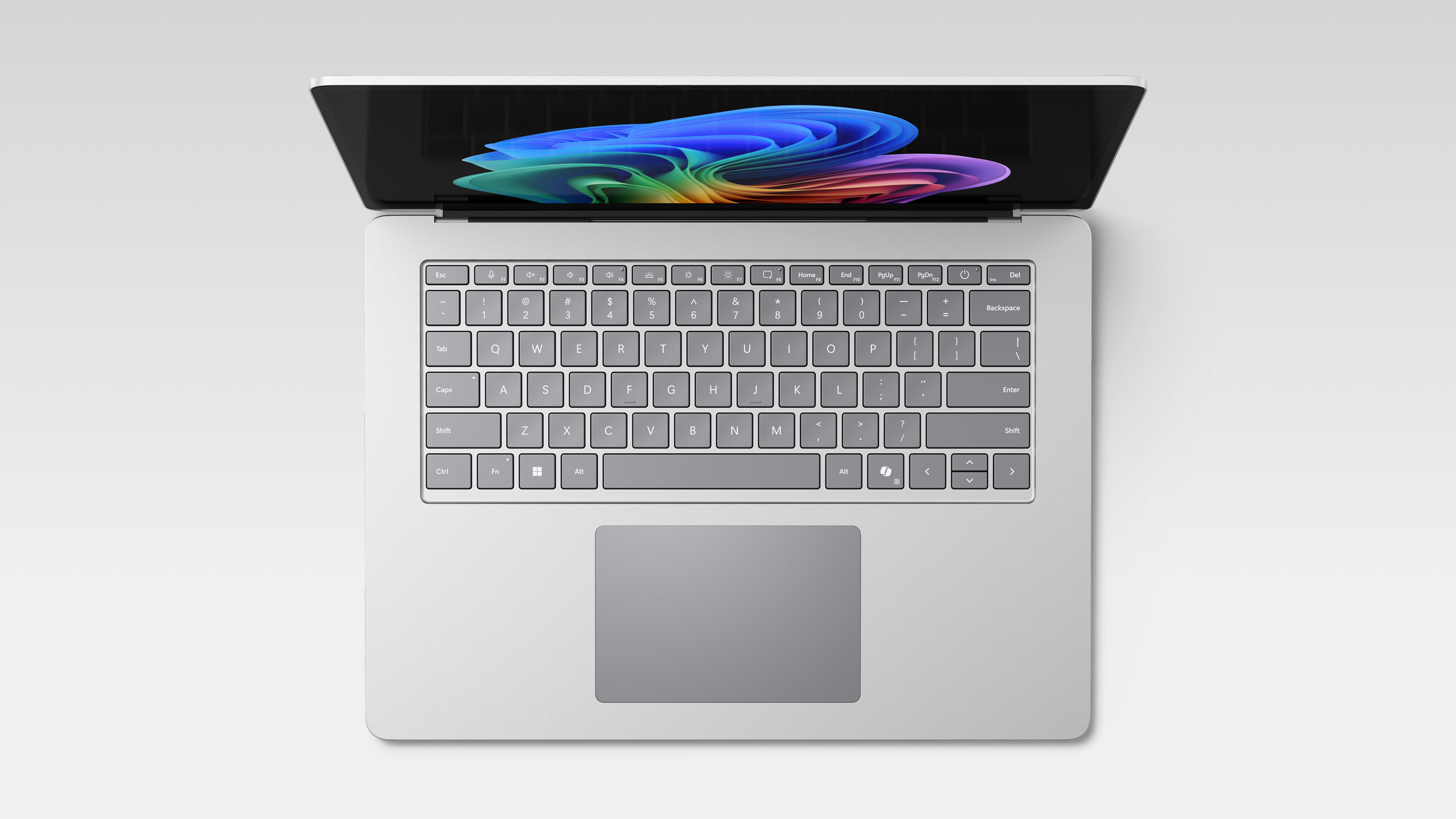
Full-size comfortable keyboards and large customisable haptic touchpads support all types of work styles.
“In our head office, Copilot+ PCs with Microsoft Surface enable better collaboration, helping our teams to work smarter and drive the business forward.”
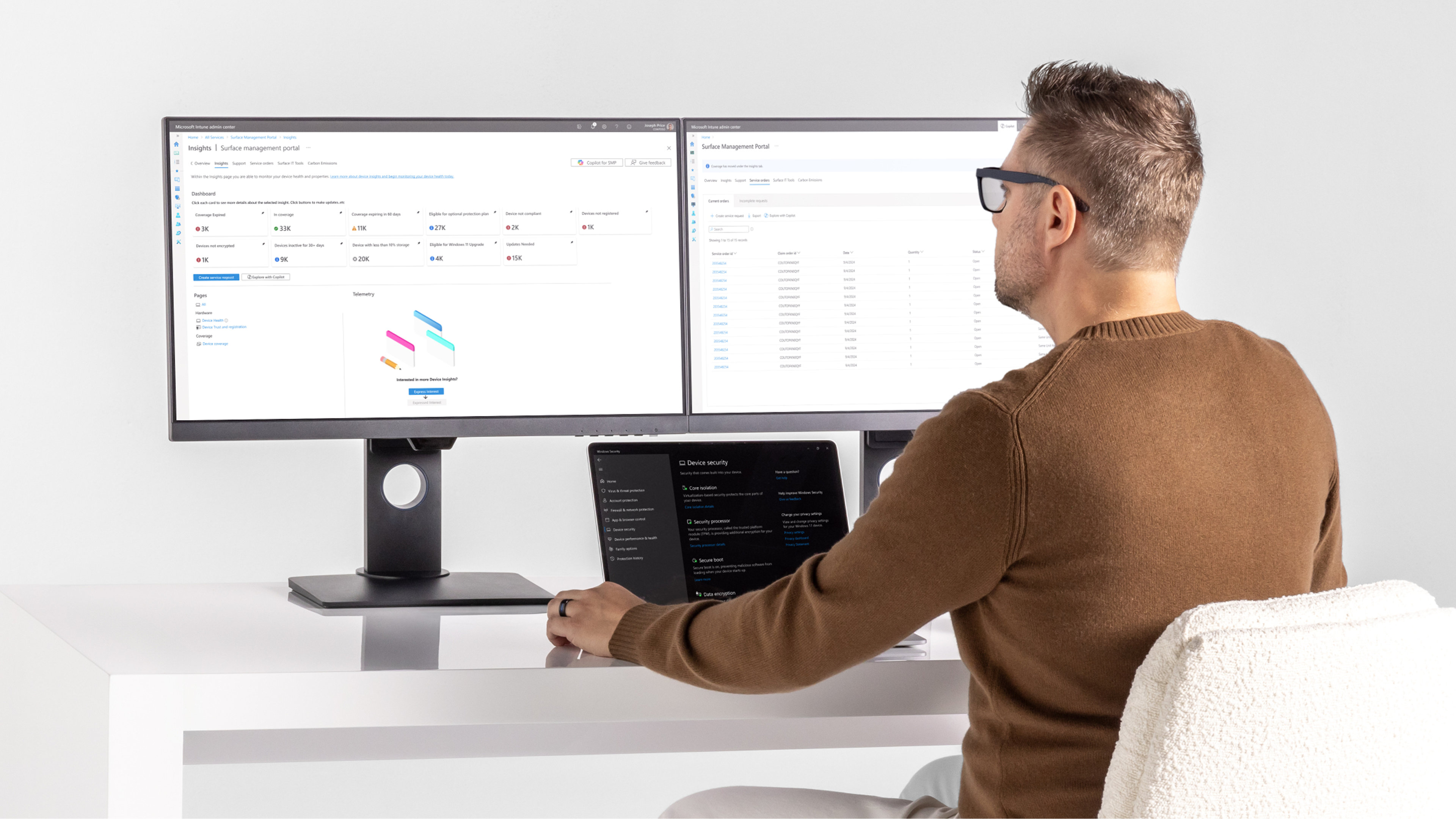
Improve planning and support with proactive fleet insights from Surface Management Portal, 15 along with hands‑on remediation through Surface IT Toolkit.
Surface Laptop for Business devices deliver powerful performance and built-in AI to help your organisation work smarter. With next-generation processors, enterprise-grade security and easy manageability, each device is designed for modern workplaces that demand speed, flexibility and reliability.
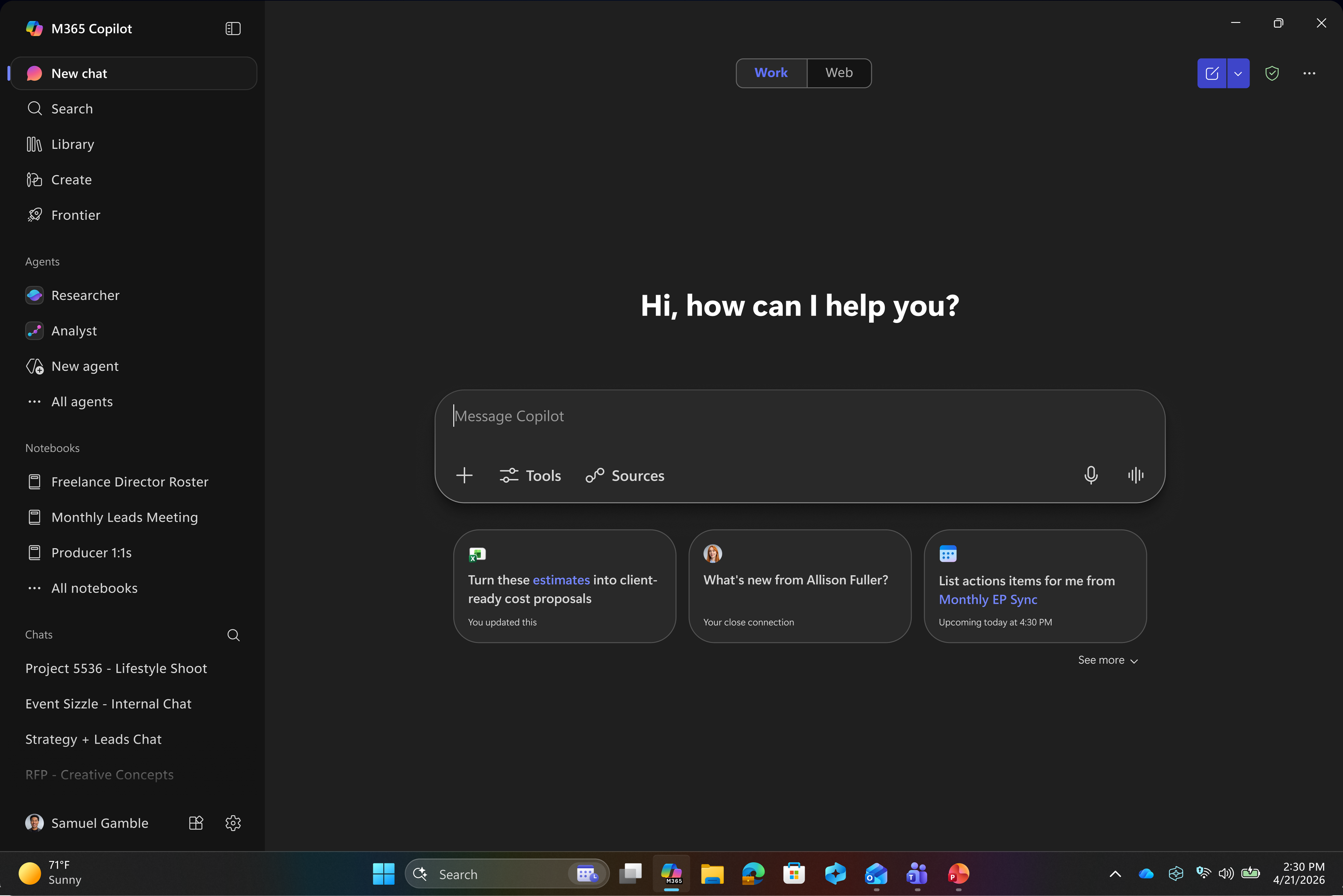
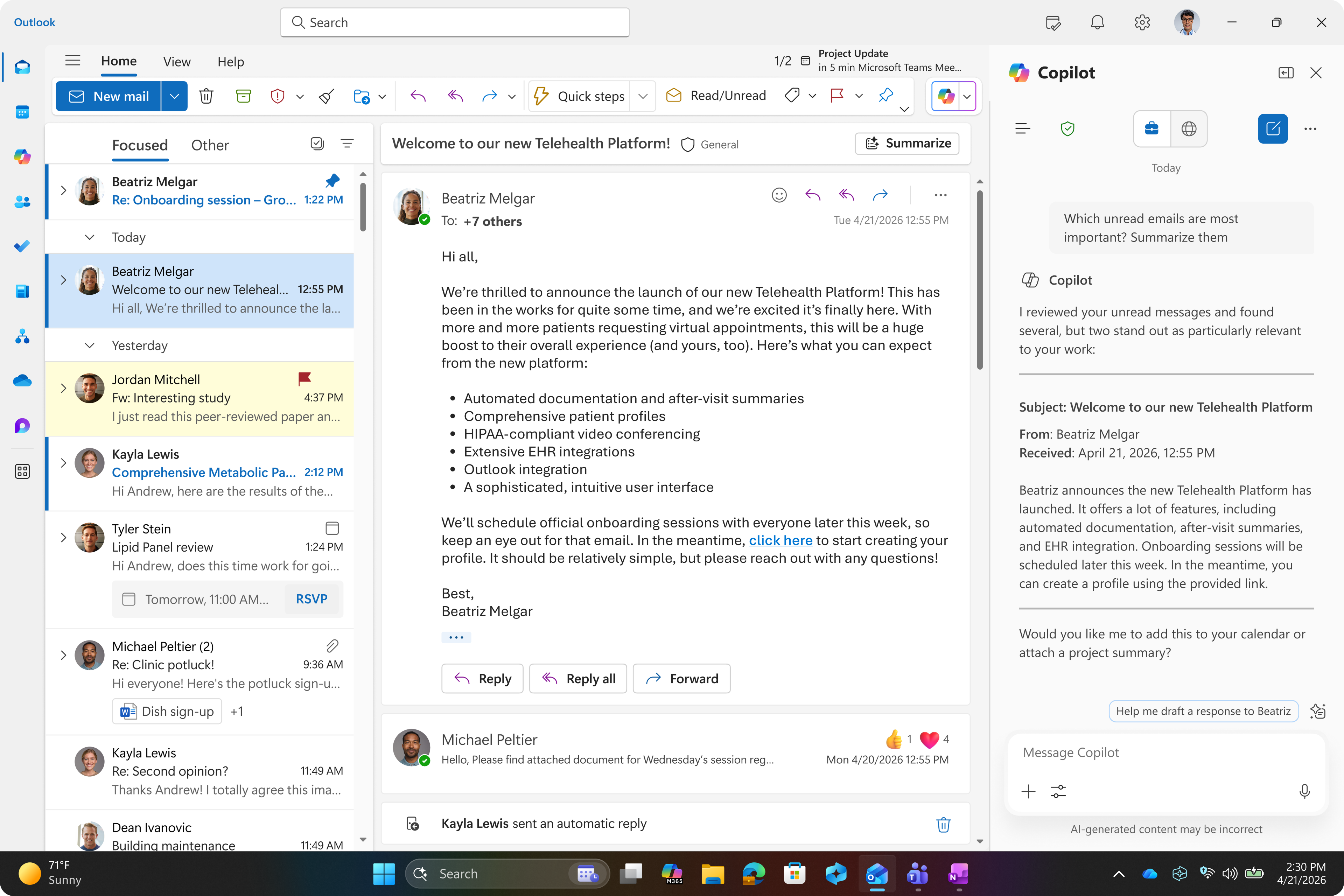
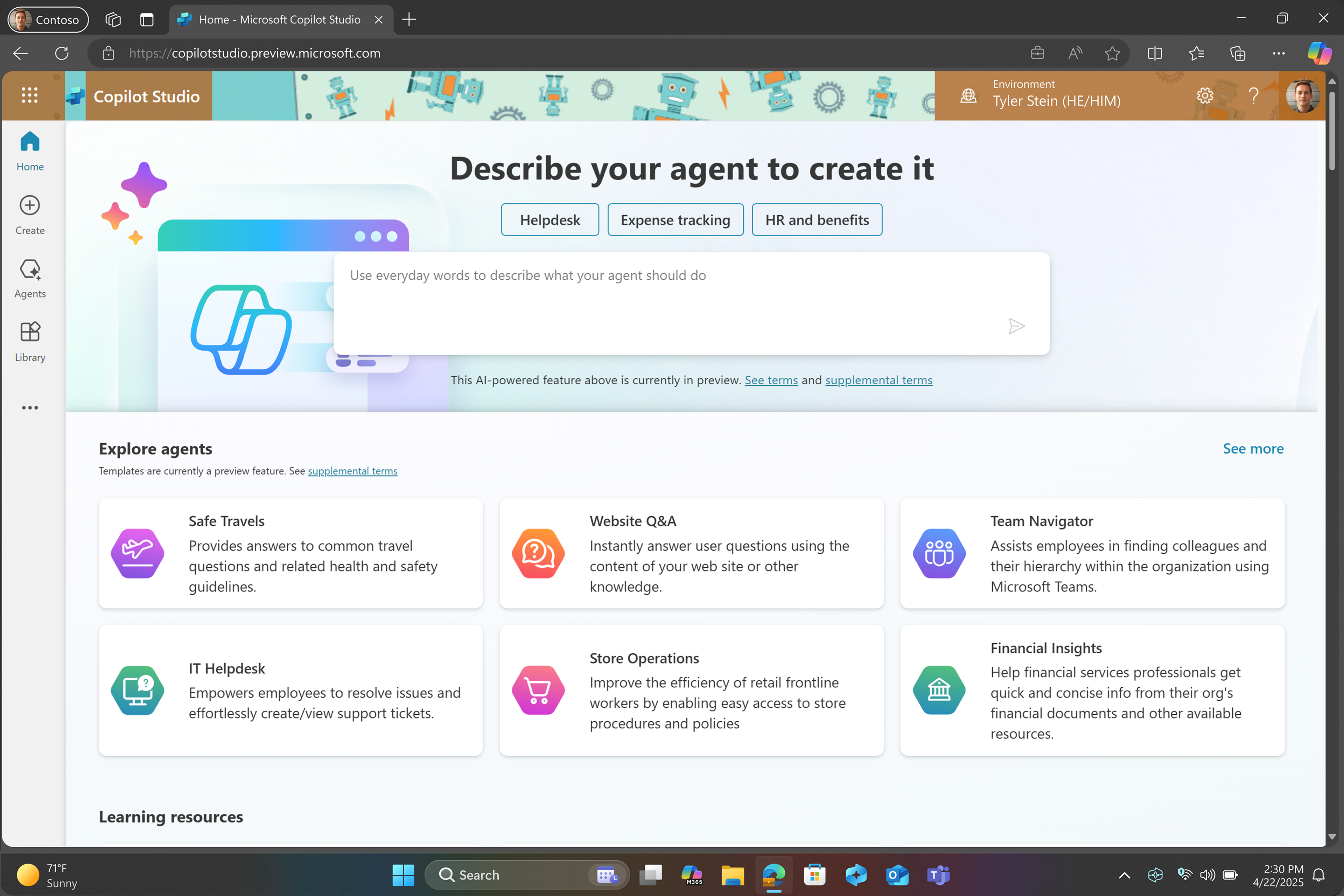
All Surface Laptop for Business devices are Copilot+ PCs, equipped with built-in AI that can help employees work more efficiently – whether they’re finding information, creating content or automating routine tasks. Dedicated AI hardware accelerates demanding workloads, while tools like Copilot Studio enable IT teams to build custom AI agents 14 that can streamline business processes.
Surface Laptop devices offer fast performance, expanded RAM and storage options 20 and all-day battery life. 16 Select models support optional 5G, 19 WiFi 7, 18 Bluetooth® 5.4 and docking for up to three 4K displays, 21 enabling teams to stay connected and productive anywhere.
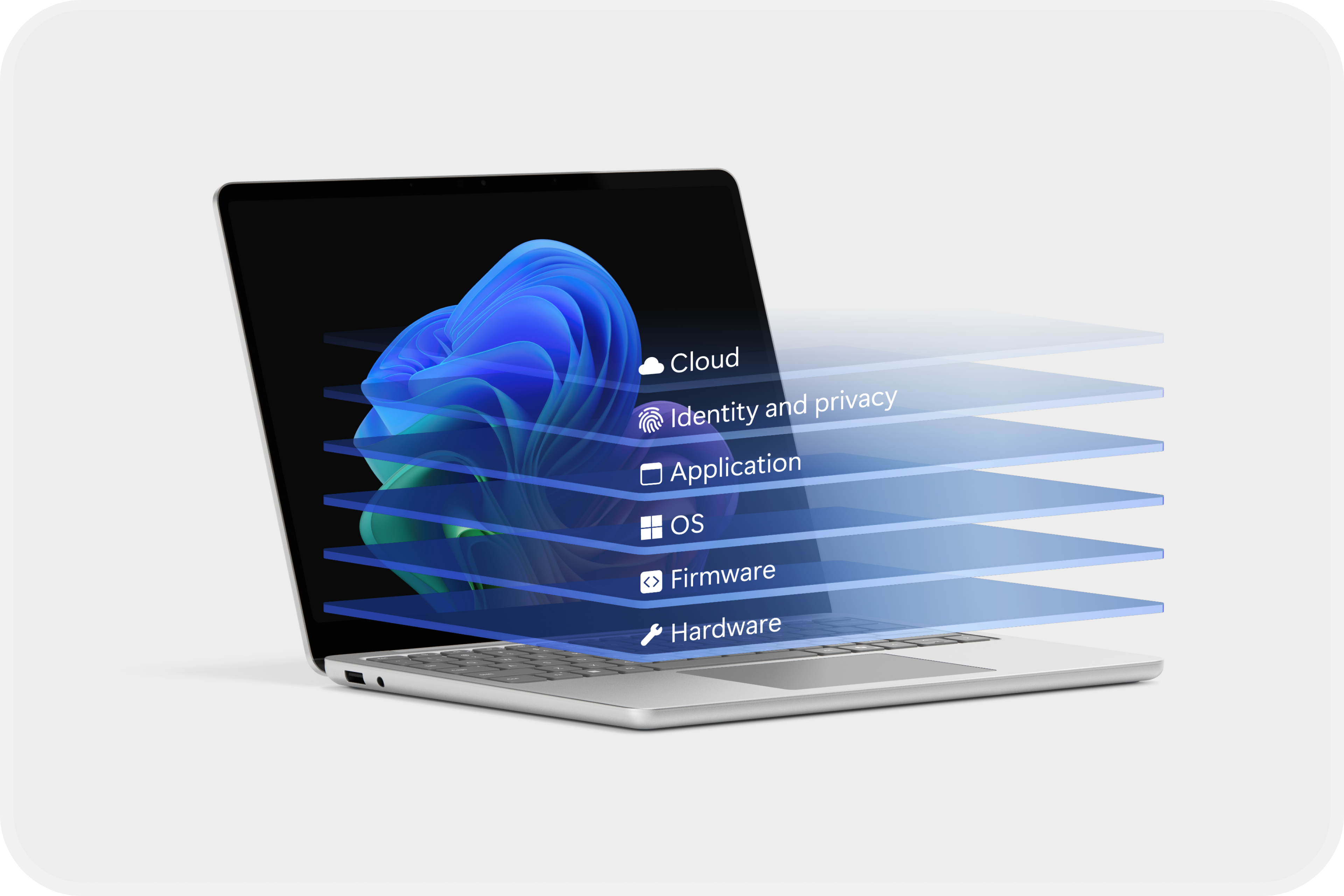
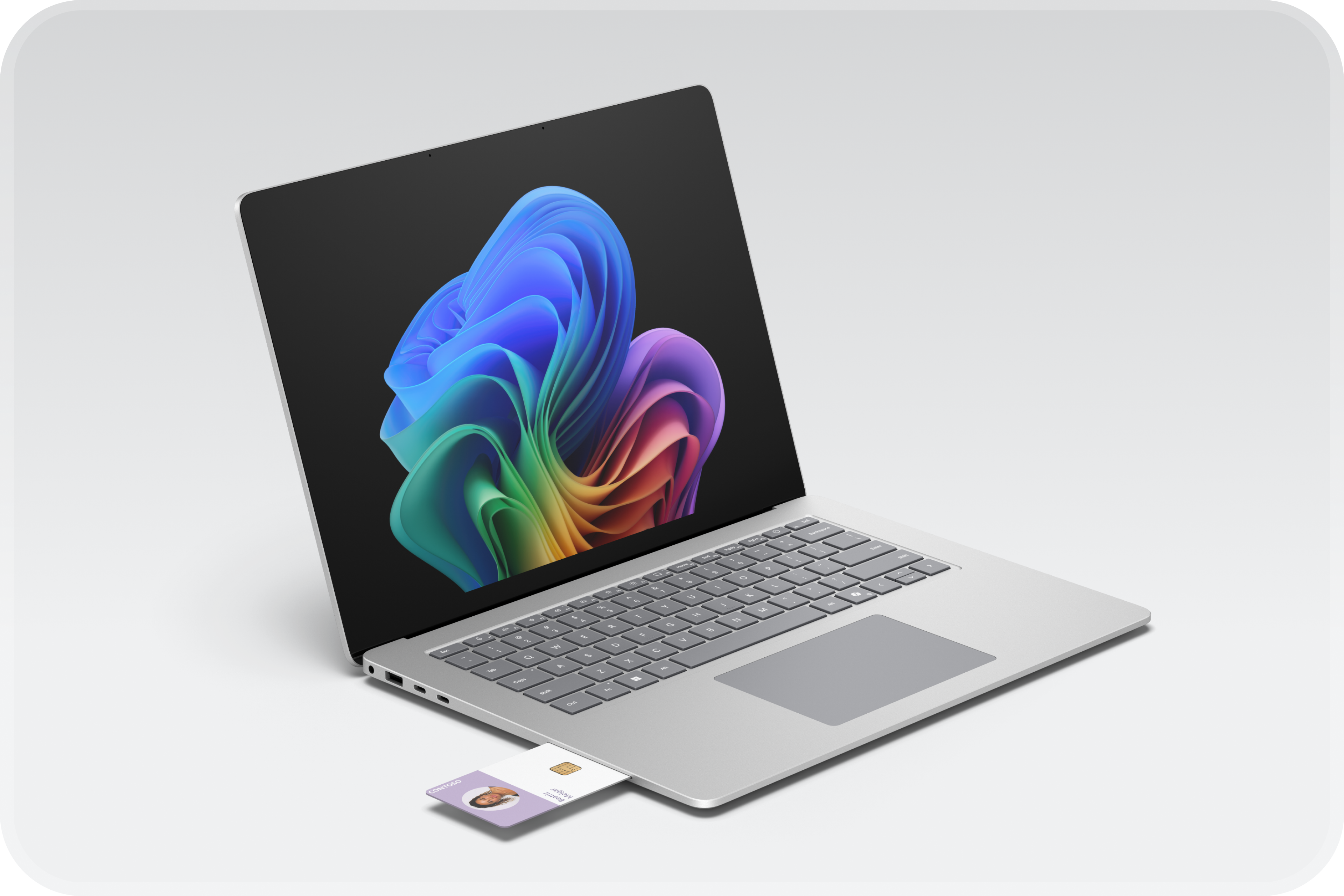
Yes. All models are Secured-core PCs running Windows 11 Pro, with Microsoft Pluton security enabled by default. Additional protections include BitLocker encryption, Windows Hello and optional privacy screens on select devices. 17 IT teams can manage firmware settings remotely through Microsoft Intune and DFCI for added control. 23
Absolutely. All laptops support zero-touch deployment, remote management with Microsoft Intune 22 and firmware-level policy control. Devices may include removable SSDs 7 and replaceable components 6 to make repairs easier and maximise the use of your fleet.
Choose from 13-inch, 3 13.8-inch, or 15-inch models. 4 Select models feature a thin, light chassis made from 100% recycled aluminium alloy in the enclosure and 100% rare earth metals in the magnets. 5
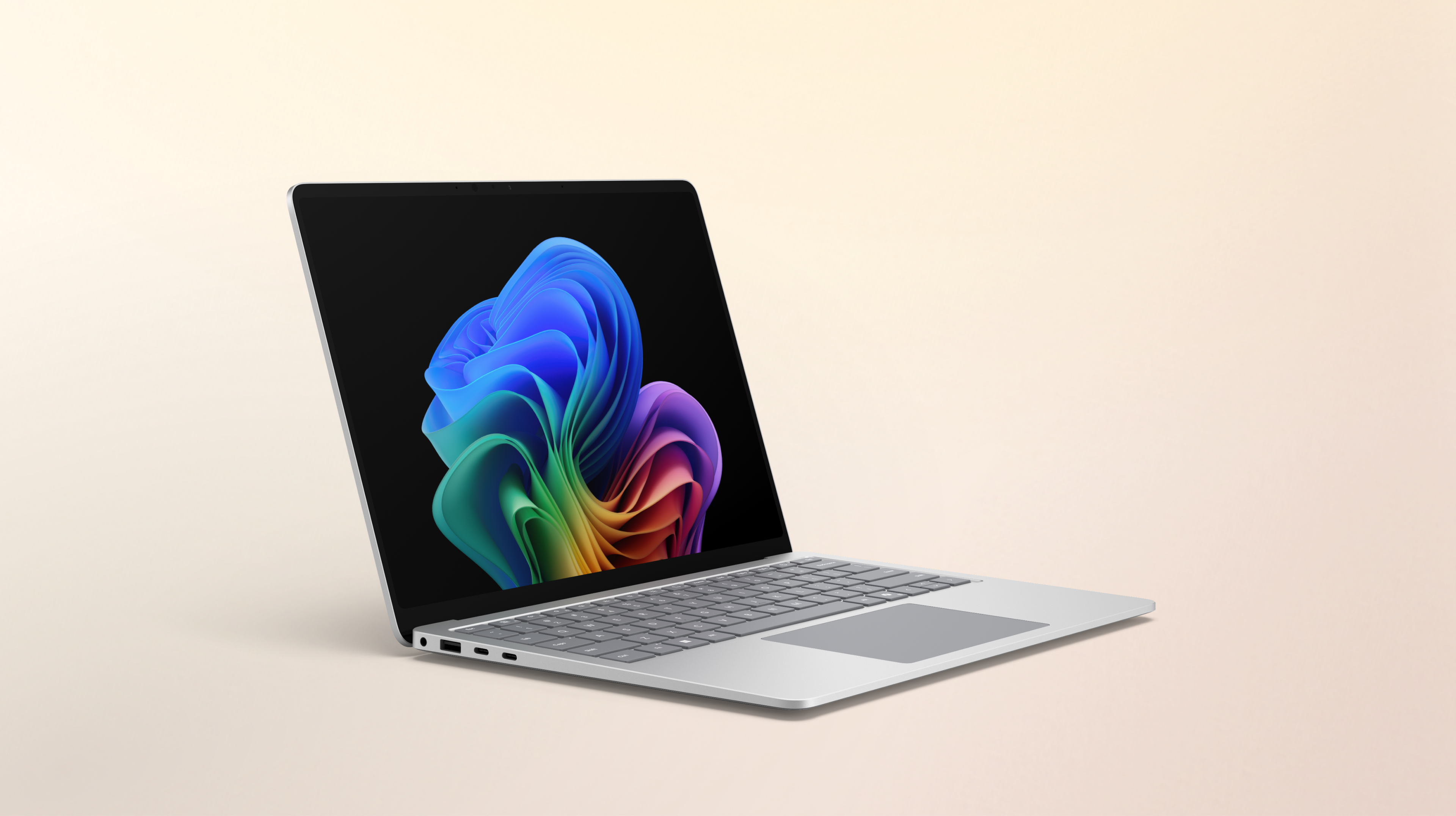
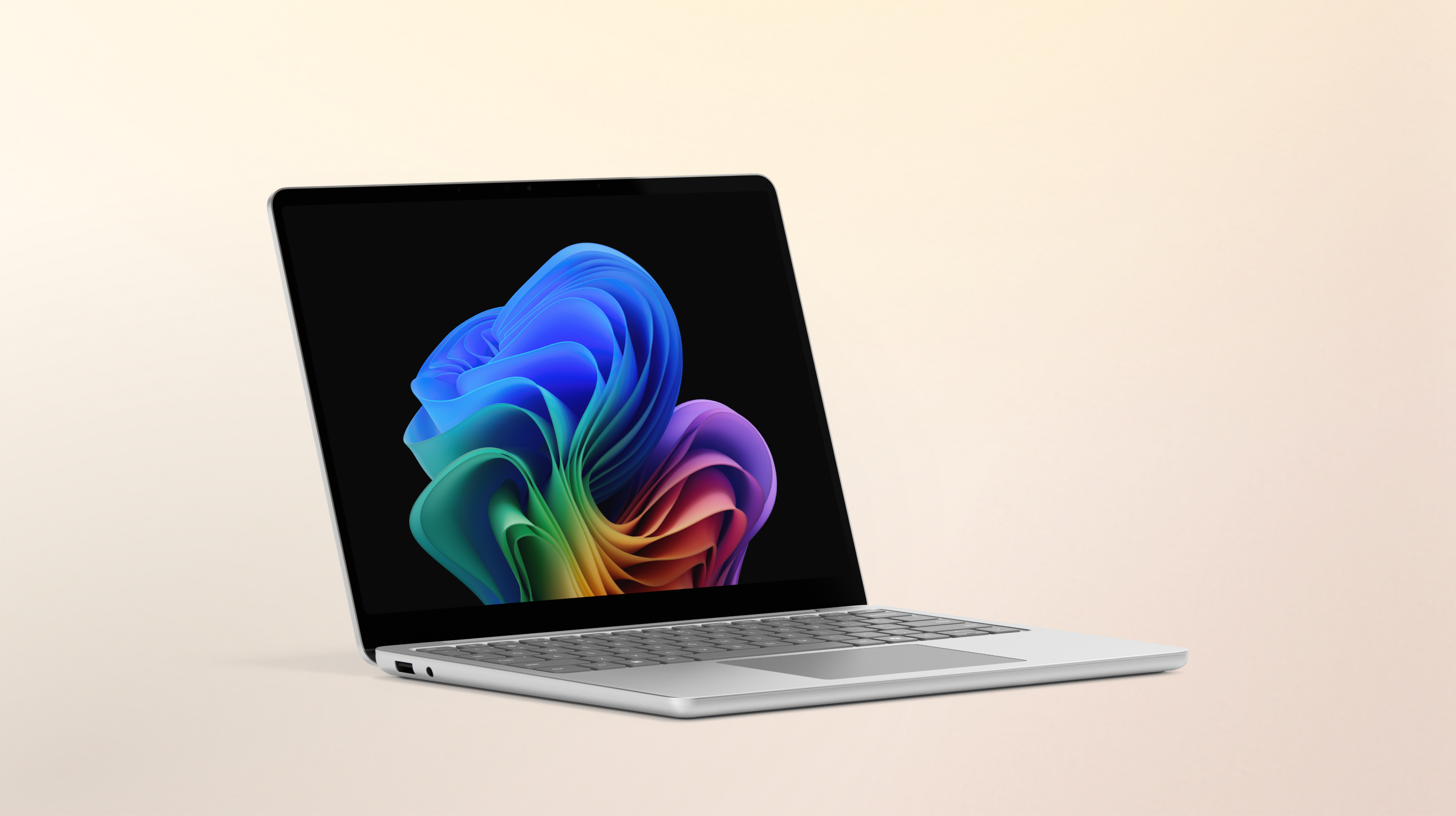
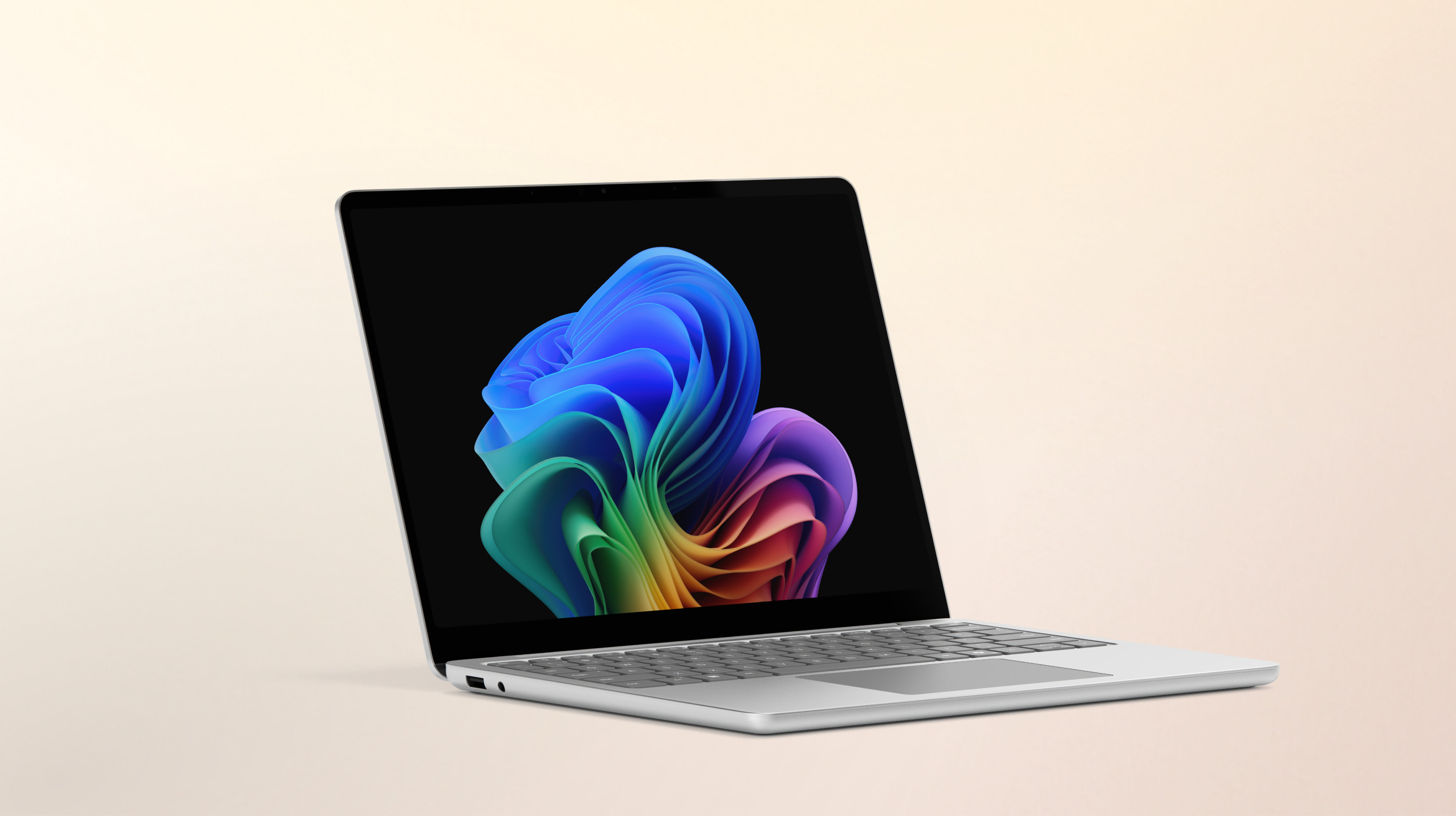
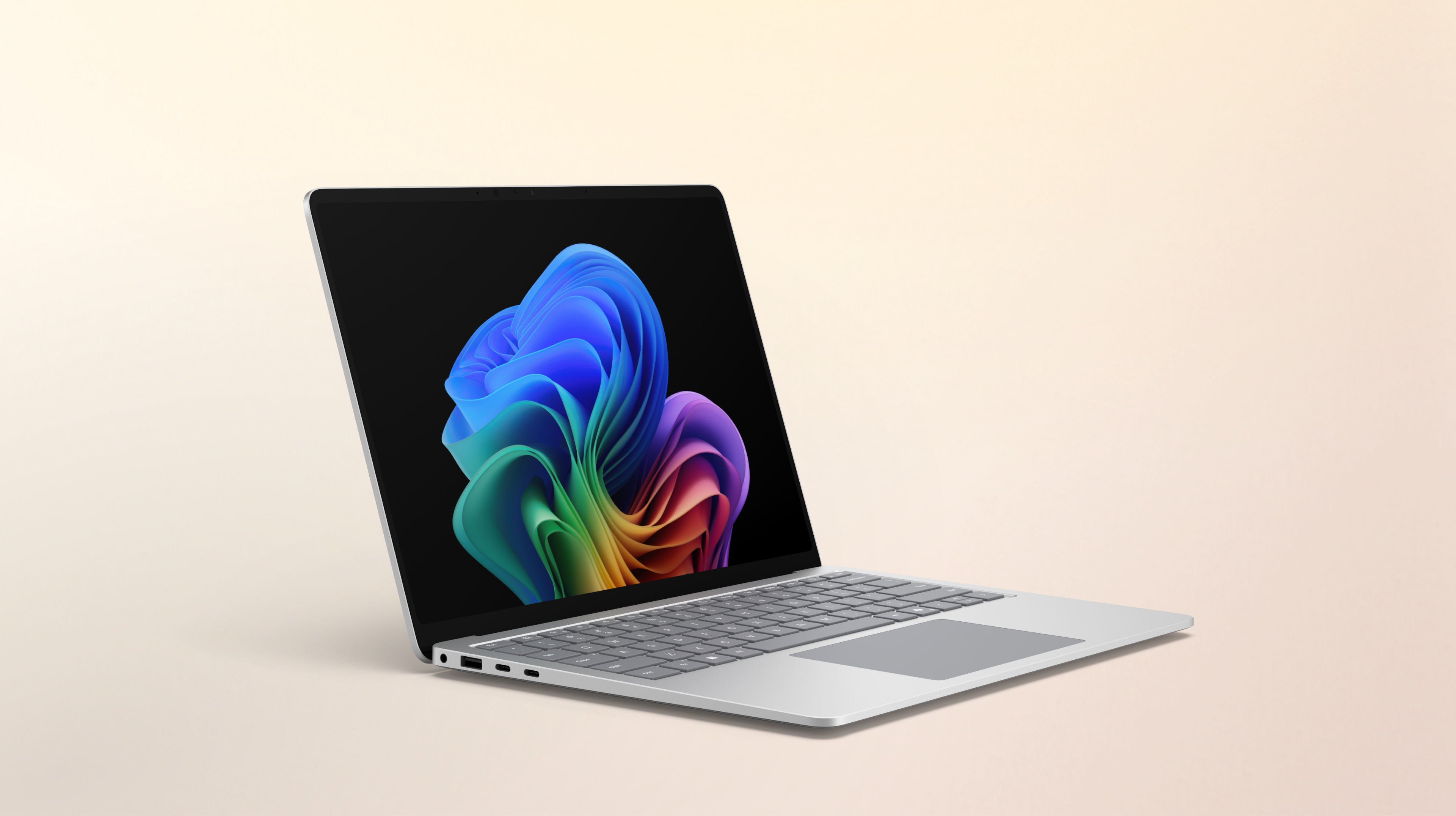
The latest Surface Laptop for Business lineup includes three devices designed for different work styles. Surface Laptop for Business, 13.8 and 15-inch comes in 13.8‑inch and 15‑inch sizes 4 and features a blazing-fast Snapdragon® X2 processor. Surface Laptop for Business, 13.8 and 15-inch offers dependable performance in 13.8‑inch and 15‑inch designs 4 powered by the latest Intel® Core™ Ultra processor (Series 3). For teams that prioritise portability, Surface Laptop for Business, 13-inch brings the same Intel® Core™ Ultra processor (Series 3) performance into a more compact 13-inch form factor. 3
You can purchase Surface laptops from one of our approved partners. Learn more.
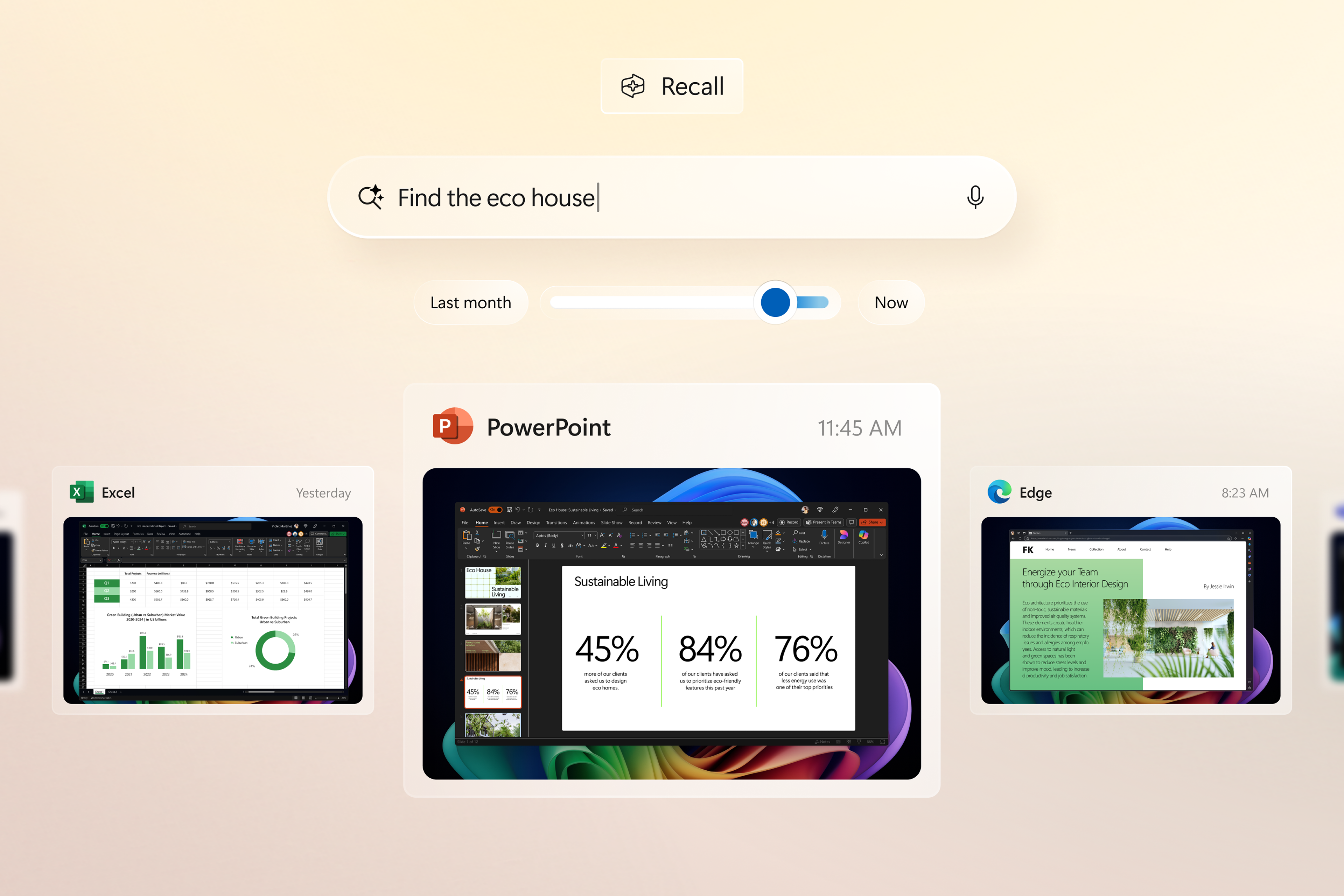
Surface Laptop Copilot+ PC models with built-in 40+ TOPS NPUs are designed for AI-first productivity. They support features like Cocreator and Windows Studio Effects, 24 making them ideal for teams using AI to collaborate and simplify workflows.
The new 5G-enabled Surface Laptop, 13.8 inch with Intel® Core™ Ultra processor (Series 2) provides support for faster, more reliable connectivity for mobile professionals. 19 It’s especially useful for AI-powered tasks that rely on cloud access, video calls and real-time collaboration.
Copilot+ PCs include built-in 40+ TOPS NPUs that can process AI workloads locally on the device. While traditional models focus more on compatibility and manageability, Copilot+ PCs also support enterprise-grade security and IT tools like Autopilot and Microsoft Intune. 22
Yes, every model meets Microsoft’s Secured-core PC standards and includes chip-to-cloud protection to help keep your data safe.
Surface Laptop for Business models offer 13-inch, 13.8-inch and 15-inch screen sizes.
Yes. Surface Studio 2+ for Business reached end of life (retirement) on 14 August 2026, and is no longer available for purchase from Microsoft.
For organisations exploring other large-screen options, Surface Hub 3 is available in 50- and 85-inch sizes and features a PixelSense™ touchscreen and active pen inking, and is purpose-built for hybrid collaboration.
Surface Laptop Studio 2 boasts a 14.4-inch PixelSense™ display. Newer Surface Laptop models are available in 13-inch, 13.8-inch and 15-inch sizes and offer updated hardware options, including next-generation processors like Snapdragon® and Intel® Core™.
Surface Laptop 4 is a legacy model that originally came with Windows 10. Newer Surface Laptop models are Copilot+ PCs that run Windows 11 Pro and offer updated hardware, improved performance, next-generation processors like Snapdragon® and Intel® Core™ and support for AI-integrated features.
Surface Laptop 5 is a legacy model that relies on a traditional central processing unit (CPU) and lacks a neural processing unit (NPU). Newer Surface Laptop models introduce next-generation processor options like Snapdragon® and Intel® Core™, an NPU and integrated AI features like Copilot to support advanced workflows.
[1]The Surface Laptop for Business display has been designed to minimise unwanted reflections and has been certified by TÜV SÜD to meet the requirements of ISO 9241-307.
[2]Optimised for touch interaction only. Pen input and compatibility with Surface Pen, Surface Slim Pen or similar accessories is not supported.
[3]Surface Laptop display has rounded corners within a standard rectangle. When measured as a standard rectangular shape the screen is 13-inch diagonally (actual viewable area is less).
[4]Surface display has rounded corners within a standard rectangle. When measured as a standard rectangular shape the screen is 13.8-inch or 15-inch diagonally (actual viewable area is less).
[5]Enclosure includes A Cover and C Bucket. 64% recycled aluminium alloy in A Cover and C Bucket. 100% recycled rare earth metals in magnets. Based on validation performed by Underwriters Laboratories, Inc. using Environmental Claim Validation Procedure (ECVP) for Recycled Content, dated June 2024.
[6]Replacement components available through Surface Commercial authorised device resellers. Components can be replaced on-site by a skilled technician following Microsoft’s Service Guide. Microsoft tools (sold separately) may also be required. Availability of replacement components and service options may vary by product, market and over time. See Surface service options – Surface | Microsoft Learn. Opening and/or repairing your device can present electric shock, fire and personal injury risks and other hazards. Use caution if undertaking do-it-yourself repairs. Unless required by law, device damage caused during repair will not be covered under Microsoft’s Hardware Warranty or protection plans.
[7]Drive Retention is only available on Microsoft Surface devices in which the Drive is marketed as removable in the technical specifications. Devices returned without a drive may incur a replacement fee unless covered by a Drive Retention benefit (sold separately). Available plans and options may vary by device and region. See Surface Warranty, Protection Plans & Support – Microsoft Surface for Business for details.
[8]Copilot+ PCs feature; available effects vary by device.
[9]Voice focus requires activation, requires Windows 11 and is available in apps which use integrated device microphones and use certain Windows audio processing modes.
[10]Recall requires Windows Hello Enhanced Sign-in Security. Optimised for select languages [English, Chinese (Simplified), French, German, Japanese and Spanish]. Content-based and storage limitations apply.
[11]Improved Windows search works with specific text, image and document formats only; optimised for select languages [English, Chinese (Simplified), French, German, Japanese, and Spanish].
[12]Microsoft 365 Copilot licence required. Supports multiple languages; some features only available in English. See what’s new in Voice Access.
[14]Requires Microsoft 365 along with tenant and per user licensing.
[15]Surface Management Portal is available to customers who use Microsoft Intune Admin Center and enrol at least one Surface device through Microsoft Intune.
[19]5G not available in all areas. Compatibility and performance depend on carrier network, plan and other factors. See carrier for details and pricing. Optional 5G available on Surface Laptop, 13.8-inch Intel® configurations.
[20]System software uses significant storage space. Available storage is subject to change based on system software updates and apps usage. 1 GB = 1 billion bytes. 1 TB = 1,000 GB. Surface.com/Storage more details.
[21]External monitor support requires compatible displays, cables and accessories. See Surface tested peripherals page for compatibility information.
[22]Microsoft Intune and Azure Active Directory required: sold separately.
[23]Requires Microsoft Intune and Windows Autopilot; available on eligible Autopilot-deployed Surface devices. Supported DFCI settings vary by device.
[24]Copilot+ PC experiences vary by device and market and may require updates continuing to roll out through 2025; timing varies.










Follow Microsoft Surface