

Microsoft Word
Create content that you can be proud of with AI-suggestions3 and powerful collaboration and editing tools, wherever you are.
How it works
Get the most out of your documents
- With Copilot AI prompts3, the process of organizing your thoughts and jump starting your document has never been easier.
- Choose from thousands of customizable free templates for any occasion.
- Use speech-to-text to capture your brilliant ideas or transcribe audio files in Word with Dictate.
- Create a custom banner or images to bring your writing to life. Describe your idea in Copilot in Word, and Designer will create one-of-a-kind visuals that you can add directly to your doc.




- Reduce distractions and improve comprehension with a streamlined reading experience using Immersive Reader.
- Ensure your content is accessible to everyone by using the Accessibility Checker, which offers AI-driven3 recommendations to improve format, color contrast, and word choice, making your content inclusive and easy to understand.
- Use AI3 to quickly summarize your documents.


- Easily share with anyone, even someone without an account, to work together in real time. Keep track of edits with track changes and version history.
- Start a project and collaborate4 with anyone, anywhere.


Key Features
Supercharge your reading and writing

Copilot in Word
Boost your creativity and productivity with Copilot.4

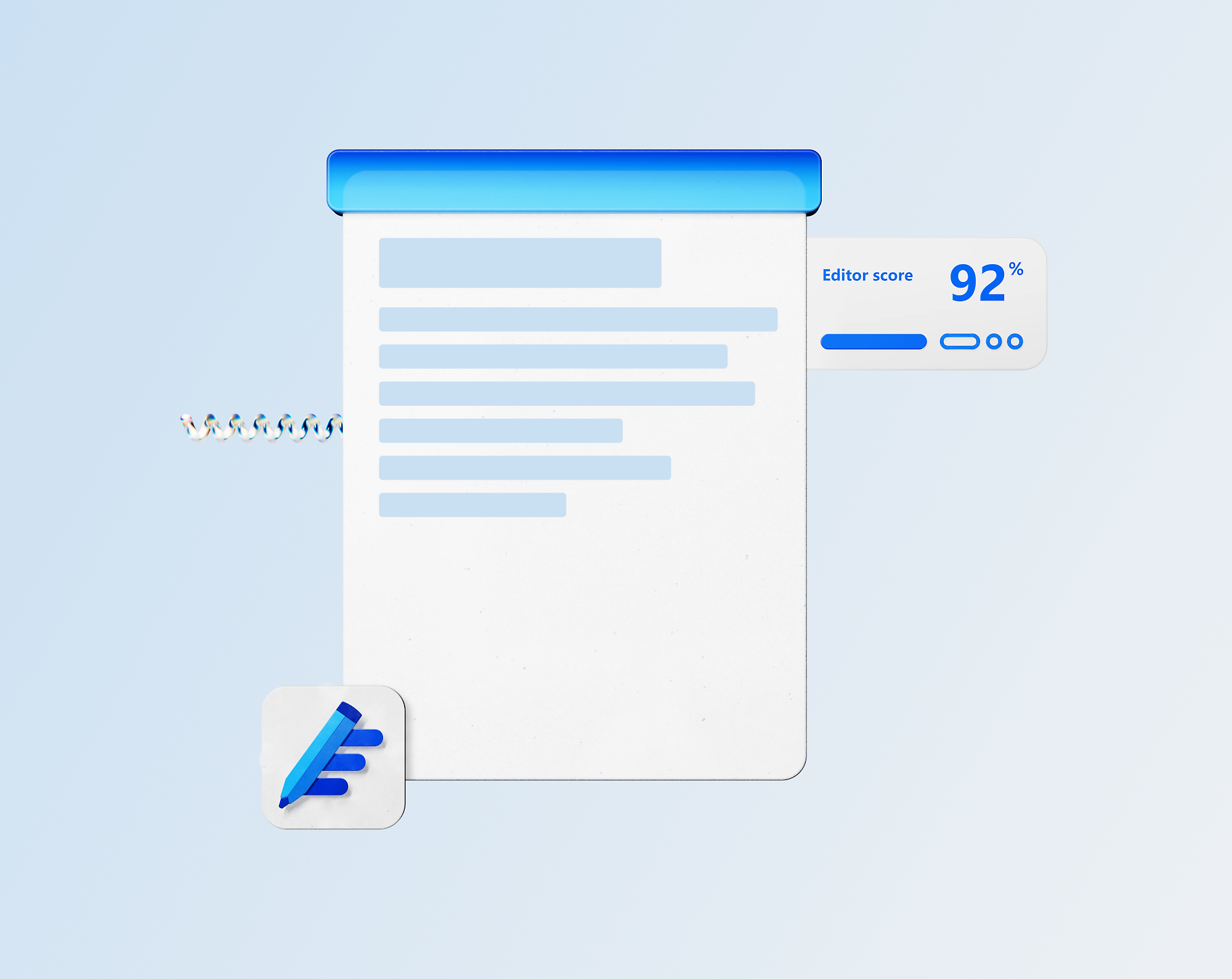
Editor in Word
Improve your grammar, spelling, and writing style with an intelligent editor.

Get more with Microsoft 365
Maximize your potential with Microsoft 365.

WHAT’S NEW
Unleash your potential with Copilot in Word
Elevate your writing with seamless collaboration and Copilot-powered AI refinements3 to write, read, edit, and create polished documents you can be proud of with a Microsoft 365 Personal or Family subscription.
Learn more about Copilot in Word


Plans & pricing
Word is better with Microsoft 365

Featured resources
Improve your writing with these helpful resources


More Microsoft 365
Learn more about Microsoft 365




Frequently asked questions
- Anywhere you need to stay productive—on desktop (Windows and MacOS), mobile, tablets (IOS and Android) or online. Word works across devices so you can keep projects moving whether you’re at your desk or on the go.
- Yes, Microsoft Word for the web is free for anyone to use online. Sign up or sign in using any email address.
- Absolutely. Real-time collaboration means fewer email attachments and faster feedback, so you can finalize work without delays.
- Word supports multiple languages, helping you communicate clearly and confidently with clients, partners, or teams worldwide. Learn more.


Explore further
Copilot in Microsoft 365

Free templates
Create designs that inspire with free templates.

Microsoft 365
Maximize your potential with apps to optimize the everyday.

Clipchamp
Create beautiful videos with ease.
- App availability varies by device/language. Features vary by platform. Minimum age limits may apply to use of AI features. Details.
- [1]Once your paid subscription begins, you have a 7-day cancellation window to receive a prorated refund, only paying for what you use. You may cancel your subscription at any time in the Microsoft 365 admin center. Learn how to cancel your Microsoft 365 subscription. When a subscription is canceled, all associated data will be deleted. Learn more about data retention, deletion, and destruction in Microsoft 365.
- [2]After your one-month free trial ends, your subscription will automatically convert to a paid subscription and you’ll be charged the applicable subscription fee based on the subscription term and billing plan you select. Cancel anytime during your free trial to stop future charges. A credit card is required to sign up. Storage for trials will be limited. Microsoft reserves the right to suspend access to its products and services if payment is not received after your one-month free trial ends. Learn more.
- [3]Microsoft 365 Personal or Family subscription required; AI features only available to subscription owner and cannot be shared; usage limits apply. Learn more.
- [4]Documents must be saved in and shared from OneDrive.
- [5]Availability of mobile apps varies by countries/region.
- [6]Copilot in Excel requires AutoSave to be enabled, meaning the file must be saved to OneDrive; it doesn't function with unsaved files.
- [7]Copilot features in Outlook apply to accounts with @outlook.com, @hotmail.com, @live.com, or @msn.com email addresses and are available in Outlook.com, Outlook built into Windows, Outlook on Mac, and iOS and Android apps.
Follow Microsoft 365