
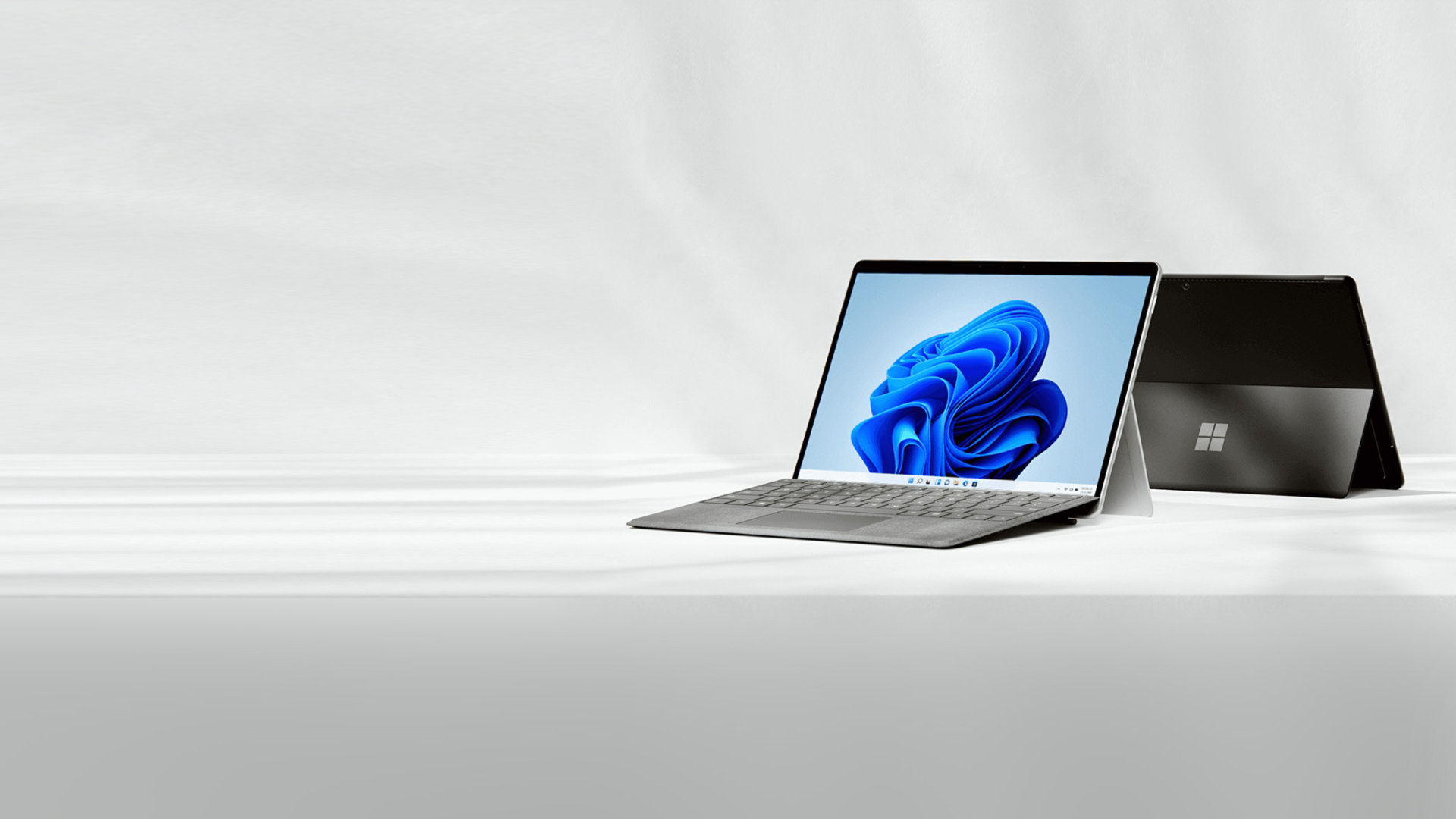

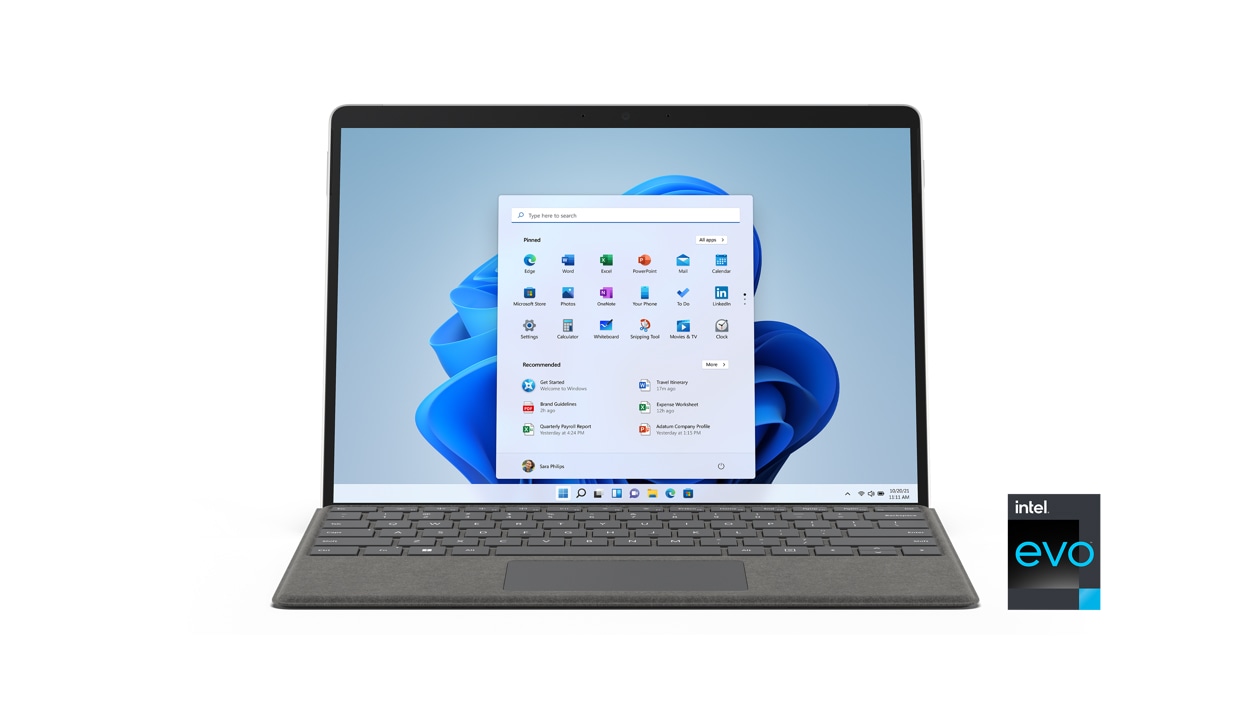
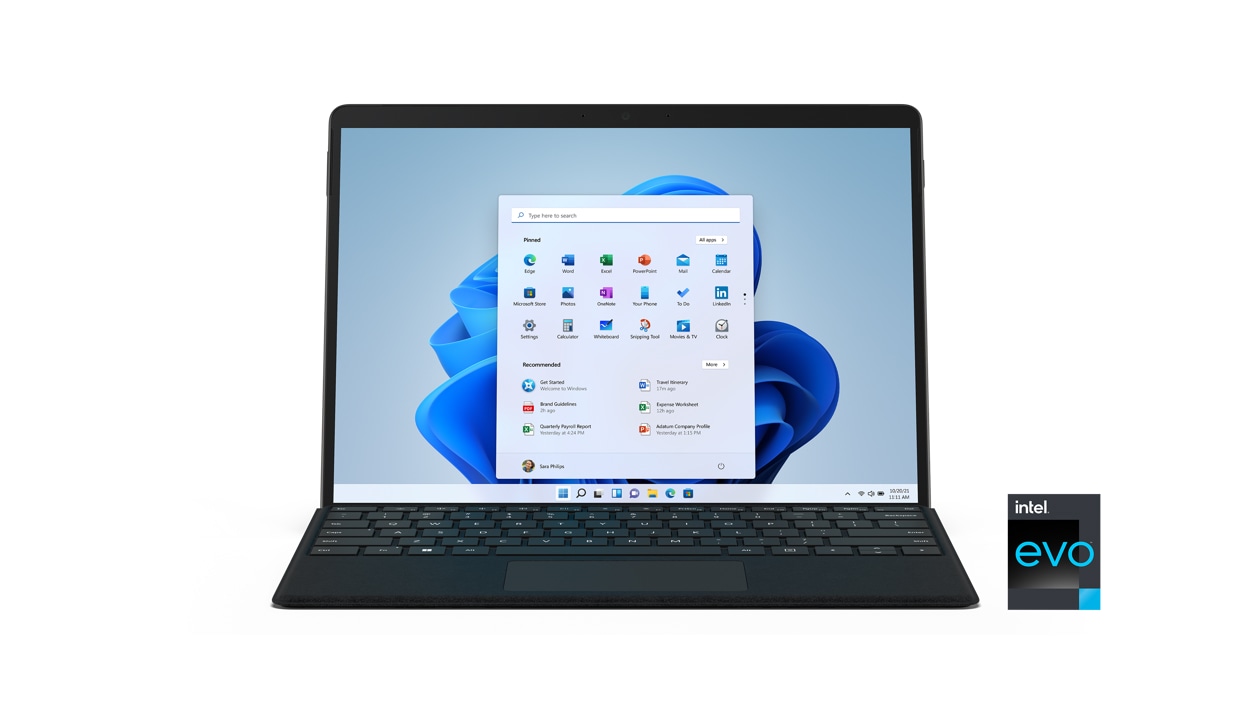
Surface Pro 8
This device is preloaded with Windows 11. Learn more>
New Surface Pro 9
Tablet versatility and laptop power — all in one ultra-portable device. Pre-order now
Out of stock
Free standard delivery. Free returns.
Buying for your business? Go toSurface Pro 8 for Business
Expect more from your computer
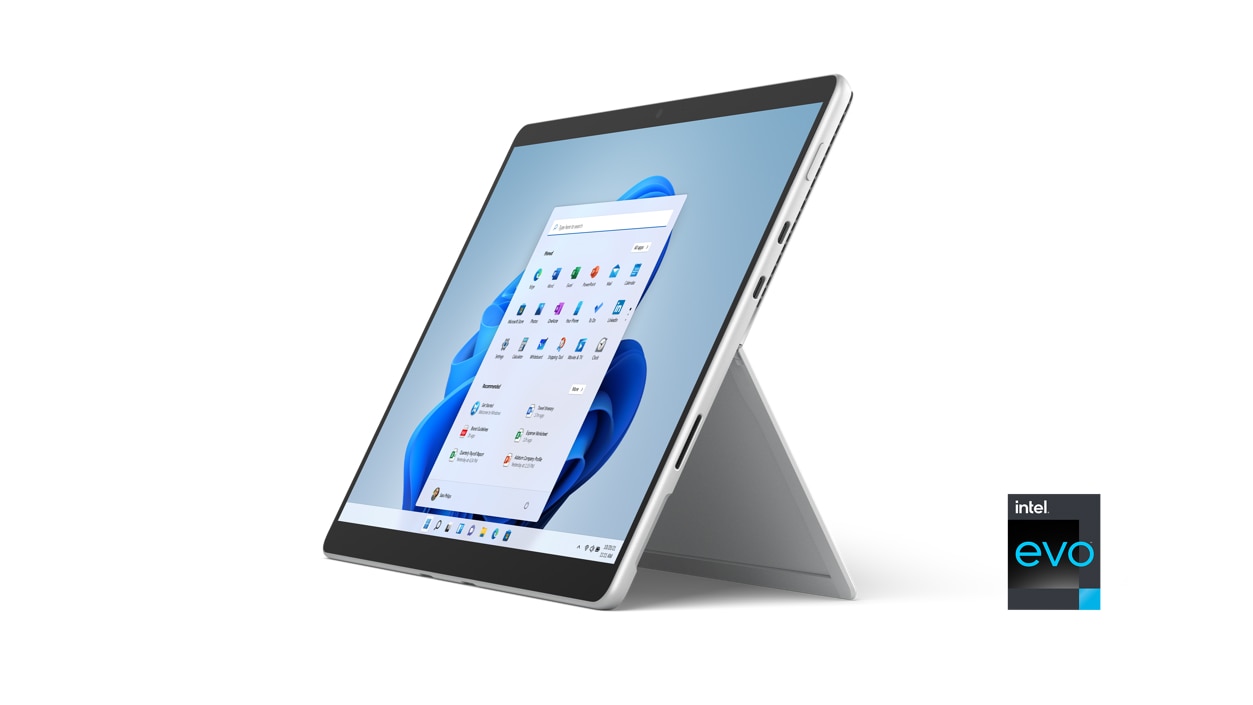
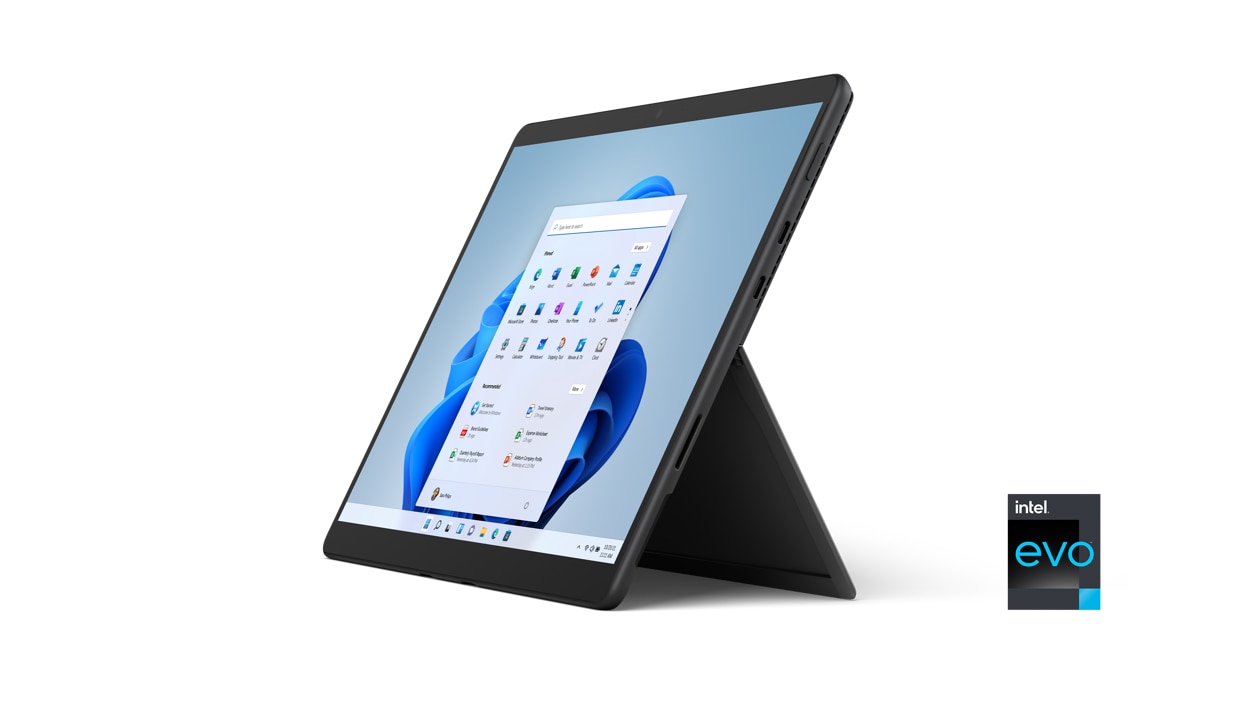
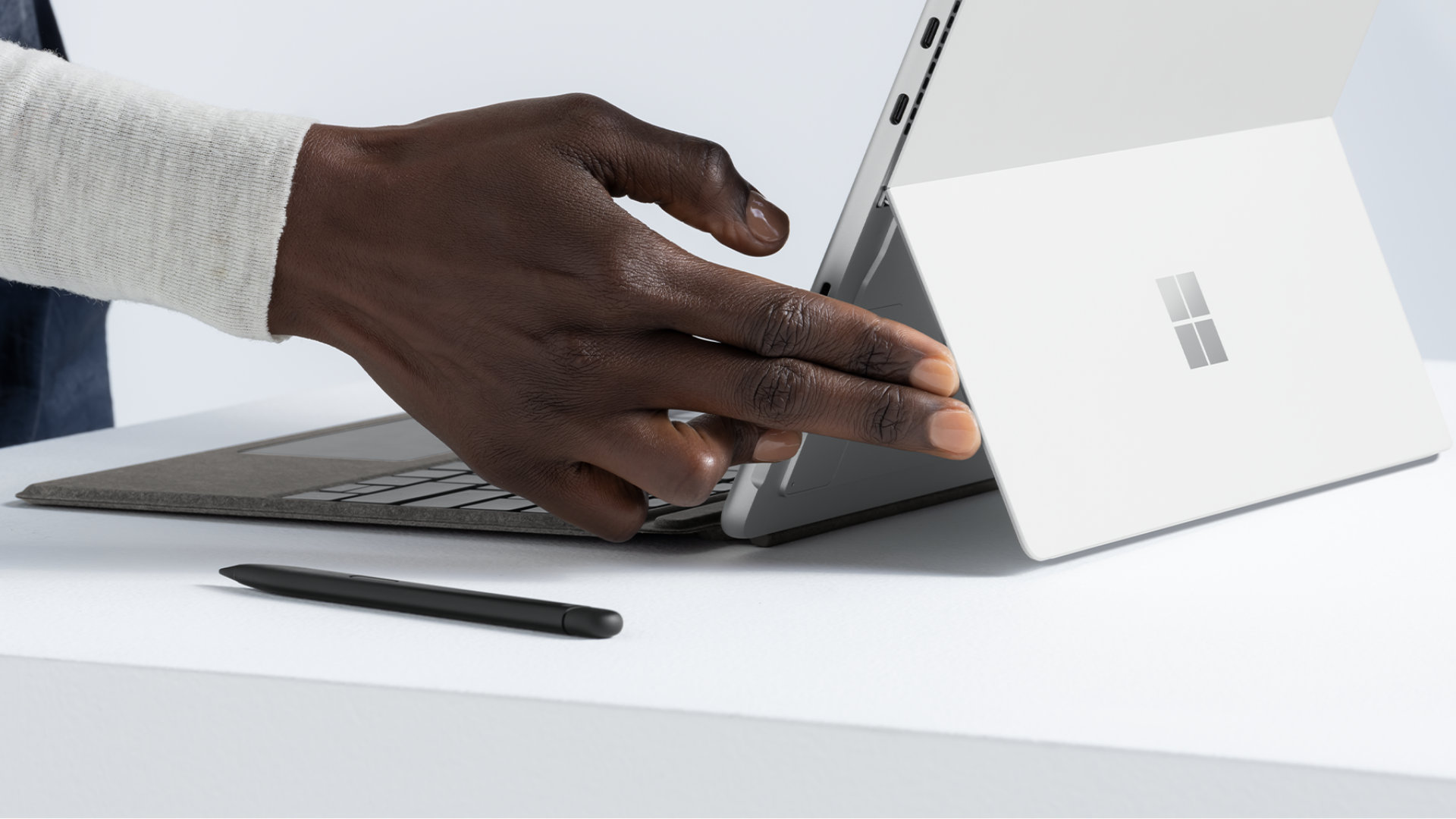
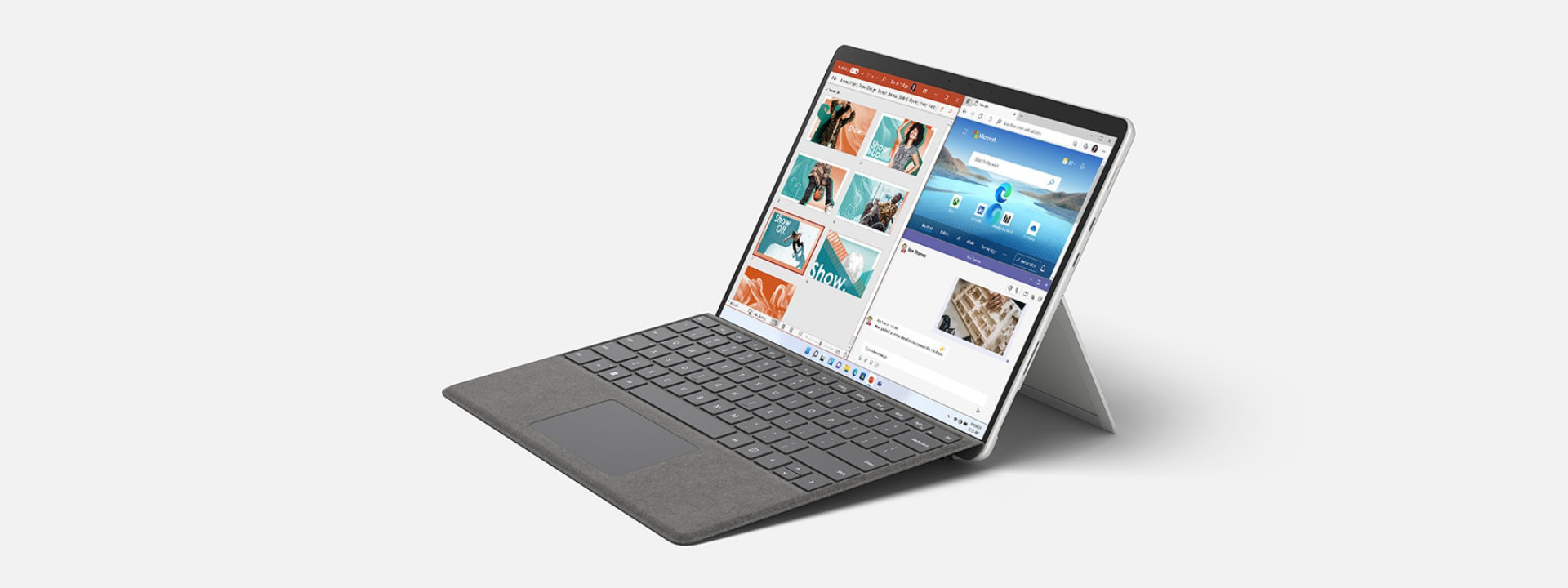
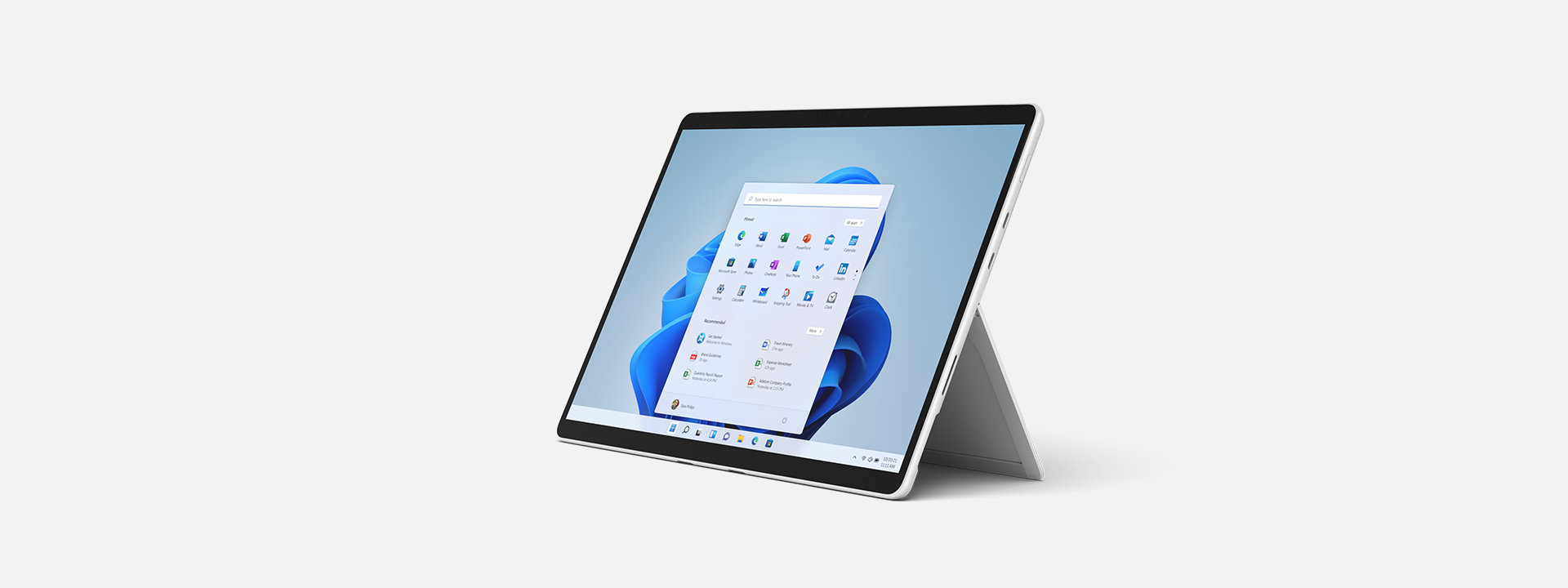
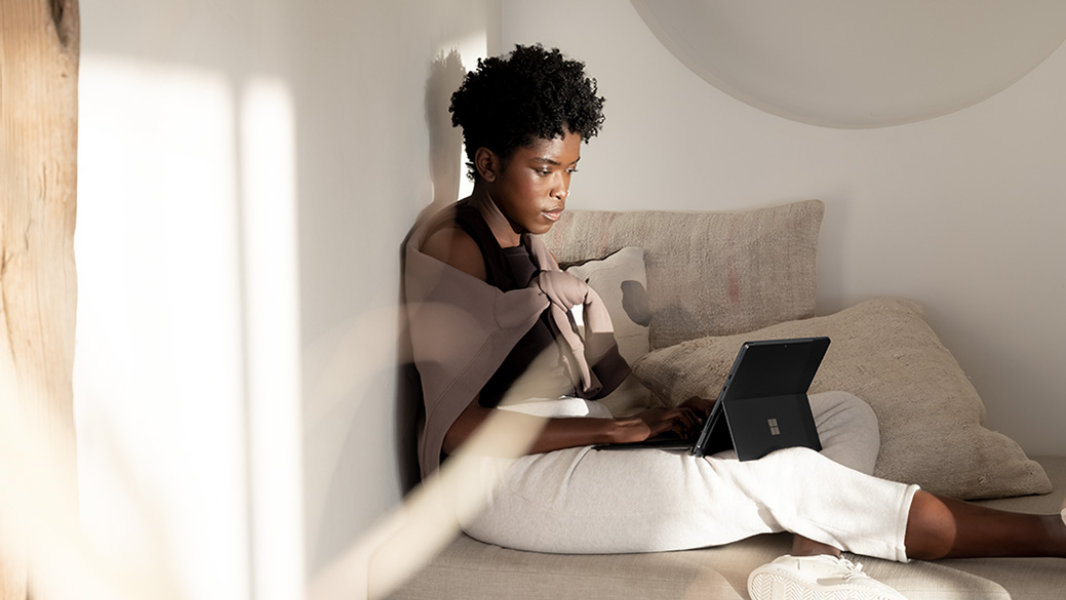
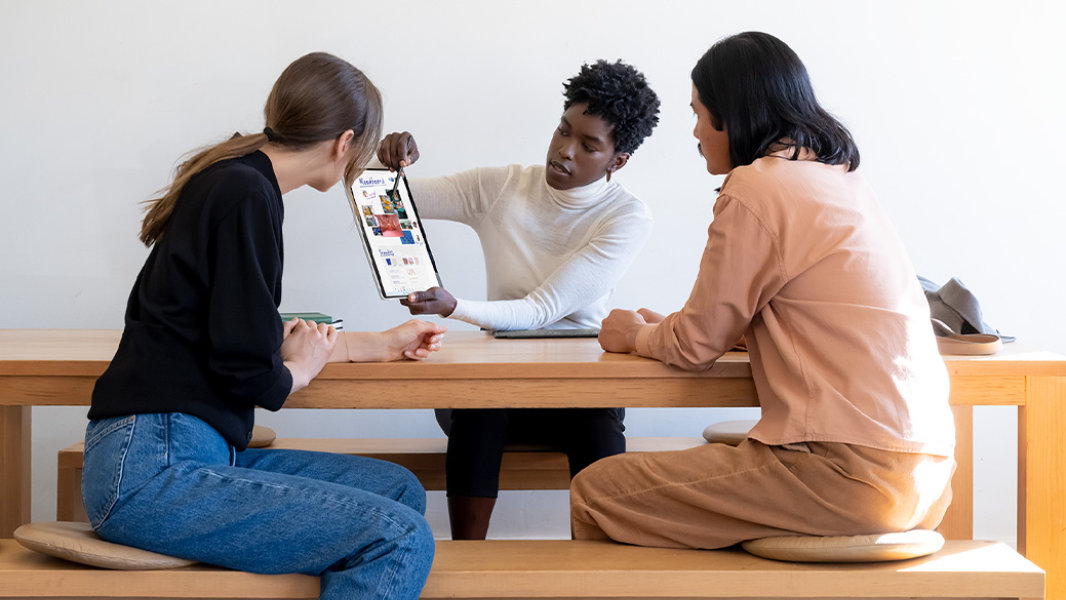
Industry-leading Kickstand at any angle
Mark up, edit, or watch a video at whatever angle you need. The Kickstand adjusts nearly 180 degrees effortlessly – it’s like magic.
Immersive 13” display
Express yourself on the high-resolution 13” PixelSense™ Flow touch display. Now with up to 120Hz refresh rate, plus Adaptive Colour. And, open your eyes to remarkable picture quality with Dolby Vision®.8
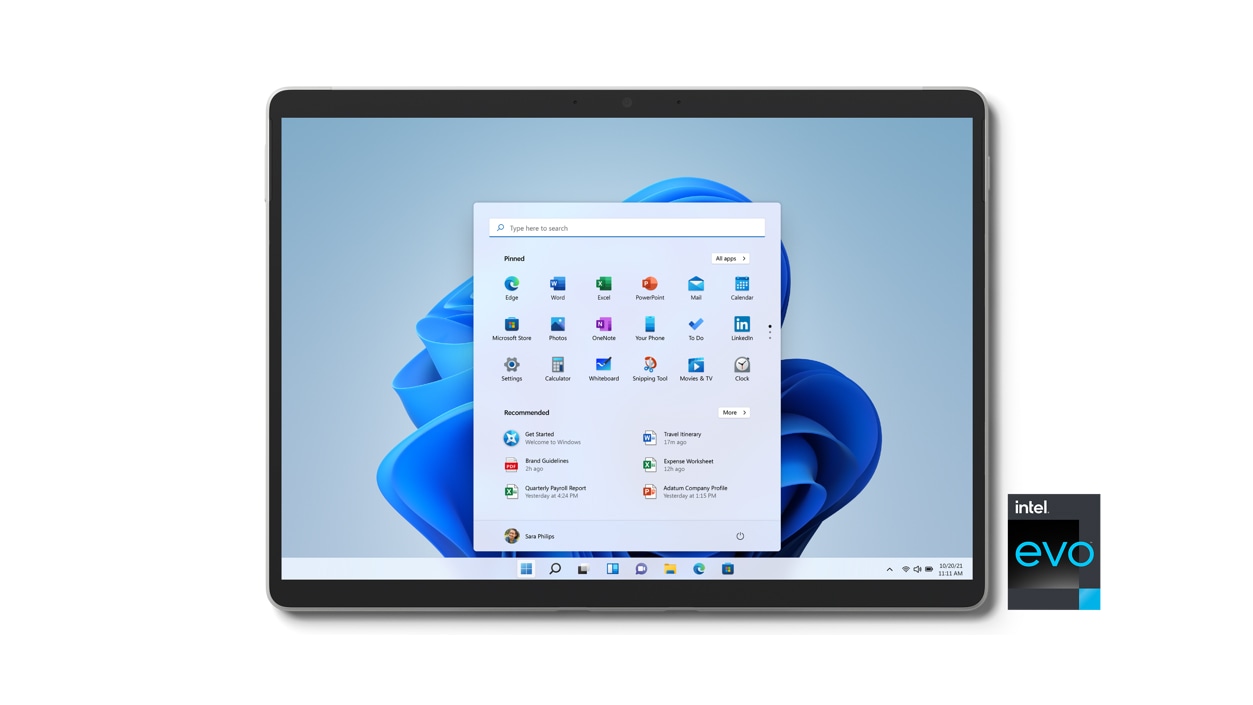
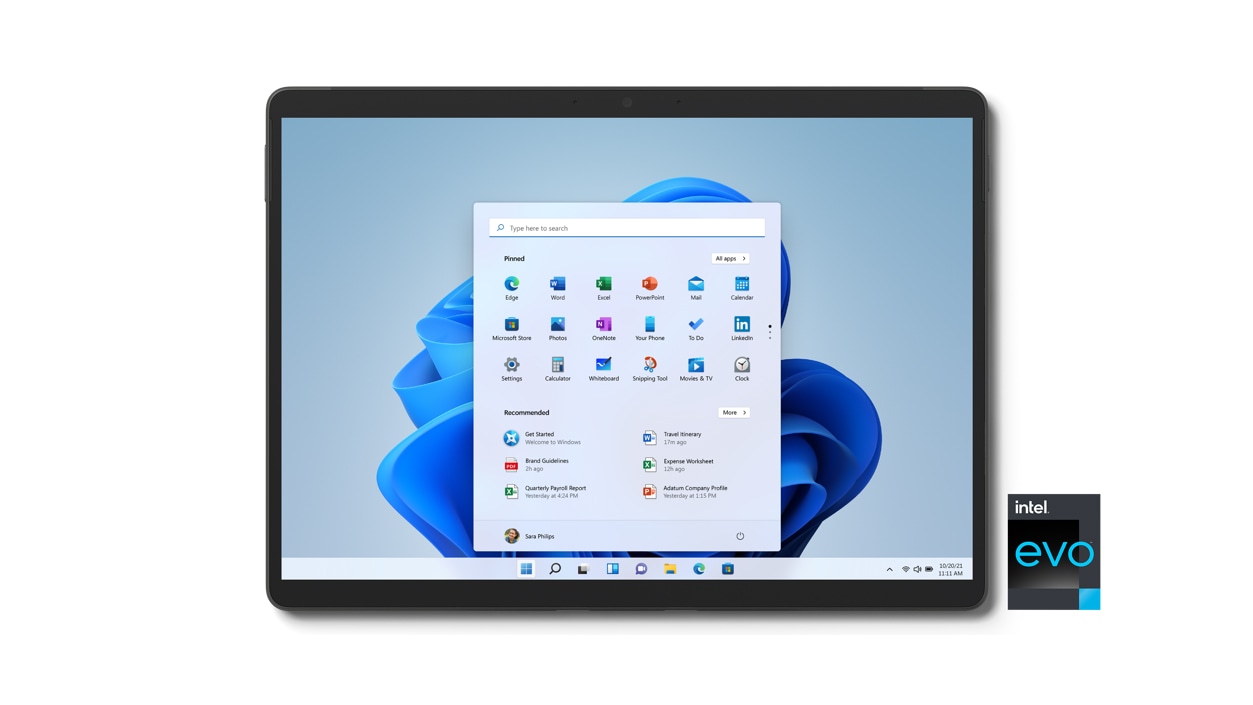
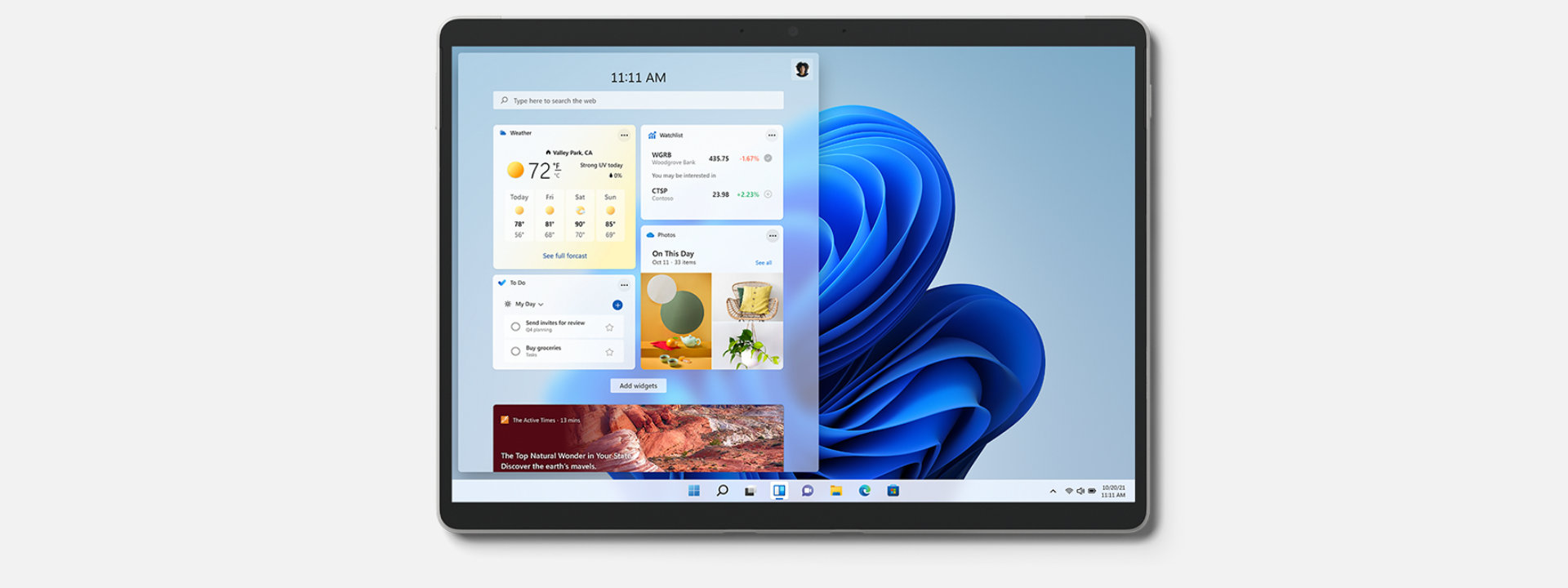
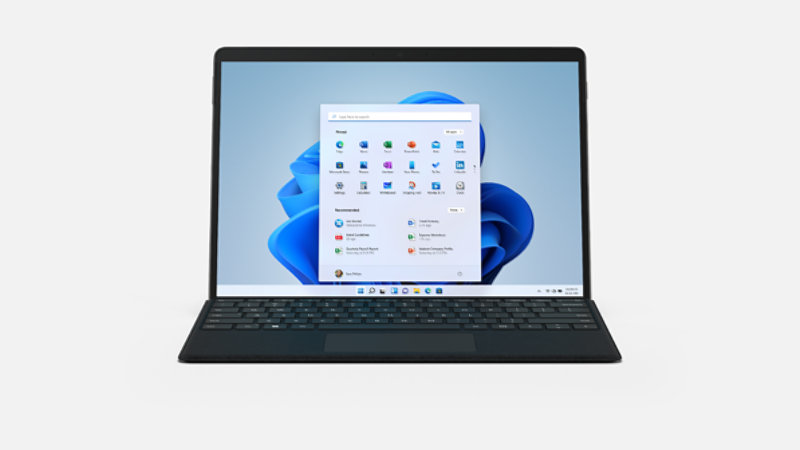
Experience new Windows 11
Less noise, clutter and chaos. More creativity and connection. We reimagined the way a PC should work for you and with you. With Windows 11, there’s no limit to what you can do
One device does it all

Intel® Evo™ platform

All-day battery

High-speed connections with two Thunderbolt™ 4 ports

All in an ultra-portable design
Productivity and entertainment all in one device

-
Life is better together
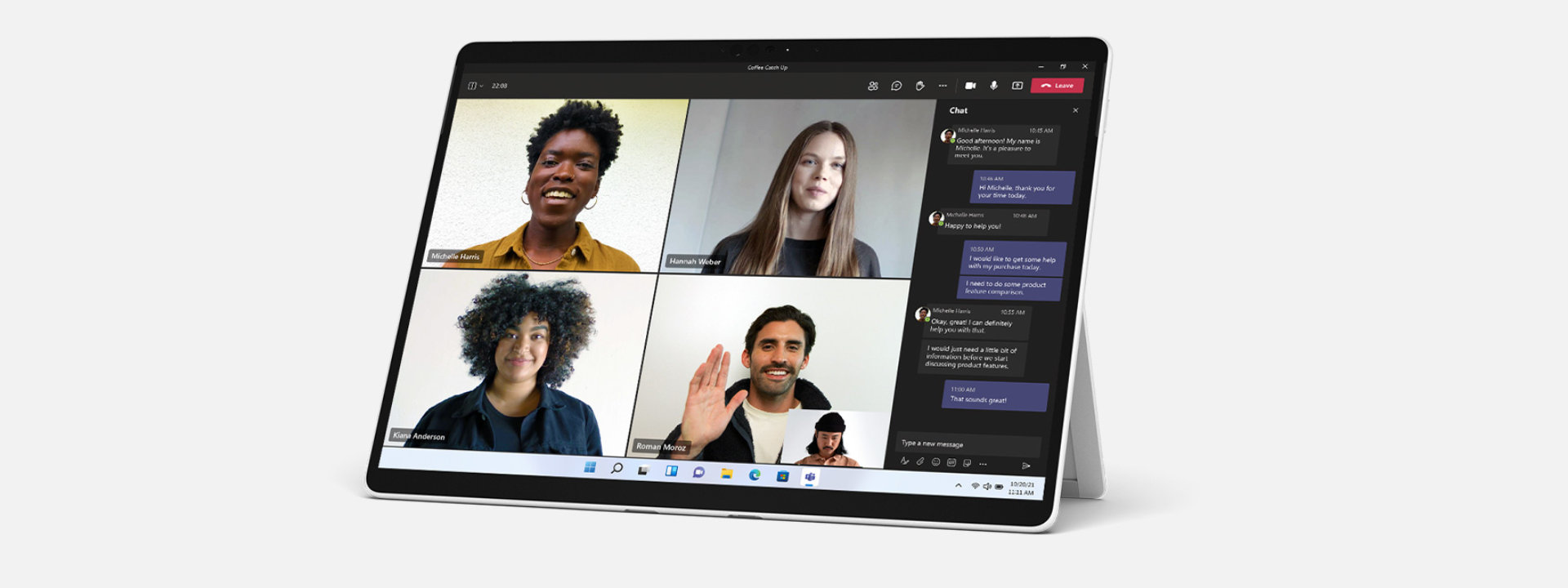
Microsoft Teams* is a great way to connect – and on Windows 11, it's even more fun. Mums, dads, grandparents and your BFFs are only a few clicks or taps away.***
-
Expression made effortless
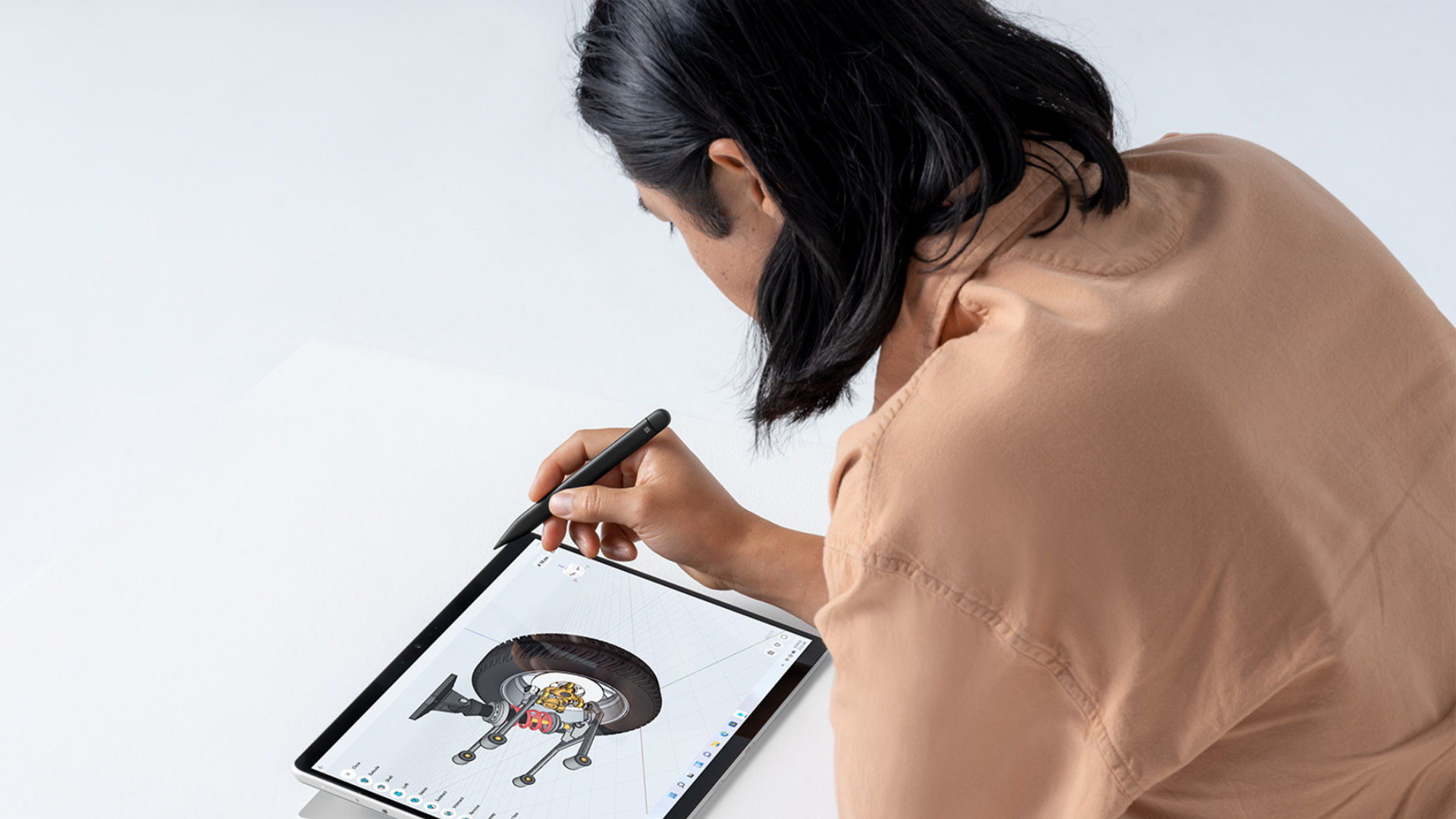
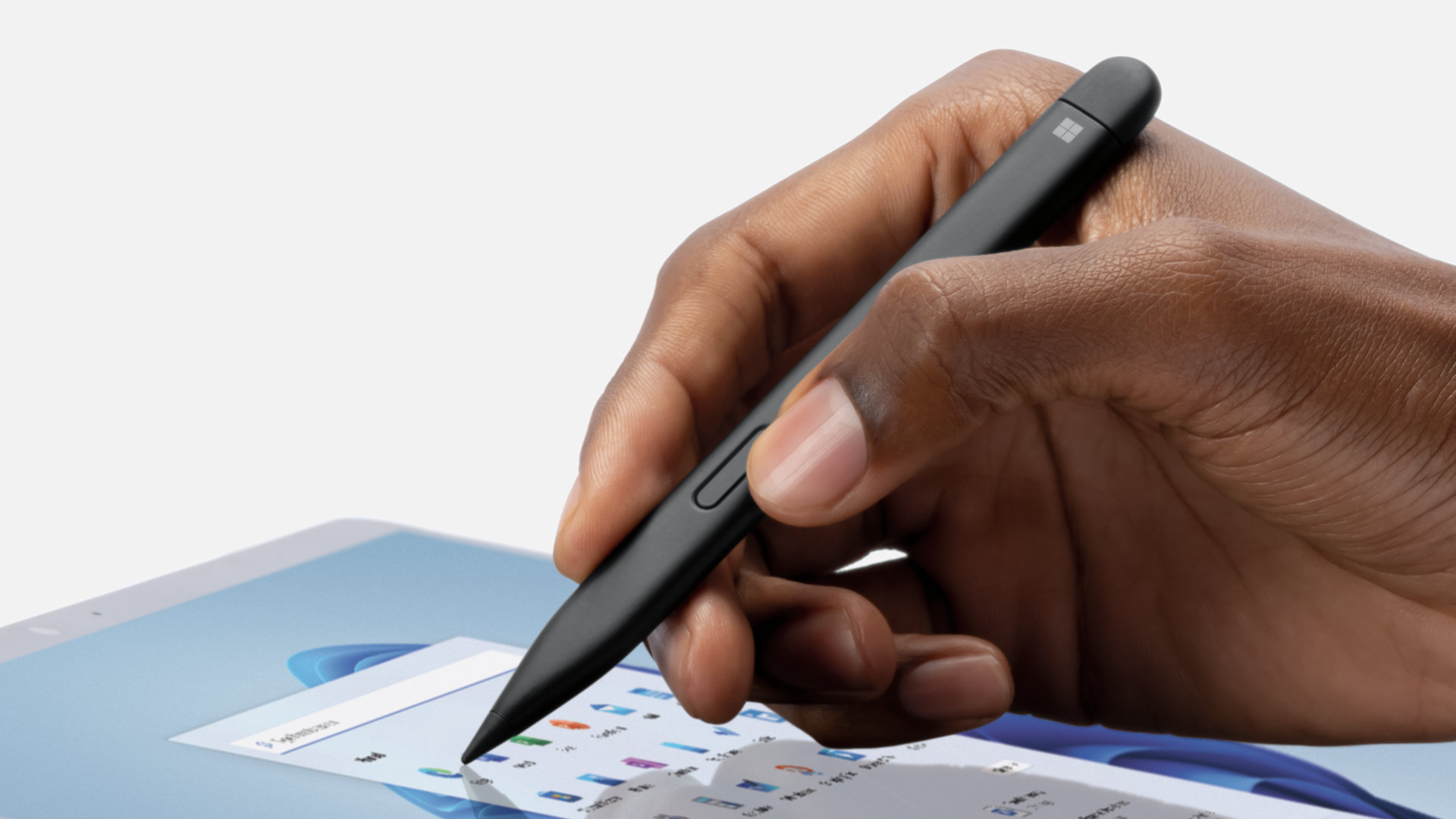
The new, more intuitive Windows. Say it aloud and have it transcribed with Voice Typing. Sketch it down with a stroke of Surface Pen.* Windows 11 has more ways to adapt to how you think.
-
The ultimate desktop experience
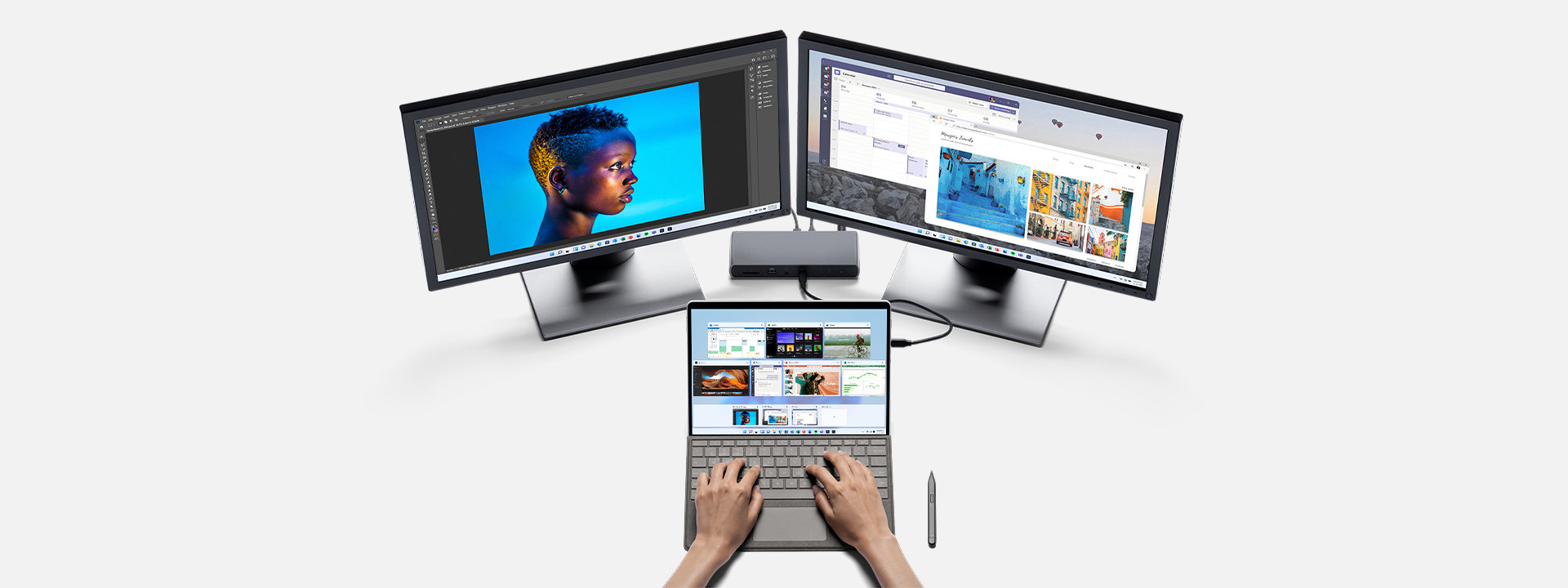
Nothing’s holding you back with two USB-C® and Thunderbolt™ 4 ports. Go from productive tablet to Adobe* editing studio to ultimate PC gaming setup.
-
Console calibre gaming
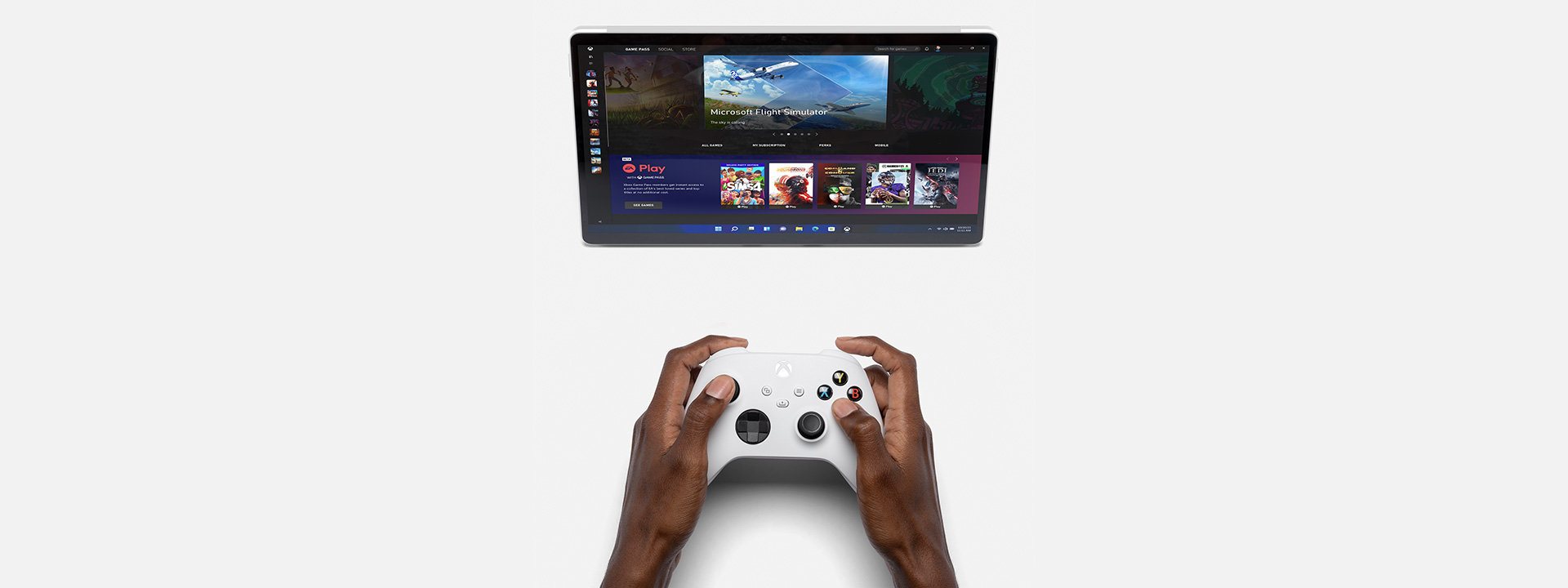
Play together and discover your next favourite game with friends. With Xbox Game Pass Ultimate, access over 100 high-quality games on Surface Pro 8 for one low monthly price.* With games added all the time, there’s always something new to play with friends.
-
Award-winning programmes and amazing apps
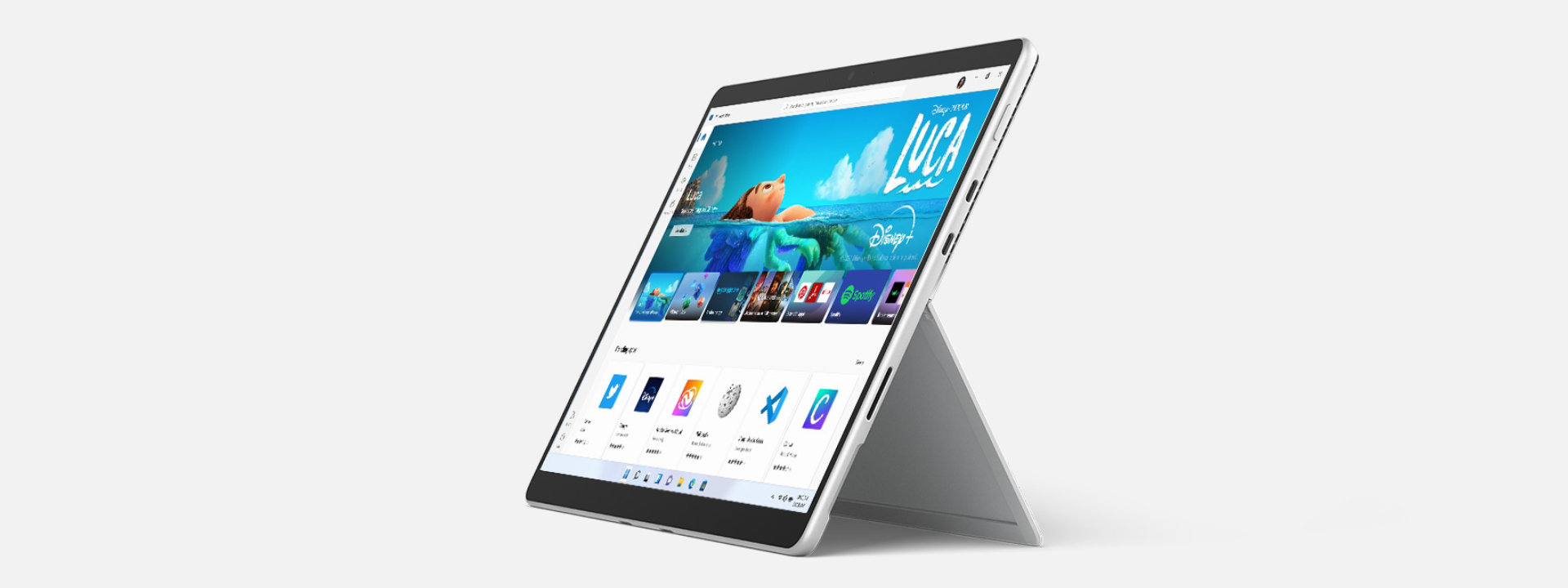
The apps you need to work. The shows you love to watch. Find them fast with the redesigned Microsoft Store. Search for the programme, game, film —whatever you’re looking for can be found in one simple search bar. Disney+ is now available in the Microsoft Store on Windows.
-
Access what you care about faster
Windows 11 comes with Widgets and enhanced browser performance from Microsoft Edge—a perfect combo for performance and personalisation.
-
Positively productive
Quickly create and share content that stands out, manage your schedule with ease, effortlessly connect with others and enjoy peace of mind with Microsoft 365.3
-
The perfect way to view everything
Surface signature 3:2 aspect ratio means you’re viewing everything perfectly scaled, with 18% more vertical screen real estate than a typical laptop.4 Plus, with Windows 11, arrange your apps into groups and optimise screen space with tools like Snap Assist.
Windows 11 brings you closer to what you love
Take Surface Pro 8 for a spin, and check out some key features
Dual Studio Mics
Dual Studio Mics
Dual Studio Mics
Dual Studio Mics
Dual Studio Mics
Dual Studio Mics
Dual Studio Mics
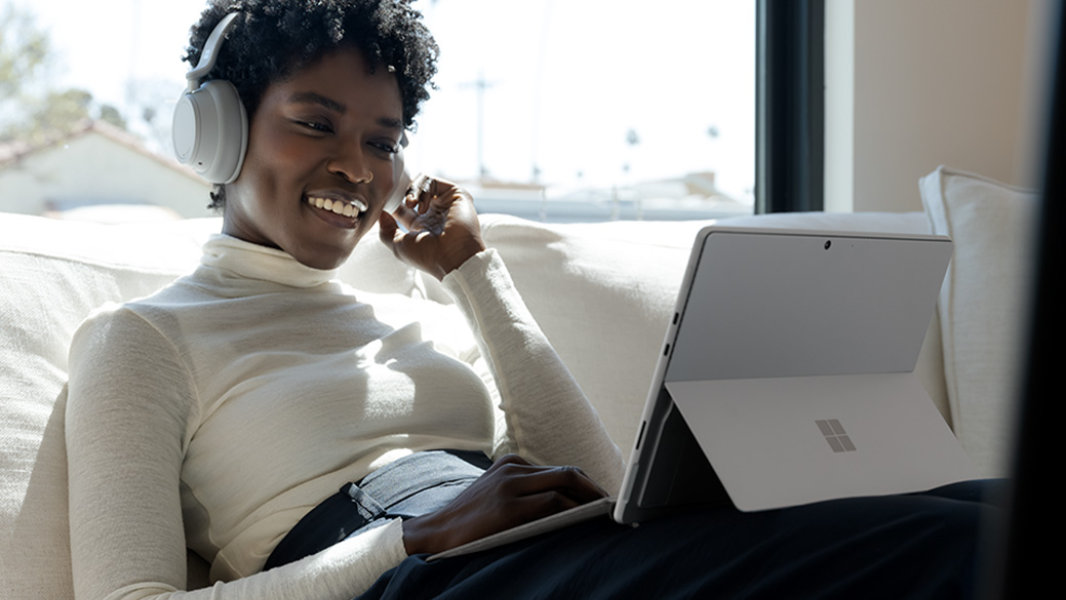
5.0MP front-facing camera
5.0MP front-facing camera
5.0MP front-facing camera
5.0MP front-facing camera
5.0MP front-facing camera
5.0MP front-facing camera
5.0MP front-facing camera
5.0MP front-facing camera
Facial recognition
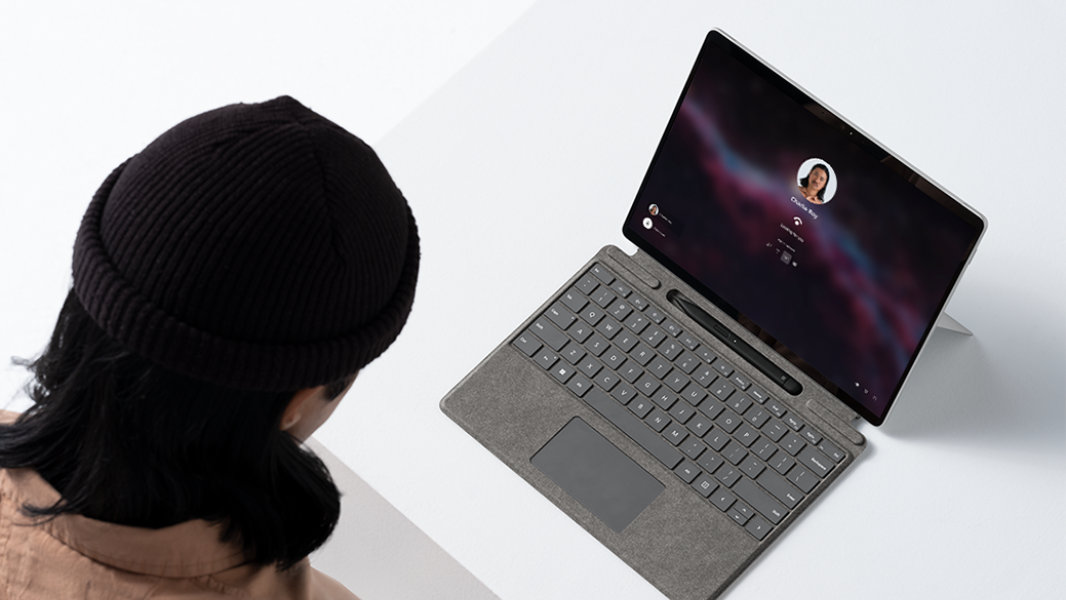
Facial recognition
Facial recognition
Facial recognition
Facial recognition
Facial recognition
Facial recognition
Facial recognition
Facial recognition
10MP rear-facing camera
10MP rear-facing camera
10MP rear-facing camera
10MP rear-facing camera
10MP rear-facing camera
10MP rear-facing camera
10MP rear-facing camera
Speakers

Speakers
Speakers
Speakers
Speakers
Speakers
Speakers
Speakers
Speakers
Speakers
Speakers
Speakers
Speakers
More ways to fuel your ideas
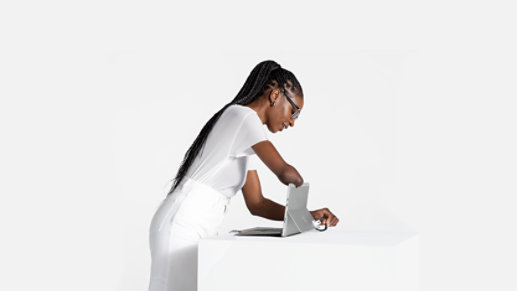
Easy adaptability
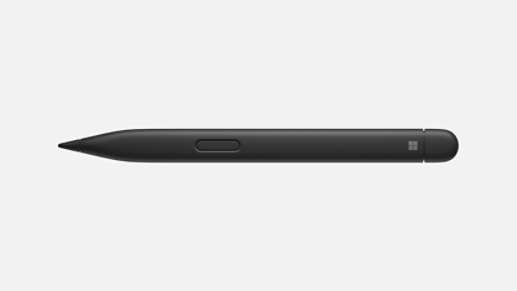
Stores securely, always ready
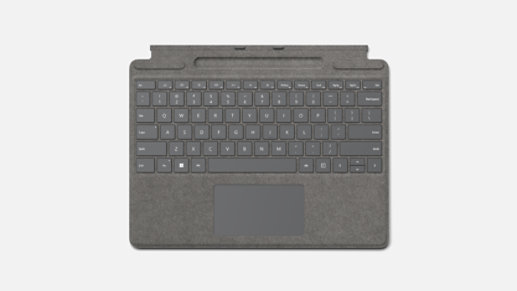
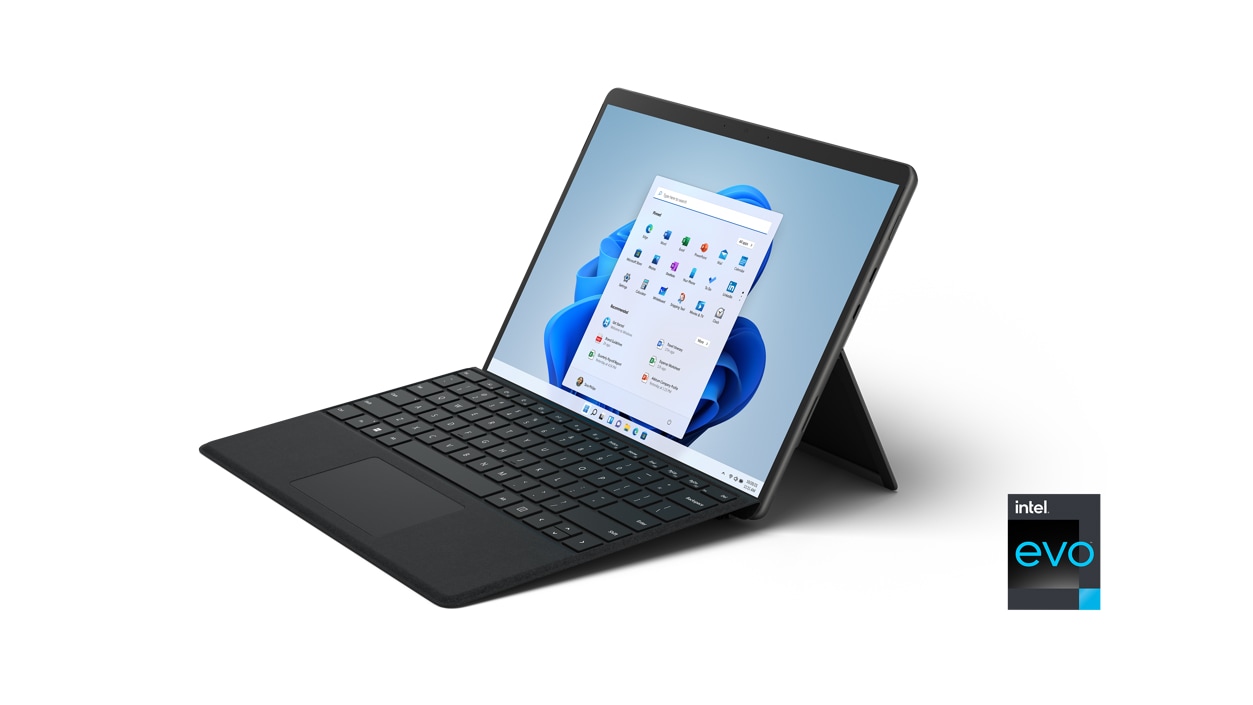
A real keyboard
Configure yours


For the everyday Pro


For the multitasking Pro


For the ultimate Pro
-
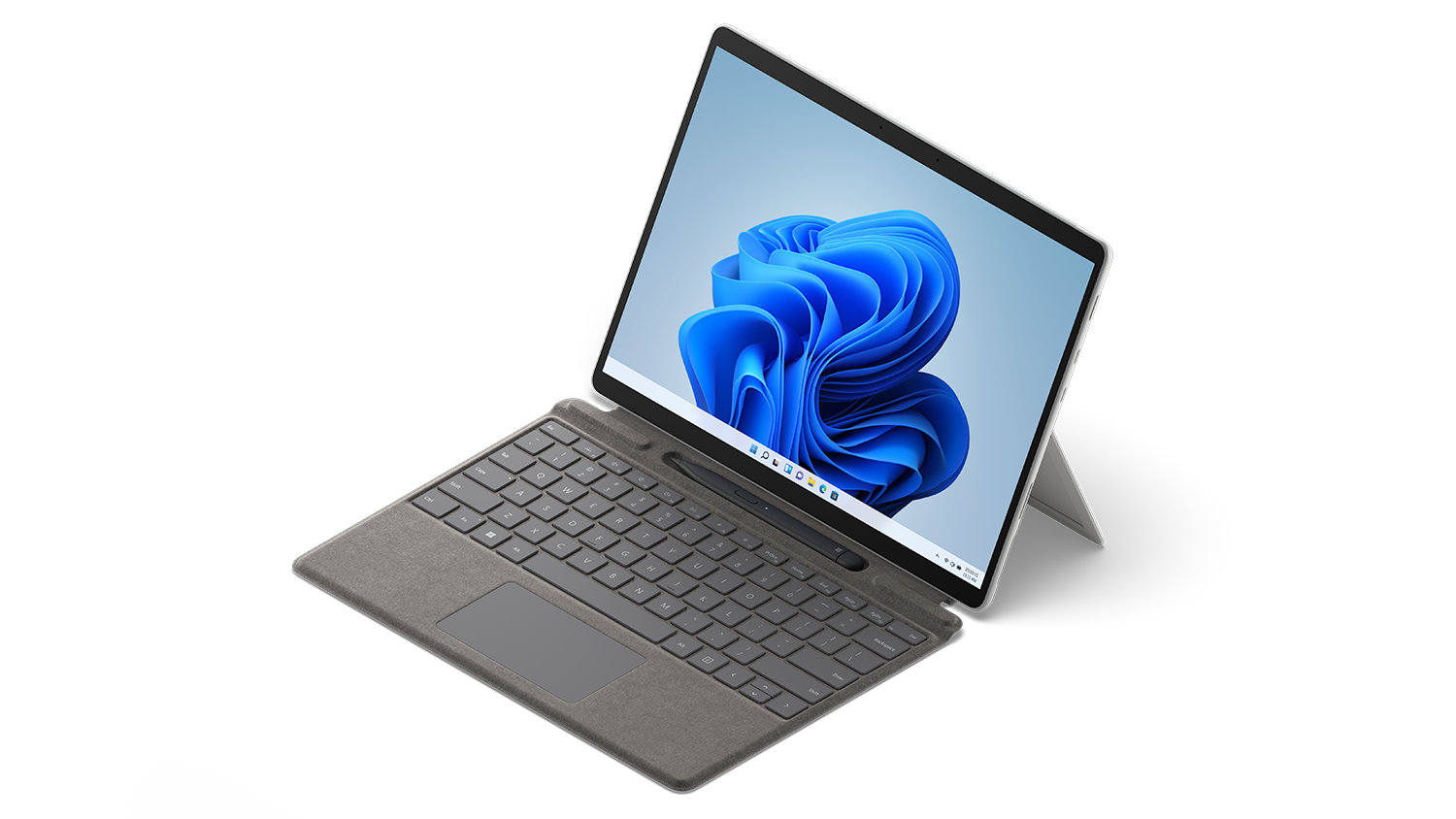
Get to know the Surface Pro line-up
Portable and versatile, with laptop power and hi-res touchscreens. Explore all three options to find your perfect fit.
-
Currently Viewing
Surface Pro 8
The performance of a laptop with the flexibility of a tablet.
- Larger 13” touchscreen display
- 11th Gen Intel® Core™ processors with active cooling
- Thunderbolt™ 4 ports for productivity
-
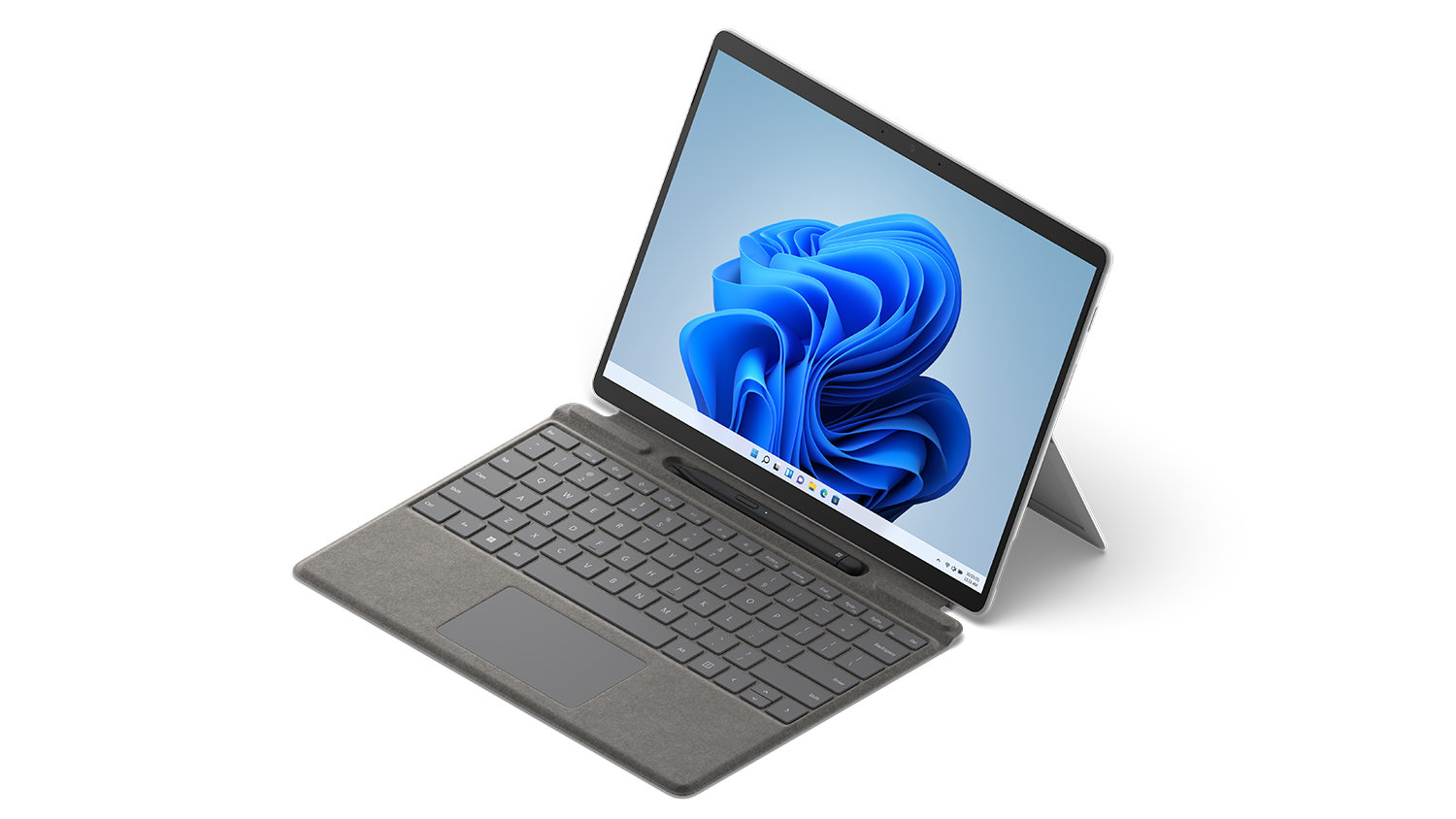
Surface Pro X
The totally mobile Pro, designed to keep up anywhere, at any angle, with optional Gigabit 4G LTE.7
- 13” touchscreen display
- Microsoft SQ® 1 and Microsoft SQ® 2 custom ARM processors
- Optional Gigabit 4G LTE7
-
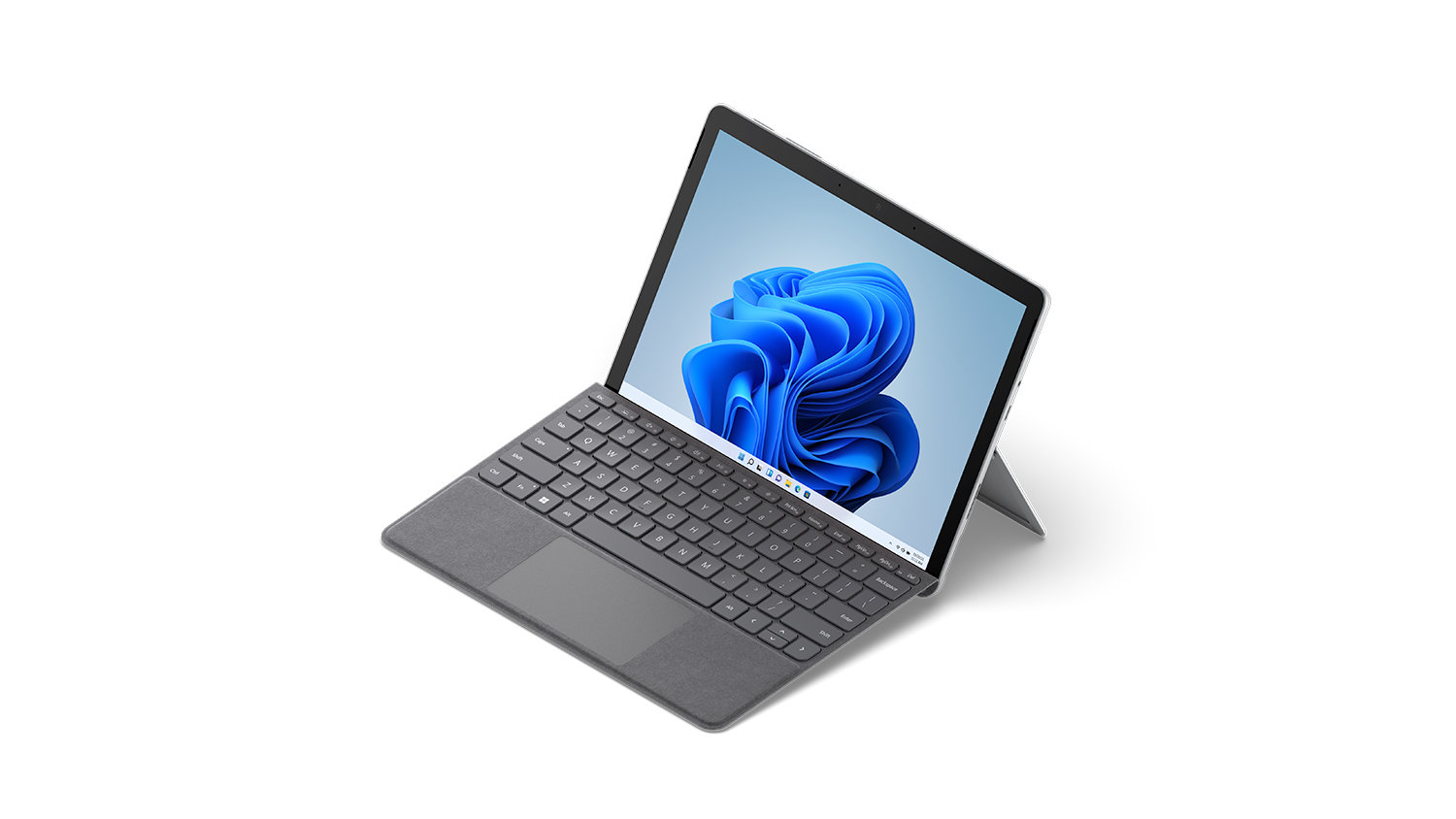
Surface Go 3
The most portable Surface touchscreen 2-in-1. Perfect for daily tasks, homework and play.
- 10.5” touchscreen display
- Choice of Intel® Pentium or 10th Gen Intel® Core™ i3 processor
- Starting at just 544 grams2 (not including Type Cover*)
Why shop at Microsoft Store

Fast, free shipping

Free 60-day returns

60-day price protection

90 days free support
- †† i5 and i7 options with storage 256GB and above built on the Intel® Evo™ platform
- ^ Pen storage and charging available on selected Keyboards
- * Some accessories and software sold separately. Surface Pro Signature Keyboard and Surface Pro X Keyboard are sold separately. Only Surface Pro Signature Keyboard has Surface Slim Pen 2 storage and charging capabilities.
- *** Certain features require specific hardware. See Upgrade to the New Windows 11 OS | Microsoft. Chatting via SMS is available in limited countries and will be made available to other geos on a rolling basis. Please refer to this page for more details. Internet access required, ISP fees may apply.
-
[1] Battery life varies significantly based on usage, network and feature configuration, signal strength, settings and other factors. See aka.ms/SurfaceBatteryPerformance for details.
Surface Pro 8 battery life: Up to 16 hours of battery life based on typical Surface device usage.
Testing conducted by Microsoft in August 2021 using preproduction software and preproduction Intel® 11th Gen Core™ i5-1135G7, 256GB, 8GB RAM device. Testing consisted of full battery discharge with a mixture of active use and modern standby. The active use portion consists of (1) a web browsing test accessing 8 popular websites over multiple open tabs, (2) a productivity test utilising Microsoft Word, PowerPoint, Excel and Outlook, and (3) a portion of time with the device in use with idle applications. All settings were default except screen brightness was set to 150nits with Auto-Brightness and Adaptive Colour disabled. WiFi was connected to a network. Tested with Windows Version 11.0.22000.9 (21H2). Battery life varies significantly with settings, usage and other factors. - [2] Weight not including Surface Pro Type Cover or Surface Pro Signature Type Cover.
- [3] Requires Microsoft 365 subscription.
- [4] Comparison of viewable content on Surface devices with 3:2 aspect ratio v. laptops with 16:10 or 16:9 aspect ratio
- [5] Requires Dolby encoded content and audio.
- [6] System software uses significant storage space. Available storage is subject to change based on system software updates and apps usage. 1 GB = 1 billion bytes. 1 TB = 1,000 GB. See Surface.com/Storage for more details.
- [7] Service availability and performance subject to service provider’s network. Contact your service provider for details, compatibility, pricing, SIM card, and activation. See all specs and frequencies at surface.com.
- [8] Requires Dolby Vision® content and video.
- [9] Tactile signals with Surface Slim Pen 2 can be experienced on some applications on Surface Pro 8 running Windows 11. Surface Slim Pen 2 sold separately.
- Features and app availability may vary by region.
- Offer valid on purchases of Surface devices made at Microsoft Store in New Zealand within 60 days from purchase (“Offer Period”). Excludes Surface Hub. Offer not valid on purchases made at third party retailers. Customer is eligible for price adjustment only if 1) Customer purchases a Surface device during the Offer Period, (2) the price of that Surface is reduced during the Offer Period, and 3) Customer requests a price adjustment while the Surface price is reduced and in-stock for purchase. Customer must contact Microsoft Store Sales and Support to request price adjustment with order number and any other information requested by the Microsoft Store Sales representative. Credit will be provided to Customer in same method of payment (credit card use will be credited to original card). Offer limited to 5 devices per eligible customer in total during the Offer Period and a maximum of one price adjustment per device. Void where prohibited or restricted by law. Microsoft reserves the right to modify or discontinue offers at any time. Other exclusions and limitations may apply.
- Offer valid from 24 October 2022 12:01 AM to 31 December 2022 11:59 PM, while supplies last. Available only in Microsoft Store online in Australia and New Zealand. Offer valid only on select Surface Devices and select Surface Accessories. Available only to current CAANZ members. Your eligibility will be confirmed before checkout and you will not be able to complete your order until your eligibility has been confirmed. Not valid on prior orders or purchases; cannot be transferred or otherwise redeemed for cash or promo code(s). May not be combinable with other offers. Applicable return policy applies to each purchase. Promotional items given, or discounted products bought with, a qualifying product are not valid or must be returned if the qualifying product is returned. Microsoft reserves the right to modify or discontinue offers at any time to the extent permitted by applicable law. Limit of 3 offers per customer.

Larger 13” touchscreen
- Virtually edge-to-edge PixelSense™ Flow touch display, with up to 120Hz refresh rate
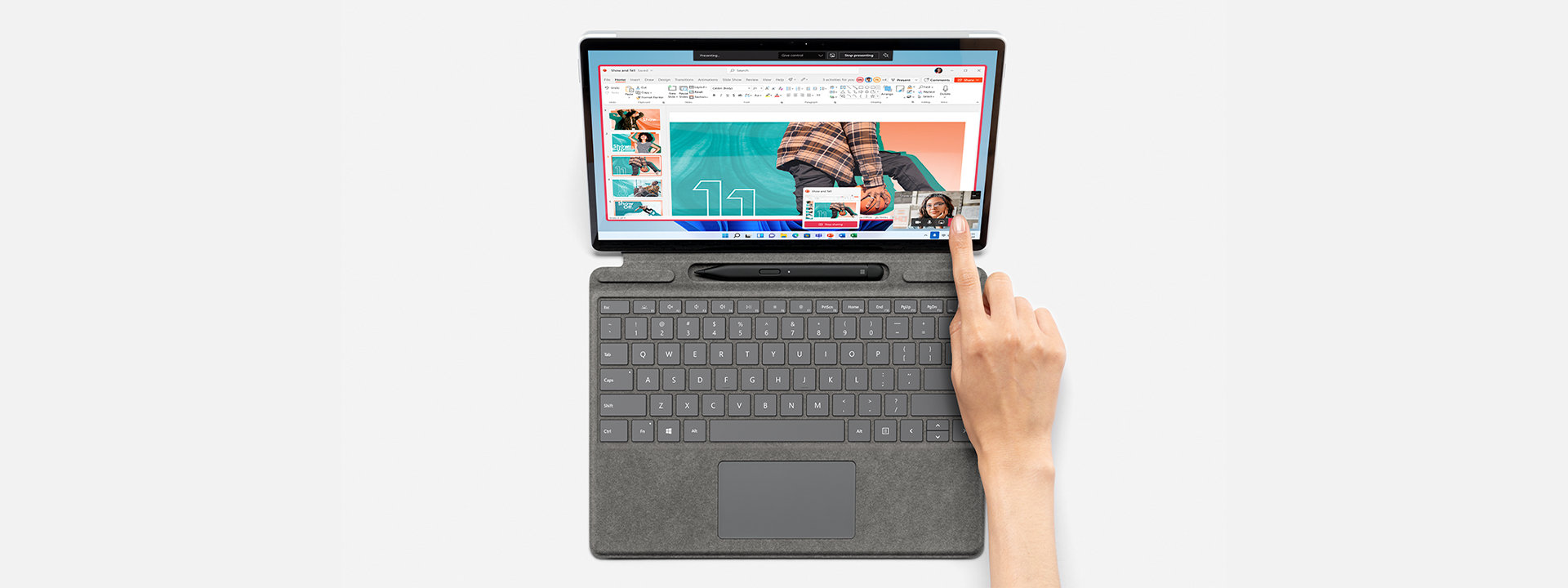
- Pair with Surface Slim Pen 2,* stored and charged^ in Surface Pro Signature Keyboard,* for the natural feeling of pen on paper7

One device does it all
Create the ultimate productivity setup with Thunderbolt™ 4 ports
Multitask across Microsoft 365 apps and enjoy console calibre gaming*

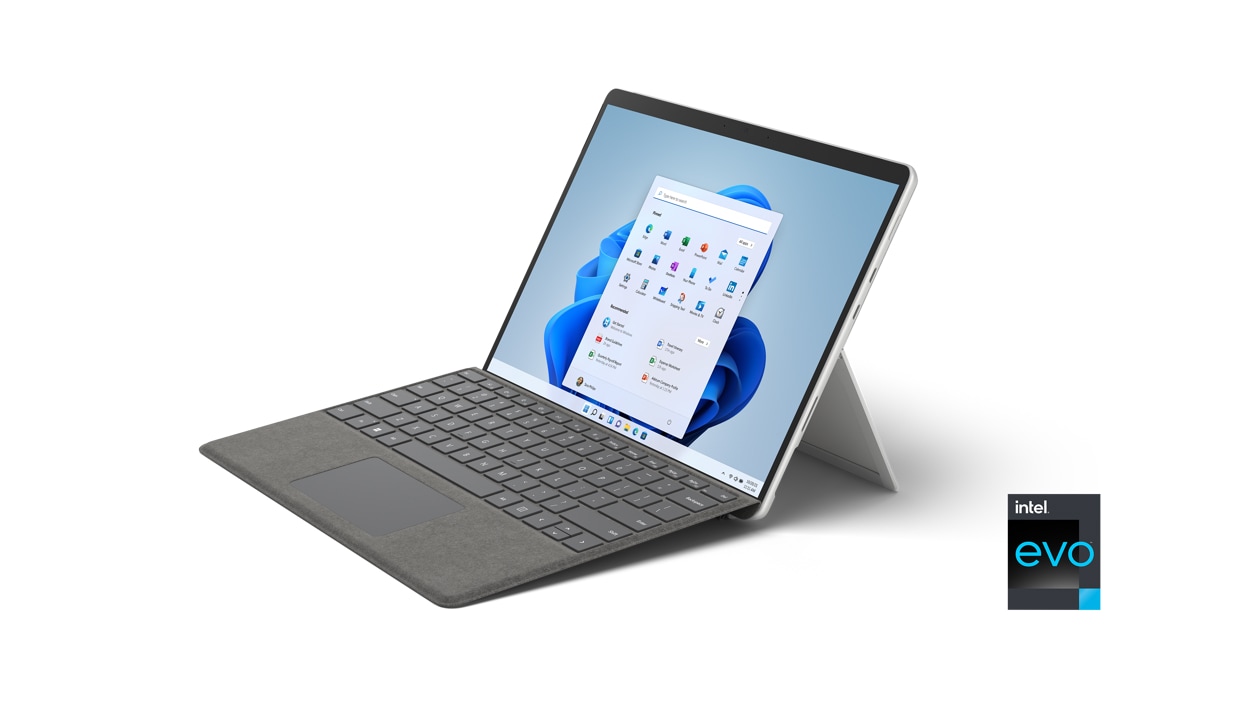
Laptop, tablet, or digital canvas
A real Keyboard — add Surface Pro Signature Keyboard* to type in comfort, with backlit keys and large glass touchpad
Ultra-portable design, starting at just 891 grams6

More ways to connect
Two USB-C® with Thunderbolt™ 4 ports
Dedicated charging port
Wi-Fi 6 for ultra-fast bandwidth
Tech specs
Dimensions |
287mm x 208mm x 9.3mm (11.3 in x 8.2 in x 0.37 in)
|
Display |
|
Memory |
8GB, 16GB, 32GB (LPDDR4x RAM)
|
Processor |
|
Security |
|
Software |
|
Sensors |
|
What’s in the box |
|
Weight6 |
891 g (1.96lb)
|
Pen Compatibility |
|
Keyboard Compatibility |
|
Storage1 |
|
Battery life2 |
Up to 16 hours of typical device usage
|
Graphics |
Intel® Iris® Xe Graphics (i5, i7)
|
Connections |
|
Cameras, video and audio |
|
Wireless |
|
Exterior |
|
Warranty5 |
1-year limited hardware warranty
|
Battery capacities |
|
- ^ Pen storage and charging available on selected Keyboards.
- * Sold separately.
- [1] System software and updates use significant storage space. Available storage is subject to change based on system software and updates and apps usage. 1 GB = 1 billion bytes. 1 TB = 1,000 GB. See Surface Storage for more details.
- [2] Surface Pro 8 battery life: Up to 16 hours of battery life based on typical Surface device usage. Testing conducted by Microsoft in August 2021 using preproduction software and preproduction Intel® 11th Gen Core™ i5-1135G7, 256GB, 8GB RAM device. Testing consisted of full battery discharge with a mixture of active use and modern standby. The active use portion consists of (1) a web browsing test accessing 8 popular websites over multiple open tabs, (2) a productivity test utilising Microsoft Word, PowerPoint, Excel and Outlook, and (3) a portion of time with the device in use with idle applications. All settings were default except screen brightness was set to 150nits with Auto-Brightness and Adaptive Colour disabled. WiFi was connected to a network. Tested with Windows Version 11.0.22000.9 (21H2). Battery life varies significantly with settings, usage and other factors.
- [3] Requires Dolby Vision® encoded content and video.
- [4] Colours available on selected models only. Available colours, sizes, finishes and processors may vary by store, market and configuration.
- [5] Microsoft’s Limited Warranty is in addition to your consumer law rights.
- [6] Weight not including Surface Pro Signature Keyboard and Surface Slim Pen 2 (sold separately).
- [7] Tactile signals with Surface Slim Pen 2 can be experienced on some applications on Surface Pro 8 running Windows 11. Surface Slim Pen 2 sold separately.
- [8] Subscription required (sold separately).
- [9] Activation required. If your device is managed by your organisation’s IT department, contact your IT administrator for activation. After 30 days, you will be charged the applicable monthly or annual subscription fee. Credit card required. Cancel any time to stop future charges. See https://aka.ms/m365businesstrialinfo.
- [12] Activation required for Xbox Game Pass Ultimate
Surface Pro Accessories

Surface Pro 13-inch Keyboard
NZ$279.95
Enjoy comfortable typing anywhere. Sleek and compact, this keyboard also features a...Select Surface Pro 13-inch Keyboard for more information.
Surface Pro 13-inch Keyboard with pen storage
From NZ$359.95
Next-level versatility comes in the perfect, premium keyboard, featuring a large glass...Select Surface Pro 13-inch Keyboard with pen storage for more information.
Surface Pro 13-inch Keyboard with Slim Pen
From NZ$559.95
Next-level versatility comes in the perfect, premium keyboard, featuring a large glass...Select Surface Pro 13-inch Keyboard with Slim Pen for more information.
Surface Pro 13-inch Flex Keyboard
From NZ$669.95
Unlock new levels of flexibility with a keyboard designed to be used either attached...Select Surface Pro 13-inch Flex Keyboard for more information.
Surface Pro 13-inch Flex Keyboard with Slim Pen
From NZ$869.95
Unrivalled flexibility comes in the perfect pair – Surface Slim Pen stores and...Select Surface Pro 13-inch Flex Keyboard with Slim Pen for more information.
Surface Slim Pen
NZ$259.95
Turn your ideas into reality with Surface Slim Pen. Take handwritten notes and draw...Select Surface Slim Pen for more information.
Surface Thunderbolt 4 Dock
NZ$559.95
Elevate your workspace with Surface Thunderbolt™ 4 Dock, delivering ultra-high speed...Select Surface Thunderbolt 4 Dock for more information.
Surface Arc Mouse
From NZ$159.95
Slim, light, and ready to travel, Surface Arc Mouse is designed to conform to your...Select Surface Arc Mouse for more information.
Surface Mouse
NZ$109.95
- Meticulously crafted, just like Surface
- Sleek, simple design
- Metal scroll...
Surface USB-C Travel Hub
NZ$195.95
Transform your laptop into a versatile productivity companion with this elegant...Select Surface USB-C Travel Hub for more information.