
Upgrade from Visio 2013 to Visio Plan 2
Still using Visio 2013? Get real-world insights with data-linked diagramming in Visio Plan 2.
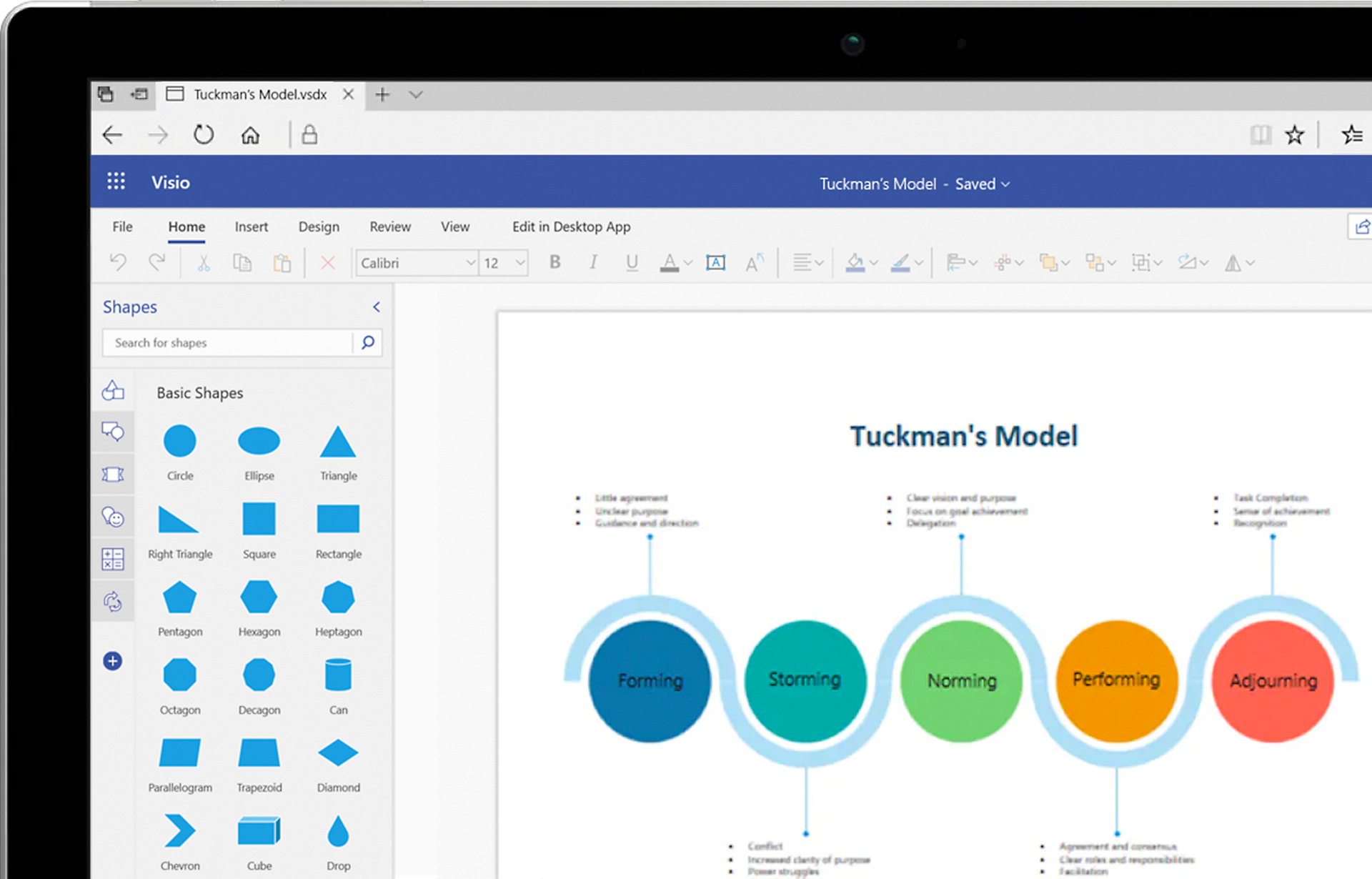
What’s new with Visio?
Compare Visio 2013 and Visio Plan 2
| Visio Plan 2 features | Visio Plan 2 | Visio 2013 |
|---|---|---|
New templates and formattingAdd formatting found in other Office applications like gradients and 3-D effects to new and improved templates. |  | |
One-step data linkingVisualize real-time data by linking the Excel data in a single step to see how your data changes. | | |
Industry-standard shapesCreate professional-looking diagrams that meet modern industry standards and clearly communicate your ideas. | | |
Collaboration in the cloudEasily share diagrams via OneDrive to coauthor or comment, and then use Skype for Business (sold separately) to communicate one version of the truth via online meetings. | | |
Browser and app capabilitiesCreate, edit, and share from any browser or via the iPad® app for Visio.1 | | |
Tell Me assistanceType what you’re looking for in the “Tell me what you want to do” field to get instant help with features and tasks. | | |
Always up to dateAlways have the latest Visio, OneDrive, and Microsoft security features and services. | | |
Ready for Visio?
Visio 2013 resources
- iTunes, iPhone, and iPad are registered trademarks of Apple Inc., registered in the U.S. and other countries. Android is a trademark of Google Inc.
- 1. Availability of mobile apps varies by country/region.
Follow Microsoft 365