Copilot Studio is a platform for building and managing agents. Connect them to your business data, create your own with natural language, and publish them across the channels your teams and customers use.
Introducing Microsoft Agent 365 - the control plane for agents
Extend the same infrastructure, apps, and protections that you already use to agents, and leverage familiar capabilities that have been adapted to agent needs.
Design agents that respond to natural language prompts with a conversational flow—answering questions, guiding workflows, or completing tasks using your business data.
Create voice or phone-based agents powered by generative AI to help users and customers more quickly—and free service representatives for more complex cases.
Work IQ is the intelligence layer behind Microsoft 365 Copilot and agents that helps Copilot know you, your job, and your company. Tap into Work IQ to build custom agents tuned to your workflows and business needs, as well as Model Context Protocol (MCP) servers and more than 1,400 external connectors.
Build agents that can complete actions on your behalf through a variety of tools such as flows, prompts, and APIs that connect to your business systems.
Use multi-agent orchestration for complex processes, routing tasks to the right agent when specialized knowledge or actions are required. You can connect agents, whether from Microsoft or partner providers, to work together.
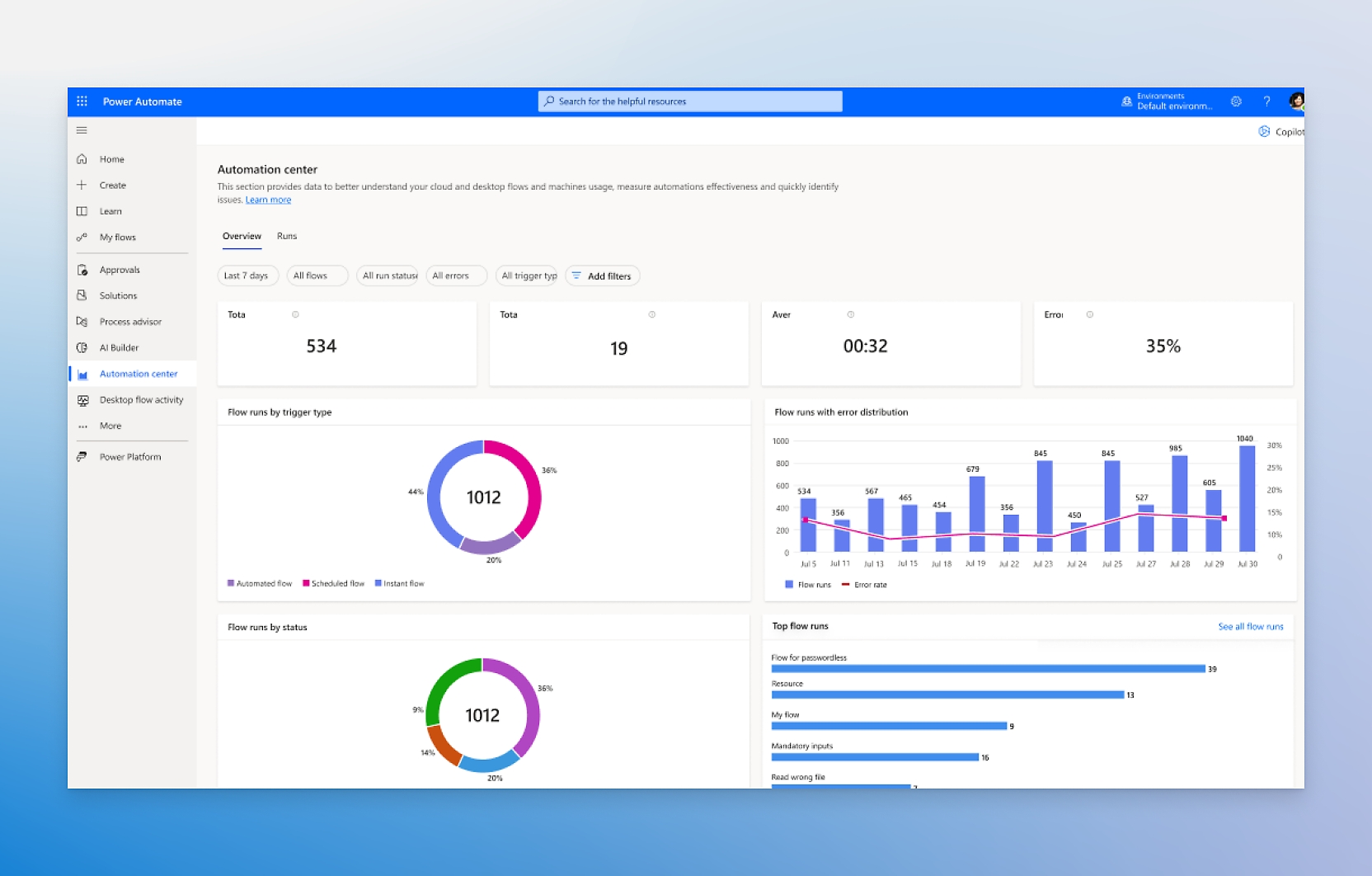
Track readiness and adoption of agents, audit agent actions and usage, and track agent ROI using Microsoft Purview, the Power Platform admin center, and Viva Insights.
Microsoft 365 Copilot may not be available for all markets and languages. To purchase, customers must have a qualifying Microsoft 365 plan for enterprise or business.
Includes access to Copilot Chat and Standard harness in Copilot Studio—great for building agents that customize Copilot experiences.
Microsoft 365 Copilot may not be available for all markets and languages. To purchase, customers must have a qualifying Microsoft 365 plan for enterprise or business.
This product is not available in your market.
Create internal agents that work within Microsoft 365
Build and access agents for internal workflows
Microsoft Copilot Studio
Pre-purchase plan
Includes prepaid Copilot Credit Commit Units—ideal for organizations who want to choose their credit amount upfront and manage variable month-to-month usage.
Includes prepaid Copilot Credit Commit Units—ideal for organizations who want to choose their credit amount upfront and manage variable month-to-month usage.
Take the Agent Readiness Assessment to uncover strengths and gaps across strategy, tech, culture, and governance—then accelerate your path to frontier firm status.
Copilot Studio is an end-to-end conversational AI platform that empowers you to create agents using natural language or a graphical interface. With Copilot Studio, you can easily design, test, and publish agents for your needs. You can build a standalone agent or publish to Microsoft 365 Copilot.
Agents are expert systems that surface in different channels, including in the background of Copilot. Copilot can bring together many agents into a simple interface for easy access.
Agents use AI to automate and execute business processes, for a person, team, or organization. They range from simple to advanced and may include those that:
Answer user questions by retrieving or summarizing information.
Take actions when asked, automate workflows, and replace repetitive tasks.
Operate independently, dynamically plan, learn, and escalate.
With Copilot Studio, you can build agents and publish them anywhere, including Microsoft 365 Copilot. When you publish to Copilot, your organization benefits from being able to use that agent within the applications your employees frequently work in, such as Teams, SharePoint, and Microsoft 365 Copilot Chat.
Yes. What was formerly known as Microsoft Power Virtual Agents is now included in Microsoft Copilot Studio, so you can continue using the same features—alongside additional capabilities for creating and orchestrating agents.
Generative AI within Copilot Studio is designed to align with our responsible AI principles, including fairness, reliability and safety, privacy and security, transparency, inclusiveness, and accountability.
Copilot Studio is the comprehensive tool for building agents. Agents built in Copilot Studio can be deployed across multiple channels—organizations pay only for usage when they select the pay-as-you-go plan. For those licensed for Microsoft 365 Copilot, usage of agents published to Microsoft 365 Copilot is included in their license.
Copilot Studio is sold as tenant-wide Copilot Credit packs of 25,000 Copilot Credits each, priced at USD$200.00/pack/month. Whenever an action or response is completed by an agent, a varying number of Copilot Credits will be billed depending on the specific usage. The triggered action or response is included in the original billable Copilot Credit and doesn’t count as a separate billable Copilot Credit.
Copilot Studio is also available to sign up for as a pay-as-you-go meter in addition to the existing Copilot Credits packs. This will allow customers the flexibility to only pay for the Copilot Credits they consume at the end of their monthly billing period, after use. This new pay-as-you-go meter requires no upfront license commitment, allowing customers to scale usage and help ensure business continuity for critical business processes.
There are no in-product features or capability differences between the Copilot Credit pack and the pay-as-you-go meter. The only difference is the way a customer pays for the service. With Copilot Credit packs, customers pay up front (USD$200.00/pack/month for 25,000 Copilot Credits). The pay-as-you-go meter requires no up-front license commitment and allows customers to pay only for the Copilot Credit capacity they use at the end of the billing period.
In order to set up pay-as-you-go billing for an environment, you first need an active Azure subscription that you can link to that environment. Read the documentation to learn more.




?resMode=sharp2&op_usm=1.5,0.65,15,0&qlt=100&fit=constrain)


Follow Microsoft 365