


Grow your audience
Promote your social media content on Bing and reach your audience where they’re already searching
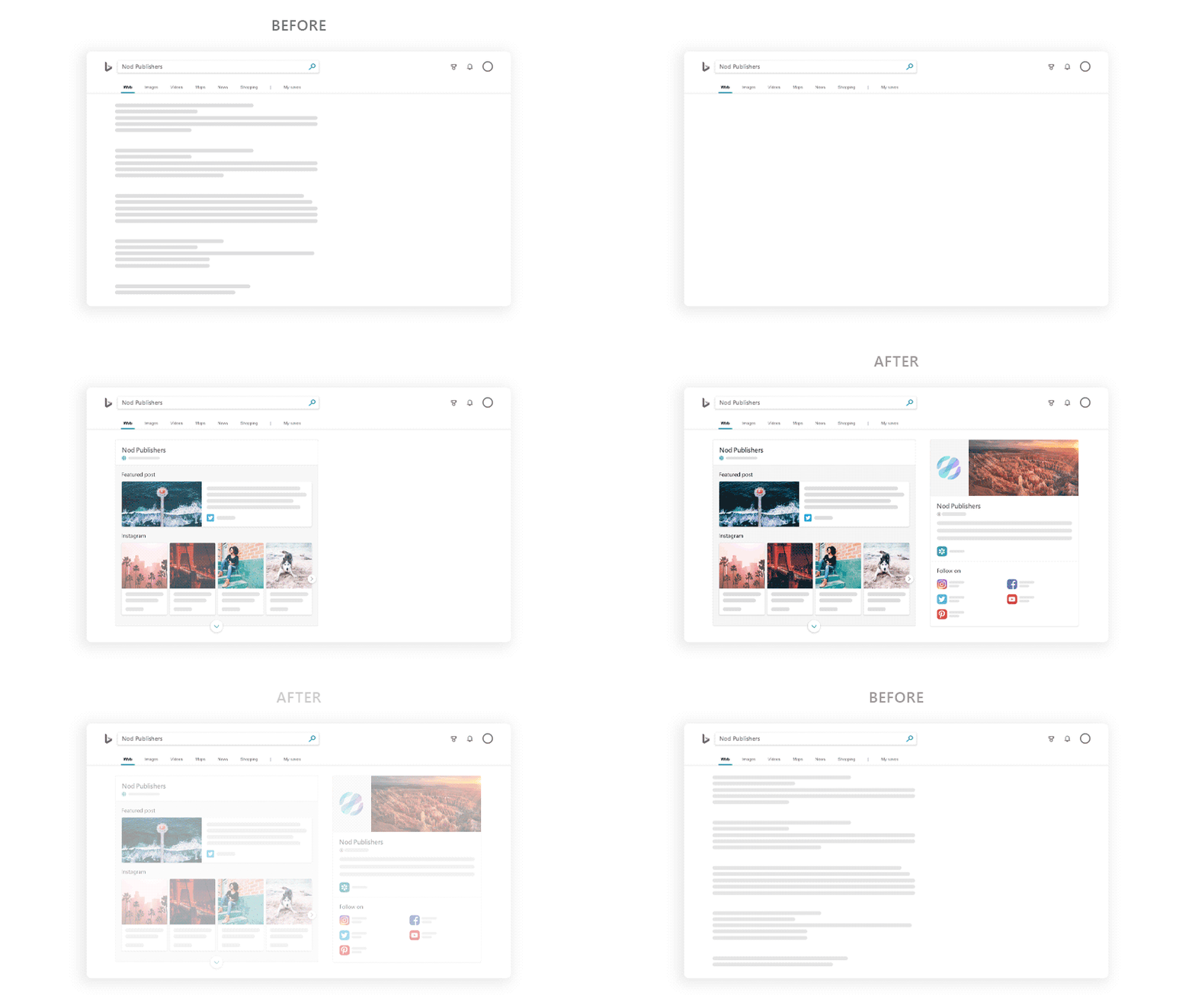
Enhance your brand online
When you make updates to your profile on Bing Pages, these changes will automatically show up in Bing search results, Windows 10 search, and other Microsoft experiences
Amplify your presence across Microsoft

Enrich your presence on Bing

Become discoverable in Windows 10 search
How to get started

1. Sign up by submitting links to your social media profiles

2. Once our team verifies your accounts, we’ll pull them together into one, beautiful page that you control

3. Start using our customized, free promotional tools
Frequently asked questions
Bing Pages is a beta program that lets users manage their presence on Microsoft products. Participants who apply and are accepted in this program get their own page on Bing to help highlight their contact information and social media channels. They can also promote social media posts in relevant search results–at no cost. These changes may appear in Bing search results. Built by Microsoft, Bing is a global search engine that powers PC searches, including experiences in Windows, Office, and many other digital services.
If you have a public Twitter account, a public social media profile with at least 100 followers, and have made a post on one of the accounts in the past 30 days, you may apply for a Bing Page. Some types of social media presences that are best suited for Bing Pages include influencers, bloggers, brands, small businesses, musicians, artists, athletes, and websites, among others.
You’ll be able to aggregate all your social media into one place and will have the option to promote your social media posts! We guarantee at least 10,000 impressions per promoted post, leading to your content being discovered by Bing users with interests tailored to your content.
Your Bing Page goes through a rigorous approval, and testing process—as we’re in beta mode, we want to make sure your Bing Page is 100% ready-to-go before you’ll have access to it. It can take up to three business days for your application for a Bing page to be reviewed. If you are approved, you will receive an email confirmation showing you how to login to your Bing Page.
You should get an email confirmation of your Bing Page within three business days if your application is approved. If you do not hear from us within three business days, check your spam email box first, then feel free to email bingpages@microsoft.com for a status update.
You have an extensive availability of promoted post categories, from aviation to health to recipes! A complete list of categories you can promote under include:
- Business and Industry: Advertising, Agriculture, Architecture, Aviation, Banking, Business, Construction, Consultant, Design, Fashion design, Interior design, Graphic design, Economics, Engineering, Entrepreneur, Healthcare, Management, Marketing, Media, Online business, Blogs, Digital marketing, Display ads, Online ads, SEO, Social media, YouTube, Web design, Web dev, Web hosting, Personal finance, Real estate, Retail, Sales, Science, Small business
- Community and Social Issues: Social Causes, Conservation, Education, Environmentalism, LGBTQ+, Mental health, Poverty, Sustainability, Veterans, Elections, Family, Fatherhood, Marriage, Motherhood, Parenting, Friendship, Law, Military, Nonprofits, Politics, Religion, Volunteering
- Entertainment: Games, Action games, Board games, Browser games, Card games, Casino games, E-sports, First-person shooter games, Massively multiplayer online games, Online games, Online poker, Racing games, Role-playing games, Simulation games, Sports games, Strategy games, Video games, Word games, Events, Ballet, Bars, Comedy, Concerts, Fundraisers, Music festivals, Nightclubs, Parties, Plays, Theatre, Weddings, Movies, Action movies, Animated movies, Anime movies, Bollywood movies, Comedy movies, Documentaries, Drama movies, Fantasy movies, Horror movies, Musical theatre, Sci-fi movies, Music, Alternative rock music, Blues music, Classical music, Country music, Dance music, Electronic music, Gospel music, Heavy metal music, Hip hop, Jazz music, Music videos, Pop music, Rap music, Rhythm and blues music, Rock music, Soul music, Books, Comics, E-books, Fiction books, Literature, Magazines, Manga, Mystery fiction, Newspapers, Non-fiction books, Romance novels, TV, TV comedies, TV game shows, TV reality shows, TV talk shows
- Fashion and Beauty: Beauty, Beauty salons, Cosmetics, Fragrances, Hair, Spas, Stylists, Clothing, Children's clothing, Consignment clothing, Men's clothing, Used clothing, Shoes, Women's clothing, Fashion, Fashion accessories, Dresses, Handbags, Jewelry, Sunglasses, Shopping, Boutiques, Coupons, Discount stores, Luxury goods, Online shopping, Rebates, Shopping malls
- Food and Drink: Alcohol, Beer, Liquor, Wine, Coffee, Cooking, Baking, Cooking videos, Recipes, Cuisine, Chinese cuisine, French cuisine, German cuisine, Greek cuisine, Indian cuisine, Italian cuisine, Japanese cuisine, Korean cuisine, Latin American cuisine, Mexican cuisine, Middle Eastern cuisine, Spanish cuisine, Thai cuisine, Vietnamese cuisine, Food, Barbecue, Desserts, Fast food, Meal service, Organic food, Pizza, Seafood, Veganism, Vegetarianism
- Hobbies: Arts and music, Acting, Crafts, Dance, Drawing, Fine art, Guitar, Painting, Performing arts, Photography, Sculpture, Singing, Writing, Current events, Health and fitness, Barre, Bodybuilding, Dieting, Coaching, Meditation, Mindfulness, Nutrition, Physical fitness, Running, Weight training, Yoga, Home and garden, DIY, Furniture, Gardening, Home appliances, Home improvement, Pets, Birds, Cats, Dogs, Pet food
- Sports: Sports, American football, Association football (Soccer), Auto racing, Baseball, Basketball, Cheerleading, College football, Dancing, Golf, Gymnastics, Marathons, Skiing, Snowboarding, Soccer, Swimming, Tennis, Triathlons, Volleyball
- Tech: Computers, Computer memory, Computer monitors, Computer processors, Computer servers, Desktop computers, Free software, Hard drives, Network storage, Software, Tablet computers, Electronics, Audio equipment, Camcorders, Cameras, E-book readers, GPS devices, Game consoles, Mobile phones, Portable media players, Smartphones, Televisions
- Travel and Adventure: Adventure travel, Outdoor Activities, Biking, Boating, Camping, Climbing, Fishing, Hiking, Horseback riding, Hunting, Surfing, Air travel, Beaches, Car rentals, Cruises, Ecotourism, Hotels, Lakes, Motorcycles, Mountains, Nature, RVs, SUVs, Theme parks, Tourism, Trucks, Vacations
The first few days you check your Bing Page, you may get a ‘no data’ result when viewing the analytics tab. This data should update within a week of you logging into your Bing Page—the Bing Page platform only starts compiling your data after your Bing Page is approved. In the meantime, you’re able to promote your social media posts using the Bing Page platform, and these impressions and clicks will be represented once your analytics page is ready!
The information provided in your Bing Page will populate both on Bing, as well as in Outlook, if you desire. To have this information populate in Outlook, please email bingpages@microsoft.com and we’ll be able to help facilitate this. Following approval of your Bing Page, the only information that will populate in Bing is the information gathered from your social media accounts—but information you update on your Bing Page once approved and signed in can be displayed publicly, including a public-facing email and phone number.
As we’re in beta, posts sometimes take a little bit of time to populate to your Bing Page. You should expect to see Instagram and Mixer posts within a few minutes of posting, Facebook and Pinterest posts within a few hours, and YouTube posts within a week. You may notice your Twitter posts aren’t showing up—this is an error we’re aware of, and are looking at options to get your new Twitter posts back on your Bing Page. In the future, we expect all public posts made to your social platforms to populate on your Bing Page within an hour of posting. In the meantime, we want to thank you for your patience while posts populate to your page!
Visit full FAQ