
Search Microsoft.com
Explore
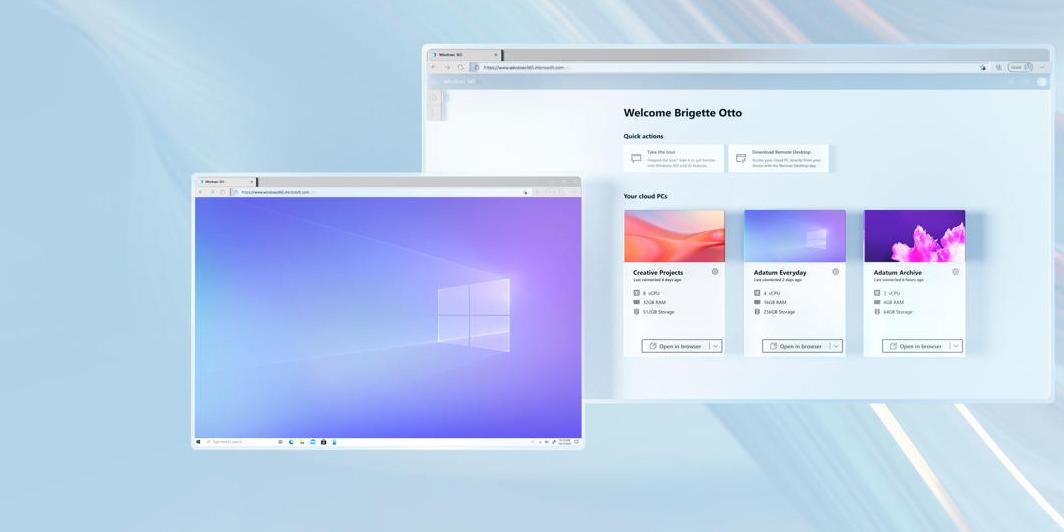
Windows 365 is your PC in the cloud
"remote desktop connection"
How to Use Windows Remote Desktop | Microsoft Windows
Learn how to access one PC from another PC using Remote Desktop, a feature that allows you to see and control another device from a distance. Find out how...
Remote Desktop Connection Manager - Sysinternals | Microsoft Learn
The Display The Remote Desktop Connection Manager display consists of the menu, a tree with groups of servers, a splitter bar, and a client area.
Connect to Remote Desktop Services in Windows Server
Learn how you can connect to a remote session from Remote Desktop Services in Windows Server using Windows App or the Remote Desktop client.
Microsoft Remote Desktop assistant
On the Windows PC you want to connect to remotely, download the Microsoft Remote Desktop assistant to configure your PC for remote access.
Microsoft
Access Microsoft Remote Desktop through a web browser for remote apps and desktops.
Microsoft Remote Desktop
For Remote Desktop connections, please use Remote Desktop Connection https://aka.ms/RDSetup (How to use Remote Desktop - Microsoft Support) For Remote...
Connect Remote Desktop by CompX - Free download and install on Windows ...
Connect for Windows lets you reach Windows computers enrolled in your CompX Connect organization. Important: The remote Windows computer requires the...
Windows PC on Network shows up but I can no longer connect to it.
Until a few weeks ago, I was always able to connect to it using Remote Desktop. Then all of a sudden, it stopped working. I have 2 Windows 11 laptops, both...
RDS session connectivity troubleshooting guidance
This article helps you troubleshoot Remote Desktop Services (RDS) issues that prevent users from connecting to remote desktop sessions on Windows Server...
Remote Desktop Services Shortcut Keys - Win32 apps
There are two different sets of shortcut key combinations you can use on a remote desktop connection: the default Windows shortcut keys, or the shortcut...
Remote Desktop - Allow Access to Your PC from Outside Your Network ...
When you connect to your PC by using a Remote Desktop client, you're creating a peer-to-peer connection. This means you need direct access to the PC...