

Power BI Desktop
Create rich, interactive reports with visual analytics at your fingertips—for free.
Product overview
Go from data to insight to action with Microsoft Power BI Desktop
- Dig deeper into data and find patterns you may have otherwise missed that lead to actionable insights. Use features like quick measures, grouping, forecasting, and clustering. Give advanced users full control over their model using powerful Data Analysis Expressions (DAX) formula language. If you’re familiar with Microsoft 365, you’ll feel at home in Power BI.
- Explore your data, automatically find patterns, understand what your data means, and predict future outcomes to drive business results. The new AI capabilities—pioneered in Azure and now available in Power BI—require no code, helping all of your Power BI users to discover hidden, actionable insights and drive more strategic business outcomes.
- Create stunning reports with interactive data visualizations. Tell your data story using a drag-and-drop canvas and hundreds of modern data visuals from Microsoft and partners—or create your own, using the Power BI open-source custom visuals framework. Design your reports with theming, formatting, and layout tools.
- Get visual analytics to the people who need it. Create mobile-optimized reports for viewers to consume on the go. Publish from Power BI Desktop to the cloud or on-premises. Embed reports created in Power BI Desktop into existing apps or websites.
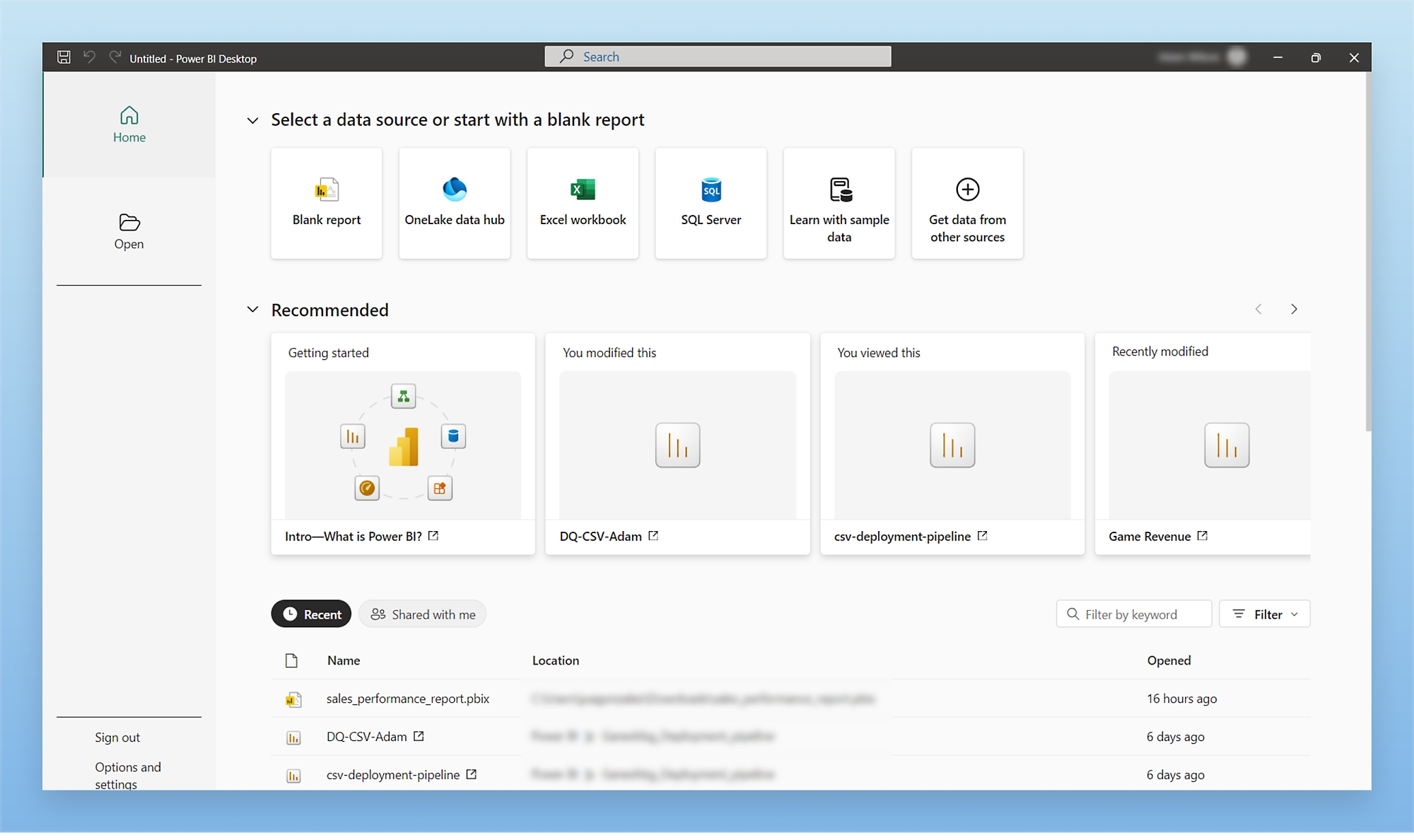


- Access data from hundreds of supported on-premises and cloud-based sources, such as Dynamics 365, Salesforce, Azure SQL Database, Excel, and SharePoint. Ensure it’s always up to date with automated, incremental refreshes. Develop deep, actionable insights for a broad range of scenarios with Power BI Desktop.
- Save time and make data prep simpler with data modeling tools. Reclaim hours in your day using the self-service Power Query experience familiar to millions of Excel users. Ingest, transform, integrate, and enrich data in Power BI.


NEXT STEPS
Publish and share reports with Power BI Pro
Power BI Pro
$14.00
user/month, paid yearly
This product is not available in your market.
Distribute and access insights anywhere by combining Power BI Desktop and Power BI Pro. Collaborate to build, publish, and share reports on any device.
RESOURCES
Explore everything Power BI Desktop has to offer

News
See what’s new in Power BI Desktop
Learn about the latest capabilities and improvements in the Power BI Blog.

Guide
Get started with Power BI Desktop
Take a tour of Power BI Desktop with this getting-started guide.

Community
Join the Power BI community
Connect with your peers, share ideas, and learn from experts.


Contact us
Learn more about our products, discuss use cases, or get pricing information.
Available M-F 6 AM to 3 PM PT.
Available M-F 6 AM to 3 PM PT.
Call (800) 642 7676
Follow Power BI