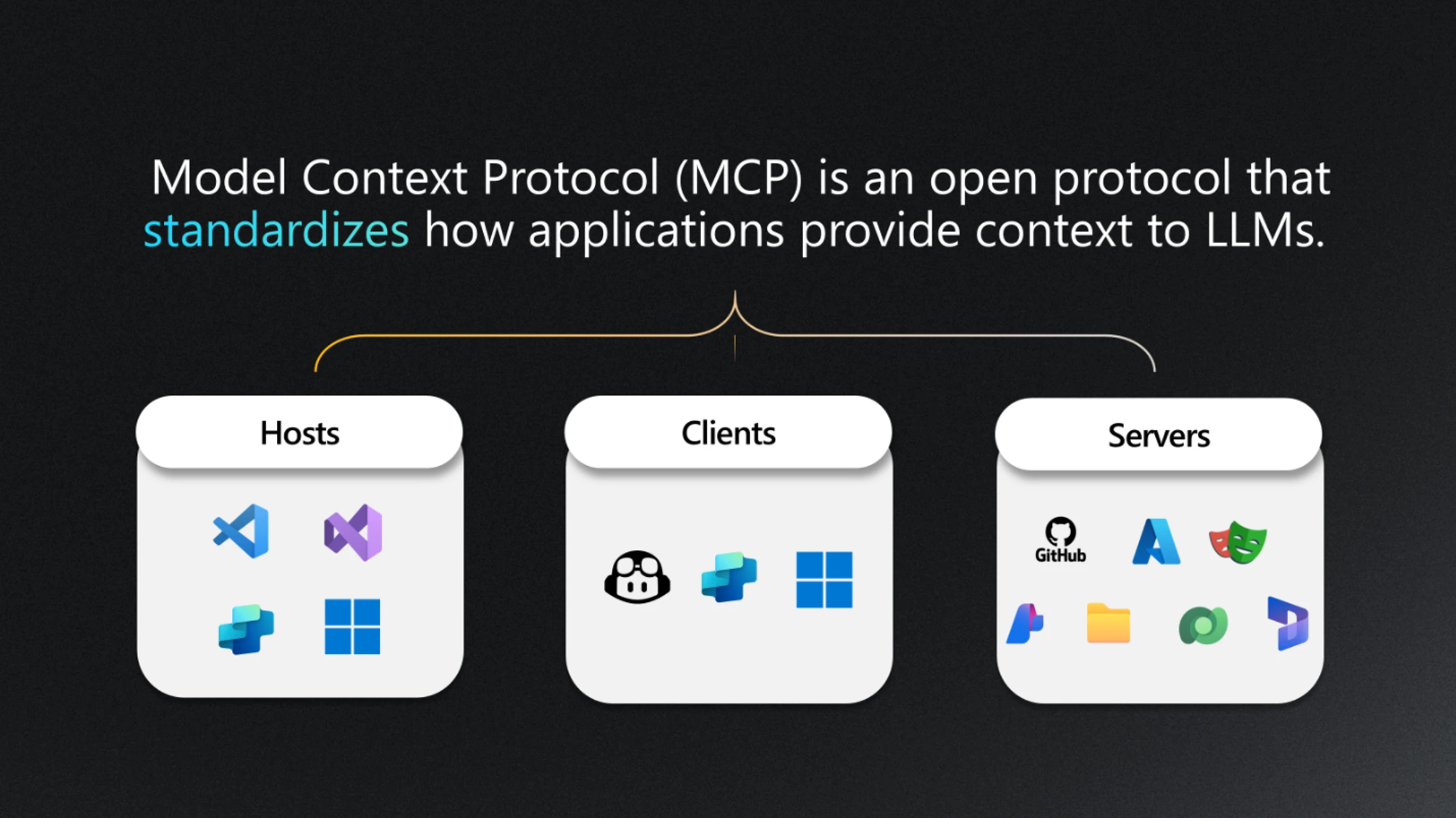
The Dataverse MCP server continues to evolve. The latest Dataverse MCP updates help agents achieve more with business data through a clearer and more capable tool surface. With these changes, agents can more easily inspect metadata, query records, search across structured and unstructured data, and work with Dataverse data through well-defined tool boundaries.
This matters because MCP already gives makers and developers a consistent way to connect agents to real business data without every client needing a custom Dataverse integration. Our enhancements ensure the Dataverse MCP experience is easier to reason about through a clearer tool shape. Agent surfaces like Copilot Studio, GitHub Copilot in VS Code, GitHub Copilot CLI, Claude Desktop, Claude Code, and other MCP-compatible clients can now connect to the Dataverse MCP endpoint and experience this new tool shape.
What changed
The important change is not that Dataverse supports MCP. It already does. The change is that the experience is now easier to understand through a concrete set of tools. Instead of thinking about MCP as a generic connection, we can now talk about the actual tools an agent can use. The Dataverse MCP server exposes tools for common data and metadata tasks, including:
| Tool | Description |
|---|---|
search_data |
Search structured and unstructured data. |
search |
Search table schemas and business skills by keyword. |
create_record |
Inserts a new row into a Dataverse table and returns the GUID. |
update_record |
Updates an existing row in a Dataverse table. |
delete_record |
Delete a row, only after explicit user approval. |
create_table |
Creates a new table with a specified schema. |
update_table |
Modifies schema or metadata of an existing table. |
delete_table |
Deletes a table from Dataverse, only after explicit user approval. |
read_query |
Run supported Dataverse SQL SELECT queries. |
describe |
Get details from search results for tables, records, schemas, skills, and apps. |
upsert_skill |
Add or update a Dataverse skill/playbook. |
delete_skill |
Delete a Dataverse skill/playbook by name. |
init_file_upload |
Generate a SAS URL for file upload. |
commit_file_upload |
Commit a file upload. |
file_download |
Generate a SAS URL for file download. |
This tool shape is important because it defines the contract between the agent and Dataverse. The agent is not just connected to Dataverse in a broad sense. It has a set of named capabilities that can be reasoned about, allowed, blocked, audited, and improved over time.
For additional information, please see the documentation for full list of Dataverse MCP tools and billing rates.
Why the tool shape matters
For users, makers, and pro developers, the MCP tool shape creates a cleaner mental model.
If an agent needs to:
- Understand the data model, it can use tools such as search, describe, and schema-related responses.
- Answer a question from data, it can use read_query or search_data depending on whether the scenario is structured query or broader search.
- Create or update business data, it can use create_record, update_record, or delete_record with the right approvals and safeguards.
- Help scaffold or evolve a simple schema, it can use table tools such as create_table, update_table, and delete_table.
- Move files in or out of Dataverse, it can use init_file_upload, commit_file_upload, and file_download.
That means agent experiences can move from “tell me how to do this” to “help me inspect, reason, and act against my environment,” while still going through explicit tool boundaries.
A practical example
Imagine a user asks: Which accounts have open follow-up items, and can you create a task for the ones missing an owner?
With the MCP server connected, the agent can use the Dataverse tools to inspect the relevant tables, query the data, and create records where appropriate. The interaction becomes more grounded because the agent can work with the actual Dataverse environment instead of relying only on user-provided context.
Governance still matters
The MCP server does not remove the need for governance. In fact, the tool shape makes governance more visible.
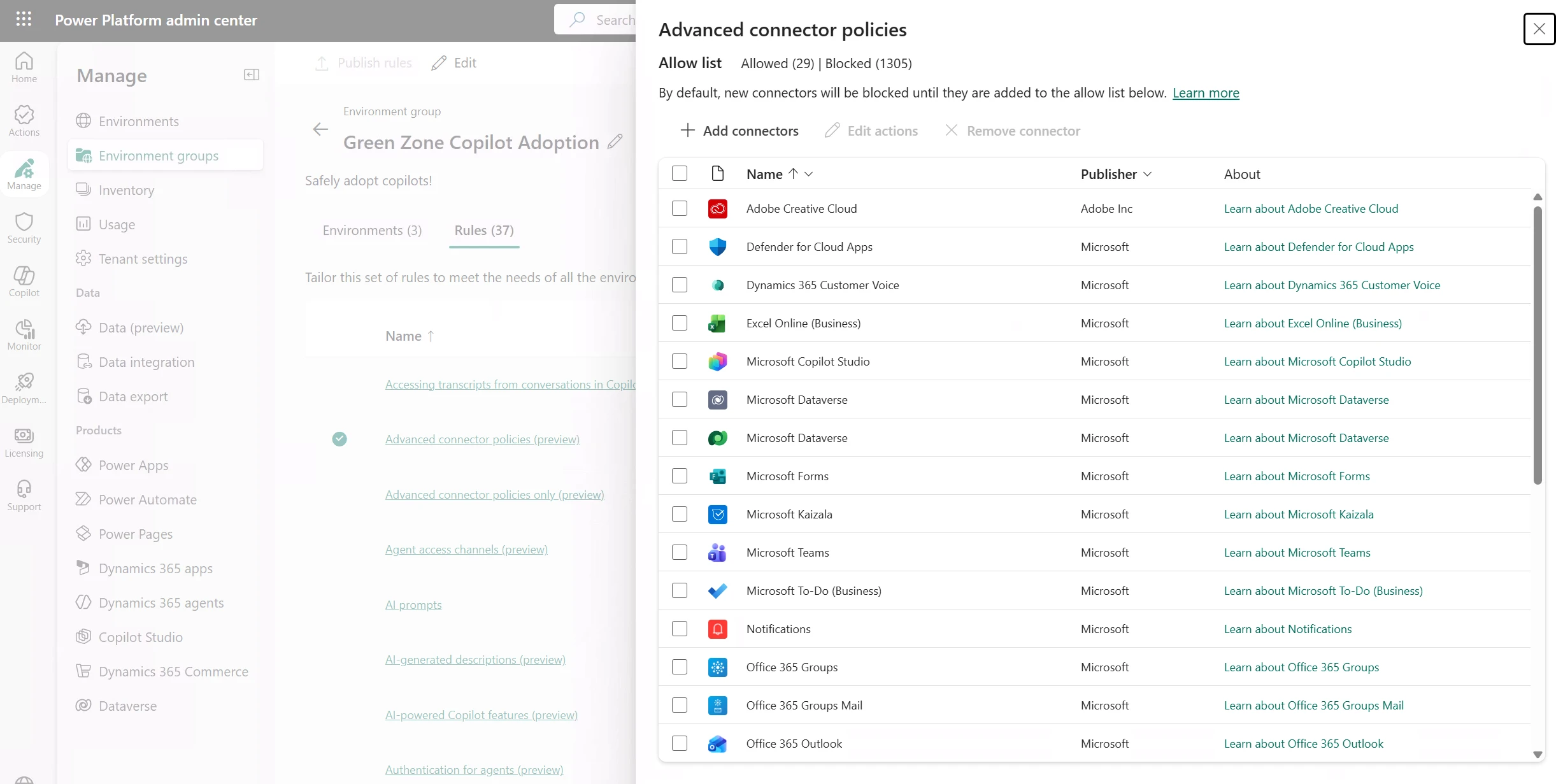
Administrators have control over which clients have access to to the environment via MCP server. This ensures that only approved agent surfaces are accessing business data. Additional capabilities such as ‘allowed tools’ and strong role based access control ensure users only have access to data that their security context allows.
The practical guidance is:
- Enable MCP only for environments where agent access makes sense.
- Allow only approved clients.
- Understand which tools are exposed.
- Treat write-capable tools differently from read-only tools.
- Validate that users only access data they are already permitted to see.
Summary
The most interesting part of this Dataverse MCP server enhancement is the move toward a clearer, more concrete tool shape.
The updated tool shape makes Dataverse more agent-ready. It gives agents a standard way to discover tables, inspect schema, query data, and use controlled Dataverse tools. For makers, this means more natural AI-assisted workflows. For developers, it means a cleaner integration pattern. For admins, it creates a more explicit surface to govern.
MCP turns Dataverse into something agents can use directly, but the tool shape determines how safe, useful, and predictable that experience becomes.