
Split-screen translation
Speak two languages into one device for one-on-one conversations

Offline language packs
Download language packs to translate text without an internet connection
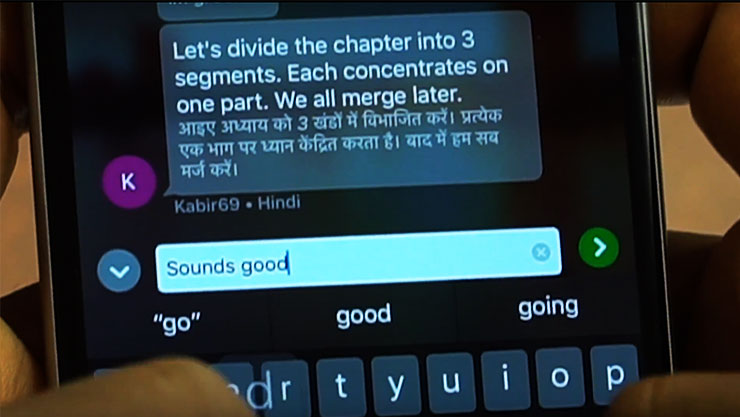
Translate a conversation in the mobile app
Host or join a live translated conversation with the Translator mobile app.
DOWNLOAD THE MOBILE APP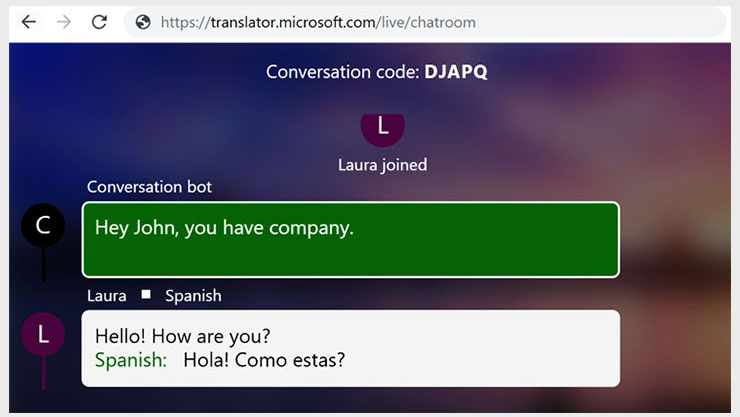
Join a conversation in your browser
You can join a translated conversation directly via a web browser on a desktop or mobile device.
JOIN A CONVERSATION IN A WEB BROWSER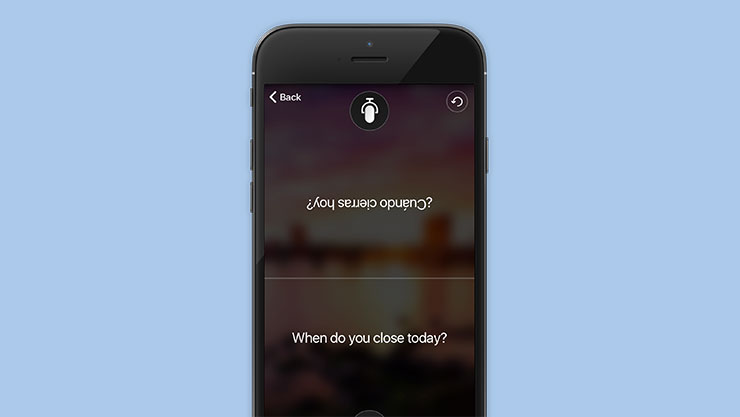
Split-screen translation
Speak two languages into one microphone for one-on-one conversations.
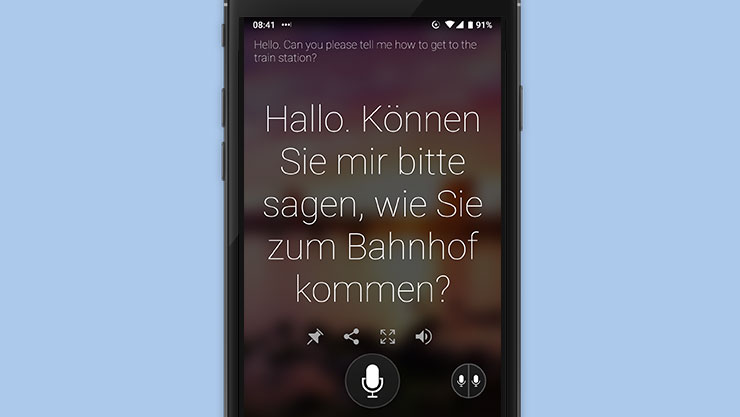
Single microphone
Tap and speak into the microphone to translate short phrases while online.
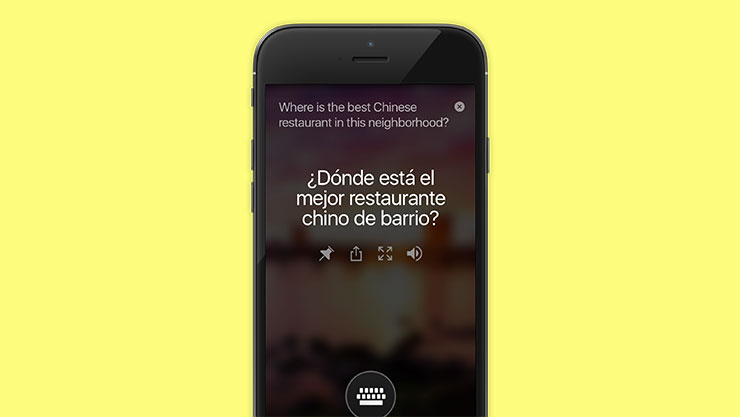
Text translation
- Translate text.
- Pin translations you frequently use.
- Share translations via text, email, or on social.
- Listen to translations at three different speeds.
- Look up alternate translations and meanings of a word to find the best translation to express yourself.
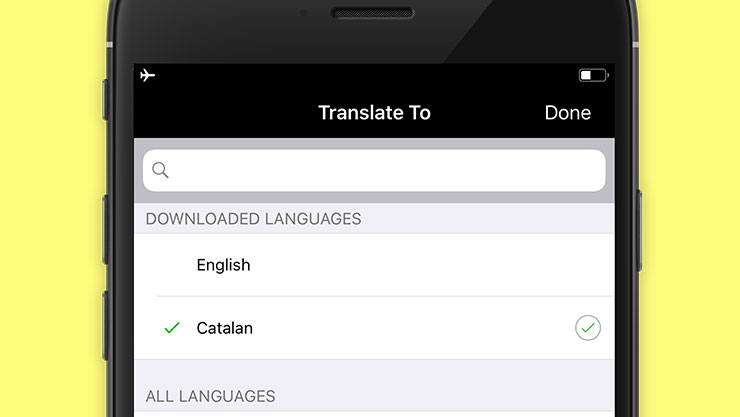
Offline text translation
Download offline language packs to translate text even when you're offline.
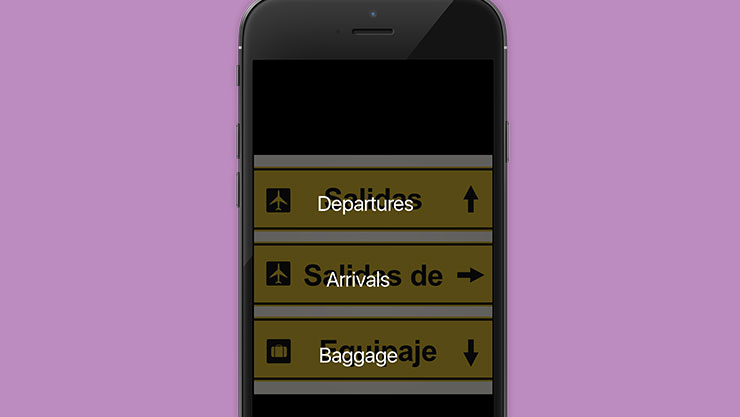
Translate text in photos
Translate the text in photos with the app's built-in camera viewer, or upload saved photos from your gallery.

Translate text in photos while offline
Download offline language packs and use the camera feature to translate street signs and menus while traveling abroad.
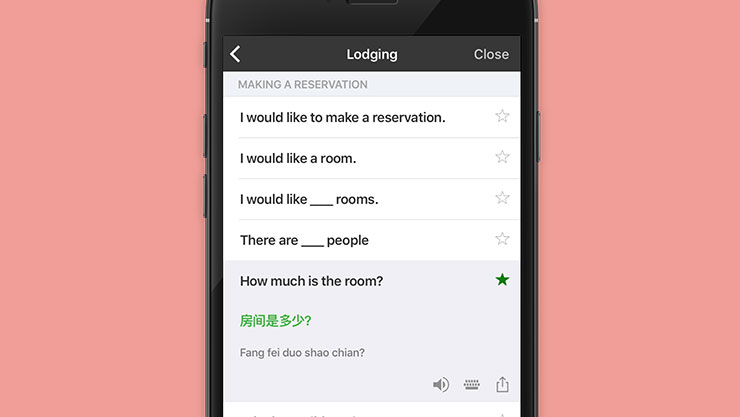
Phrases for travel and business
- Verified translations for travel, directions, lodging, dining, and more.
- Pronunciation guides to help you learn important phrases.
- Listen to translations at three different speeds.
- Star your frequently used translations to save in your Favorites.
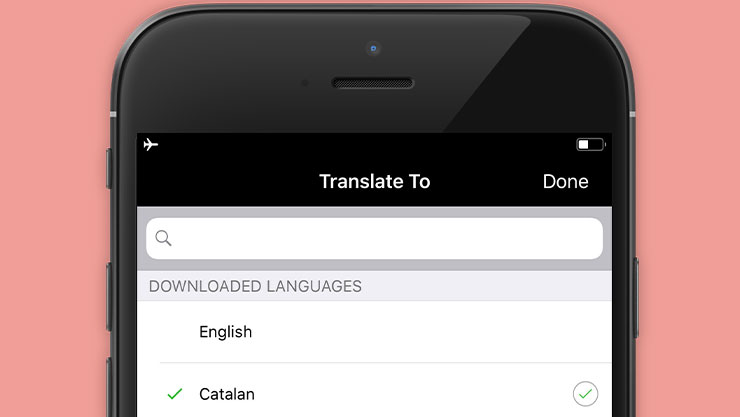
Always offline
Never worry about having internet to use the phrasebook. Over 200 phrases ready to go wherever you are.