Aliases: Masking out
Context: In the user interface (UI) of a software system, the user enters protected information such as a password, an access key, a credit card number etc.
Problem: The entered information is visible during data entry and whenever any user (the one who entered the data, or a foreign user) opens the UI.
Forces:
- Information disclosure: sensitive data is visible in the UI.
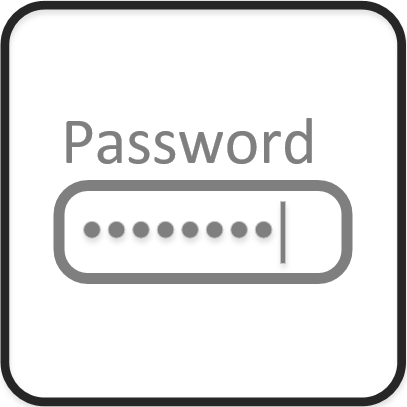
Solution: Use the “Masked” field property to display dots instead of characters on the sensitive text field in the UI.
Read more on NAV Design Patterns wiki site…
By Bogdana Botez at Microsoft Development Center Copenhagen