
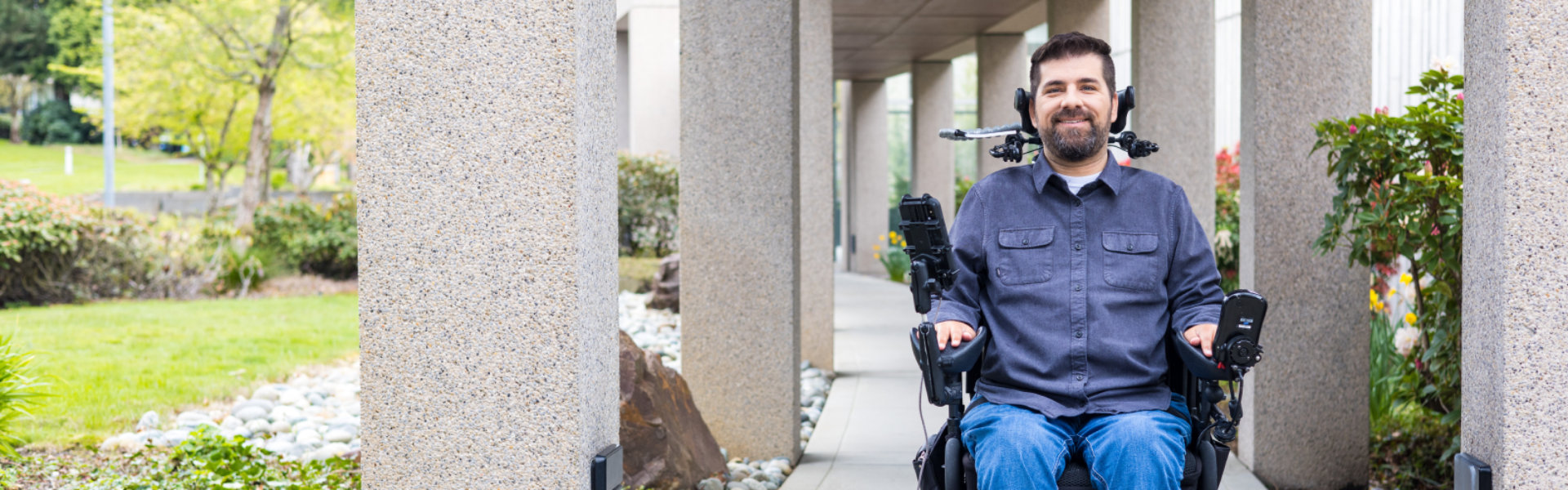
Raising the bar on accessibility
Promoting disability inclusion
Our commitment
Accessibility training and resources
Technical support
Accessible products and technology
Designed for you

Vision
Need a larger screen? A brighter screen? A narrator to read text? Find out about accessibility tools and features for people who are blind, color blind, or have low vision.

Hearing
For those who are hard of hearing, have hearing loss, or have deafness, our specialized features can provide solutions including closed captioning, mono sound, and live call transcription.

Neurodiversity
Innovative tools such as dictation and Windows Hello sign-in can make the digital world more accessible for those who with dyslexia, seizures, autism, or other cognitive differences.

Learning
Our applications for people living with learning disabilities can help increase focus, concentration, and understanding—and include tools to improve reading and writing skills.

Mobility
Our suite of products helps people living with arthritis, quadriplegia, spinal cord injuries, and other mobility issues to navigate the digital world in new ways.

Mental health
Learn more about assistive technologies for people living with issues such as bipolar disorder, anxiety, PTSD, depression, or ADHD. Our products can help reduce distraction and improve concentration and reading.

Driving impact together
Unique unites us

Latest news about accessibility at Microsoft

Designing with mental health in mind

Closing the disability employment gap

Explore Ability Summit 2024

Seeing AI app launches on Android
Embracing responsibility