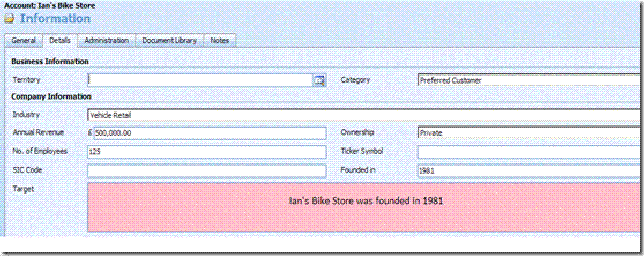
Passing values from a CRM form to a page outside CRM through an IFRAME is one of those quick 2-minute customizations. Let’s say the target of an IFrame on the Account form is an ASPX page which expects the Account name and the value of a custom attribute from the parent form for further processing.
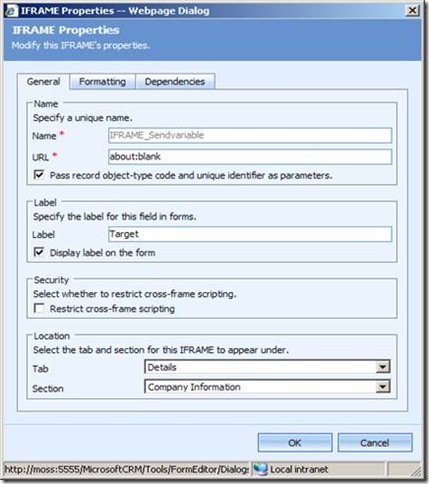
First things first, create the custom attribute and an IFrame. We will set the URL of the IFrame dynamically.
Place this code snippet in the onLoad event of the CRM form:
//Schema name of my custom attribute is new_customatt
var CRMvar=crmForm.all.new_customatt.DataValue;
var Accname=crmForm.all.name.DataValue;
//setting the source of the IFrame here
crmForm.all.IFRAME_Sendvariable.src='http://localhost:4319/Projects/firstpage.aspx?accname='+Accname+'&customatt=' + CRMvar;
Publish customizations and create a new Account. The values can be accessed in the target page.