This post will give clarity as to why the sale order line status is Invoiced at the stage of packing slip posting itself from Item requirement
PRE-SETUP Information
-
Create new Project Contract
USMF/Project management and accounting/Common/Projects/Project contracts
Enter details as below:
Project contract ID: 000187(comes automatically based on number sequence setup)
Name: Demo
Funding Type: Customer
Funding Source: US-025
Sales Currency: USD
Click OK

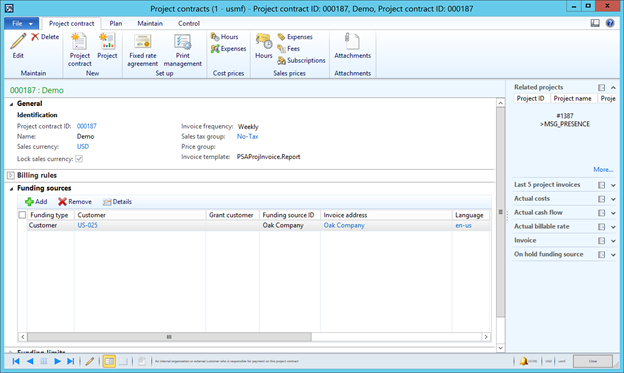
Save & close project contact form
-
Create new Project
USMF/Project management and accounting/Common/Projects/All Projects
Enter details as below:
Project type: Time and Material
Project contract ID: 000282(comes automatically)
Name: Demo
Project group: TM
Customer: US-025
Sales Currency: USD
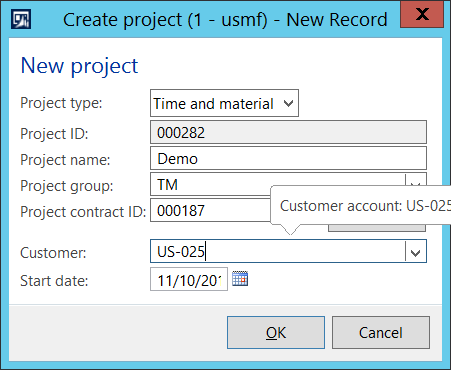
Click OK

Using Item requirement form
Step1: Enter Item requirement
USMF/Project management and accounting/Common/Projects/All projects
Select project 000282
Open Item requirement from Plan tab
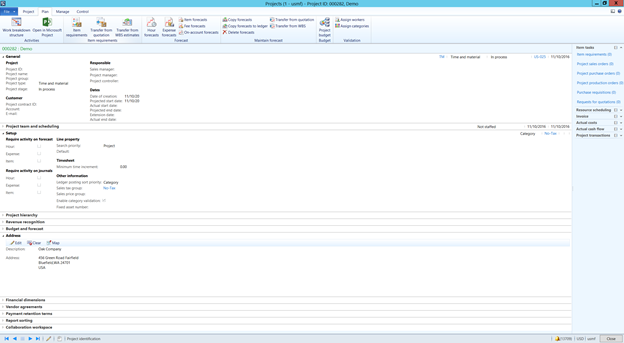
Click New
Enter Item number : M0001
Site:1
Warehouse :11
Quantity:10
Line property: Billable

Click Project tab
Enter Unit price(sales) as 10 USD

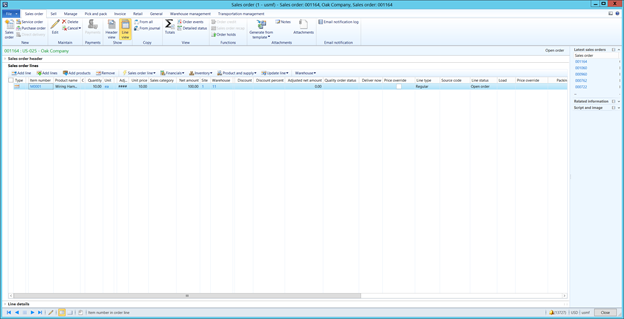
Now click Inquiries>sales orders
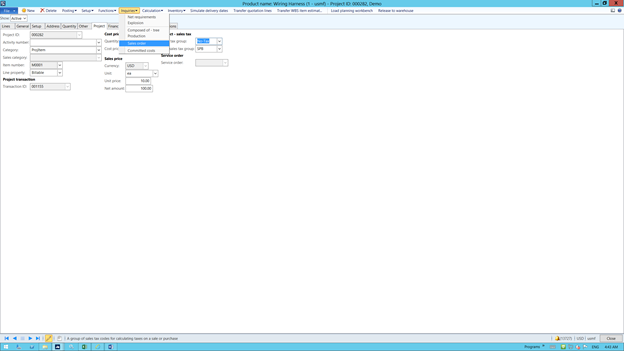
This will open the sales order created
Step2: Make a picking list and packing slip from Item requirements form for part quantity
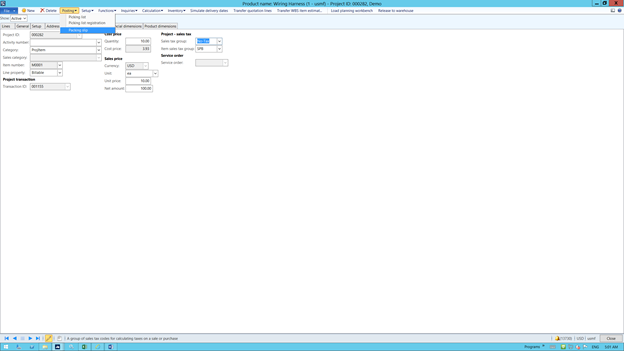
Click Posting>picking list


Click on Lines
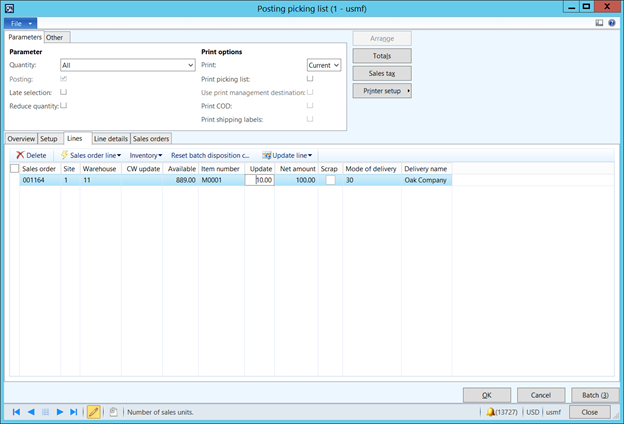
Change 10 to 7(to simulate partial consumption)
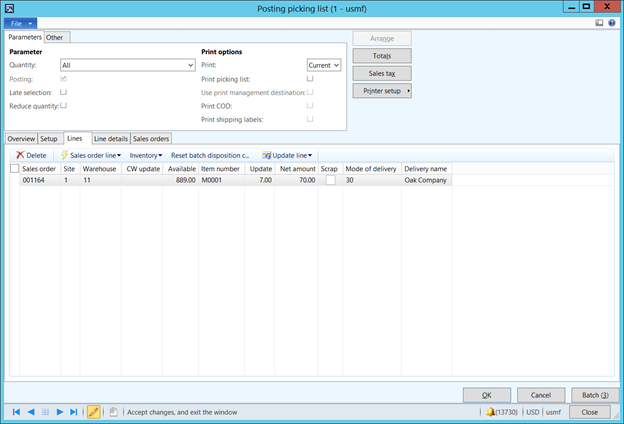
Click Ok
Click posting>Picking list registration
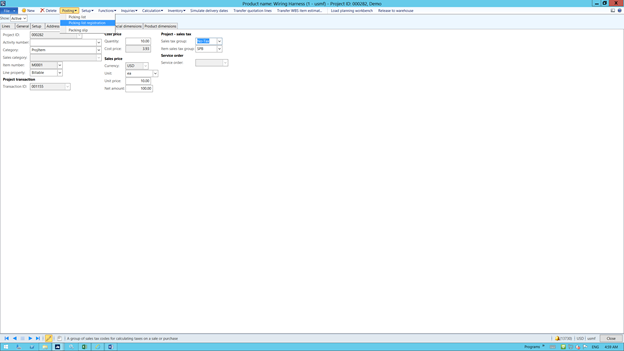
Updates>update All

Click close
Click Posting >packing slip
Update Quantity as Picked
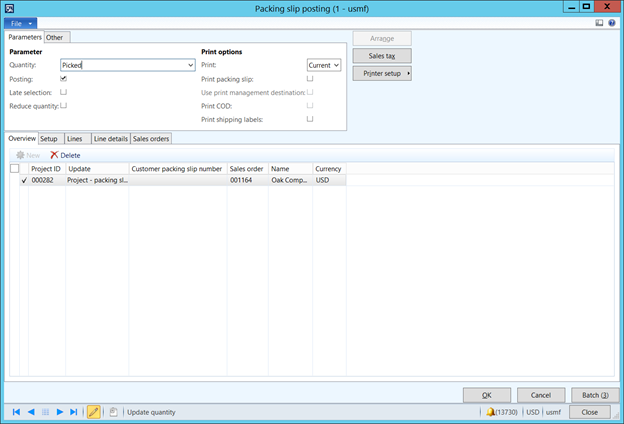
Click Ok
Step3: Check project posted transactions
USMF/Project management and accounting/Common/Projects/All projects
Select project 000282
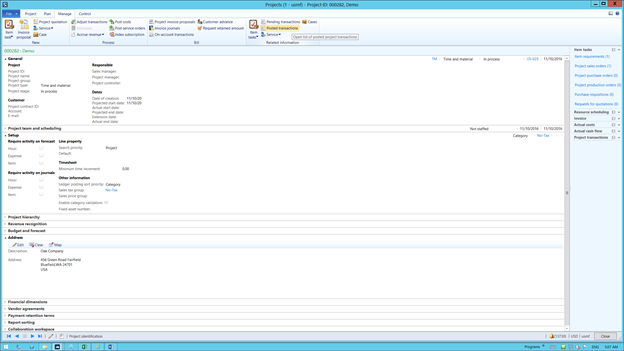
Action Pane>manage tab
Click Related information>Posted transactions
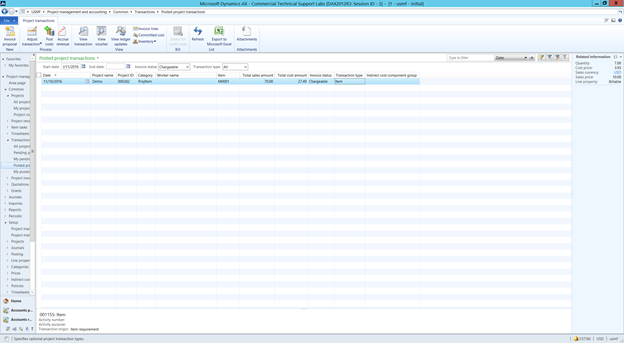
We see that the project posted transactions are getting populate on Packing slip posting itself if we use Item requirements which is correct
Note: When new item requirements are entered, they are added as addition lines in the same sales order.
Step 4: Check Sale order Line status
USMF/Project management and accounting/Common/Projects/All projects
Select project 000282
Plan tab >Item requirements
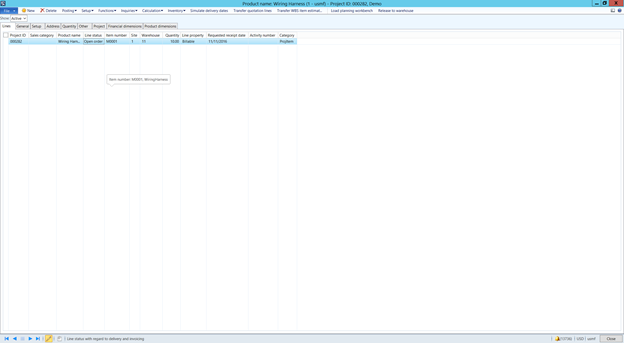
Select Show All and Inquiries >Sales order
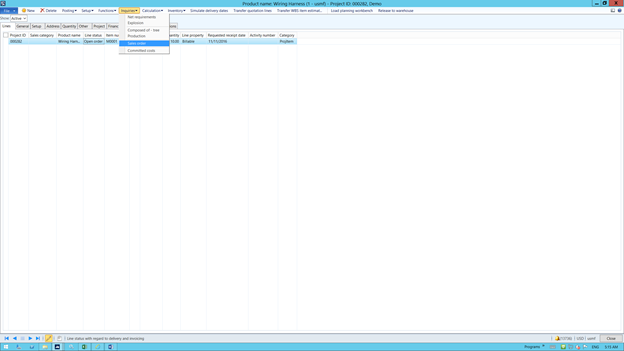
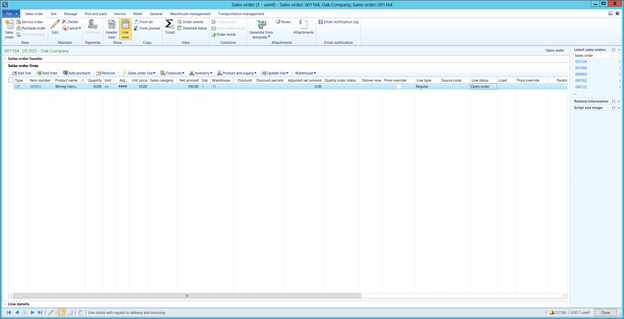
Step 5: Check Line status of the Sales order
*** Actual Result ***
We see that the line status of the Sales is “open order” which is correct as we had made a partial consumption only
 *** Expected Result ***
Same as actual
Step 6: Make a picking list and packing slip from Item requirements form for remaining quantity
Click Posting>picking list
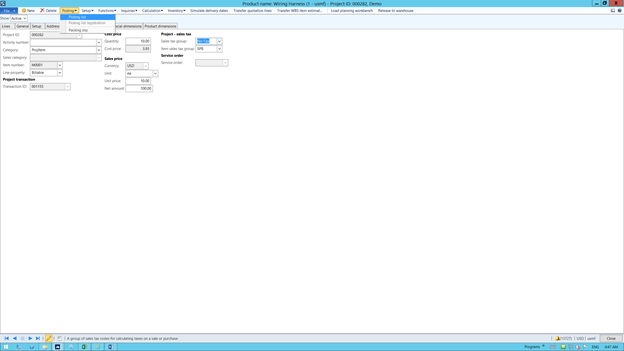
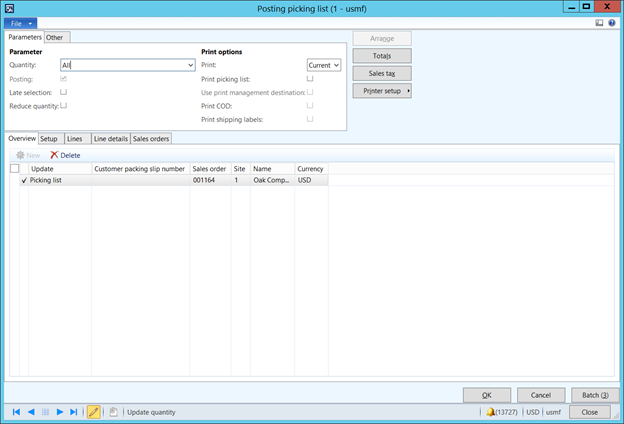
Click on Lines
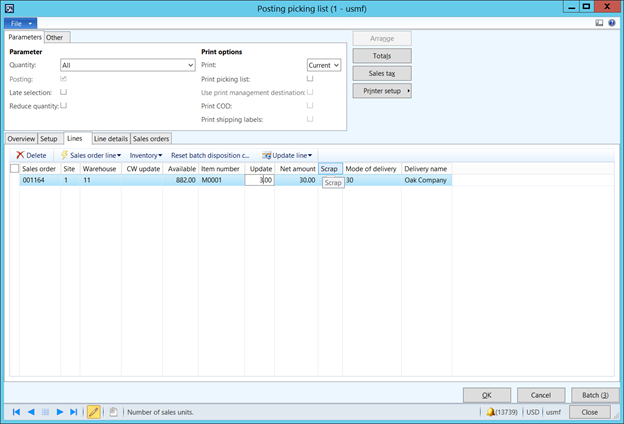
This will update the remaining 3 quantity
Click Ok
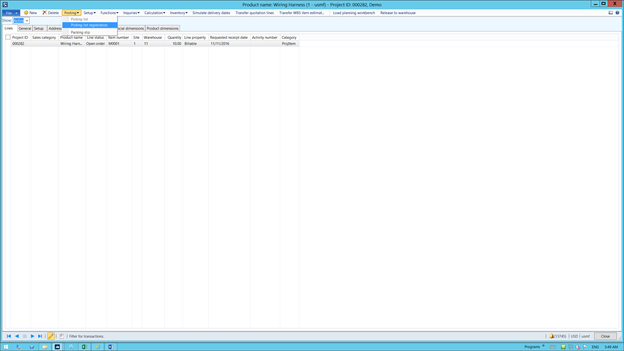
Click posting>Picking list registration

Updates>update All
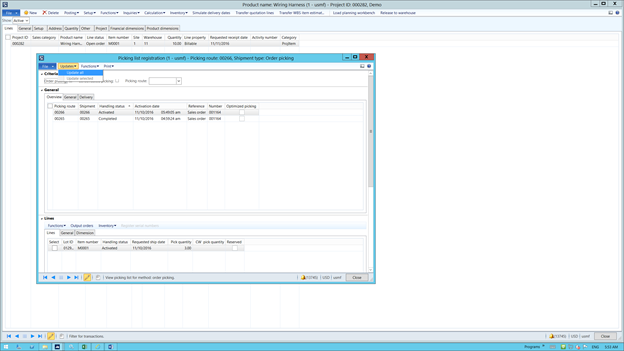
Click close
Click Posting >packing slip
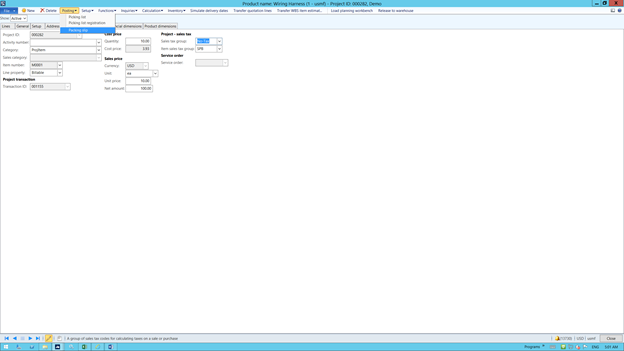
Update Quantity as Picked

Click Ok
Step7 : Check project posted transactions
USMF/Project management and accounting/Common/Projects/All projects
Select project 000282
Action Pane>manage tab
Click Related information>Posted transactions
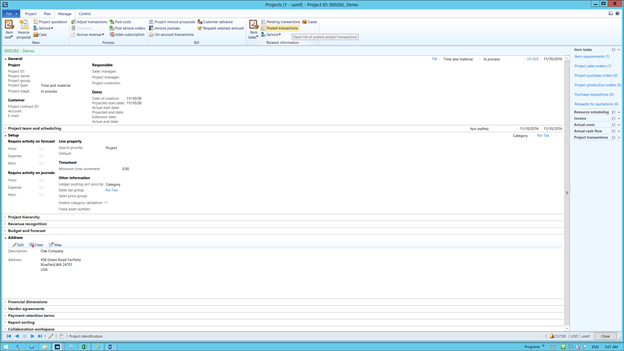

We see that the project posted transactions are getting populate on Packing slip posting itself if we use Item requirements which is correct
Step 8: Check Sale order Line status
USMF/Project management and accounting/Common/Projects/All projects
Select project 000282
Plan tab >Item requirements
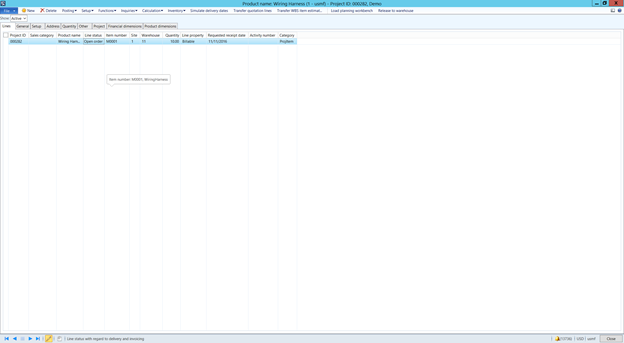
Select Show All and Inquiries >Sales order
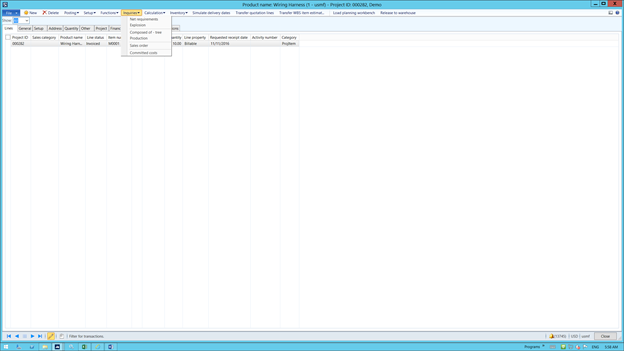
Step 9: Check Line status of the Sales order
*** Actual Result ***
We see that the line status of the Sales is “Invoiced ” which is correct as we had made a complete consumption (full 10 quantity)
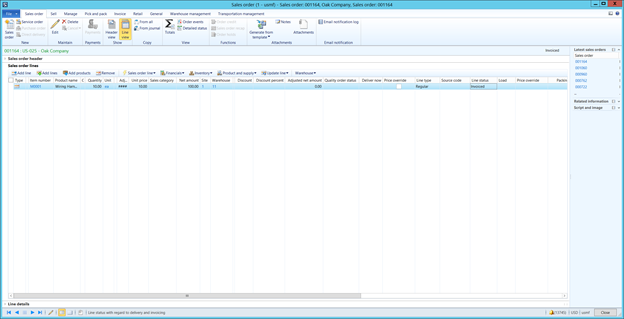
That’s because for Item requirements, Item transactions are consumed when the packing slip is updated.
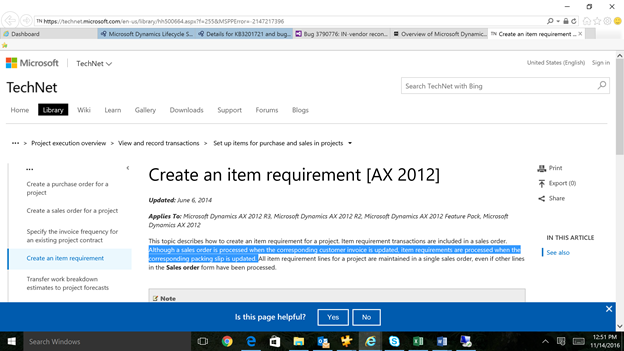
Reference 1:https://technet.microsoft.com/en-us/library/hh500664.aspx?f=255&MSPPError=-2147217396
Although a sales order is processed when the corresponding customer invoice is updated, item requirements are processed when the corresponding packing slip is updated.
Reference 2: https://technet.microsoft.com/en-us/library/aa571173.aspx
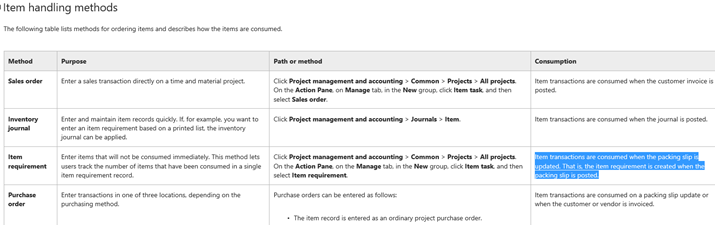
NOTE: Sales order line status is Invoiced as it was invoiced as part of the Item requirement (which is Invoiced after posting the Packing slip)
![Avatar of Maharaja GK [MSFT]](https://secure.gravatar.com/avatar/cb1be11a428459fa98ae1a1374c85206871069eba1cc7c3996cb52e3492d26f3?s=212&d=mm&r=g)