
Unlock students’ full potential with Education Insights in Microsoft Teams
According to a Data Quality Campaign survey, 86 percent of educators think using data is an important part of being an effective teacher.
 Education
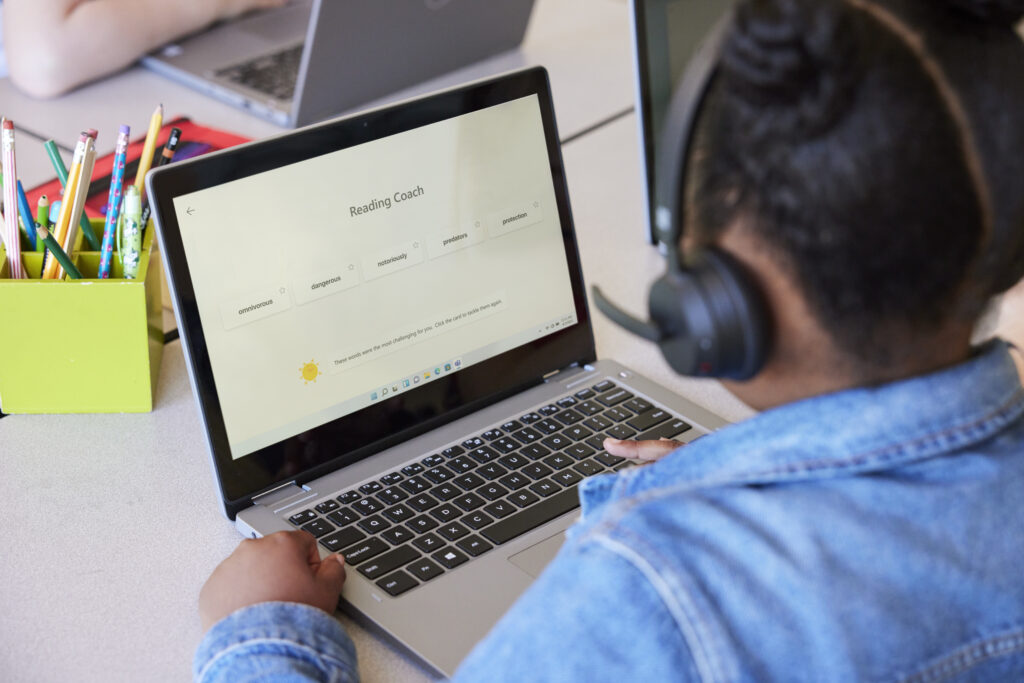
Discover Learning Accelerators, a set of learning tools included in Microsoft 365 Education that provides students with real-time coaching to help them catch up, keep up, and get ahead.
According to a Data Quality Campaign survey, 86 percent of educators think using data is an important part of being an effective teacher.

Every day, learners are inundated by information from a vast array of media and digital resources. However, studies show that only 1 in 10 students can distinguish between fact and opinion.

Teachers are facing a more diverse set of student needs than ever before, requiring an individualized approach to learning. Personalizing learning for each student is challenging.

Classrooms around the world contain students with very diverse abilities and needs, and research shows that this diversity has increased in recent years.

An inclusive classroom is made up of many different learners with unique needs and abilities, that want to feel they belong regardless of their identity, learning preferences, or skills. According to the National Center for Educational Statistics,15% of all U.S.

The ability to express yourself in a group setting is a fundamental skill that has gained importance in today’s world.
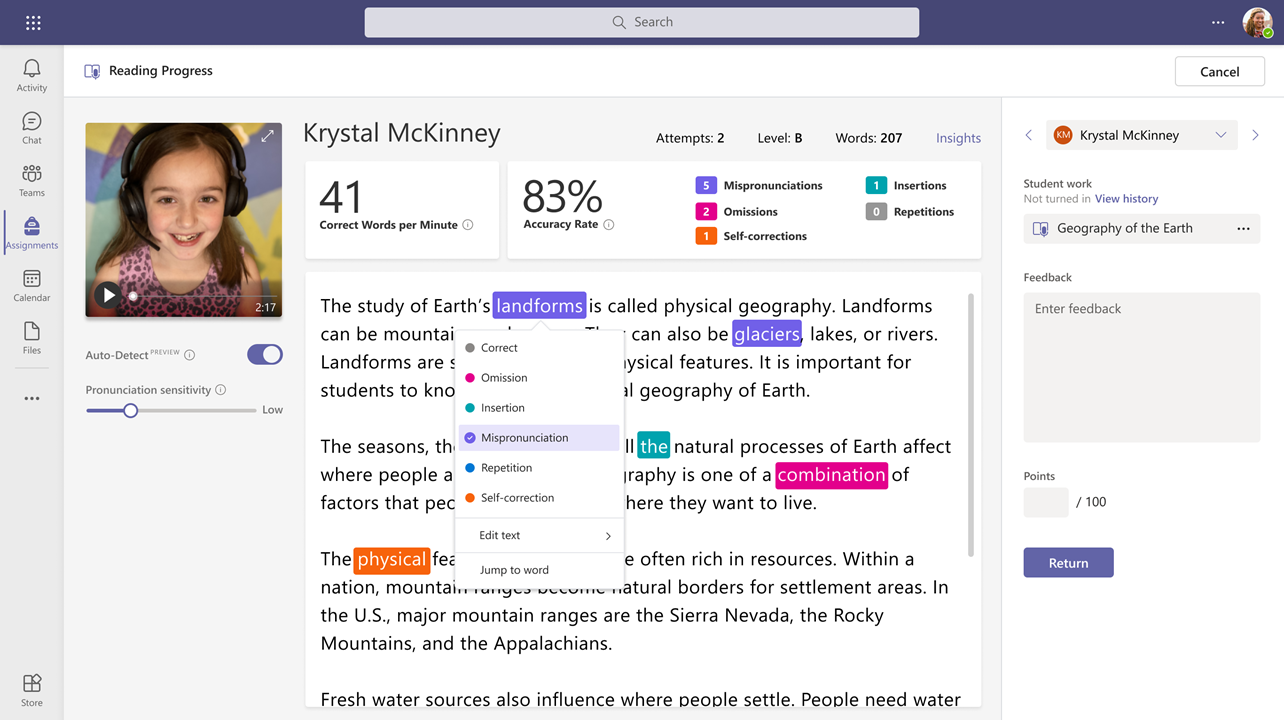
Reading comprehension is an essential part of any student curriculum, and recognizing the learning gap that the pandemic has created, it’s especially important that each student gets the chance to build their reading skills and increase their confidence in turn.

Today is National Teacher Appreciation Day, and I’d like to start by expressing my personal thanks and gratitude for everything teachers do.
It’s back and better than ever! A new season of You Can in :90 is here to show you how to transform your classroom with Office 365 Education. This simple video series cuts to the chase with great tips on using tools from Microsoft Education.
Watch Reimagine Education


Get inspired by stories from Microsoft Education customers.

Expand possibilities with educator training and professional learning resources.

Discover a collection of resources to support a variety of educational topics.