November 13, 2024
4 presentation trends for 2025
Learn which latest presentation trends can make or break your PowerPoint’s message and leave your audience captivated.
Learn moreThink you need a graphic design degree to create a stunning presentation? Think again. With the right online presentation maker, anyone—from students to business leaders—can craft polished, professional slides in minutes.
And when it comes to intuitive, powerful online presentation tools, Microsoft 365 leads the way with Microsoft PowerPoint. PowerPoint in Microsoft 365 works seamlessly online, so you can create, edit, and share your presentations right in your browser, no downloads needed.
PowerPoint combines ease of use with robust features that help users design, write, and deliver professional presentations. Even if it’s your first time.
Here are five ways PowerPoint empowers everyday users to make online presentations like a pro—no design skills required.
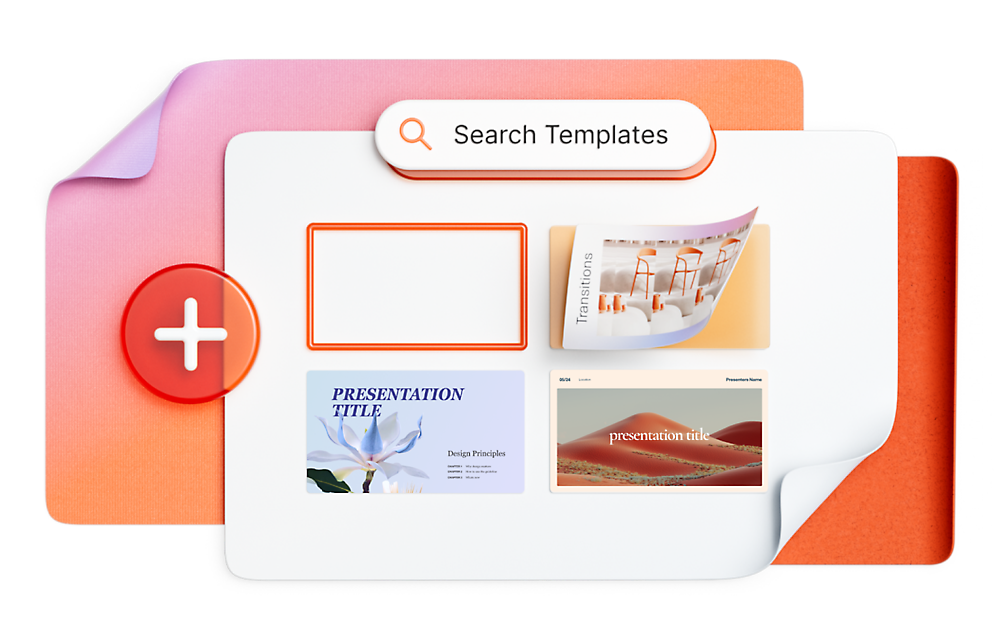
Not sure where to begin? Microsoft PowerPoint1 offers a wide range of professionally designed templates for every occasion—school projects, business pitches, community updates, and more. These templates provide a solid foundation, so you can focus on your message while the design takes care of itself. Just choose a template, plug in your content, and go.
The Designer tool in PowerPoint is like having a creative director in your corner. As you build your slides in PowerPoint, Designer automatically suggests layout improvements, visual enhancements, and formatting tweaks that make your content pop.
Designer is fast, smart, and easy to use—great for users who want the best design without the guesswork. Designer also helps maintain visual consistency across slides, which is key to keeping your audience focused and engaged.
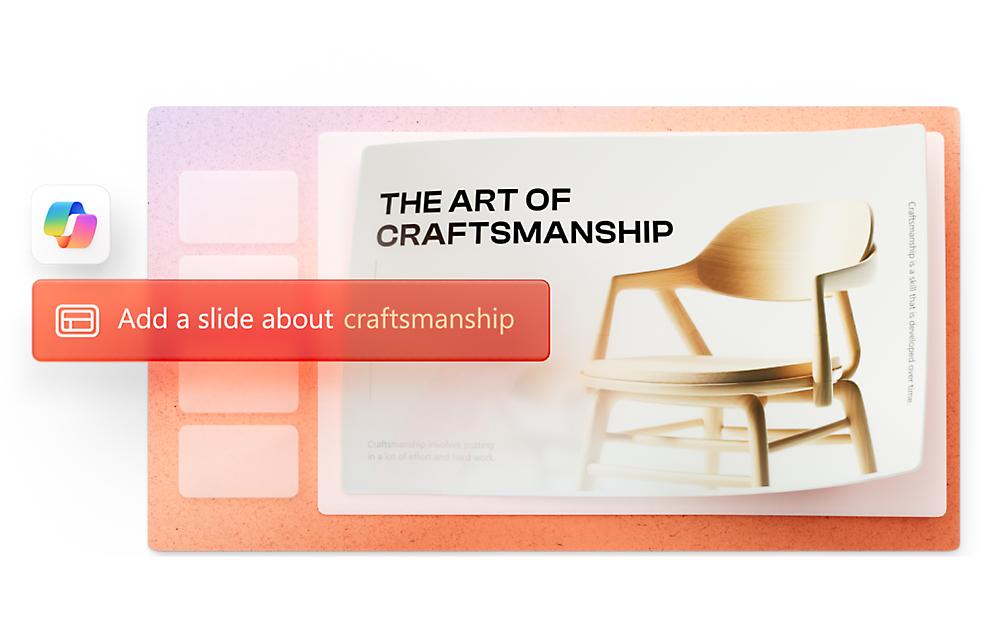
Copilot, your AI companion, is a game-changer. Copilot in PowerPoint1 can help you write content, organize your slides, and even generate visuals—all based on your input. Whether you’re brainstorming ideas or refining your final draft, Copilot streamlines the process and boosts your productivity. Copilot is like having a creative partner who never sleeps.
Beyond slide creation, Copilot can also assist with summarizing complex data, suggesting alternative phrasing, and even adapting your presentation for different audiences, making it a versatile tool for both beginners and seasoned presenters
Powerpoint empowers you to develop well-designed content across all your devices
Learn moreWant to make your presentation more engaging and alive? PowerPoint makes it easy to add photos, videos, charts, and infographics. With access to high-quality visuals and seamless integration across devices, you can create dynamic, multimedia-rich presentations that keep your audience hooked.
You can also embed interactive elements like hyperlinks and action buttons to guide viewers through the content. These features are especially useful for educational materials, product demos, or any presentation that benefits from a hands-on experience.
PowerPoint isn’t just about creation; it’s about collaboration and delivery, too. Share your presentation with teammates, get feedback in real time, and present from anywhere with tools like PowerPoint Live. Whether you’re in a classroom, a boardroom, or on a video call, you’ll be ready to shine.
PowerPoint Live also allows for audience interaction, such as live reactions and comments, which can make your presentation more dynamic and responsive. Plus, with cloud-based access, you can work on your presentation from any device, anytime.
With Microsoft 365, PowerPoint is a powerful online presentation maker that lets you create, edit, and share your slides entirely in the cloud.
PowerPoint’s easy-to-use templates, AI-driven design help, and real-time collaboration tools mean almost anyone can craft polished, professional presentations requiring special skills or software installations. Whether working solo or with a team, from any device or location, PowerPoint empowers you to bring your ideas to life smoothly and confidently.
Go for it with PowerPoint and explore features that let your creativity take the lead.
DISCLAIMER: Features and functionality subject to change. Articles are written specifically for the United States market; features, functionality, and availability may vary by region.
Microsoft 365 Personal or Family subscription required; AI features only available to subscription owner and cannot be shared; usage limits apply. Learn more.
The powerful productivity apps and creativity tools in Microsoft 365 just got better. Work, play, and create better than ever before with the apps you love and Microsoft Copilot by your side.
Try for free