


Surface Dial
For special business & EDU institute pricing, call us at 1 800-642-7676, Monday to Friday, 6:00AM to 6:00PM PT.
$99.99
Flexible payments available with PayPal.Learn more
Out of stock
Free 2-3 day shipping.
Buying for your Business? Go toSurface Dial for Business
$89.99 Special pricing for eligible students, parents, teachers and military. May not be combinable with other offers.
Check your eligibility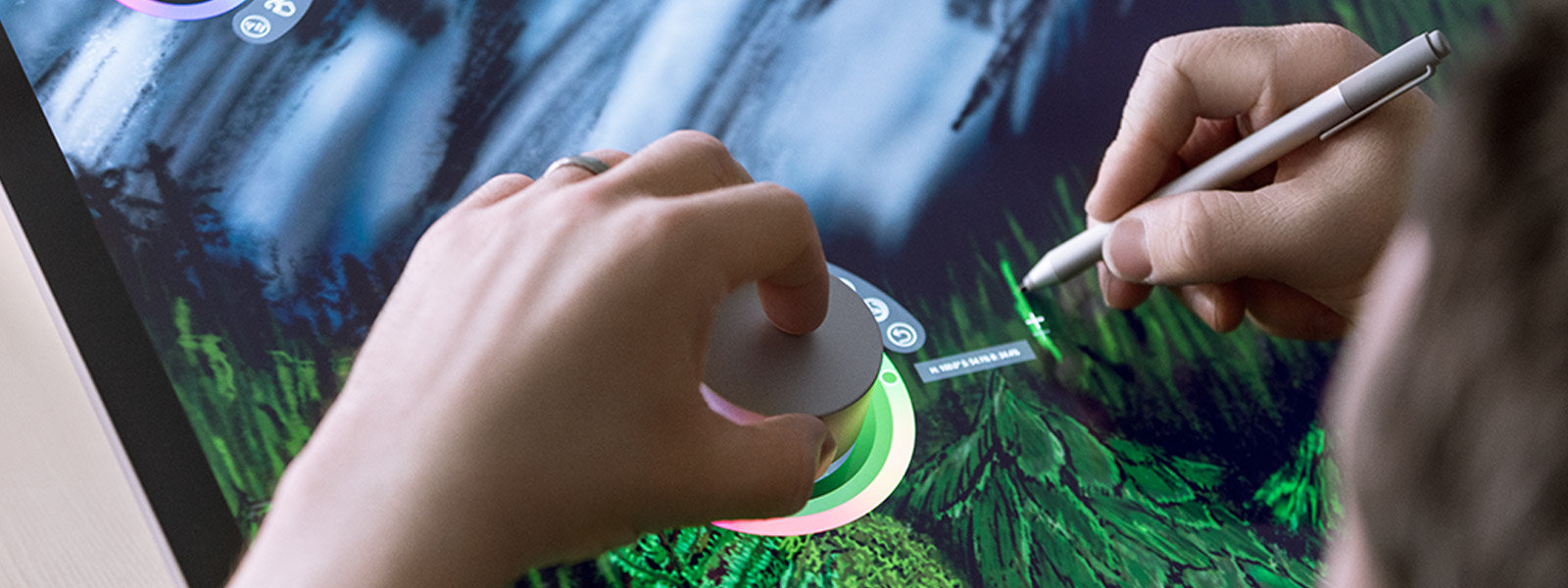
A new tool for the creative process
Transition seamlessly through tasks


Feel your work
Apps1 for Surface Dial


CorelDRAW Graphics Suite


Djay Pro


Complete Anatomy


Autodesk Sketchbook


Adobe Premier Pro CC


Spotify
Surface Dial also works with these apps
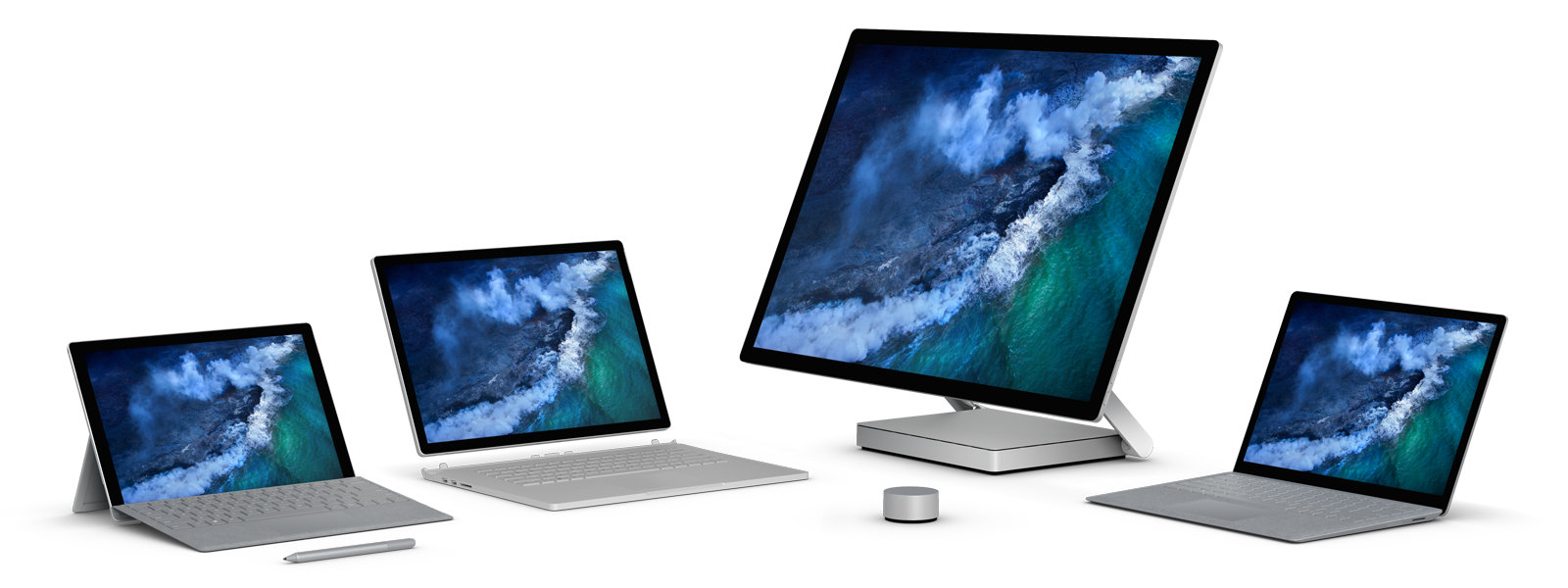
An integral part of the Surface family
You might also be interested in...

Surface Arc Mouse

Surface Pen

Surface Studio

Surface Pro
Why buy from Microsoft Store

Free 2-3 day shipping

Buy now, pay later. As low as 0% APR.

Microsoft Complete

Free 60-day returns
- Returns: Available with eligible physical products purchased from Microsoft Store online and Microsoft Experience Centers in select markets. Return process must be started within 60 days after customer receives the product. Limit 5 product returns per eligible customer purchase. Excludes ROG Xbox Ally X, ROG Xbox Ally, Surface Hub, HoloLens, and Windows DevKit. Applicable return policy applies. For purchases made at Microsoft Store, see applicable Microsoft Terms of Sale for more information. For purchases made at a Microsoft Experience Center, see receipt for more information. Microsoft reserves the right to modify or discontinue offers at any time.
- Price protection: Microsoft Store Price Adjustment: Valid on purchases of qualifying new or refurbished consumer and commercial physical products made at Microsoft Store and Microsoft Experience Centers in select markets for 60 days from the date product is received. Eligible Retailer Price Adjustment: Valid on purchases of qualifying new consumer physical products from Microsoft Store and Microsoft Experience Centers in select markets for 60 days from the date product is received. Excludes commercial and refurbished products. An Eligible Retailer Price Adjustment cannot be requested at time of purchase. Microsoft reserves the right to verify an eligible retailer’s advertised price and availability of the product. The product sold by the eligible retailer must be identical to the product sold by Microsoft and must be in stock for purchase at the eligible retailer at the reduced price. Exclusions apply. Both price adjustments: Price Adjustment must be requested within 60 days after the customer receives the product and cannot be completed at time of purchase. Customer is eligible only if the product is in stock for purchase at Microsoft Store or a Microsoft Experience Center. Customer must contact Microsoft to request the adjustment. For purchases from Microsoft Store, contact Microsoft Store Sales and Support with your Microsoft Account information and any other information requested by a representative. For purchases from a Microsoft Experience Center, you must return to the location with your receipt. Limit 1 price adjustment total per product. Excludes Surface Hub, HoloLens, and Windows DevKit. See Microsoft Store Price Protection for full terms and full list of eligible retailers.
-
Trade-In: Available only through the Microsoft Store online in the United States. Offer valid for reimbursements after trade in of a qualifying device (PC, laptop, mobile phone, tablet, or video game console). To be eligible for trade in, (i) you must own the qualifying device, (ii) the device must power on, (iii) the battery must hold a charge (the device must not be required to be plugged in to operate), and (iv) the device must be in fully-functional, working condition and not have broken or missing components, a cracked display or screen, liquid damage, modification(s) or the device warranty seal broken. The device cannot be password protected and must include its original chargers, accessories, and hard drive. Customer must mail in the qualifying trade-in device to be eligible for reimbursement. Devices determined to not meet eligibility criteria may be shipped back to the customer or recycled. Recycled devices are not eligible for cash back. All trade-ins are final. Cannot be transferred or otherwise redeemed for cash or gift cards, or credit towards other devices or products. May not be combined with other offers. Microsoft reserves the right to modify or discontinue offers at any time.
This offer is operated by Teladvance, LLC and is not sponsored by Microsoft. Any appraised value will be determined at trade in and provided by Teladvance. All trade-ins and reimbursements are subject to Teladvance’s sole discretion and approval.
Tech Specs
Exterior |
Casing: Aluminum
Color: Magnesium |
Dimensions |
Dial: 2.32 x 1.18 in (59 x 30 mm) (D x H)
Base: 2.12 x 0.15 in (54 x 4 mm) (D x H) |
Weight |
5.11 oz (145 g) with batteries (2)
|
Battery life |
12 months typical (4-hour daily use)
|
Wireless |
Bluetooth Low Energy
Frequency: 2.40 GHz Range: 6.56 ft (2 m) Capacitive-touchscreen detectable (Studio only) |
Power |
2 AAA alkaline batteries (included)
|
Features |
Compatibility: All Windows 11 Home/Pro / Windows 10 devices*
Press and hold: For menu Rotate: Freely/continuously (both directions); 0.30 N-cm resistance torque Click: Activates a momentary switch with 300 g force; Rotate detection functional in up and down button positions Dynamic feedback: Provides tactile feedback in software adjustable increments On-screen detection: Touch digitizer reports the onscreen location through a capacitive pattern (Studio only) |
Warranty |
1 year
|
Apps1 |
Bluebeam (Revu)
Drawboard (Drawboard PDF) Mental Canvas (Mental Canvas Player) Silicon Benders (Sketchable) Smith Micro (Moho 12) Spotify (Spotify) Staffpad (StaffPad) Windows (All) Word, PPT, Excel (Office Win32) OneNote (UWP version) Windows Maps Plumbago Sketchpad Groove Music PewPew Shooter Microsoft Photos Paint |
- [1] Sold separately.