Empower teams to push boundaries beyond the office with Surface accessories. Surface accessories enhance the Surface experience.
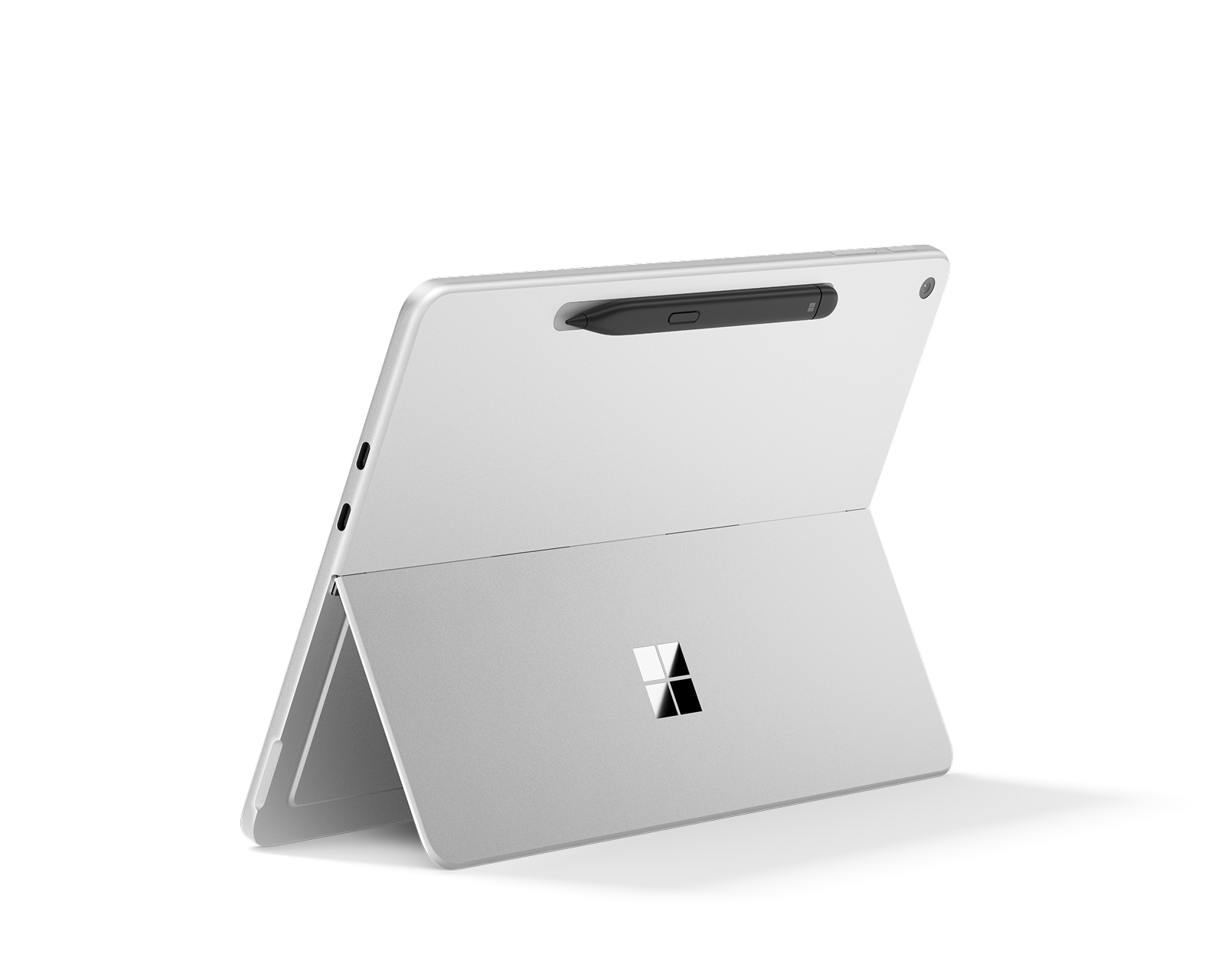
 Surface for Business

Surface for Business accessories
Empower teams to push boundaries beyond the office with Surface accessories. Surface accessories enhance the Surface experience.
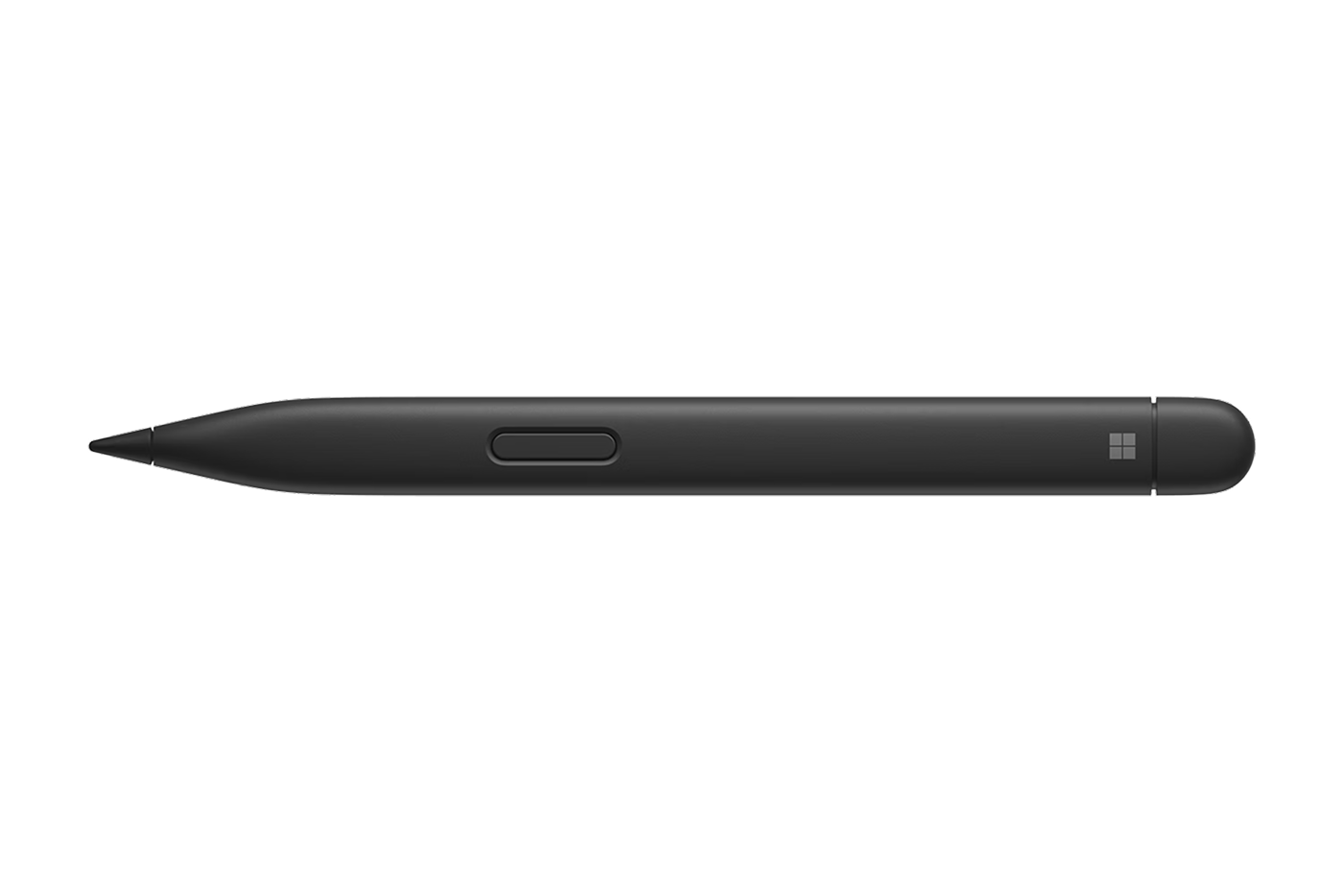
Surface Slim Pen
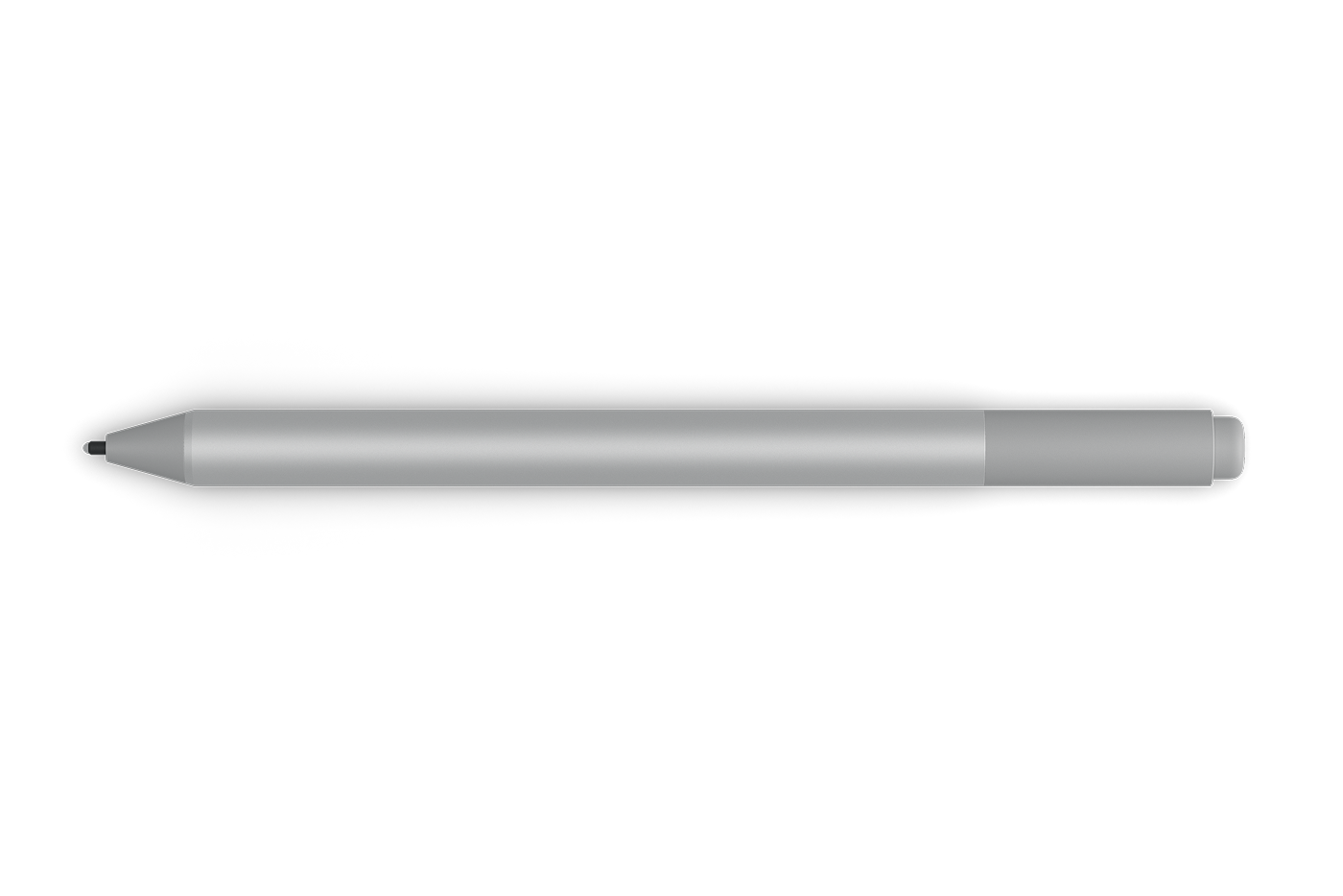
Surface Pen
Write comfortably with precision ink and virtually no lag.
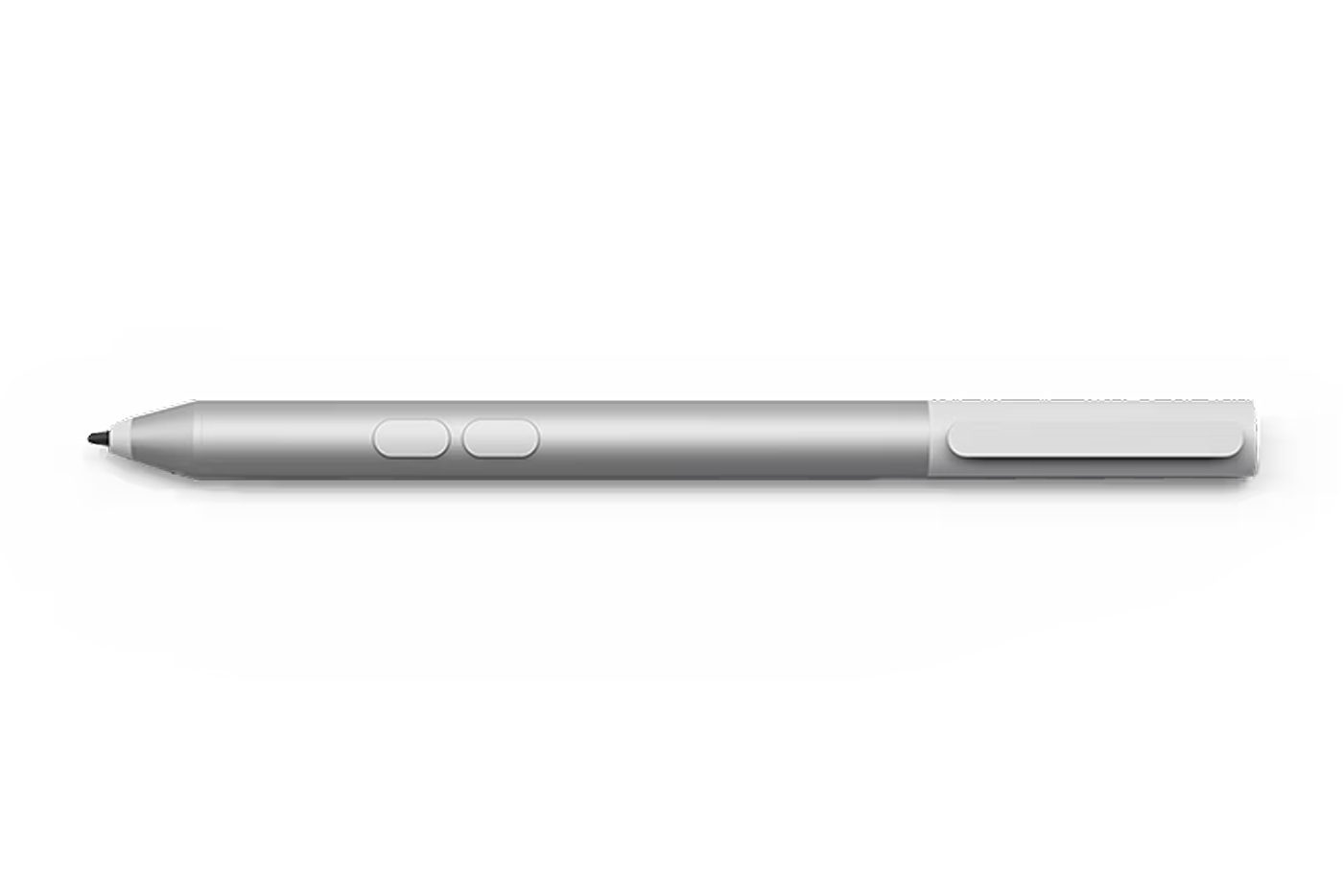
Microsoft Business Pen
A digital pen1 that makes it easy to fill out forms and collect signatures. Available in packs of 10.
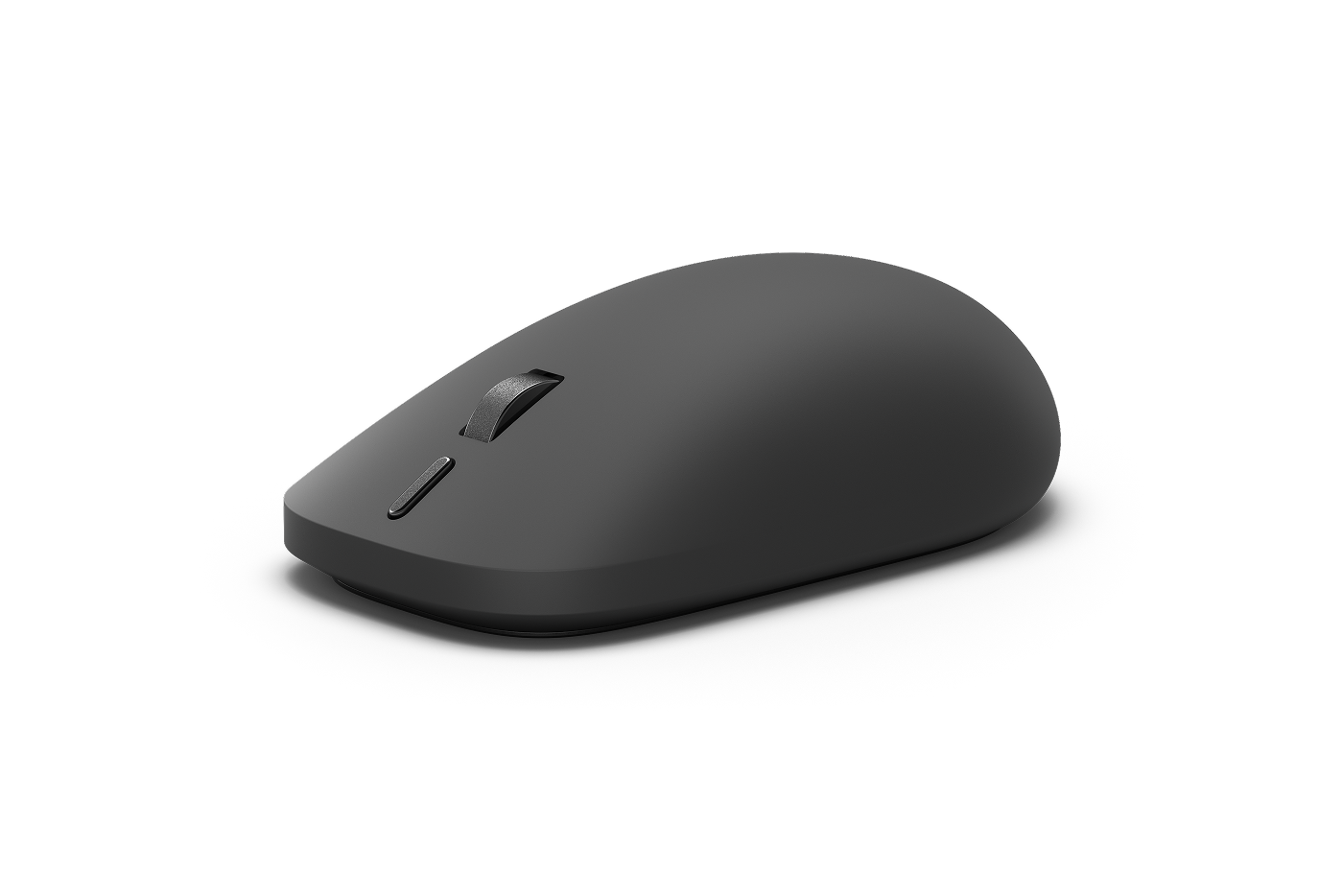
New Surface Mouse
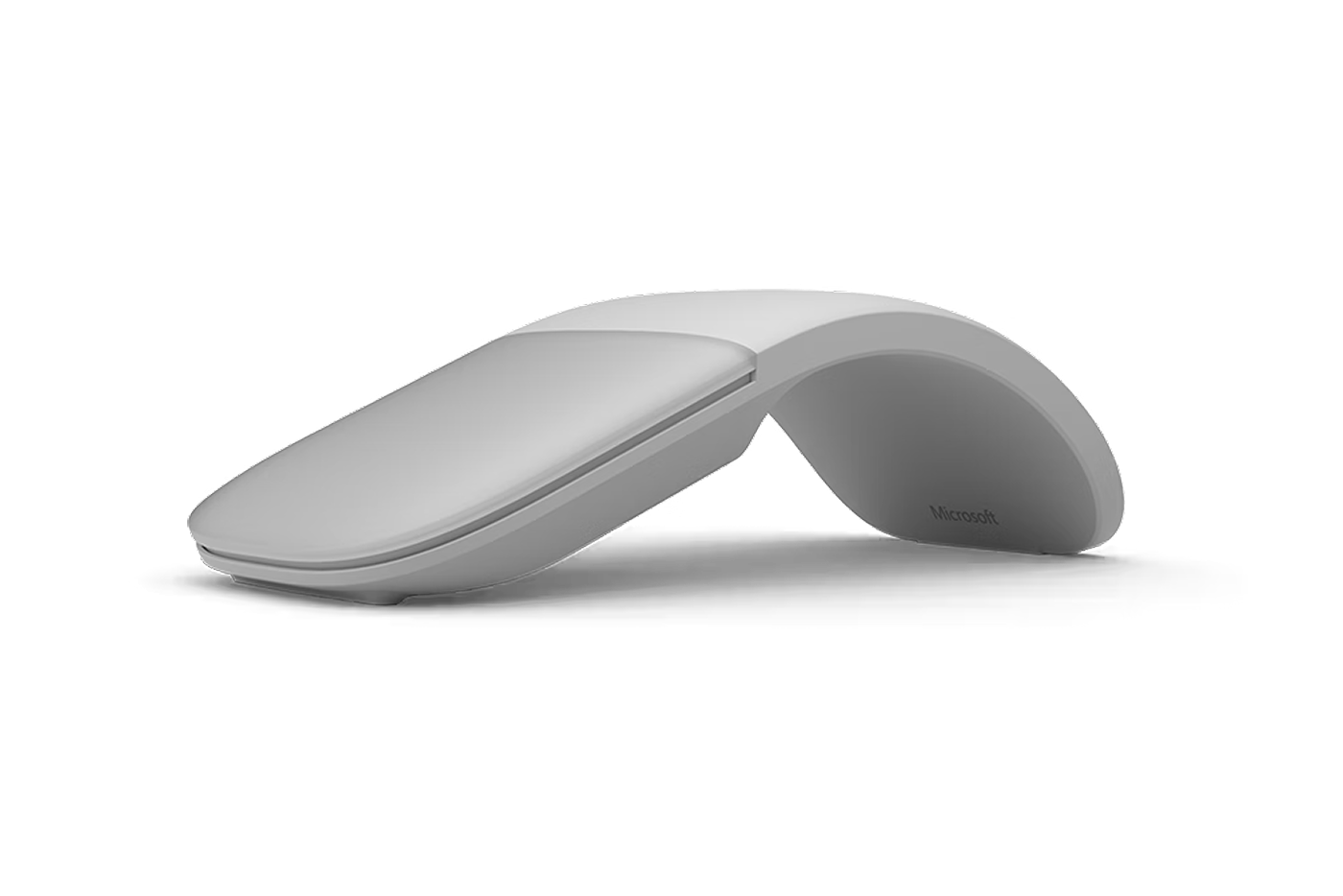
Surface Arc Mouse
Slim, light, and ready to travel, Surface Arc Mouse is designed to conform to your hand and snaps flat to fit easily in your bag.
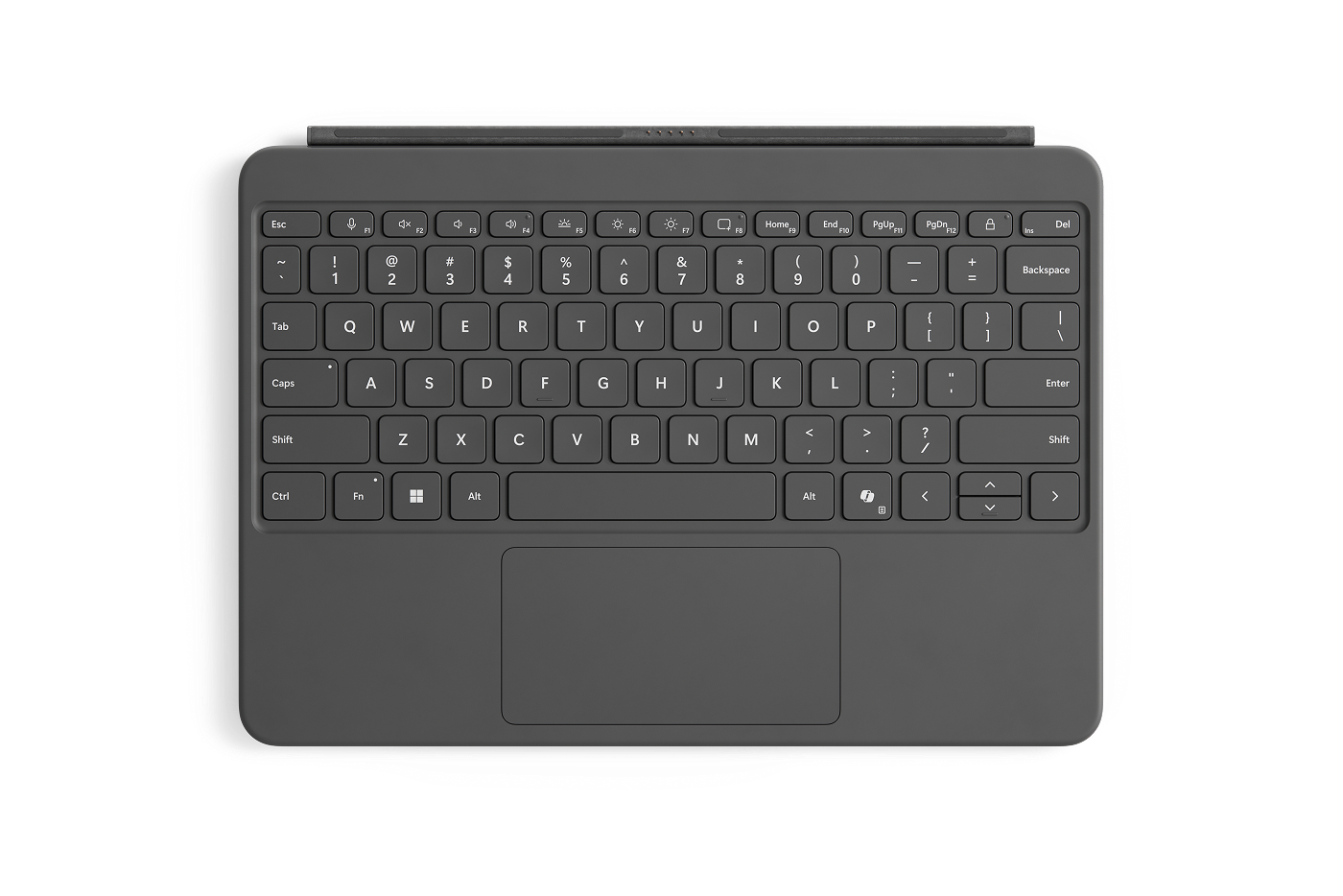
Surface Pro 12-inch Keyboard
Turn Surface Pro, 12-inch into a powerful laptop with this full-size keyboard1, precision touchpad, and soft palm rest.
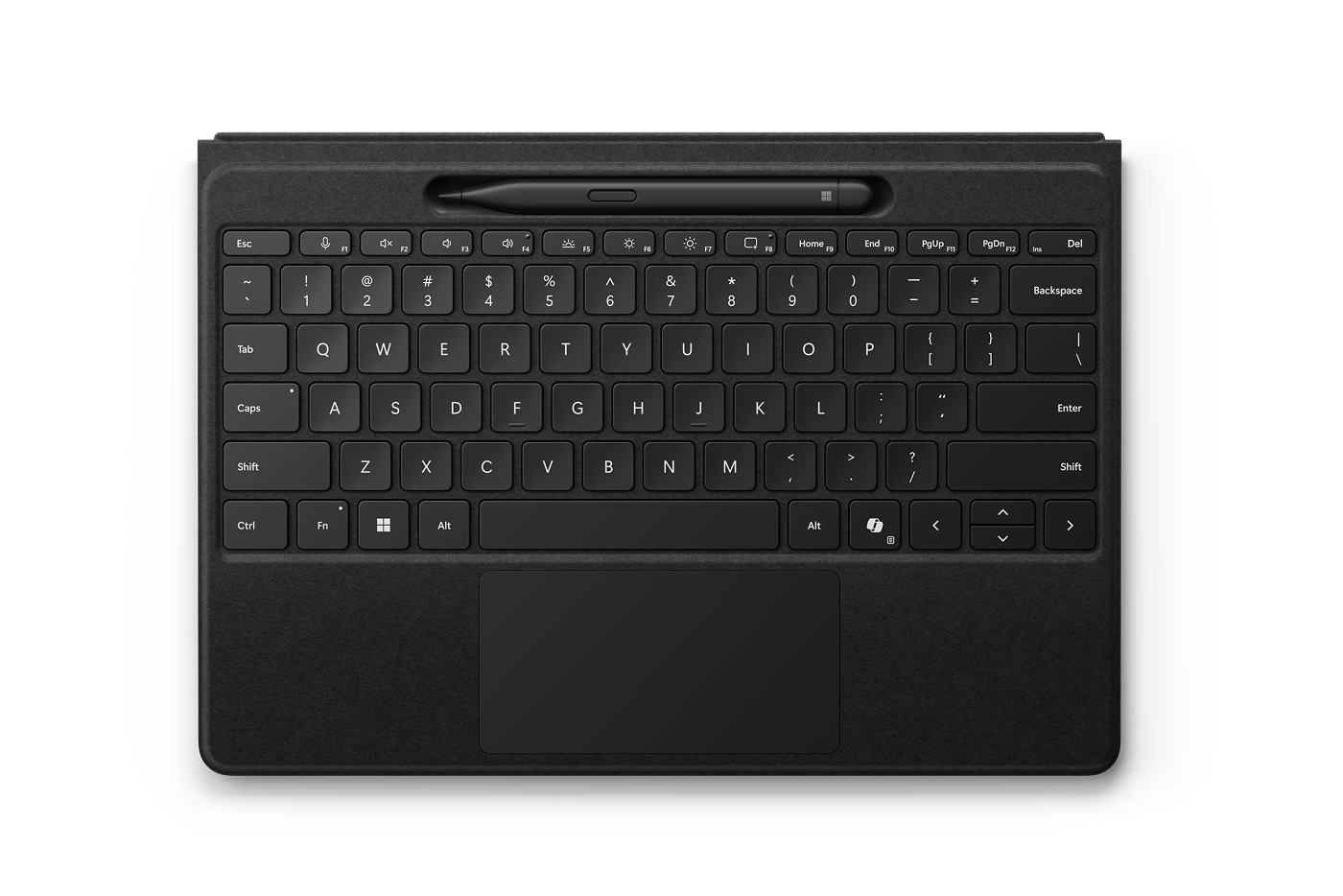
Surface Pro 13-inch Flex Keyboard with Slim Pen
Flexibility comes in the perfect pair—Surface Slim Pen stores and recharges in the premium keyboard.
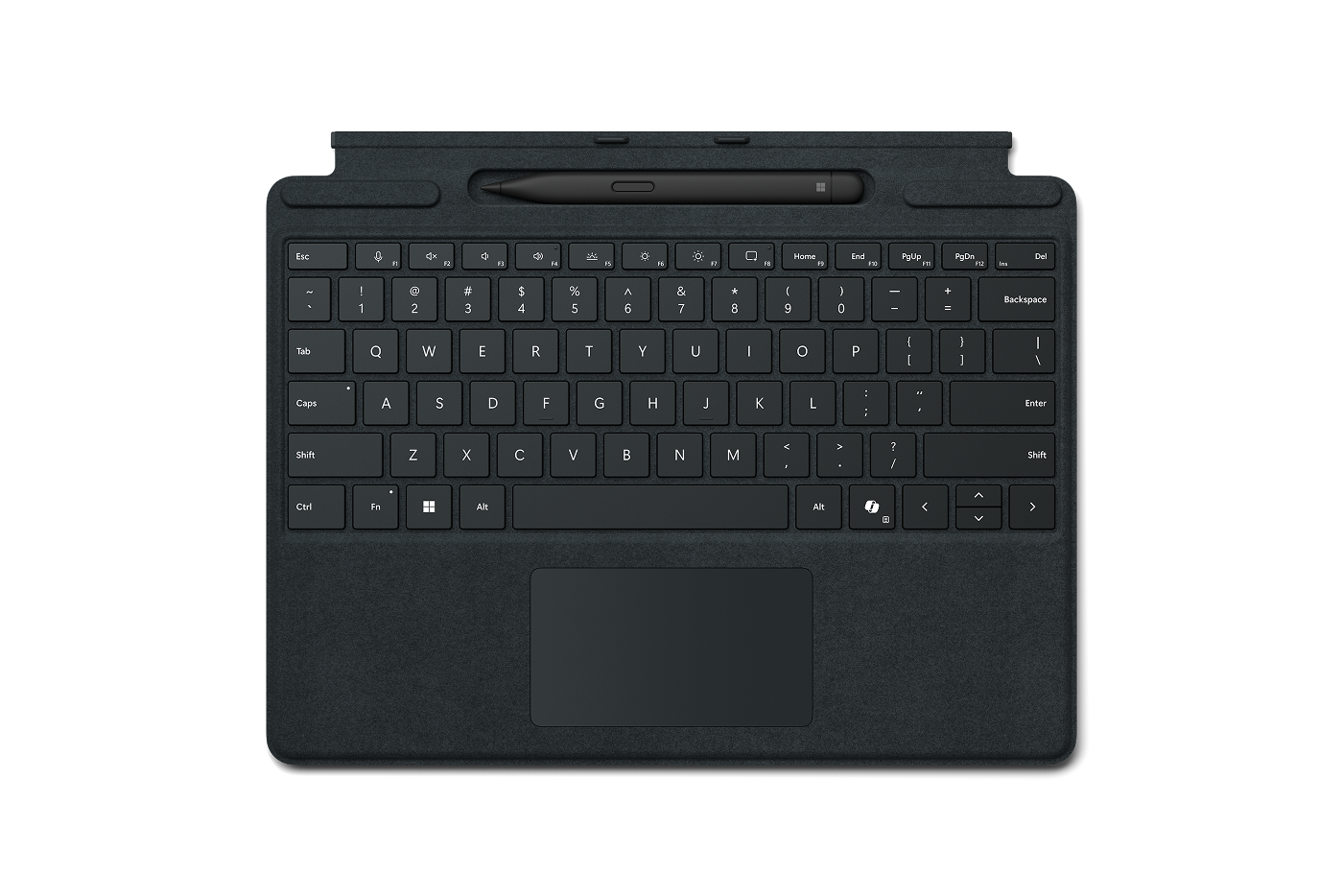
Surface Pro 13-inch Keyboard with Slim Pen
Transform your Surface from tablet to laptop. Includes Surface Slim Pen.
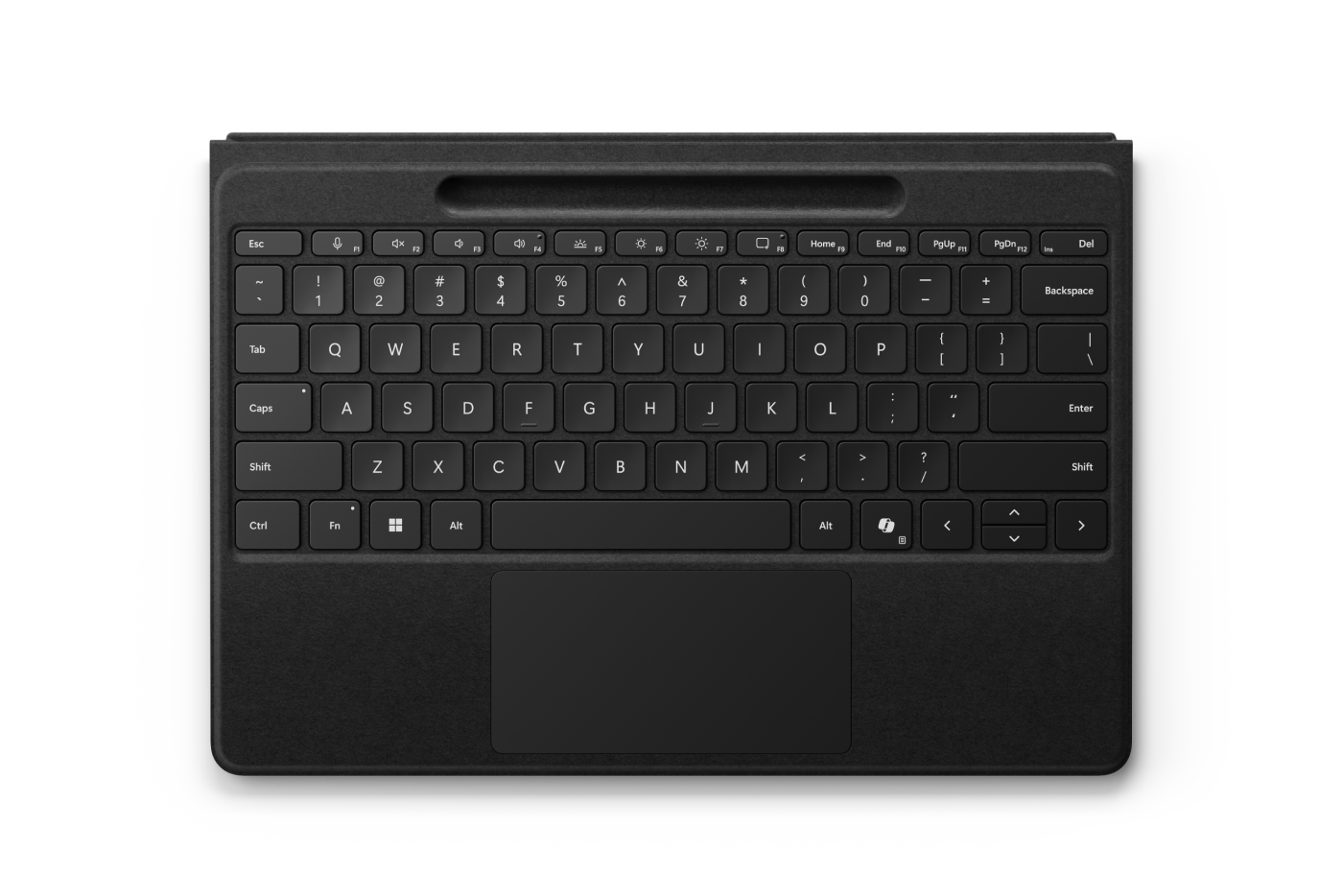
Surface Pro 13-inch Flex Keyboard
With a large haptic touchpad, this keyboard can be used attached or detached2. Available with optional Surface Slim Pen.
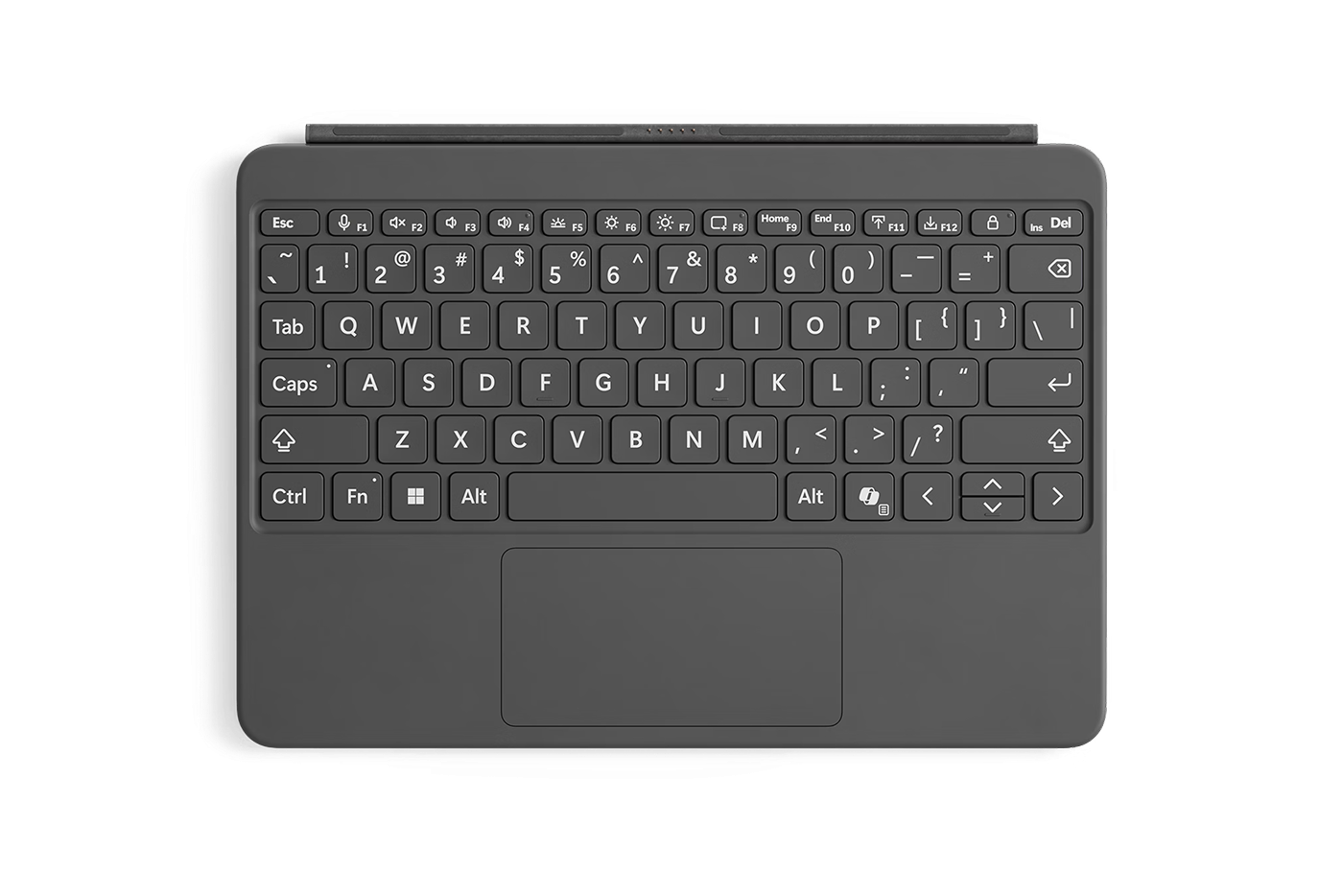
Surface Pro 12-inch Keyboard with bold keyset
Featuring a bolder font and a brighter backlight for an inclusive, easier typing experience.
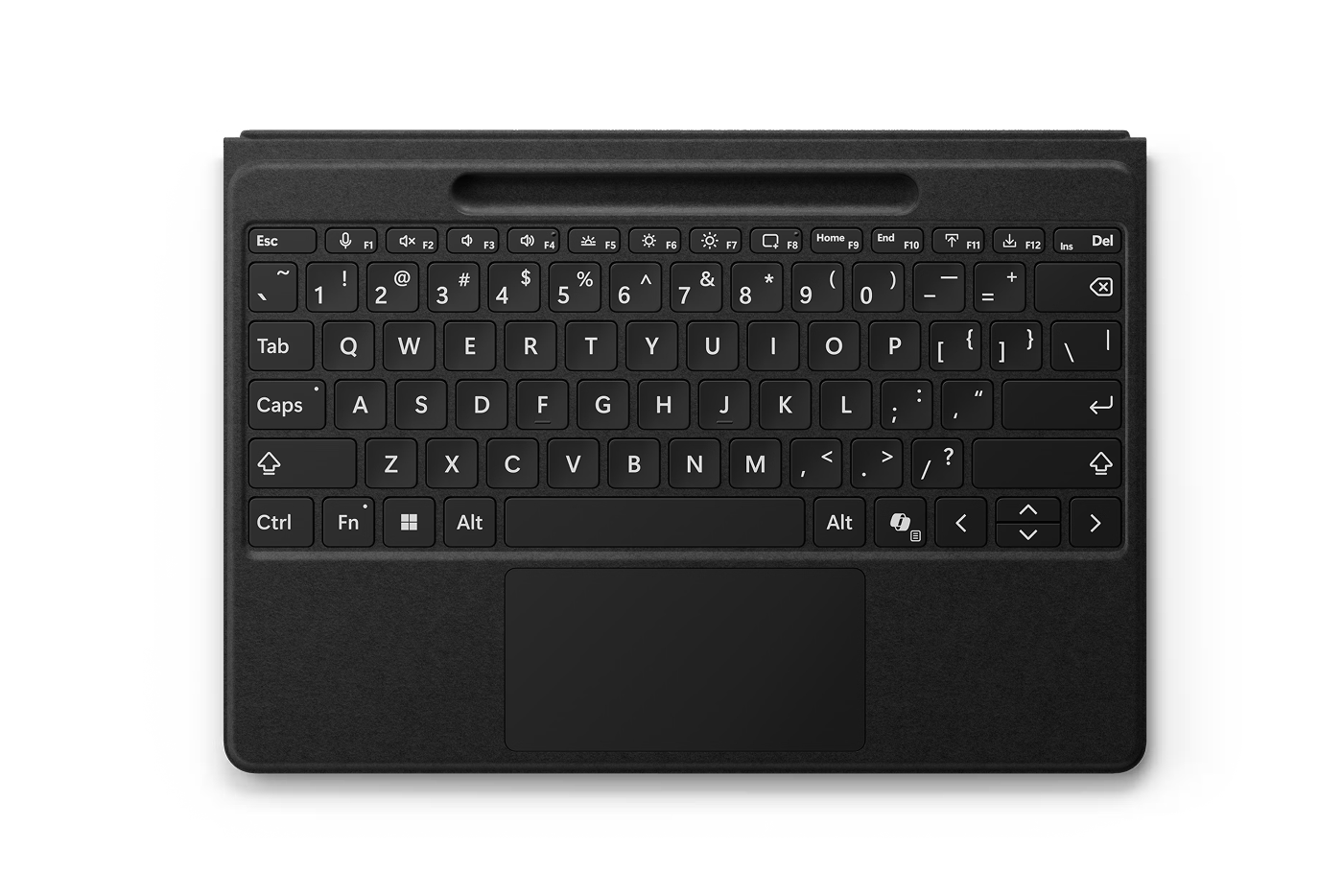
Surface Pro 13-inch Flex Keyboard with bold keyset
Our most inclusive 2-in-1 keyboard on the market, with a large haptic touchpad and Surface Slim Pen storage.
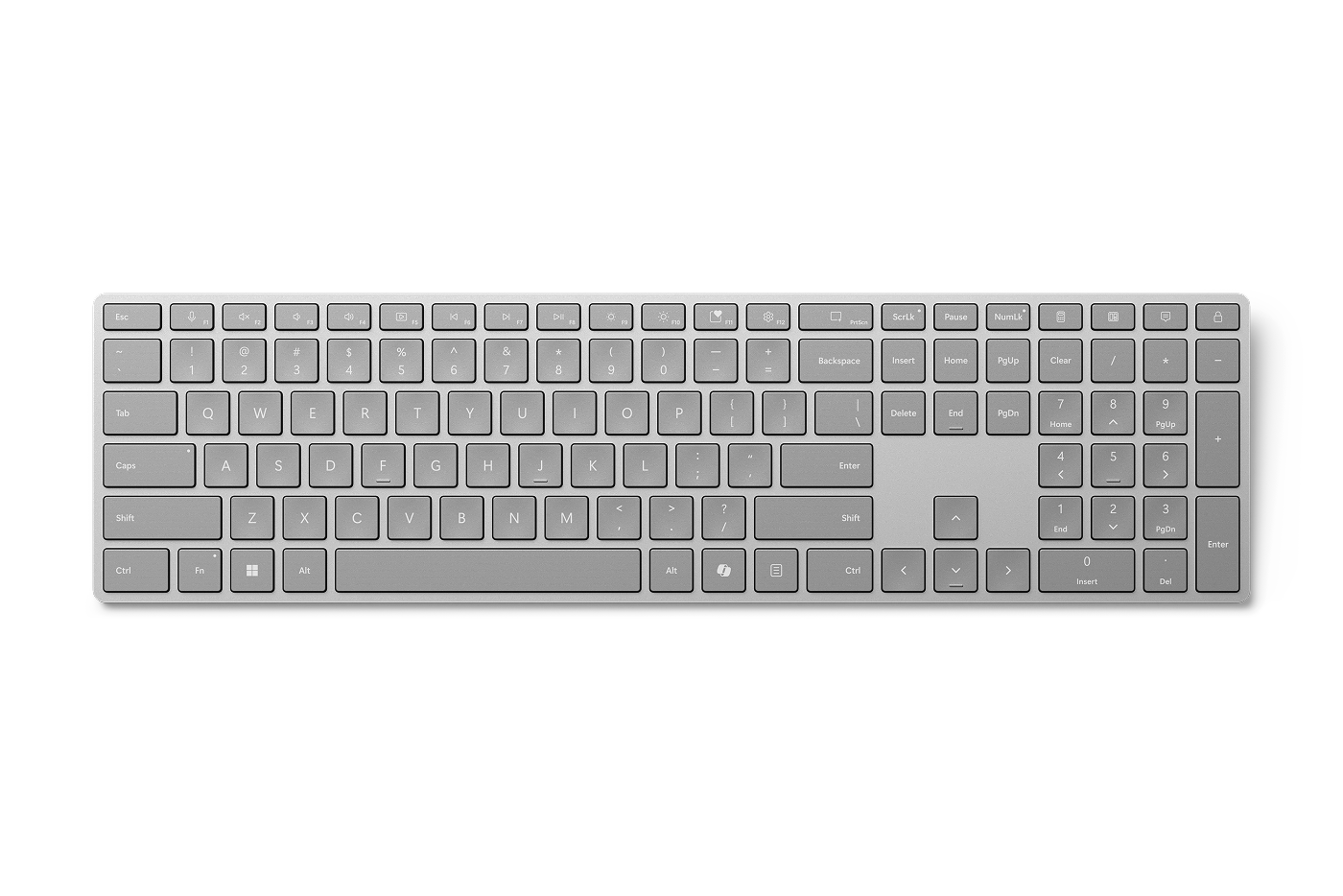
Surface Keyboard
Sleek design and seamless Bluetooth pairing deliver clean, modern workspaces.
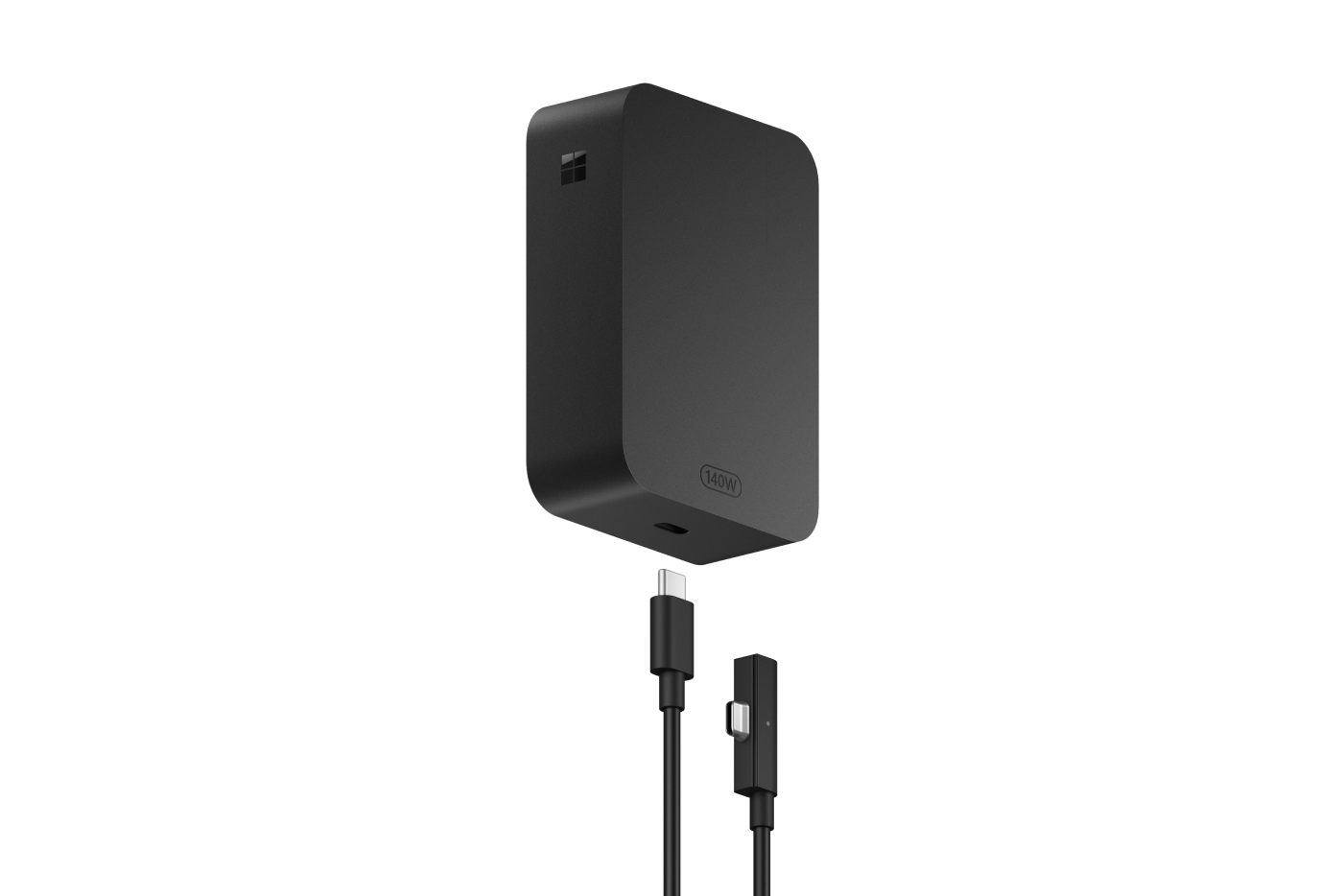
Surface 140W USB-C Power Adaptor
Sleek, compact design with 140W of power, compatible with Surface Laptop Ultra.
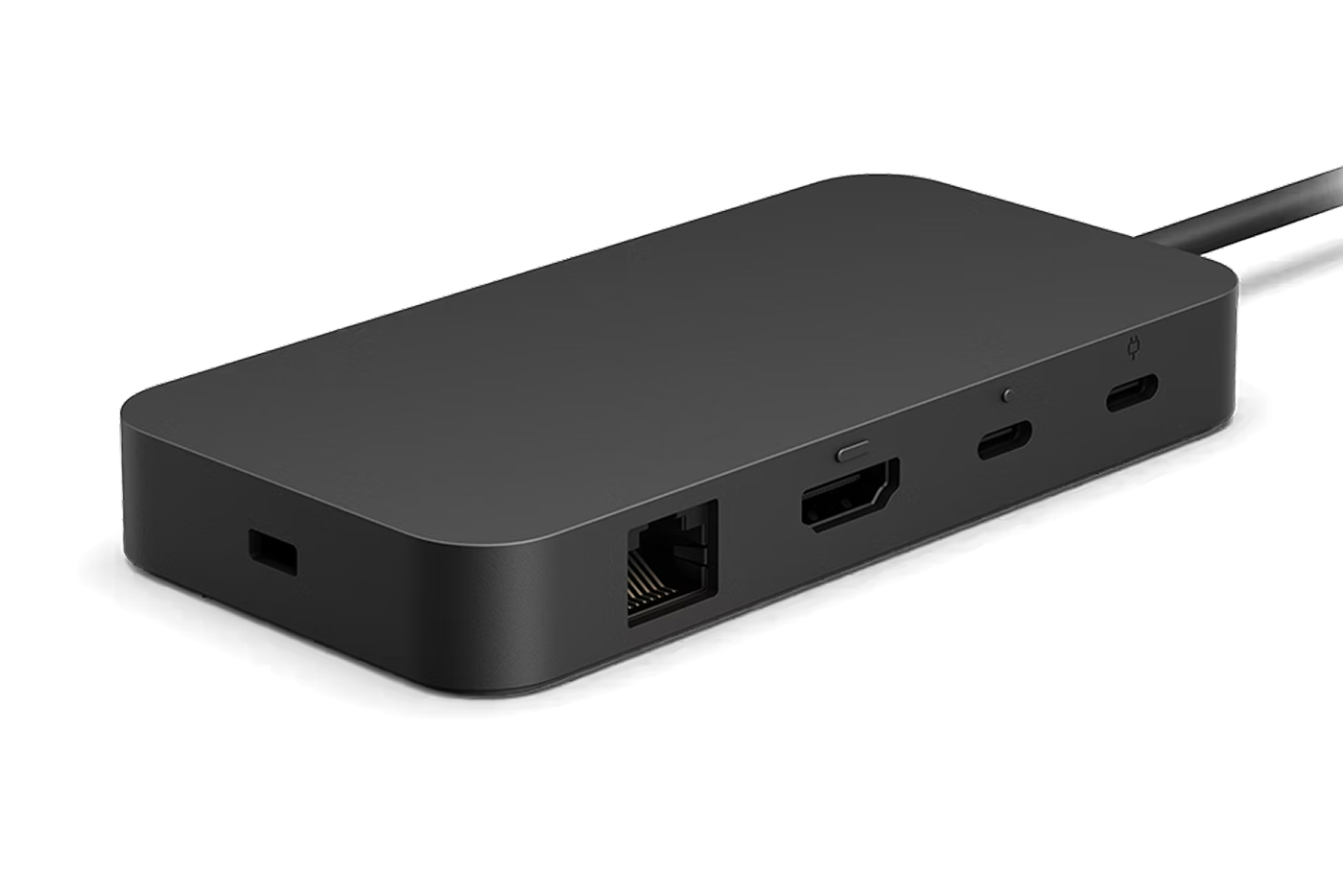
Surface USB4 Dock
Up to 40 Gbps of data speed, and 65W of power delivery, plus multiple ports and dual 4K monitor support.
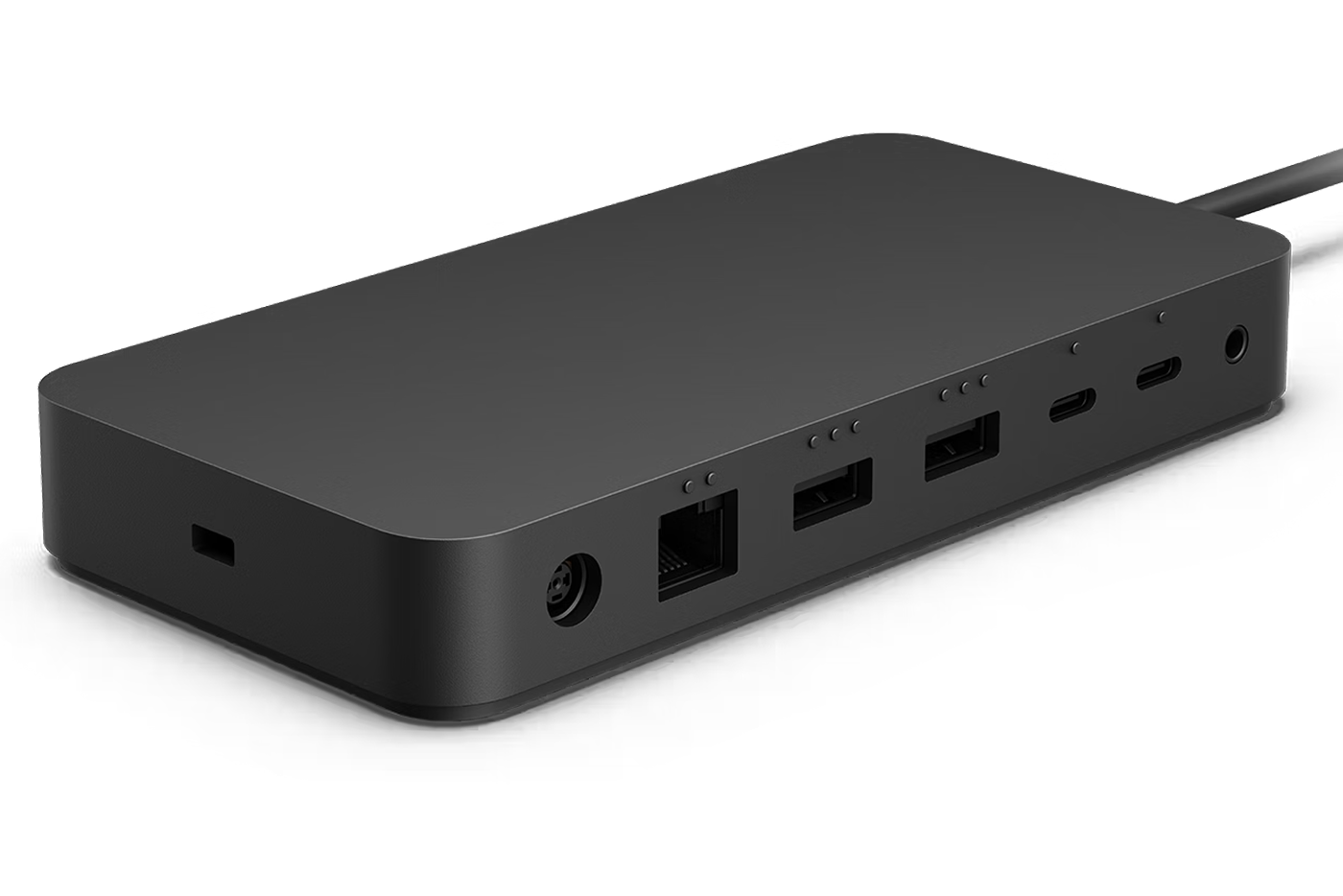
Surface Thunderbolt™ 4 Dock
Connect and power your Thunderbolt™ 4 devices, transfer data fast, and connect two 4K monitors.
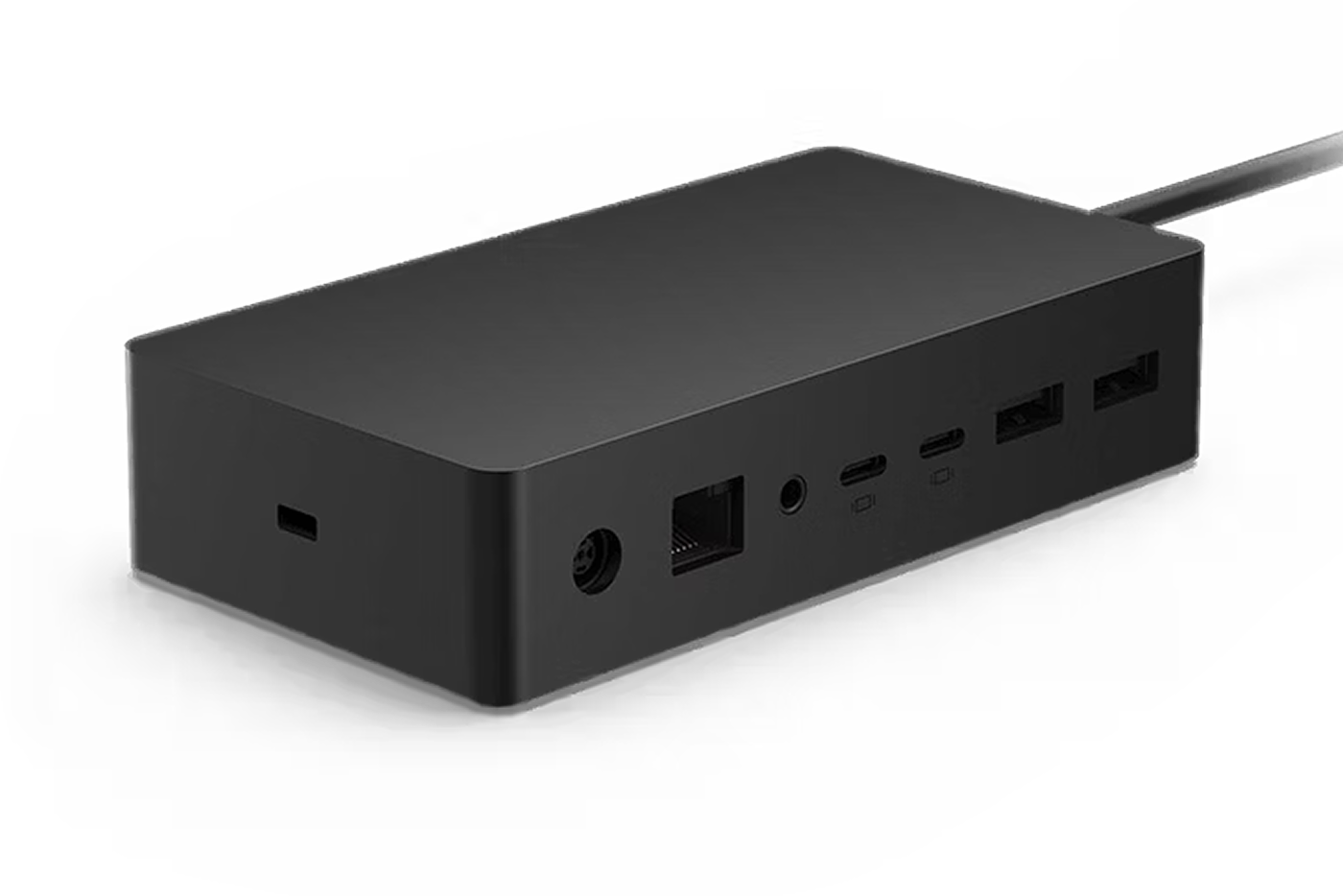
Surface Dock 2
Turn your Surface into a desktop PC, charge your device, and access peripherals.
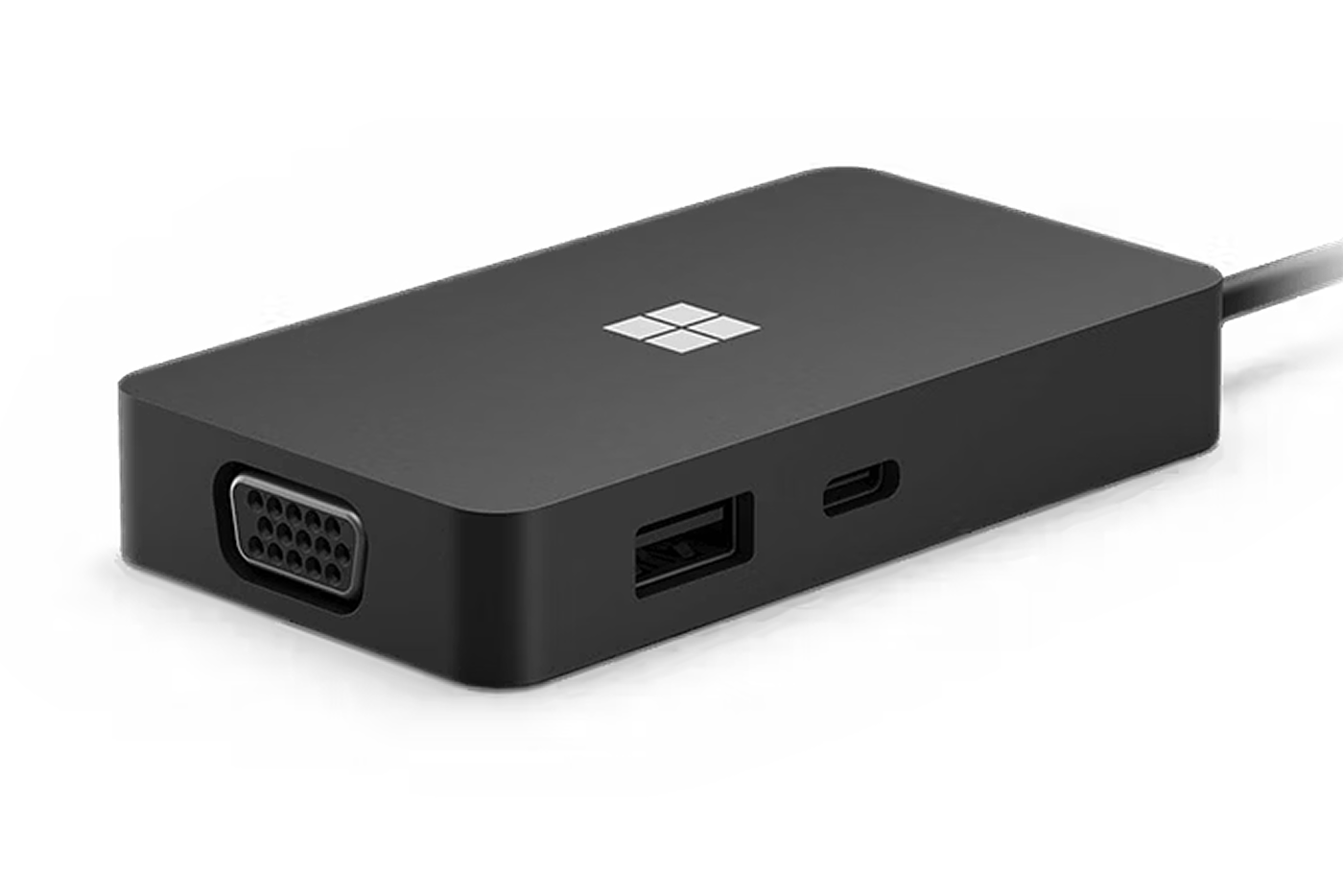
Surface USB-C Travel Hub
Get five ways to connect to networks, displays and more, including USB-C.
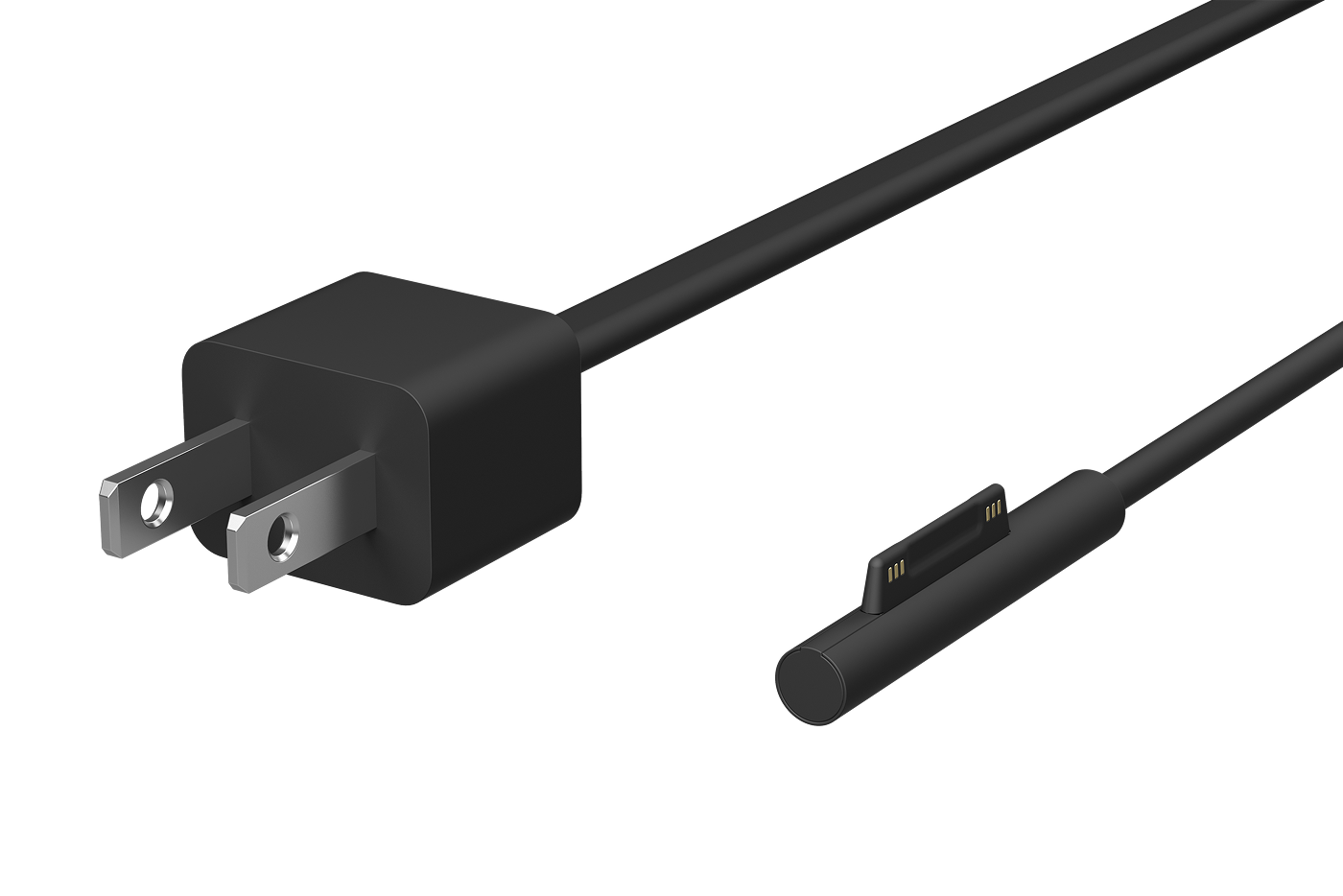
Surface 65W Power Supply
Made exclusively for Surface, the 65W Power Supply quickly recharges the battery, while the USB port lets you charge another device at the same time.
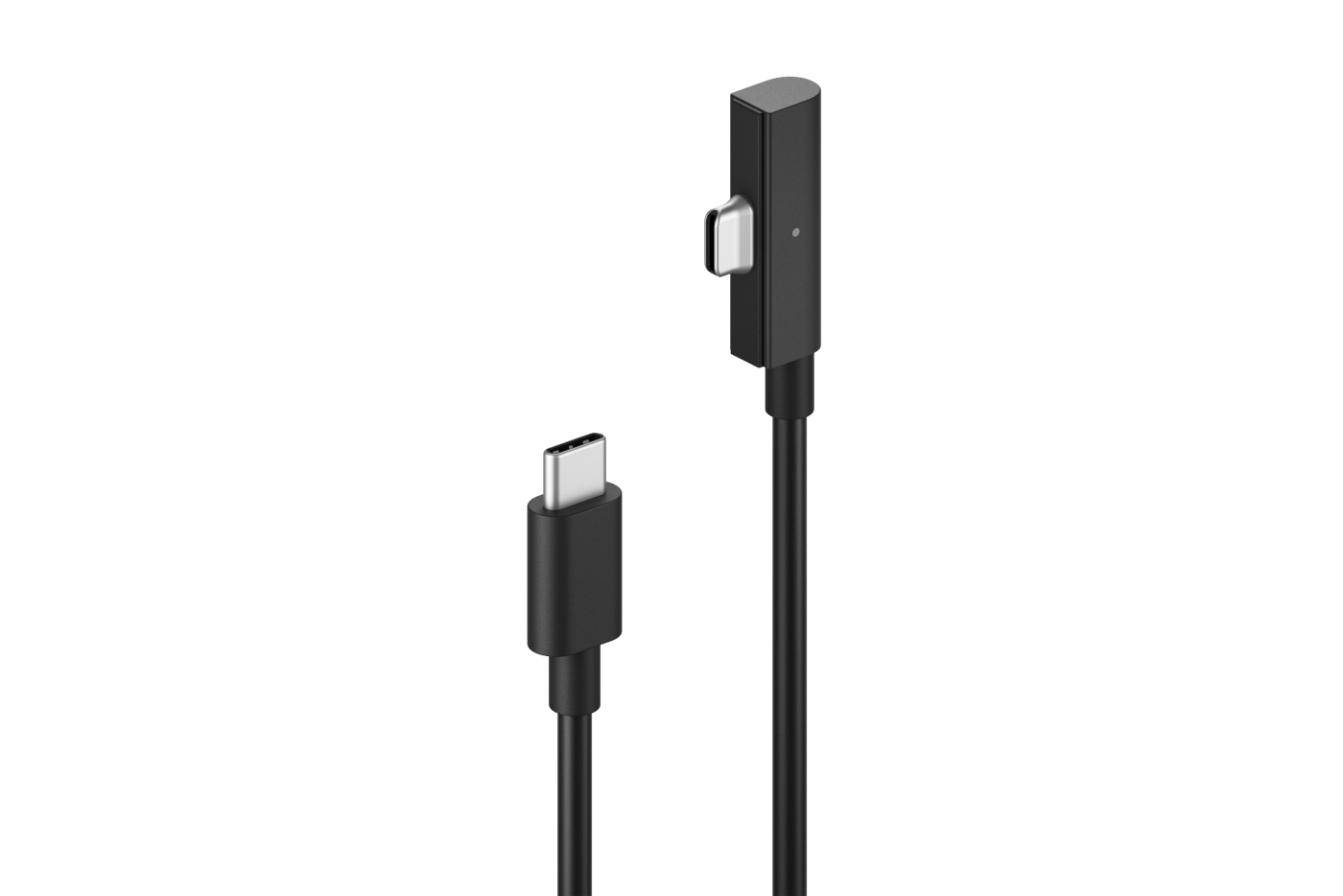
New Surface USB-C Magnetic Connect Cable
Extended reach for the way you create, connect, and work.
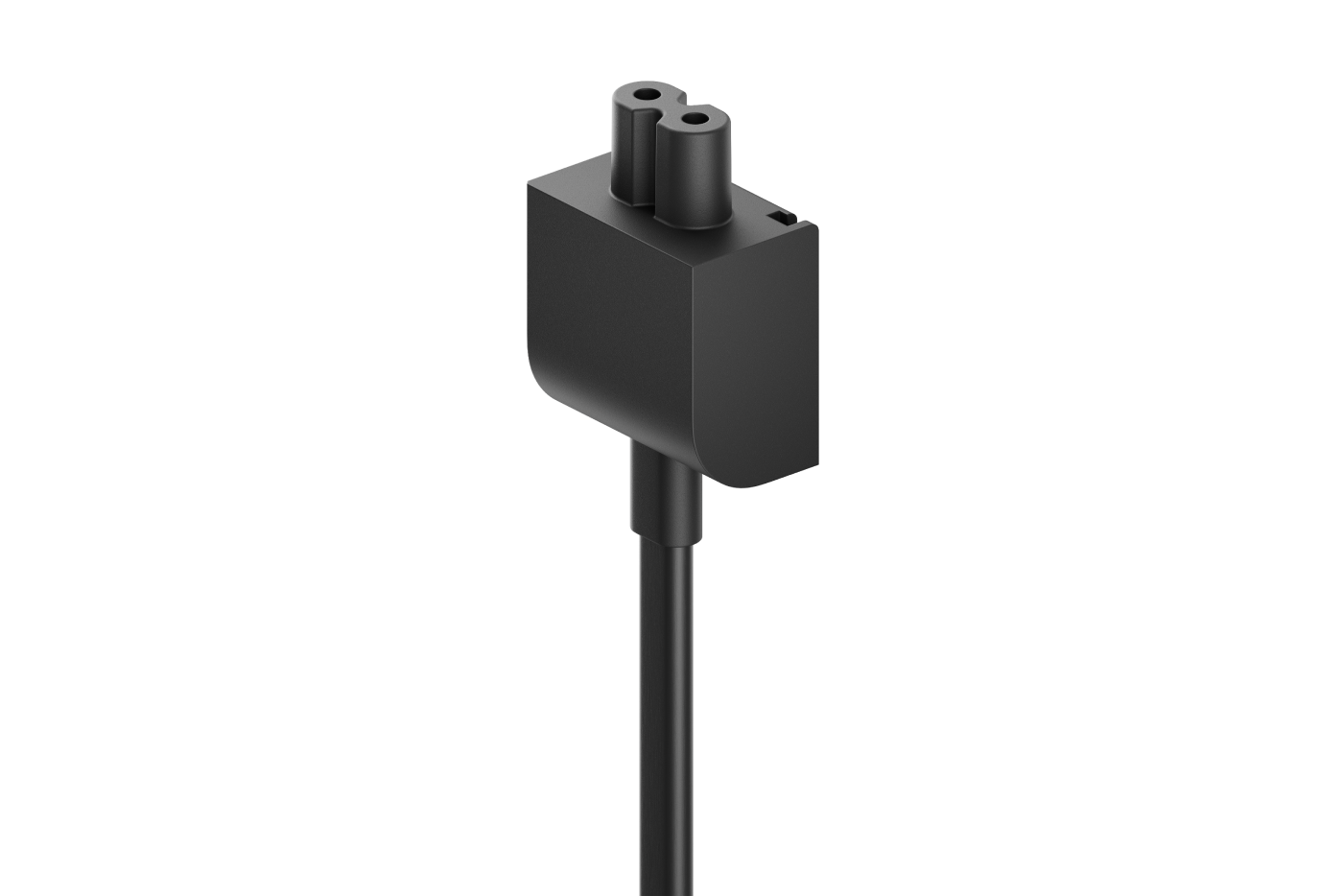
New Surface Power Adapter Extension Cable
The Surface USB-C Power Adapter Extension Cable is engineered for high-power performance.
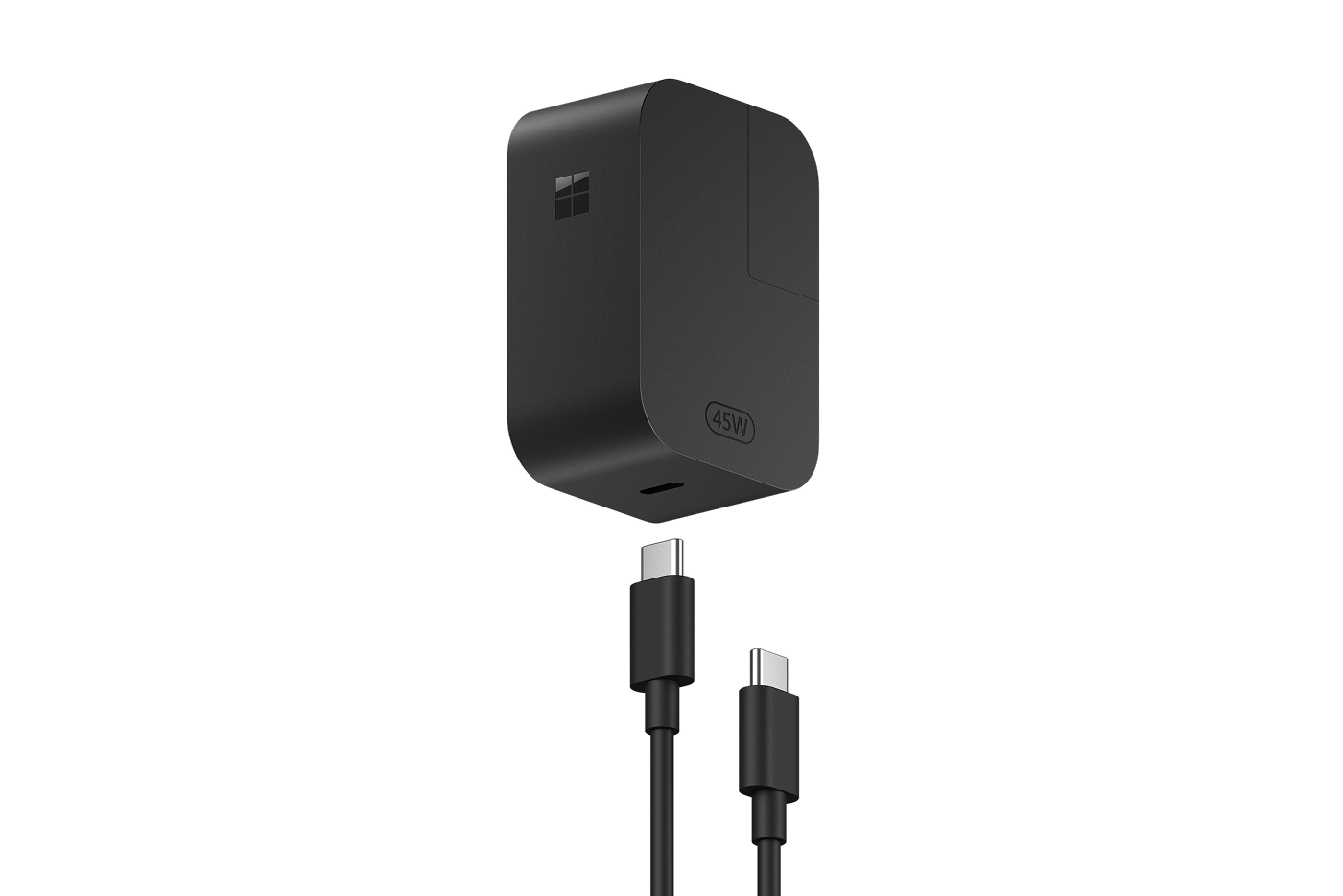
Surface 45W USB-C® Wall Charger
Universal USB-C® power supply designed to charge your Surface device with 45W of power via USB-C. Sleek, compact design.
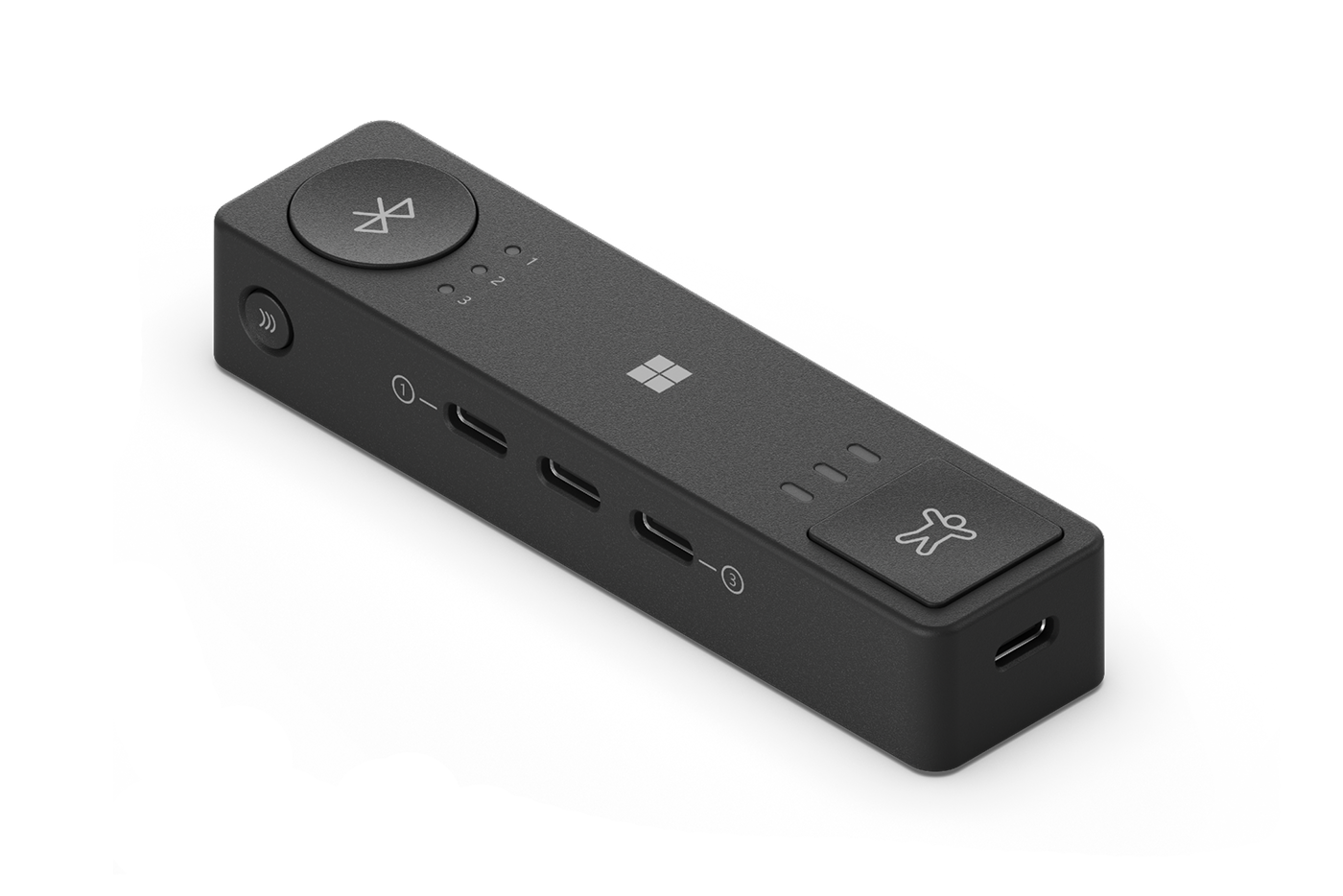
Microsoft Adaptive Hub
Connects up to three devices wirelessly or via USB-C, or wirelessly to up to four Adaptive Buttons.
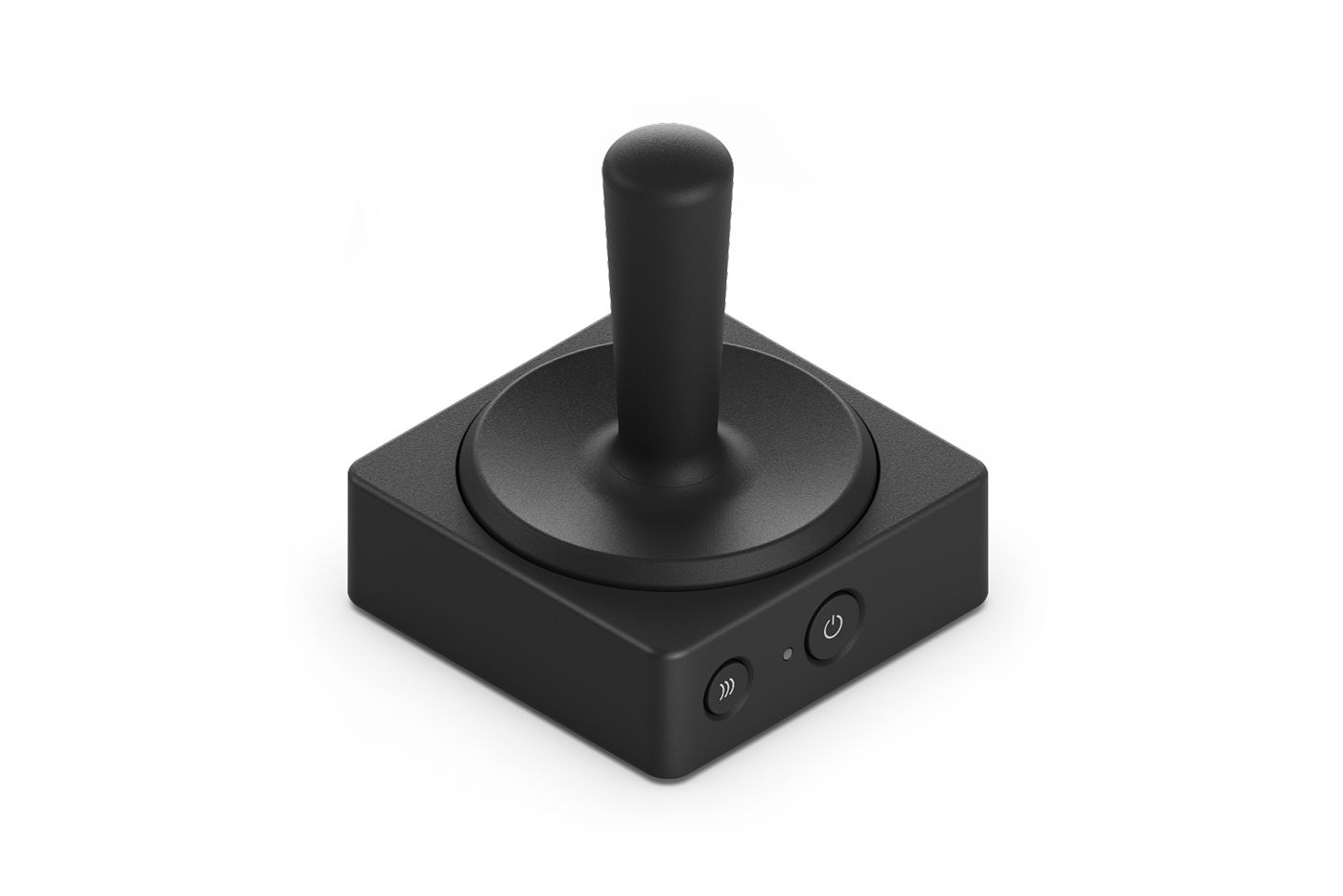
Microsoft Adaptive Joystick Button
Pair the Joystick with the Adaptive Hub to meet your needs and program sequence macros to simplify complex tasks.
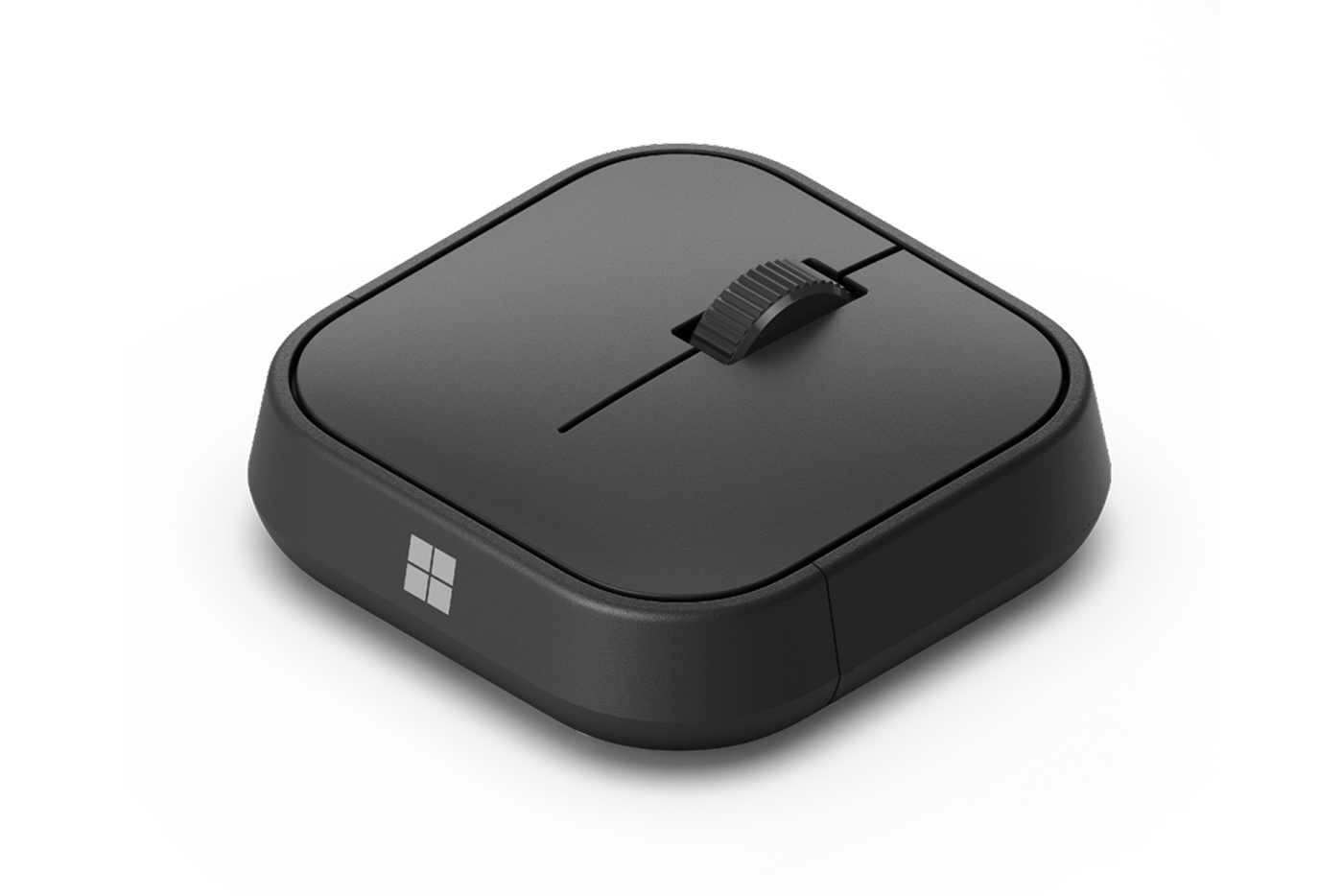
Microsoft Adaptive Mouse
Use the mouse core by itself as a comfortable, compact mouse. Connect wirelessly or via USB-C.

Explore partnered Surface resellers and bring secure, transformative technology to your business.
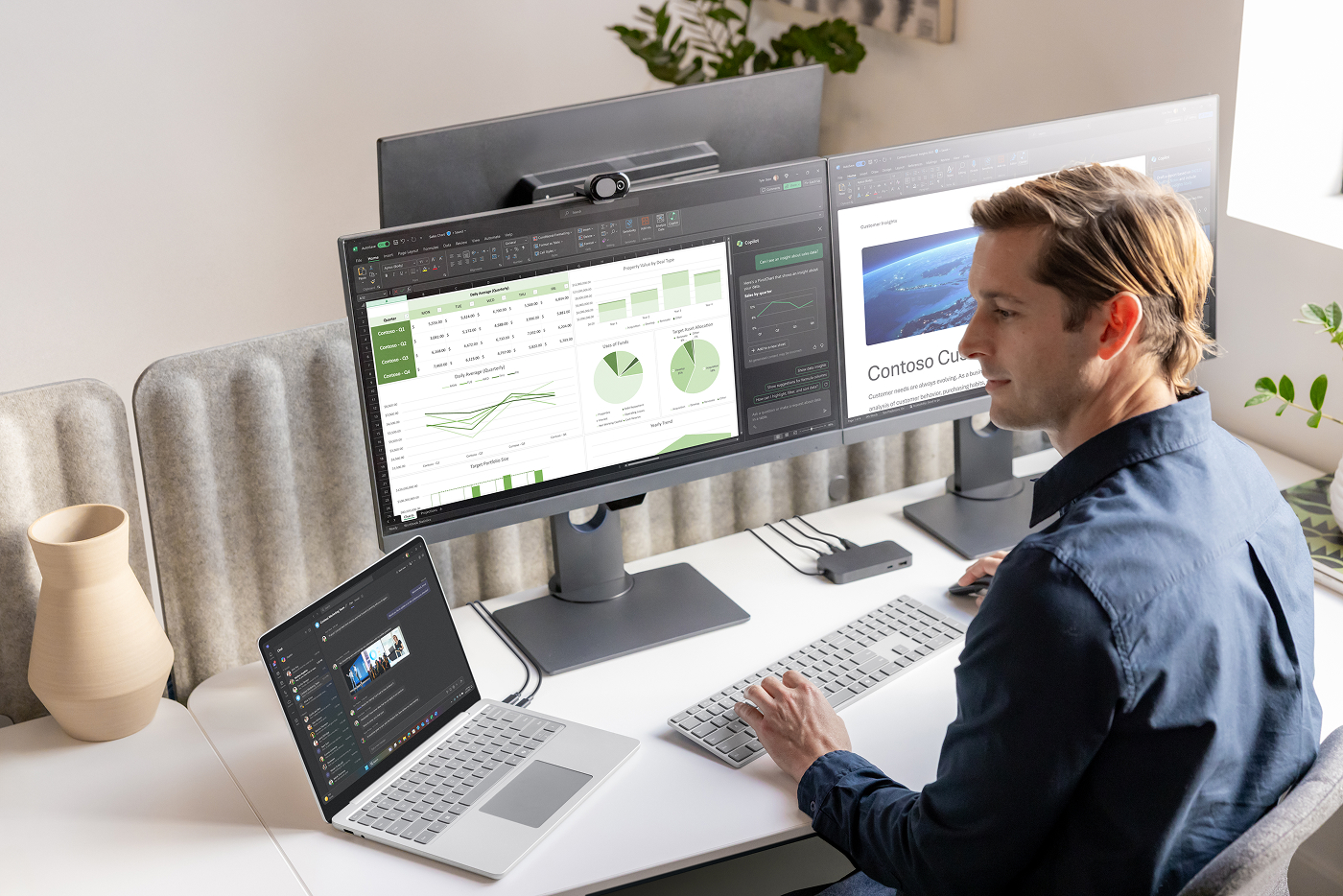
IT management resources
Learn how to plan, deploy, and manage Microsoft Surface and Surface Hub devices.
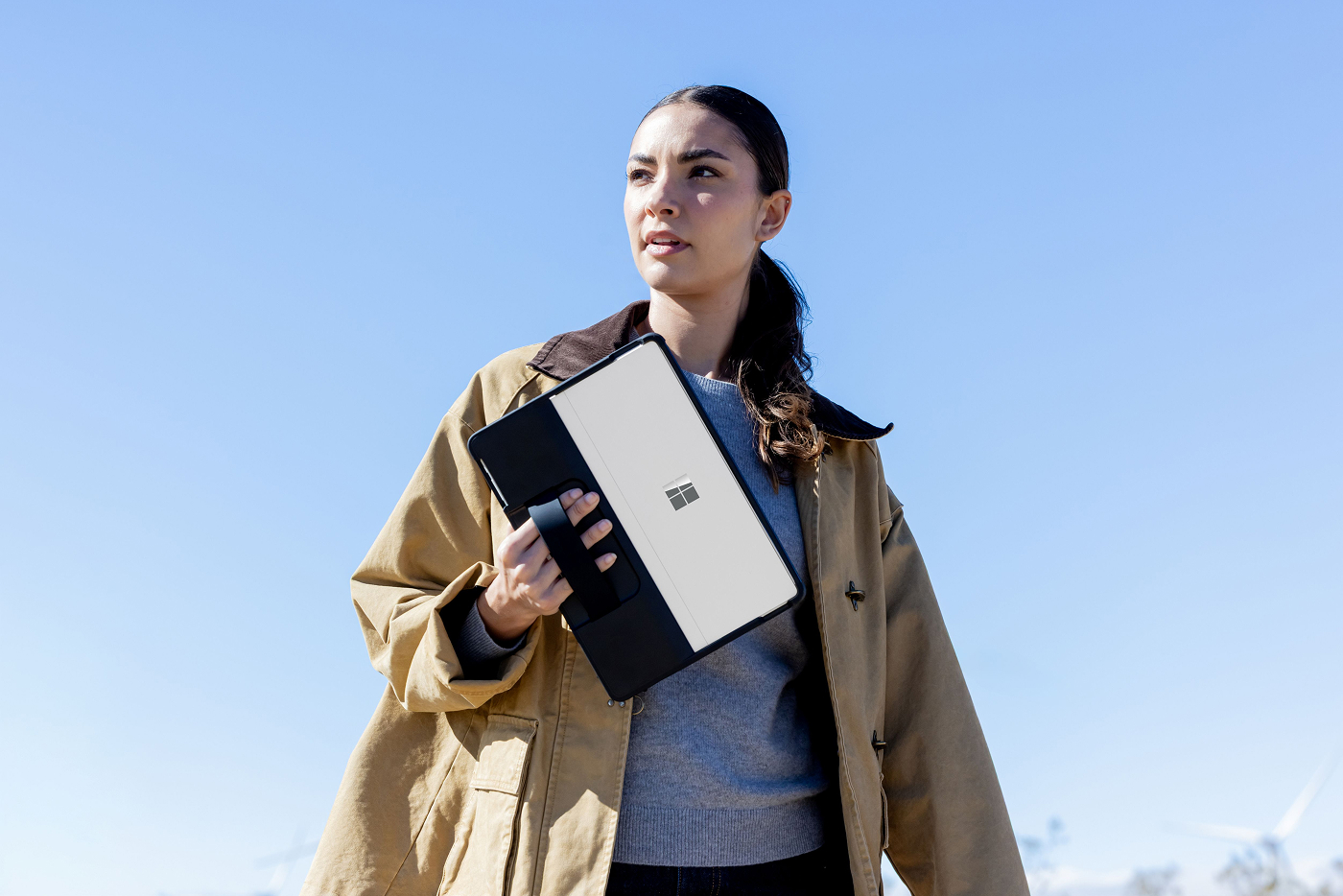
Warranty and protection plans
Maximize your investment in Surface with Microsoft Protection Plans. Explore Surface warranty details, extended coverage, and support options.
Pens, keyboard, and other items are sold separately.
Detached use requires Windows 11.
Charger for Surface Slim Pen sold separately. Surface Slim Pen can charge with Surface Slim Pen Charger, Surface Pro Signature Keyboard, Surface Pro X Signature Keyboard, Surface Laptop Studio, and Surface Duo 2 Pen Cover.
Supported for select apps and features.
Functionality may vary.