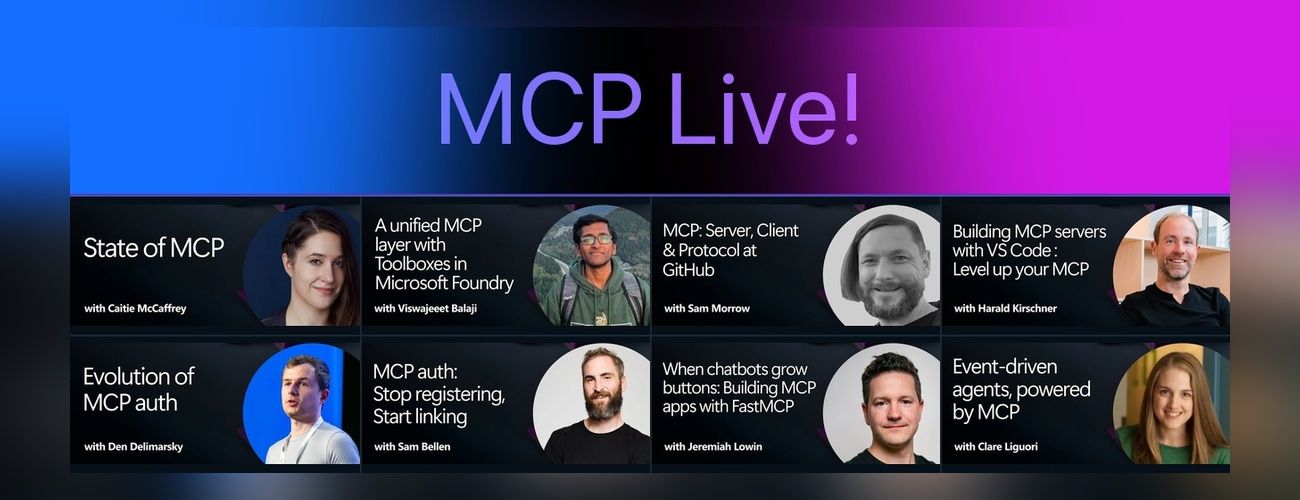
The Model Context Protocol (MCP) is the open standard for connecting AI models to tools and data. These sessions are from a half-day event covering MCP end to end: its role as an open standard, how it's adopted across the developer ecosystem, and hands-on sessions on building MCP servers. It also addresses enterprise readiness including authentication, governance, and security.
The Model Context Protocol (MCP) is the open standard for connecting AI models to tools and data. MCP servers let agents work with external data sources and capabilities across clients such as VS Code, GitHub Copilot, Claude, and other AI applications.
The Microsoft Learn Model Context Protocol (MCP) Server enables clients like GitHub Copilot and other AI agents to bring trusted and up-to-date information directly from Microsoft's official documentation.
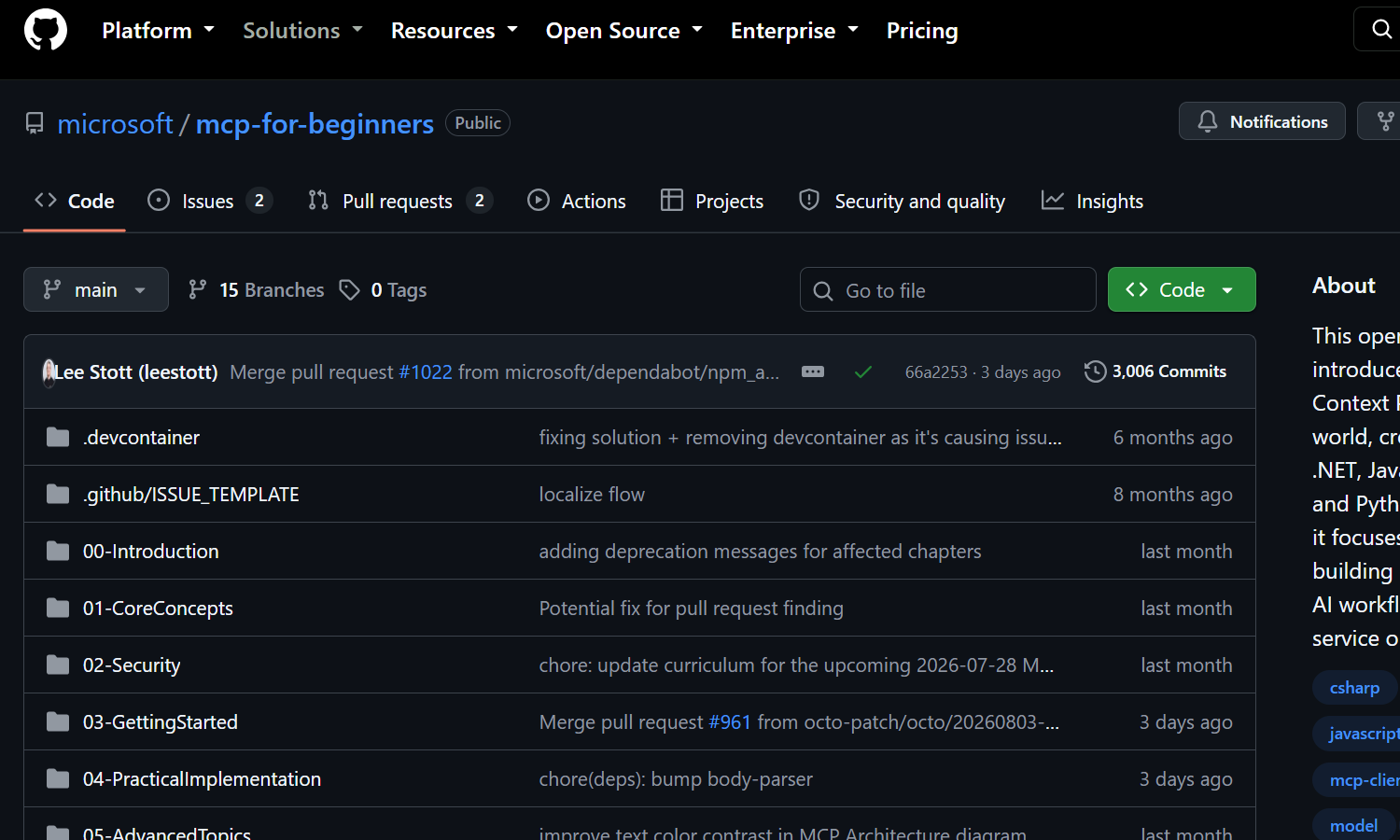
Welcome to your journey into the Model Context Protocol! If you've ever wondered how AI applications communicate with different tools and services, you're about to discover the elegant solution that's transforming how developers build intelligent systems.
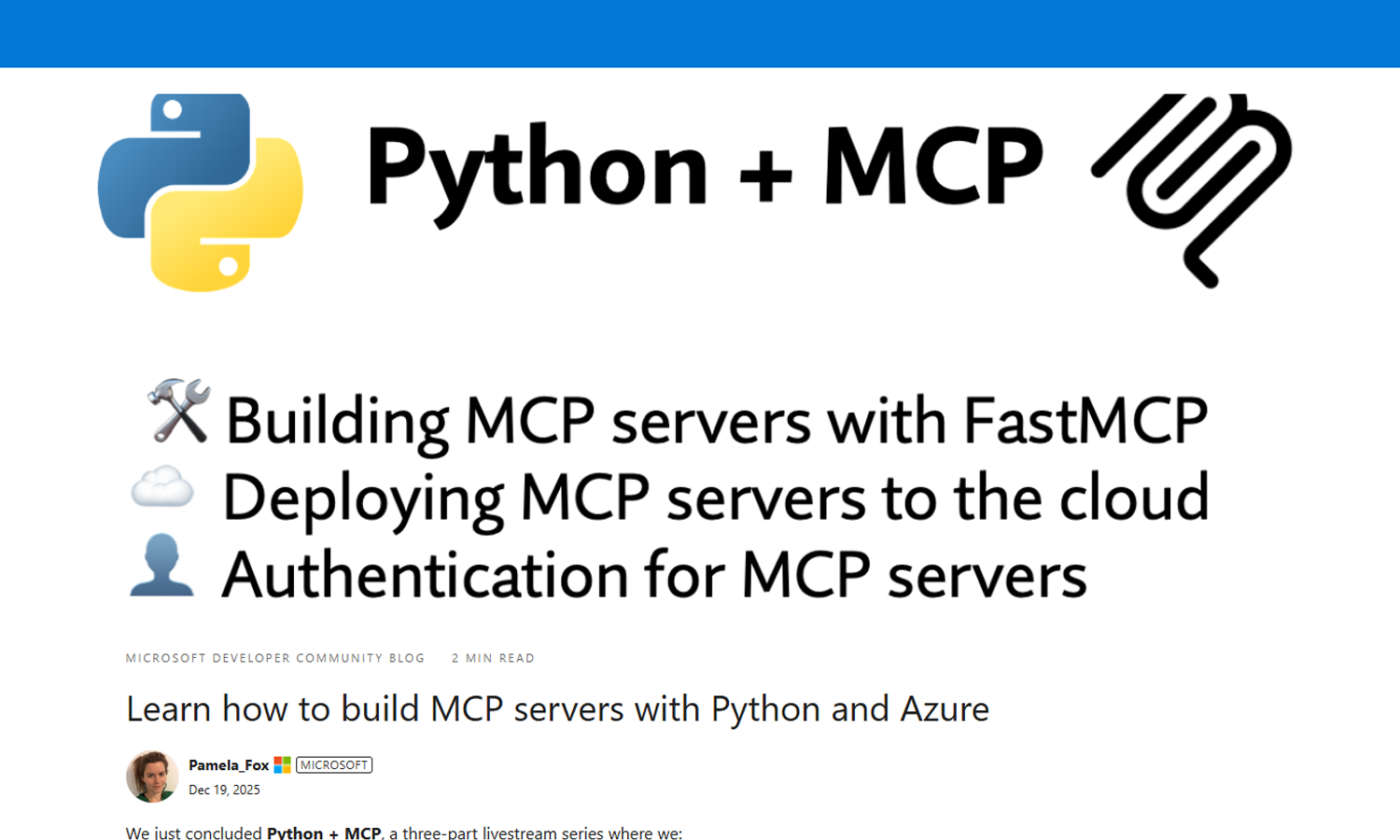
the intro session of our Python + MCP series, we dive into the hottest technology of 2025: MCP (Model Context Protocol). This open protocol makes it easy to extend AI agents and chatbots with custom functionality, making them more powerful and flexible.
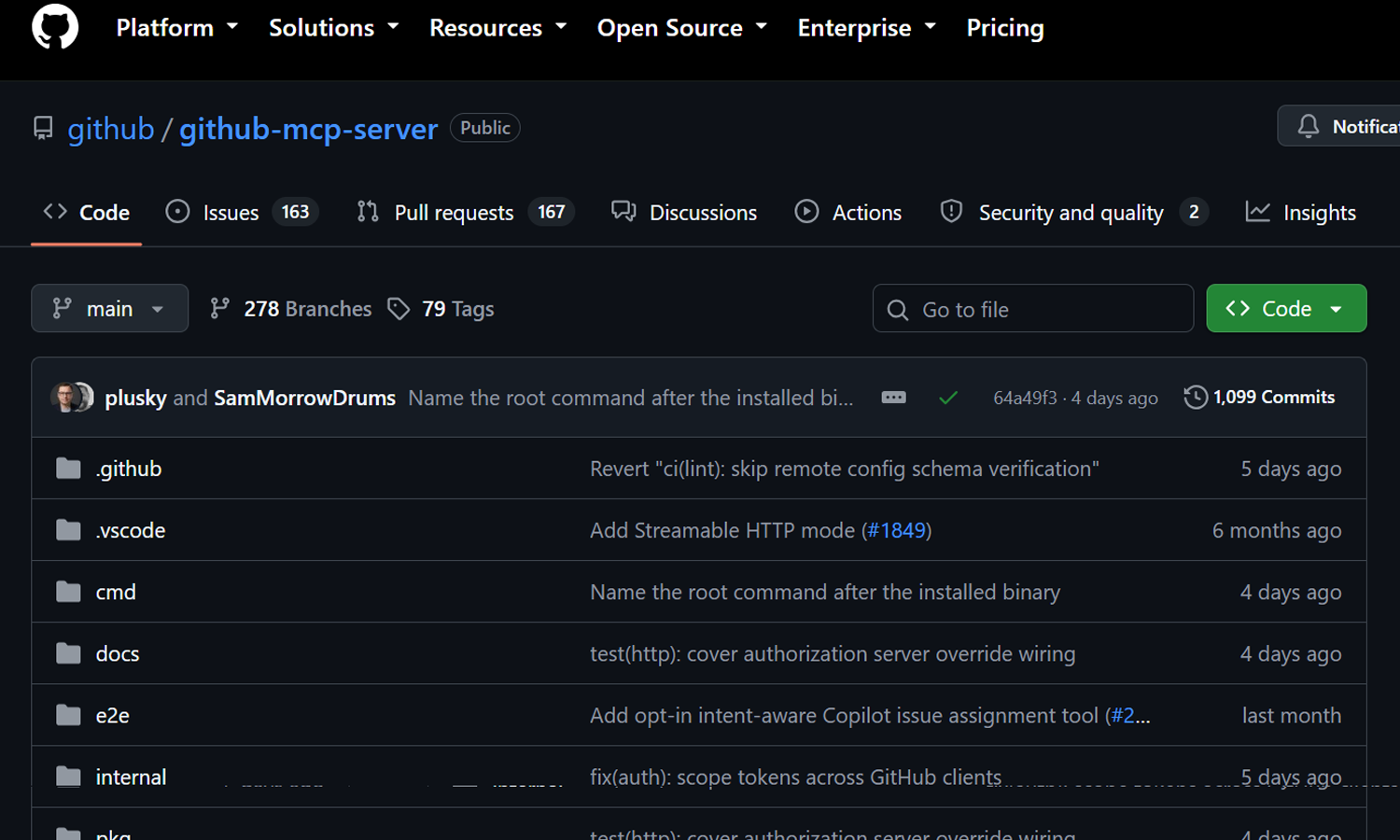
The GitHub MCP Server connects AI tools directly to GitHub's platform. This gives AI agents, assistants, and chatbots the ability to read repositories and code files, manage issues and PRs, analyze code, and automate workflows. All through natural language interactions.
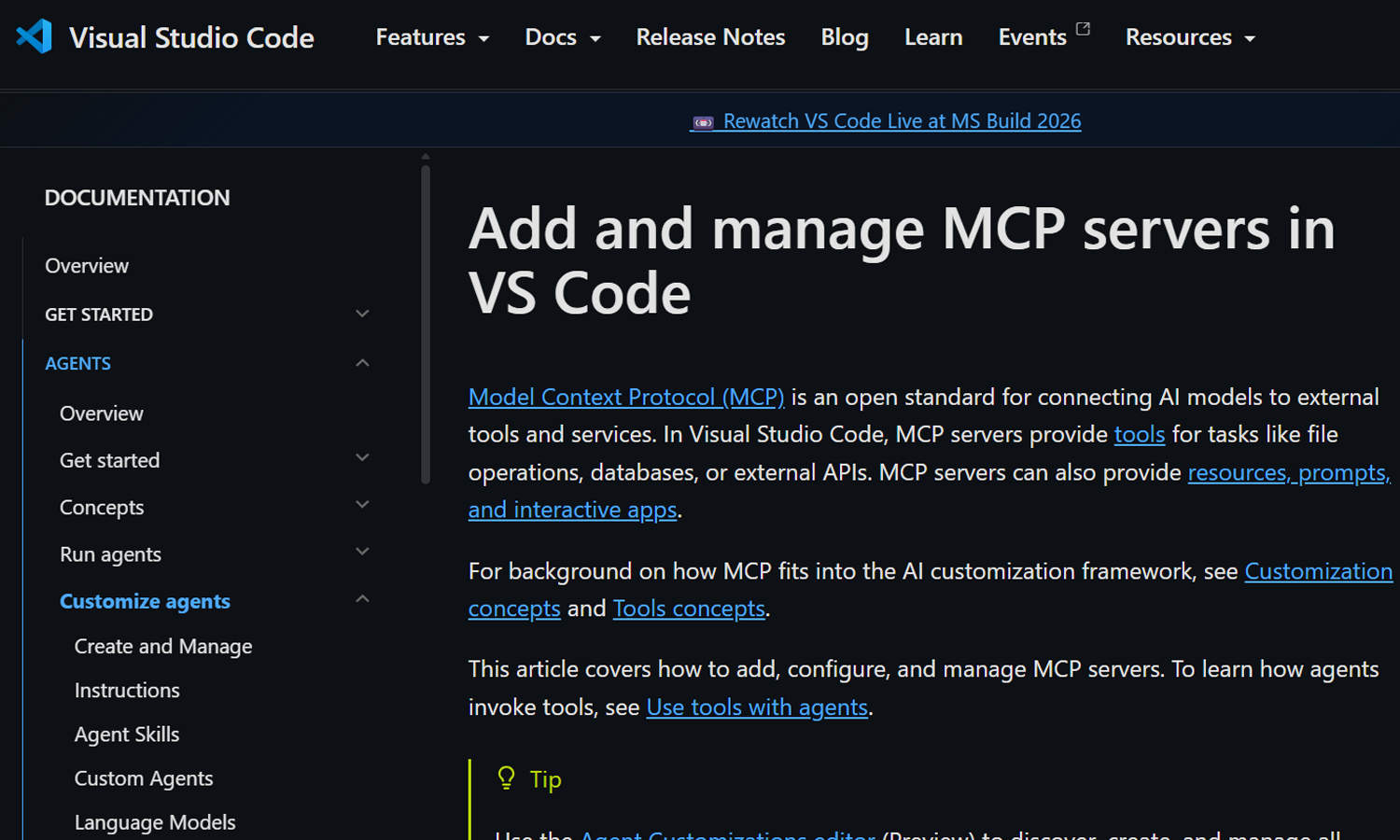
Model Context Protocol (MCP) is an open standard for connecting AI models to external tools and services. In Visual Studio Code, MCP servers provide tools for tasks like file operations, databases, or external APIs. MCP servers can also provide resources, prompts, and interactive apps.
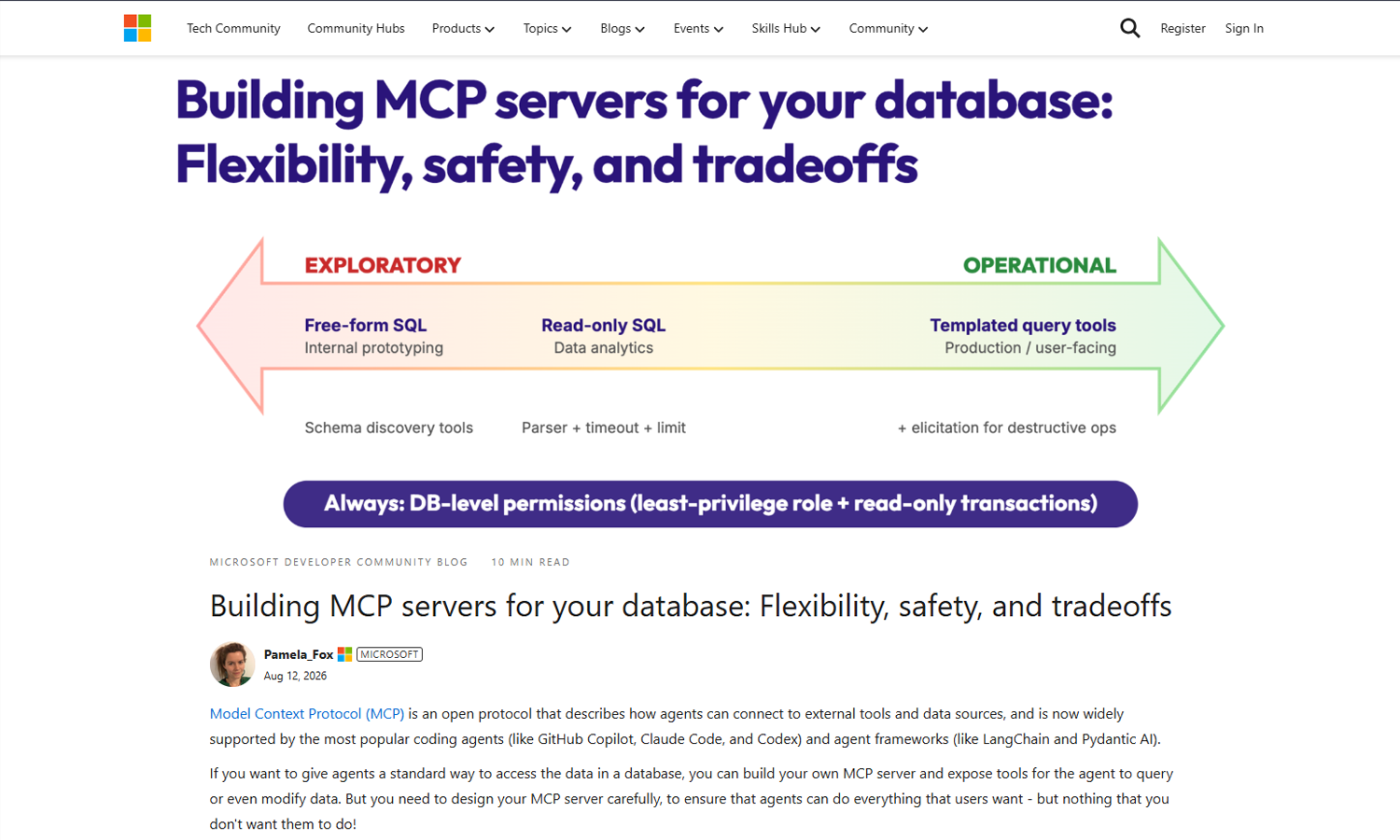
Model Context Protocol (MCP) is an open protocol that describes how agents can connect to external tools and data sources, and is now widely supported by the most popular coding agents (like GitHub Copilot, Claude Code, and Codex) and agent frameworks (like LangChain and Pydantic AI).
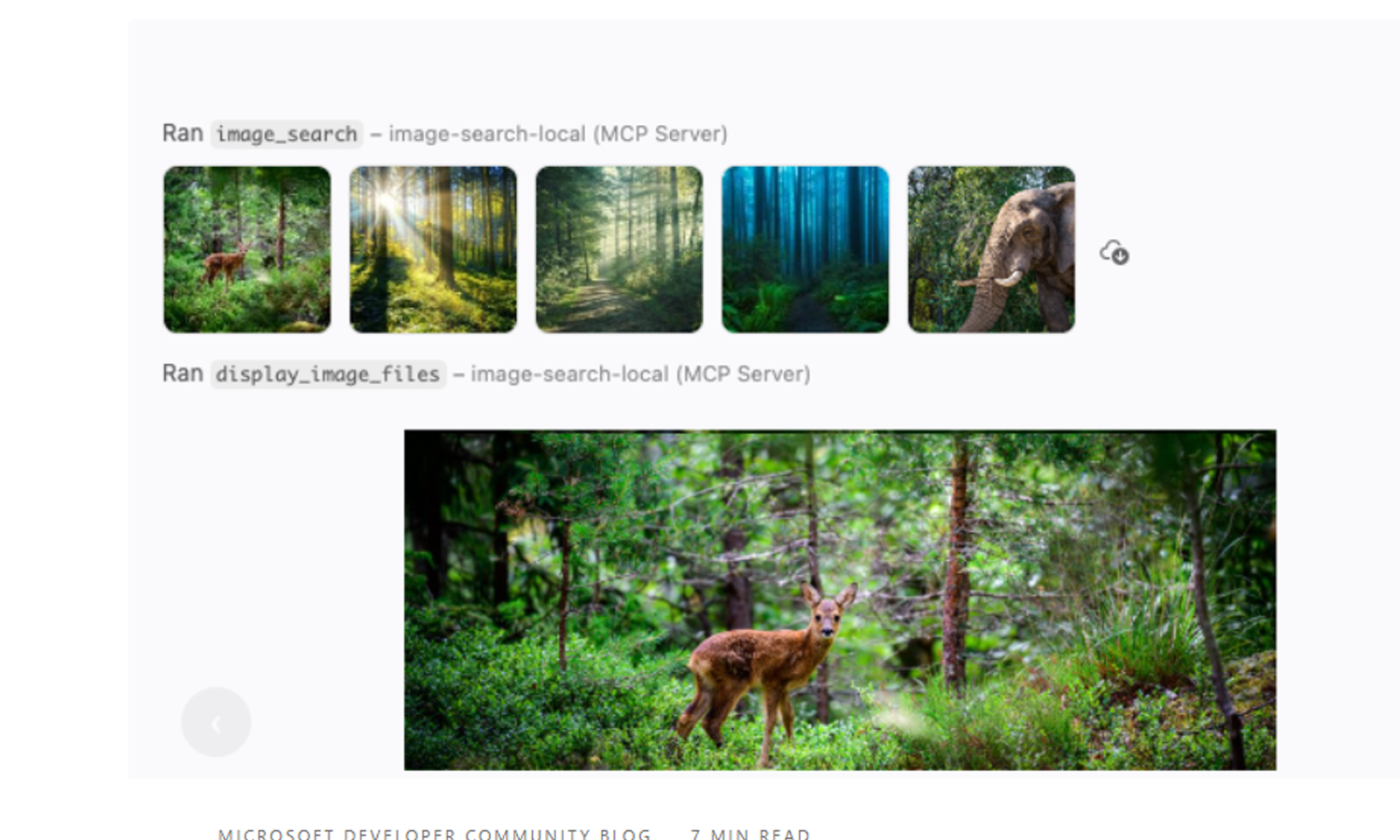
The Model Context Protocol (MCP) is becoming a richer foundation for agent experiences. Though most servers return plain text from their tool calls, MCP servers can also return binary results and provide interactive apps in clients that support those features, like VS Code.
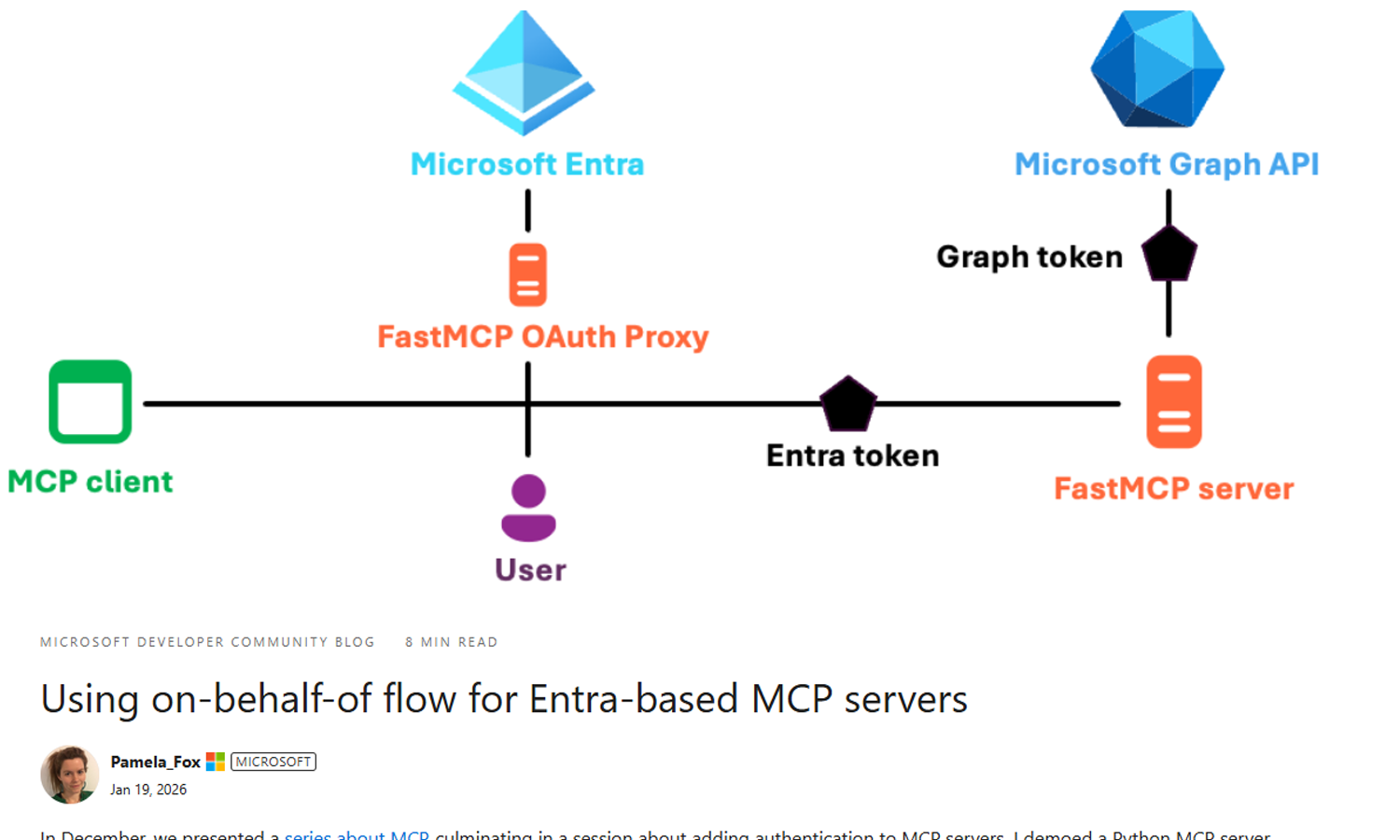
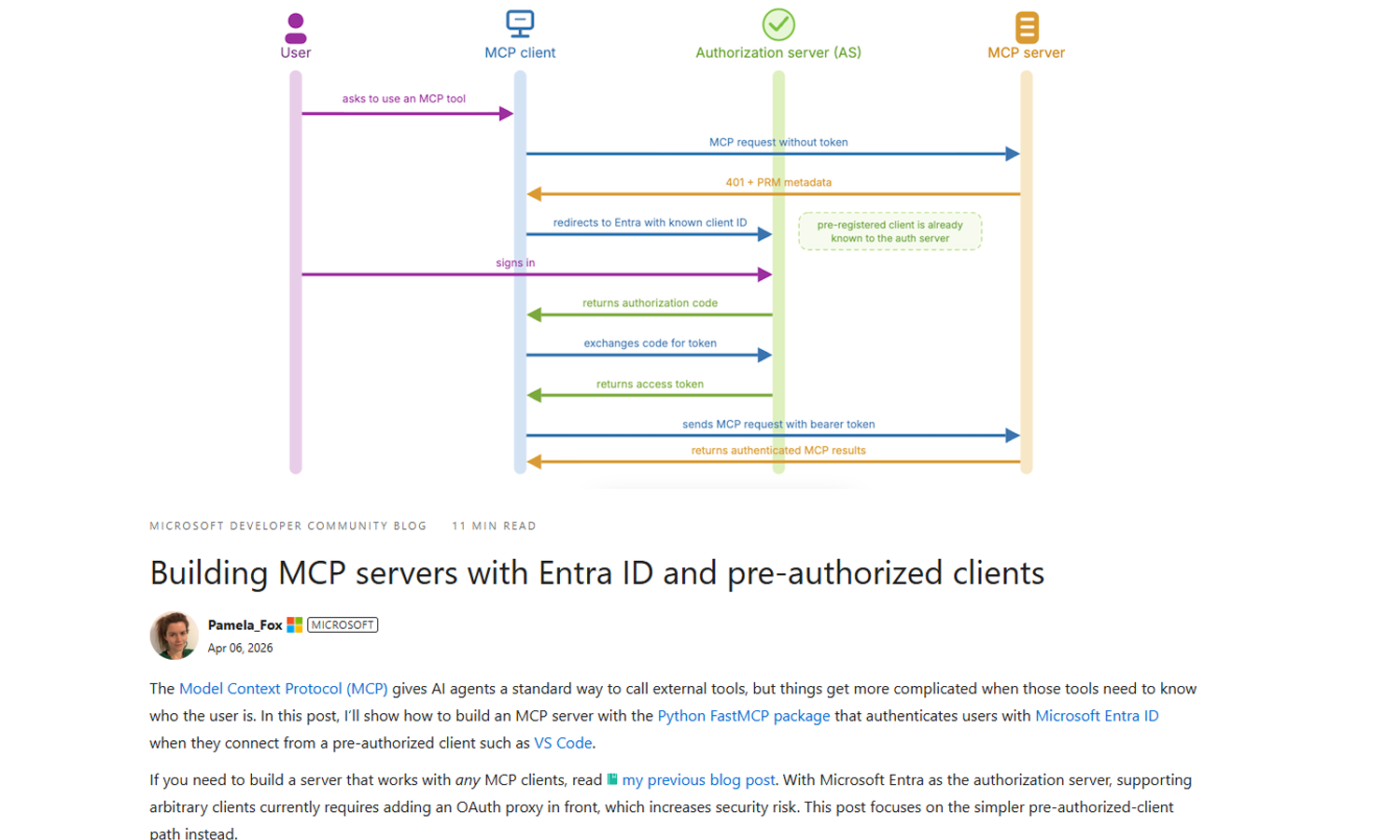
The Model Context Protocol (MCP) gives AI agents a standard way to call external tools, but things get more complicated when those tools need to know who the user is. In this post, I’ll show how to build an MCP server with the Python FastMCP package that authenticates users with Microsoft Entra ID when they connect from a pre-authorized client such as VS Code.
In December, we presented a series about MCP, culminating in a session about adding authentication to MCP servers. I demoed a Python MCP server that uses Microsoft Entra for authentication, requiring users to first login to the Microsoft tenant before they could use a tool. Many developers asked how they could take the Entra integration further, like to check the user's group membership or query their OneDrive.