Find the right model from exploration to deployment all in one place.
A Microsoft Learn path with an introduction to AI services like speech, vision, and LLMs.
Unlock the power of AI with Azure. Build, train, and deploy machine learning models using Azure AI's comprehensive suite of tools and services.
A Microsoft Learn path introducing the Azure AI Agents service.
Gain skills to build and modernize AI apps on Azure. Learn replatforming, code and architecture assessment, security, deployment, and testing using Azure services.
Azure AI Foundry is a unified platform for building, deploying, and managing AI solutions, offering tools for generative AI, responsible AI, and seamless integration.
Build AI apps with pre-made templates. Edit and deploy to Azure using VS Code or GitHub Codespaces. Start your AI projects quickly and efficiently.
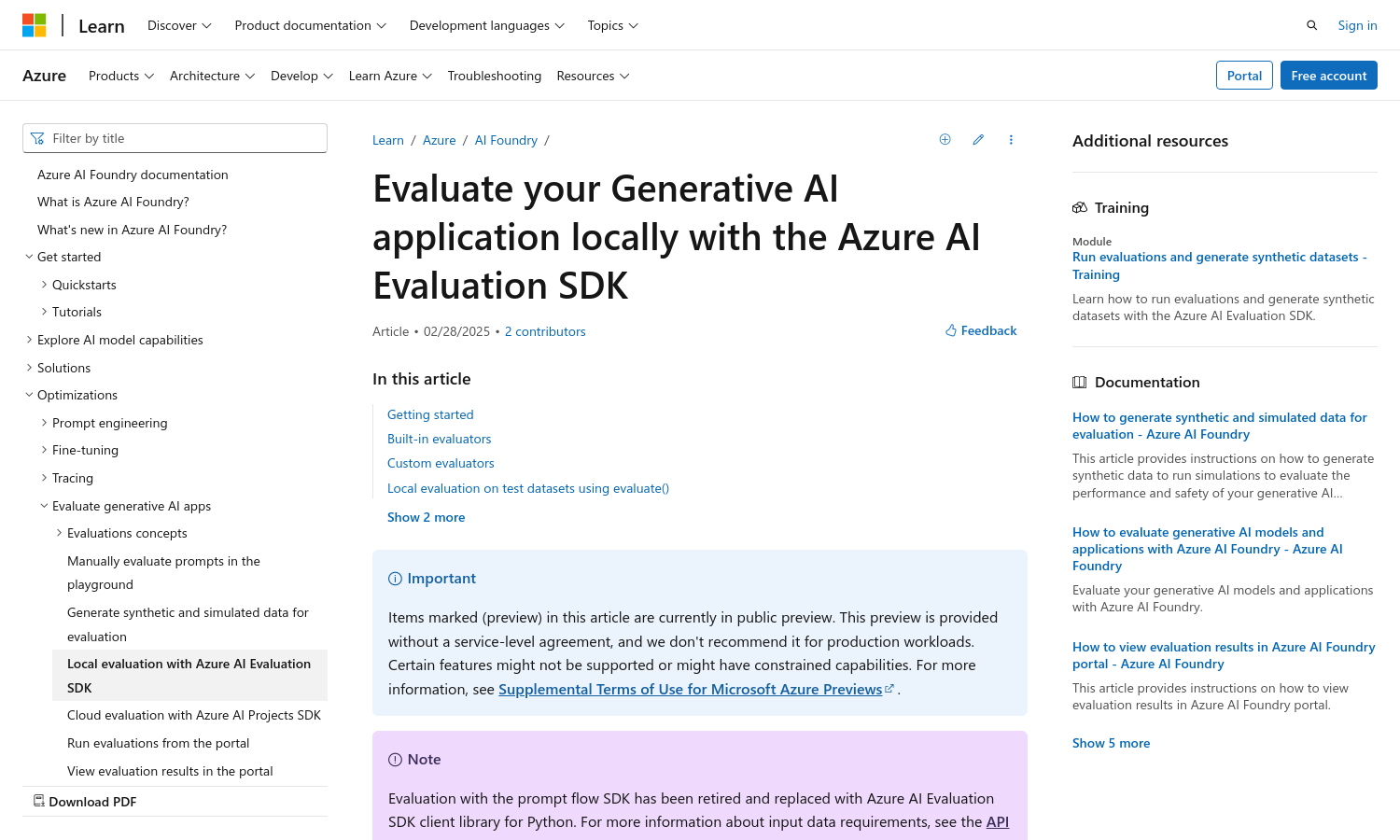
Evaluate your AI app for quality and safety issues
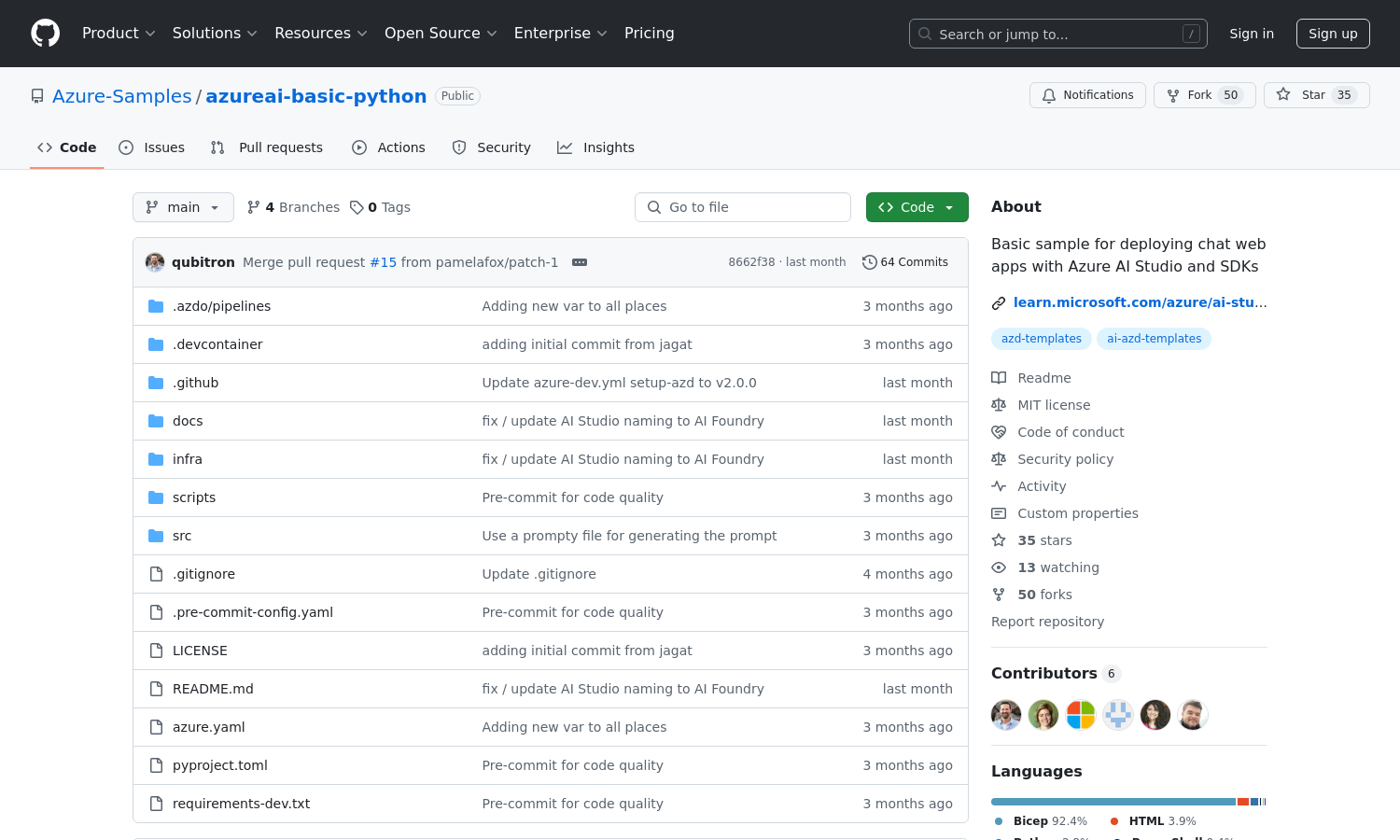
A chat app with the DeepSeek R1 model and a thinking UI
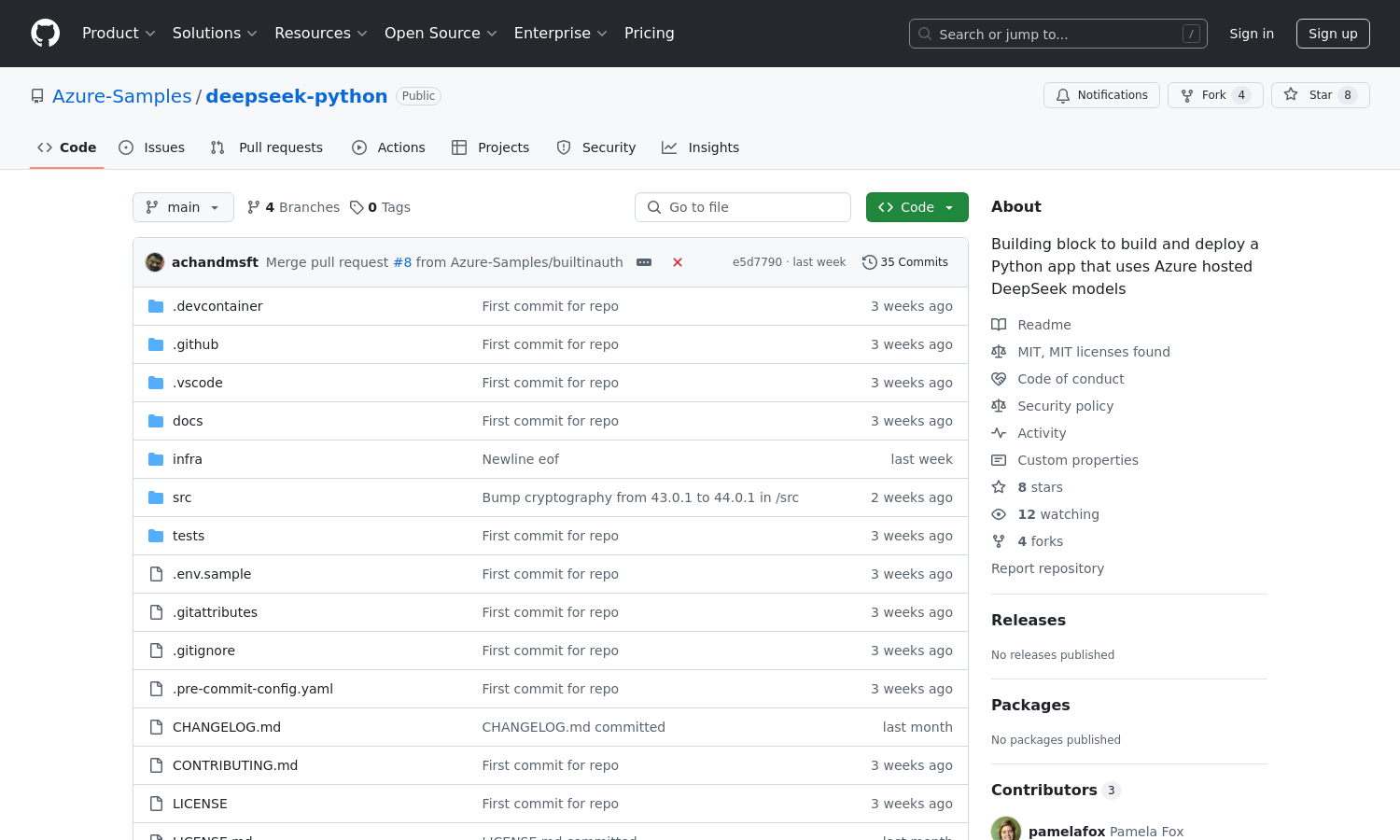
In this article, you learn about DeepSeek-R1 and how to use them.
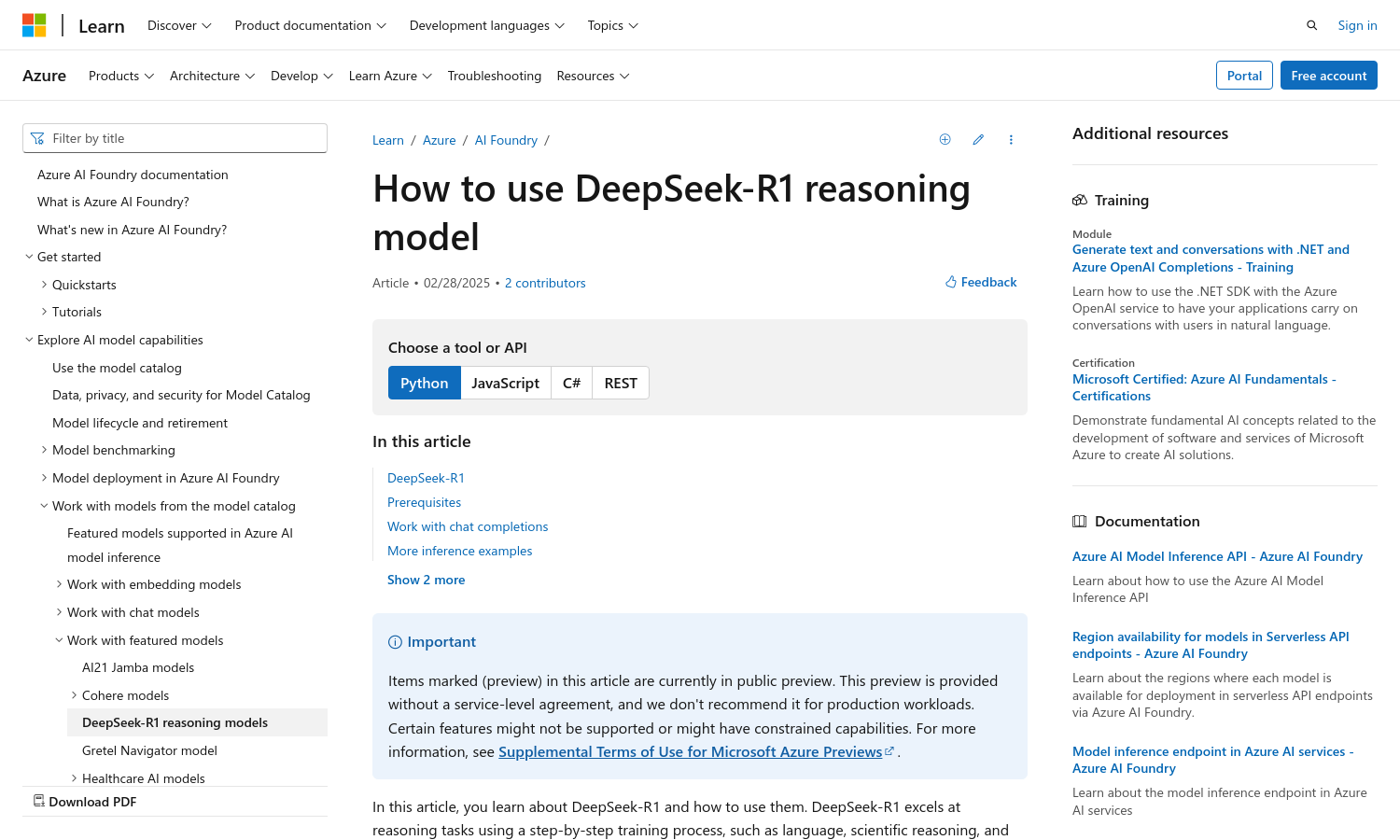
Basic app and infrastructure for using the Azure AI Foundry models and SDKs
Explore the Azure AI Studio SDK overview to learn how to develop, build, and test AI solutions using Python, enhancing your productivity and efficiency.
Azure AI Foundry supports two types of projects: a Foundry project and a hub based project.
Streamline AI app development with Prompt flow in Azure AI Studio. Orchestrate flows, debug, share, and deploy with ease using this powerful tool
Learn how to create and manage Azure AI resources in Azure AI Studio. Follow step-by-step instructions to set up your environment for AI development.
Develop AI projects in VS Code with Azure AI Studio. Connect to a prebuilt container for a seamless coding experience. Ideal for AI-driven workflows.
Evaluate generative AI apps with Azure AI Studio. Use manual and automated tools to measure quality and safety, ensuring responsible AI development.
Learn to create custom copilots with Azure AI Studio. This path covers language models, prompt flow, and integrating your data for tailored AI solutions.
Read docs on Azure AI Foundry - a unified platform for developing AI solutions, offering pre-built services, machine learning models, and tools for responsible AI development.
The AI Toolkit for Visual Studio Code streamlines generative AI app development, integrating Azure AI Foundry and Hugging Face tools and models.
Empower your AI journey with Microsoft Cloud: build skills, connect with the community, earn credentials, learn from experts, and explore upcoming events.
This post shows you how to apply GitOps principles to a Microsoft Foundry Hosted Agent using GitHub as the source of truth and GitHub Tasks and Actions as the automation layer. The result is a repeatable, governed, production-ready delivery model for AI agents.
This post walks through how to provision and manage the Azure infrastructure required to run Microsoft Hosted Agents using Terraform. You will leave with working configuration, a clear understanding of the resource model, and practical guidance on where Terraform can take you all the way and where you will need to supplement with the Azure CLI or the Microsoft Foundry Agent Service SDK.
This post describes recommended enterprise DevOps patterns on top of Microsoft Foundry Hosted Agents. Some patterns — evaluation gating, traffic-based rollout, manifest-driven promotion — are best practices and may not be enforced by the platform itself. Hosted Agents and several related capabilities (A2A, certain deployment and routing controls) are in preview and may evolve.
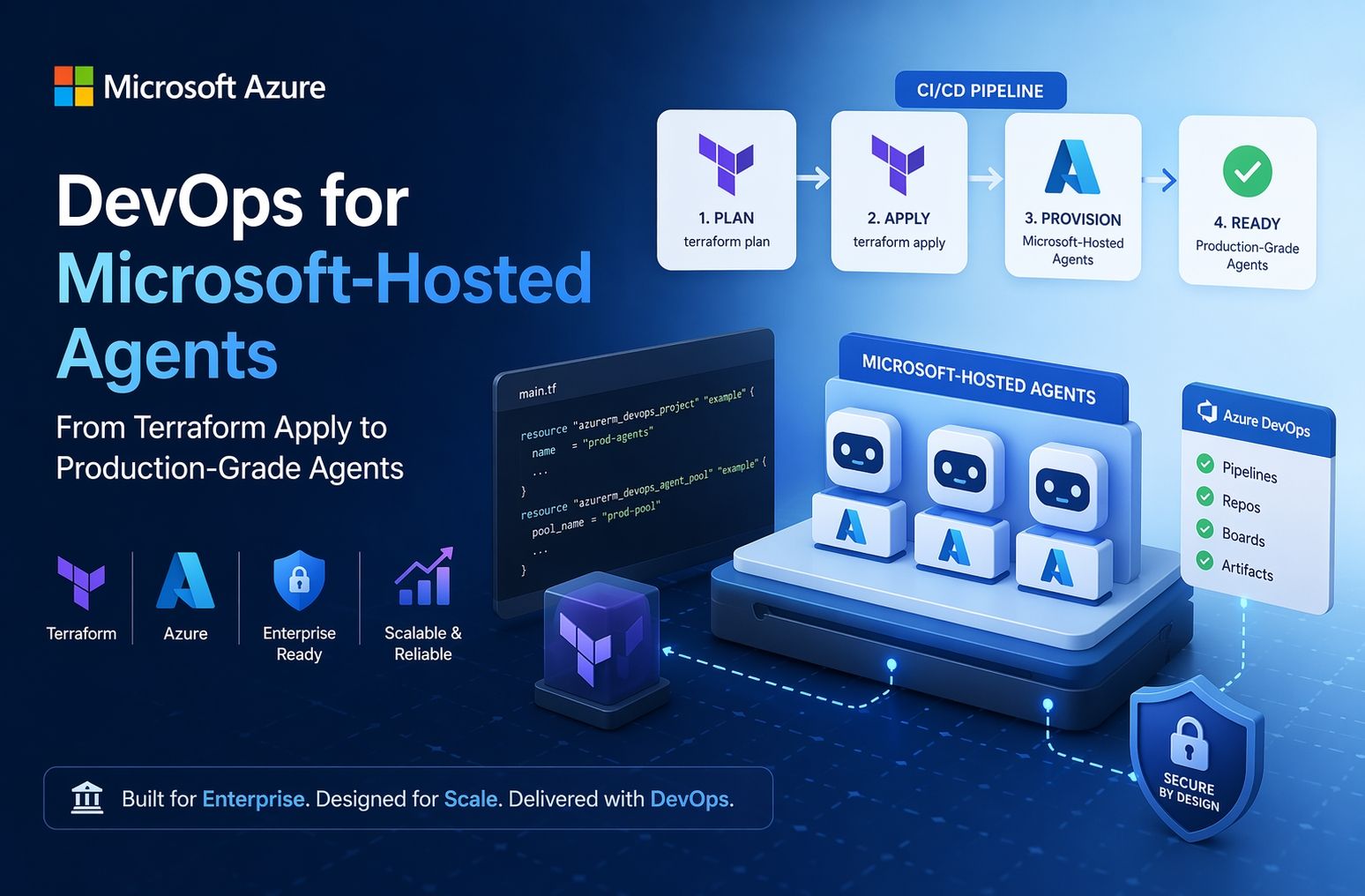
Deploying a Hosted Agent is ultimately a data plane operation against the Foundry Service API, not an infrastructure deployment. However, it depends on carefully orchestrated infrastructure, identity, and access configuration being in place first. This post walks through each layer.
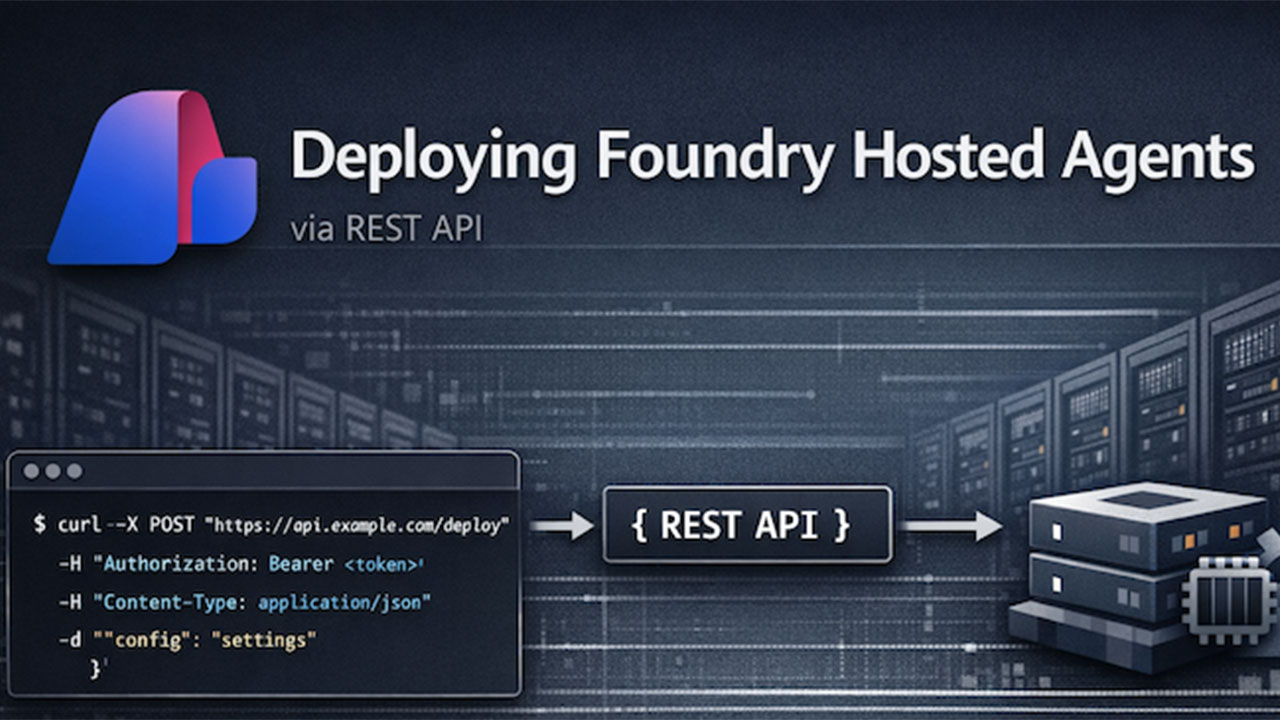
With Microsoft's introduction to Hosted Agents comes a next logical question. How to implement this? Organizations need a method that is quick, repeatable, and requires minimal adjustments to their existing tooling and processes. Thus, we will walk through how to deploy a Hosted Agent through a repeatable GitHub Action.