Surface for Business helps teams turn bold visions into reality with premium design, advanced security, and AI-powered solutions in one uncompromising PC portfolio.


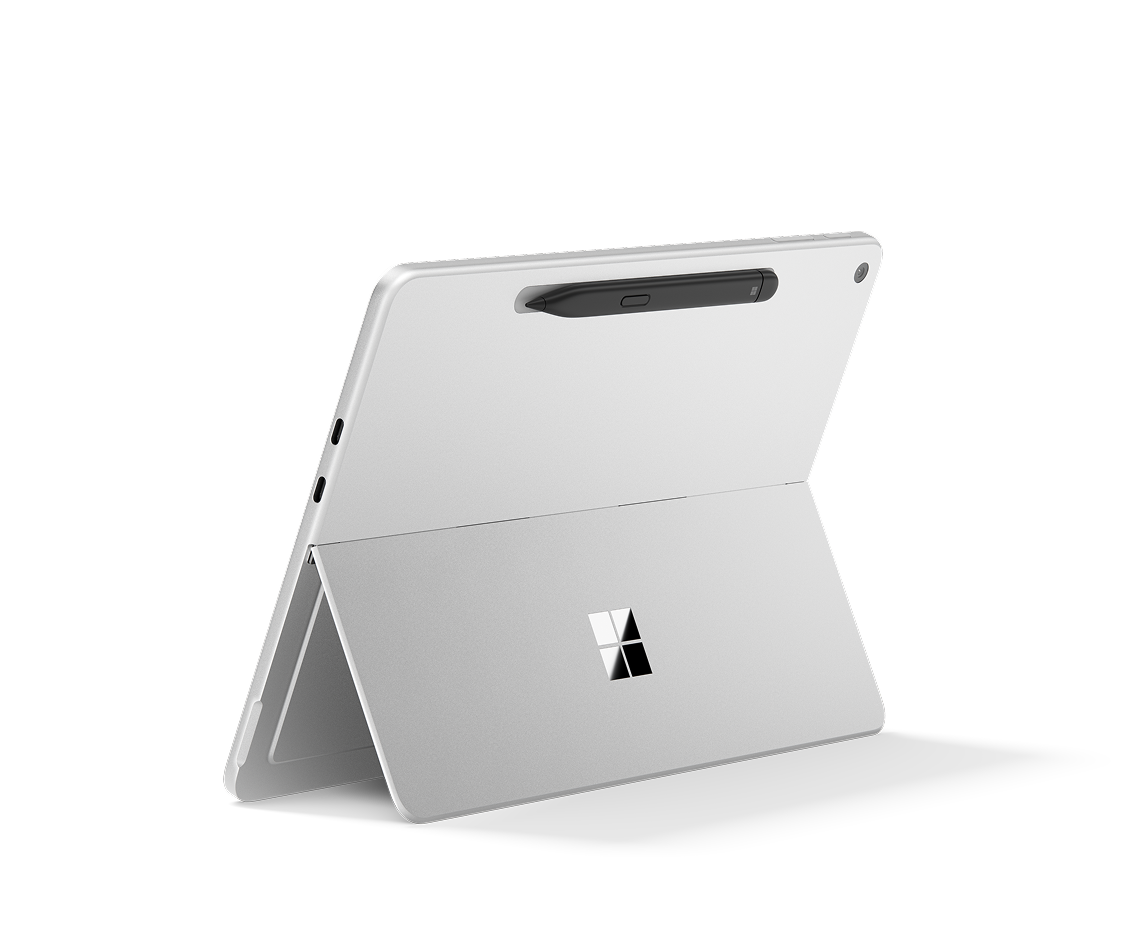
 Surface for Business

Built for business impact
Surface for Business helps teams turn bold visions into reality with premium design, advanced security, and AI-powered solutions in one uncompromising PC portfolio.
Safeguard people and data with the most advanced Windows security stack across hardware, software, firmware, and cloud.


Strengthen device control and manageability with Secured-core PCs and Microsoft Intune with DFCI for remote UEFI configuration.1
Verify access and protect identity with Windows Hello and Microsoft’s Zero Trust framework.
Defend data by default with protections built into Surface hardware such as Microsoft Pluton.
Secure credentials and streamline recovery with BitLocker device encryption and secure authentication options.
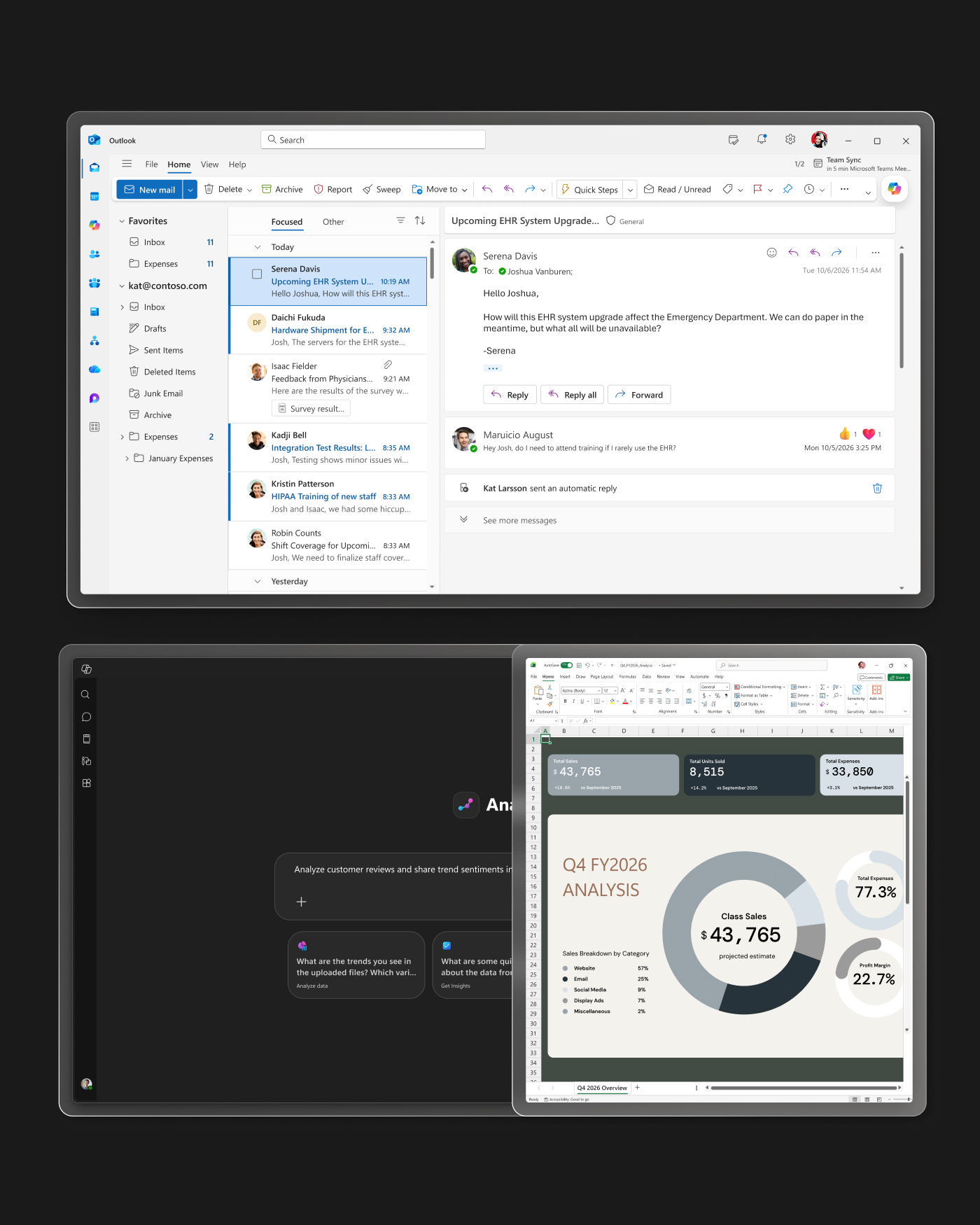
Power through the workday
Built-in NPUs and powerful AI tools help employees stay productive from first task to last.
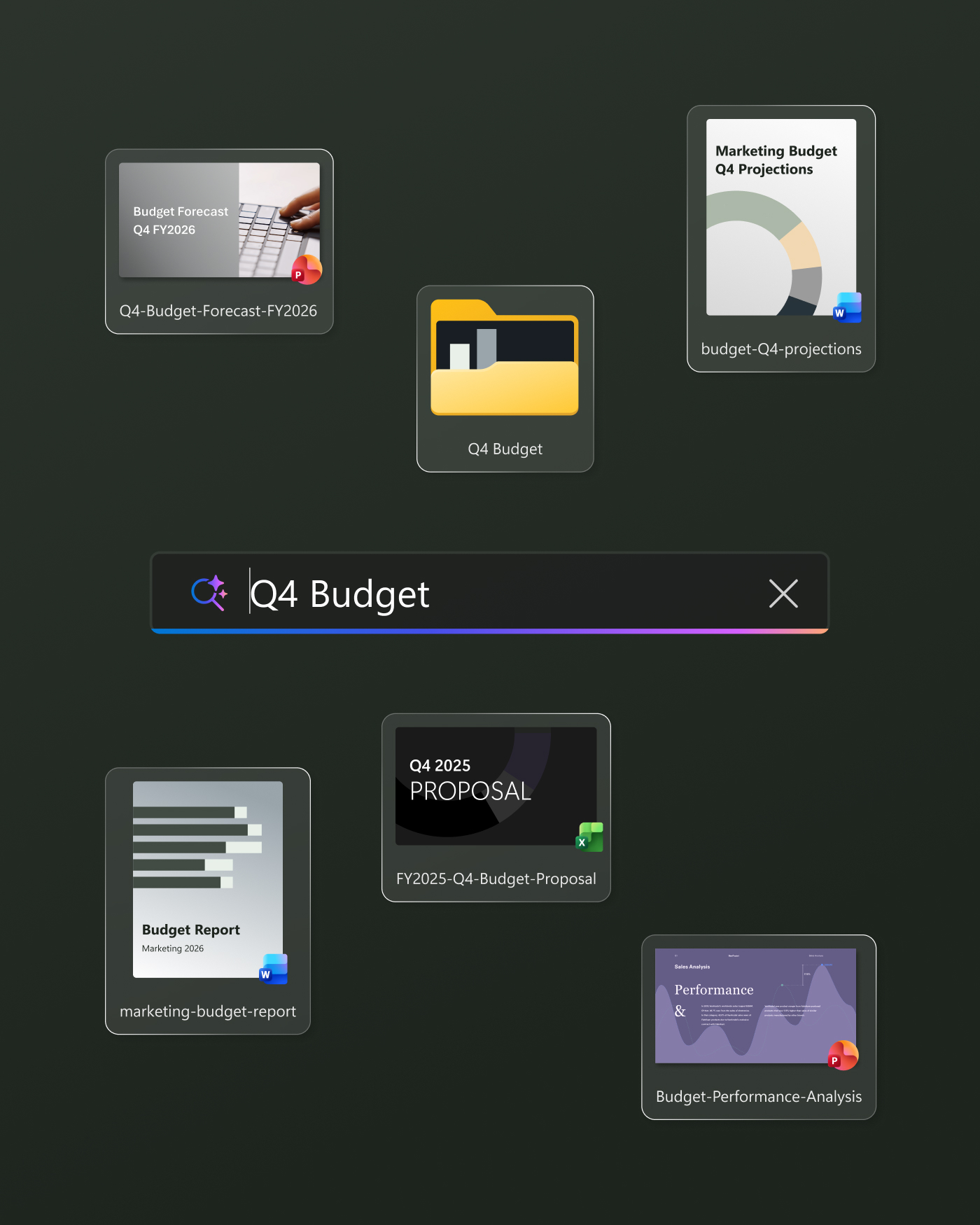
Find what you need, fast
Quickly find past activity and files with Copilot Chat and Improved Windows Search2.
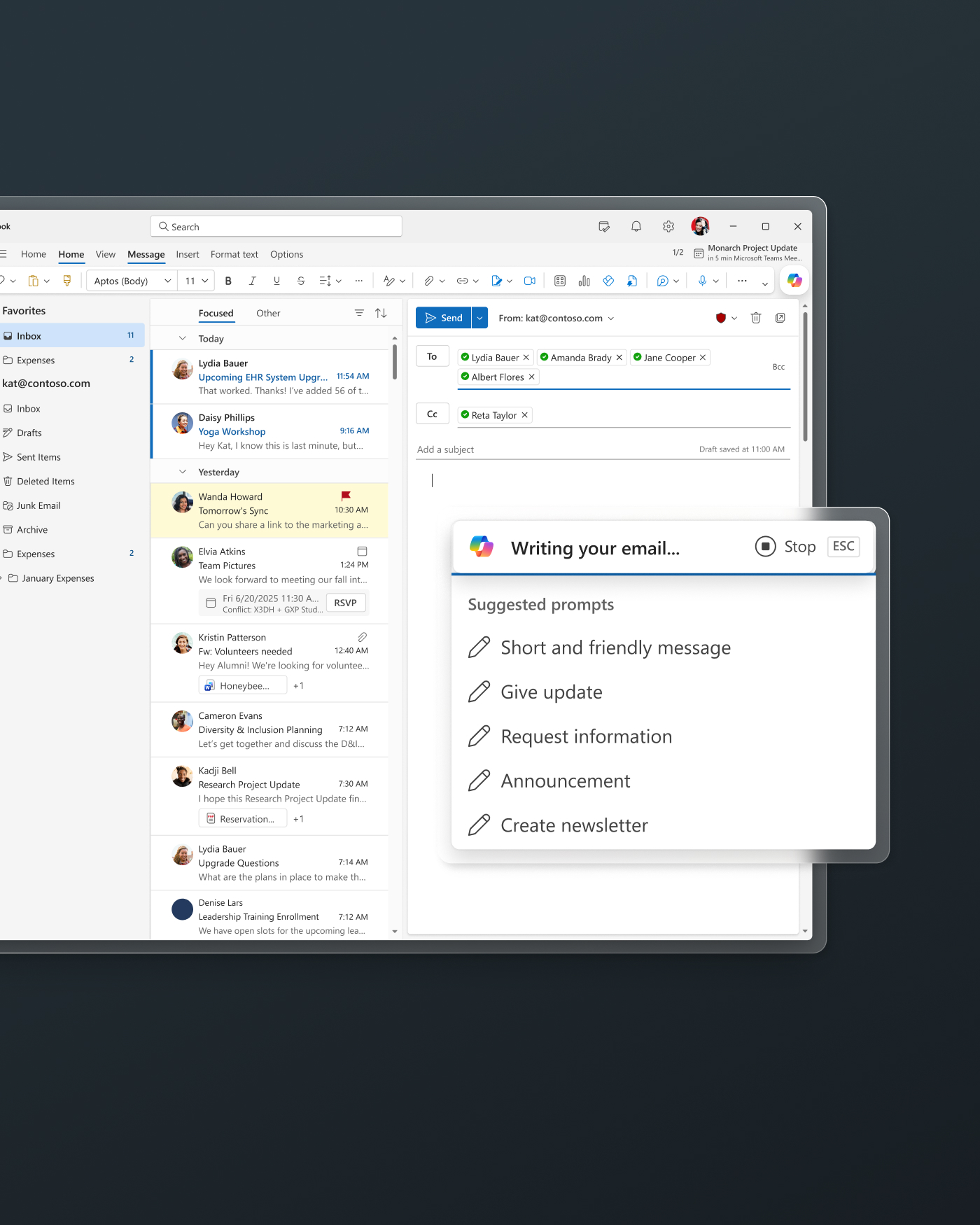
Get real-time assistance
Improve productivity and unlock real-time assistance with Copilot in the Microsoft 365 suite.3


Choose an Intel®, Snapdragon®, or NVIDIA® processor with a built-in NPU for fast, complex multi-tasking.

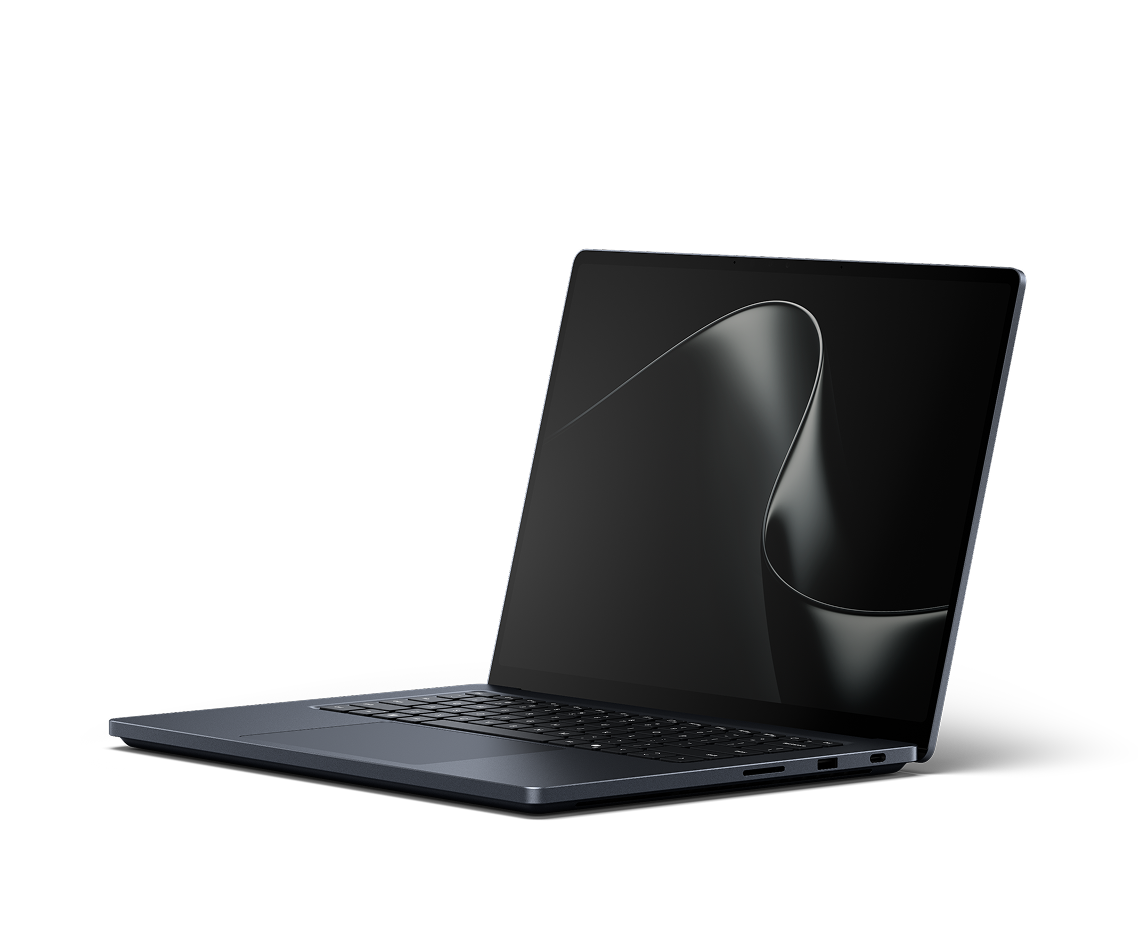
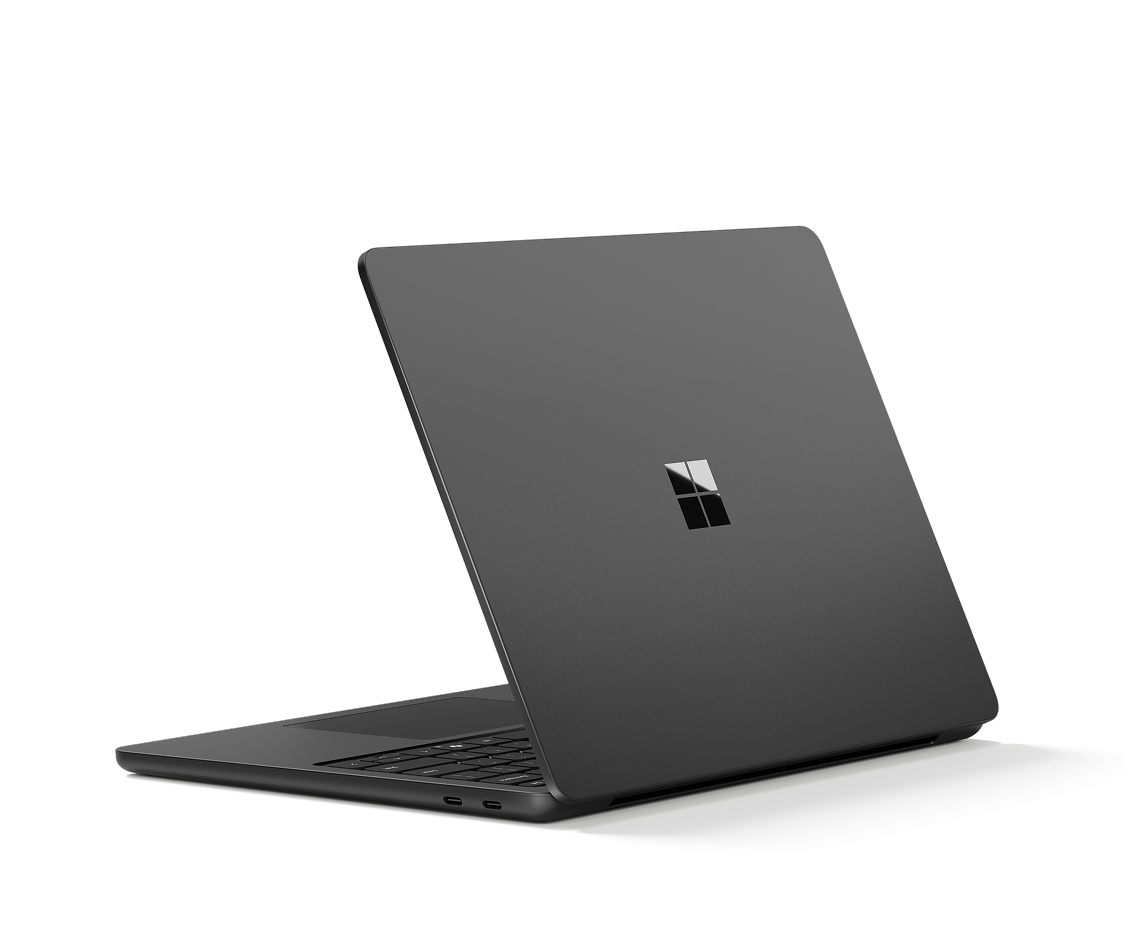
Bring bold ideas to life with powerful performance9 in a laptop ready to move.

Protect your investment, extend device use, and avoid surprise costs with Microsoft Protection Plans.

Discover how Surface has empowered businesses to shape tomorrow.
“Surface allows us to run AI where learning happens—on the device itself. The future of AI is not everything going to the cloud; it's AI at the edge.”
Eric Sedore
AVP & Chief Technology Officer, Syracuse University
Do more with Surface
Microsoft Surface is a line of premium Windows laptops and 2-in-1 devices made by Microsoft, designed for everyday use with built-in touch and pen support (Surface Pro only), that works seamlessly with Windows and Microsoft apps.
A business laptop, also known as a business computer, is designed to help professionals stay productive, connected, and secure at work. Business laptops like Microsoft Surface devices offer powerful performance, built-in security features, AI-powered experiences, and flexible designs to support everything from everyday tasks to demanding workloads, whether you're in the office, at home, or on the go.
Yes. Microsoft Surface devices are designed to help both small businesses and enterprise businesses stay productive with powerful performance, built-in security, long battery life, and AI-powered tools. With a range of laptops and 2-in-1 devices, Surface helps teams work efficiently from the office, home, or on the go while staying connected and protected. Compare Surface devices to find the right one for your needs.
It depends on how you work. Surface Pro is a flexible 2-in-1 that works as both a tablet and a laptop, while Surface Laptop is a classic clamshell designed for fast, everyday performance. Compare Devices to find the right business computer based on your needs.
Surface doesn’t include a Microsoft 365 subscription, but you can easily add it separately. A Microsoft 365 subscription gives you access to premium apps like Word, Excel, and PowerPoint, plus cloud storage and ongoing updates.
Surface for Business devices are designed for durability and backed by Microsoft Surface Warranty and Protection Plans. With coverage options that help address repair and replacement costs, Microsoft Protection Plans help organizations reduce downtime, simplify device management, and confidently scale deployments knowing your investment is protected throughout the device lifecycle.
Requires Microsoft Intune and Windows Autopilot; available on eligible Autopilot-deployed Surface devices. Supported DFCI settings vary by device.
Improved Windows search works with specific text, image, and document formats only; optimized for select languages [English, Chinese (Simplified), French, German, Japanese, and Spanish].
Requires eligible Microsoft 365 license. File upload and image generation limits apply.
OLED screen option available on the Surface Pro for Business, 13-inch | Intel® and Surface Pro for Business, 13-inch | Snapdragon® configurations. On devices with Intel®, OLED is only available on the Intel® Core™ Ultra X7 processor 368H (Series 3) configuration.
Anti-glare is only on select 13.8-inch devices.
Replacement components available through Surface Commercial authorized device resellers. Components can be replaced on-site by a skilled technician following Microsoft’s Service Guide. Microsoft tools (sold separately) may also be required. Availability of replacement components and service options may vary by product, market and over time. See Surface service options - Surface | Microsoft Learn. Opening and/or repairing your device can present electric shock, fire and personal injury risks and other hazards. Use caution if undertaking do-it-yourself repairs. Unless required by law, device damage caused during repair will not be covered under Microsoft’s Hardware Warranty or protection plans.
Copilot+ PCs feature; available effects vary by device.
Voice focus requires activation, requires Windows 11 and is available in apps which use integrated device microphones and use certain Windows audio processing modes.
Based on Microsoft testing in August 2026 comparing performance on battery to performance while plugged in, using Best Performance power mode across 20 industry-standard benchmark workloads. Surface Laptop Ultra retained 95.6–101.0% of its plugged-in score, averaging 99.6%. Testing conducted on pre-release hardware and software. Performance varies by workload, configuration, power mode, settings and usage.