Skip to main content All Surface Pro 2-in-1s for Business All Surface Laptops for Business All Accessories Compare Surface devices Device Management Microsoft Security Surface for Business Essentials Microsoft Warranty and Protection Plans Surface Compliance For home WHERE TO BUY Microsoft Security Azure Dynamics 365 Microsoft 365 Microsoft Teams Windows 365 Microsoft AI Azure Space Mixed reality Microsoft HoloLens Microsoft Viva Quantum computing Sustainability Education Automotive Financial services Government Healthcare Manufacturing Retail Find a partner Become a partner Partner Network Microsoft Marketplace Software companies Blog Microsoft Advertising Developer Center Documentation Events Licensing Microsoft Learn Microsoft Research View Sitemap
MSFT-SCom-Lapotop-Hero-Mobile-Poster-1080x2340-0901

Laptops

Explore the Surface Laptop for Business lineup

Power your organization with the performance and intelligence each role demands. Thoughtfully designed for the pace of modern business.

Push the limits of possibility

Created with the capacity to match your team’s capability, Surface helps businesses make visions a reality.

MSFT-SCom-Lapotop-Scrolling-Slides-Power-on-Demand-Mobile-Item1-Poster-1080x2160-0901

Power on demand

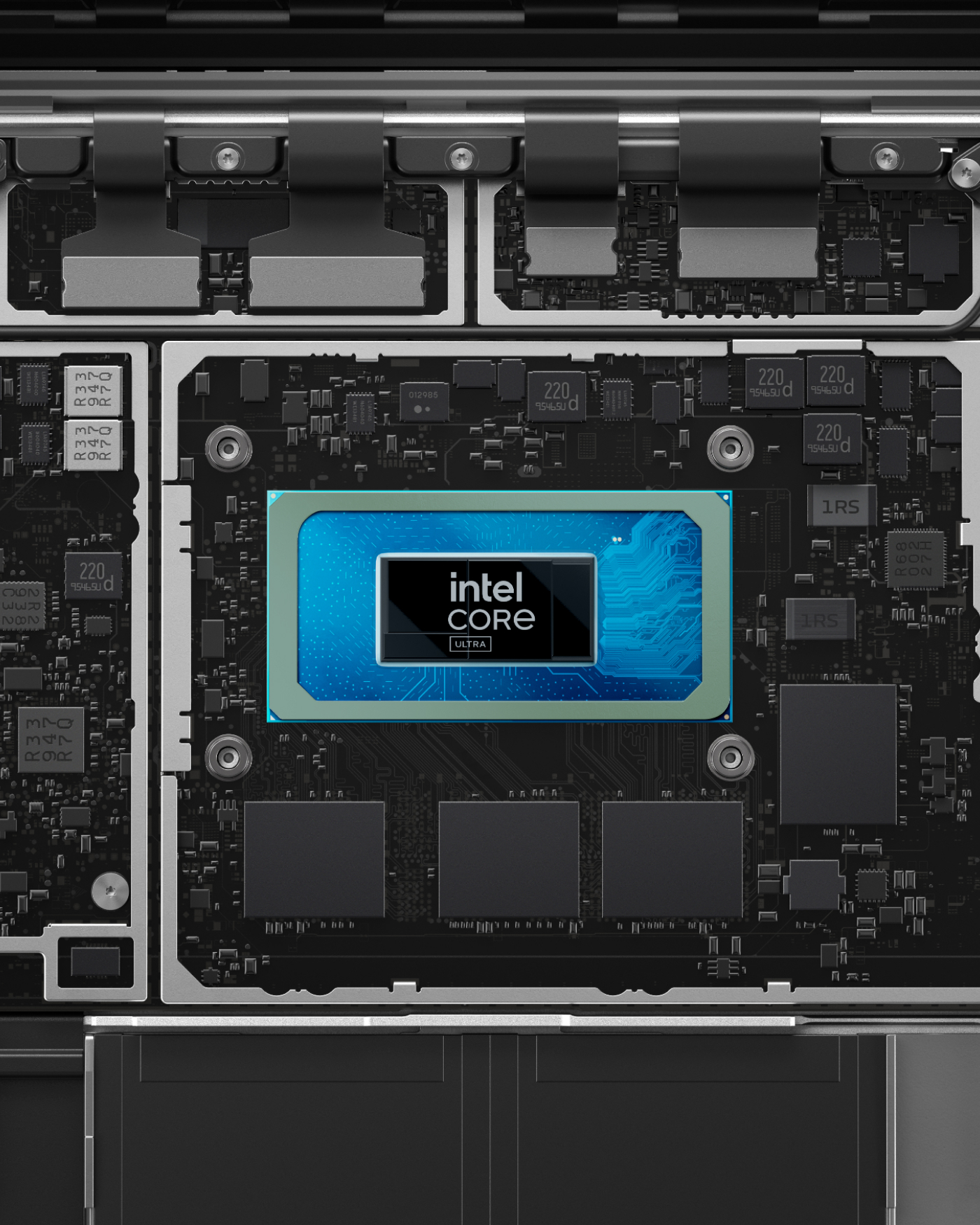
Take on complex tasks with an Intel® or Snapdragon® processor and built-in NPU.

Secure from chip to cloud

Reduce risk

Verify access and protect identity with Windows Hello face and fingerprint recognition and Microsoft’s Zero Trust framework.
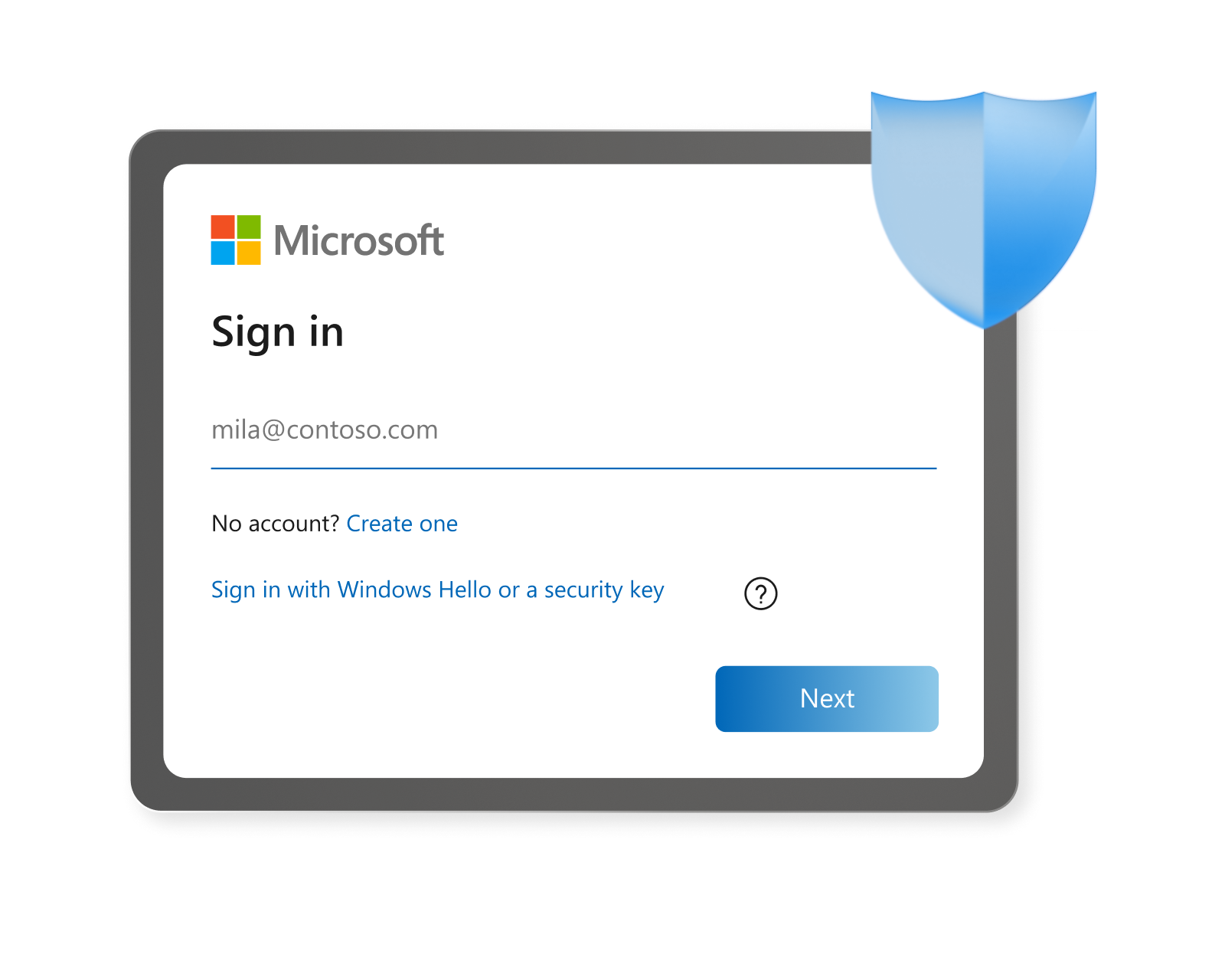
A screenshot of a Microsoft sign-in box, with a blue shield in the top right corner.

Defend by default

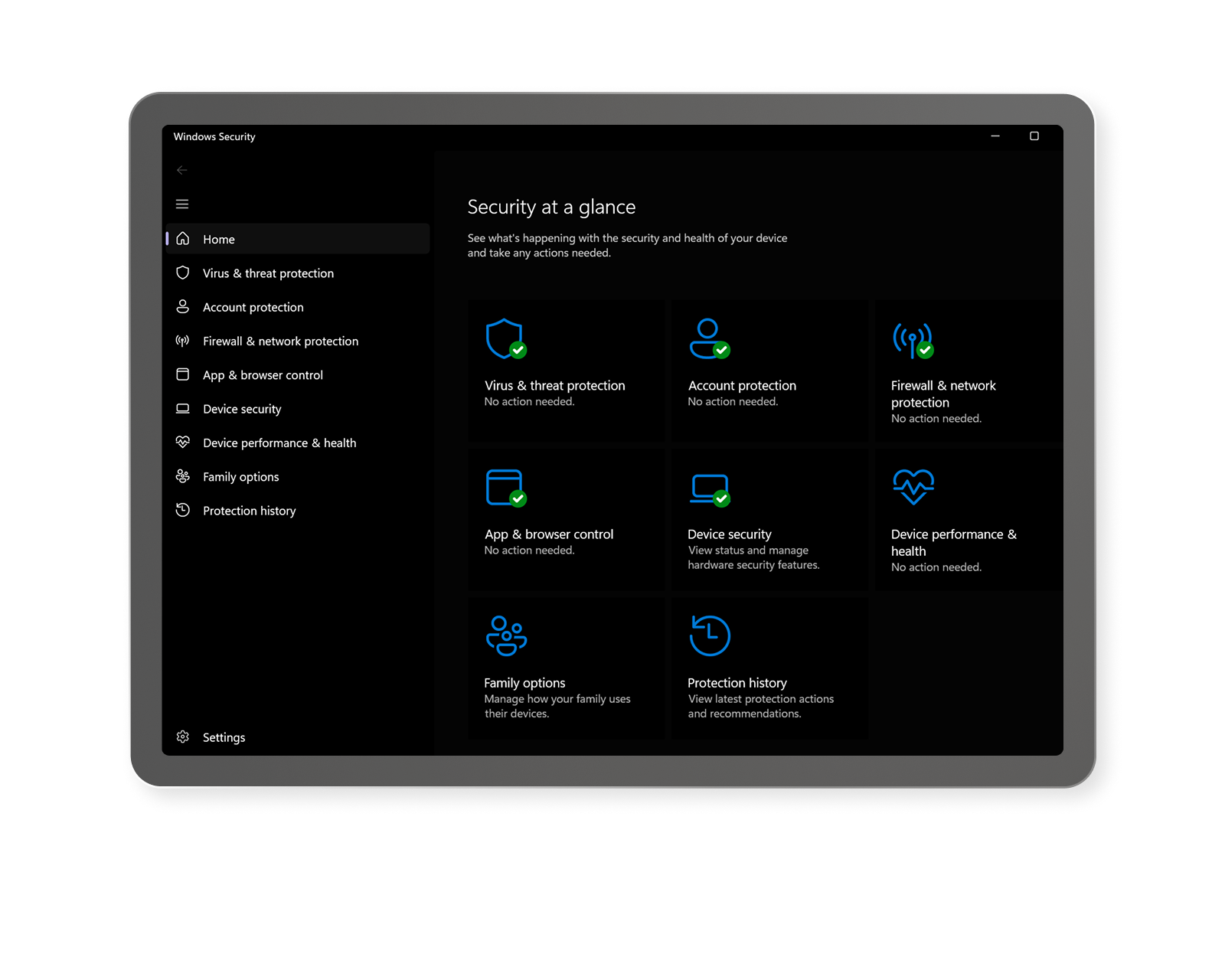
Uncompromising protection starts with security built into Surface hardware such as Microsoft Pluton.

A screenshot of the Windows Security at a glance page in Settings

Manage fleets remotely

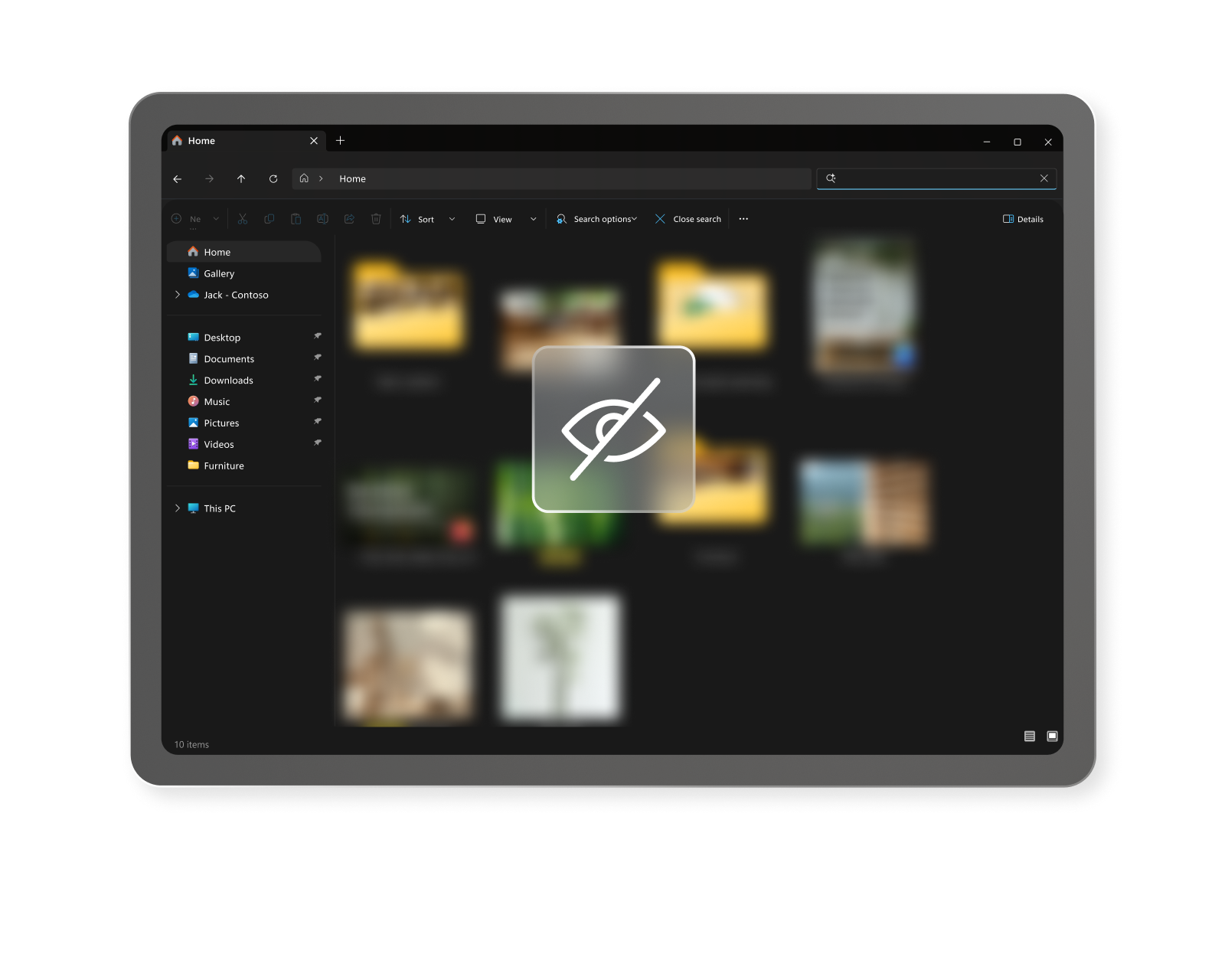
Strengthen device control and manageability with Secured-core PCs and Microsoft Intune with DFCI8 for remote UEFI configuration.

A screenshot of blurred-out file icons behind a translucent eye icon with a line slashing diagonally through it

Secure recovery

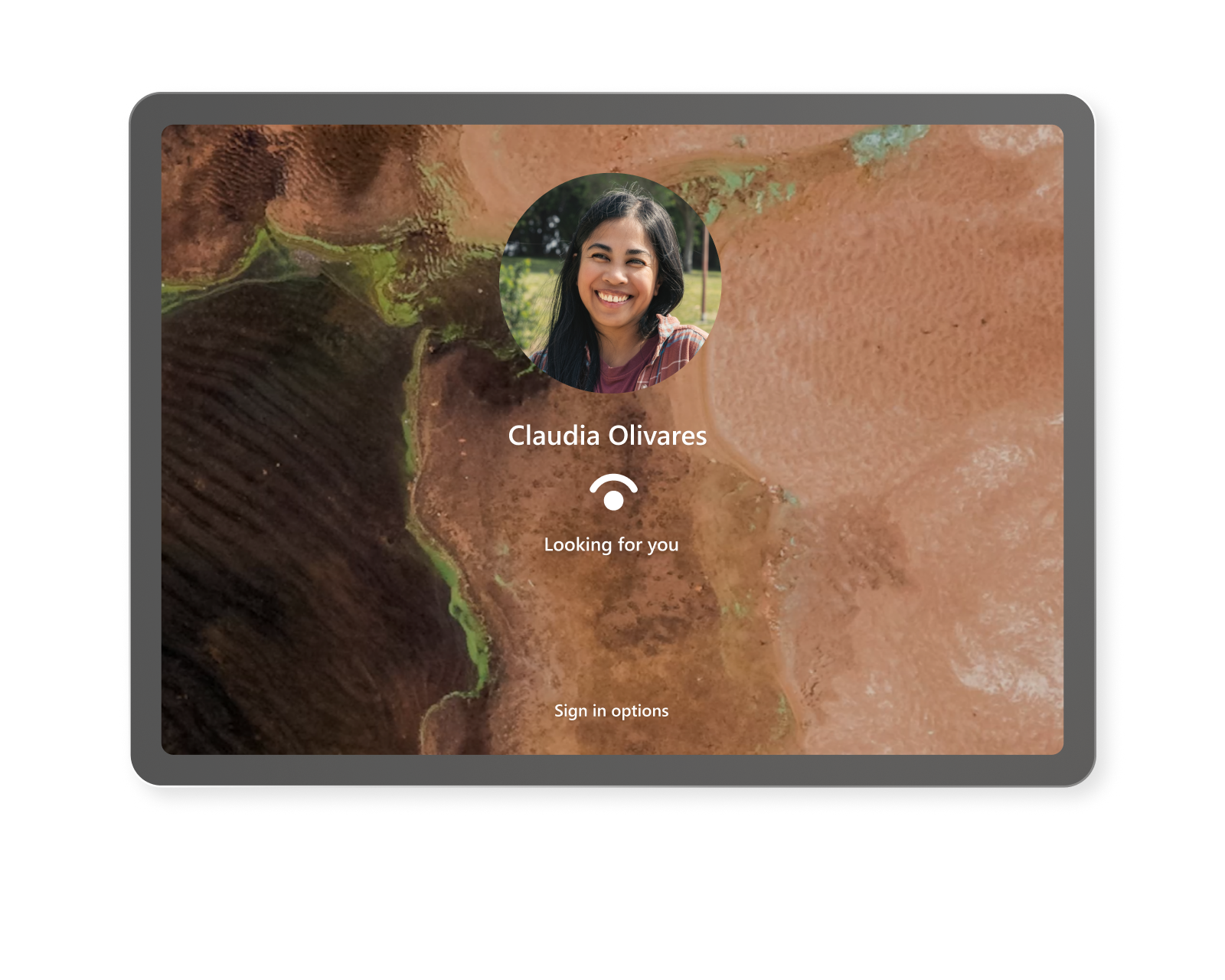
Safeguard credentials and streamline recovery with BitLocker device encryption and secure authentication options.

A screen showing the Windows Hello login for a laptop

Speed up workflows with onboard AI

Unlock greater productivity with AI. Accelerate workflows, automate routine tasks, and help teams focus on work that drives business impact.
  • MSFT-SCom-Laptop-Editorial-Card-Section1-Card1-Desktop-poster-1400x1750-0914

    Next-gen innovation

    Forge new paths of productivity with built-in NPUs and powerful AI tools.

  • MSFT-SCom-Laptop-Editorial-Card-Section1-Card2-Desktop-poster-1400x1750-0901

    Memory, reimagined

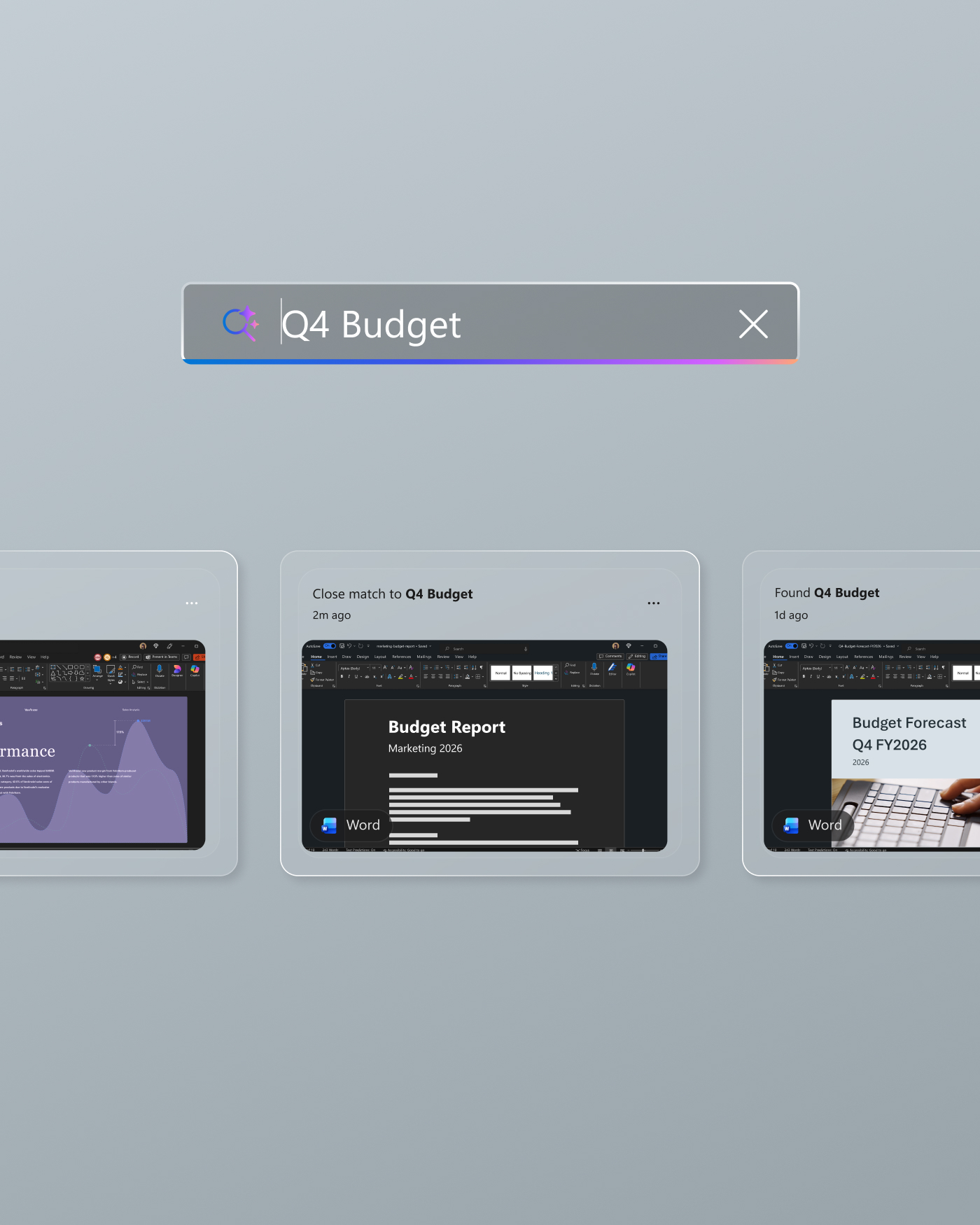
    Quickly rediscover past work, conversations, and content with Copilot9.

  • MSFT-SCom-Laptop-Editorial-Card-Section1-Card3-Desktop-poster-1400x1750-0901

    Your productivity partner

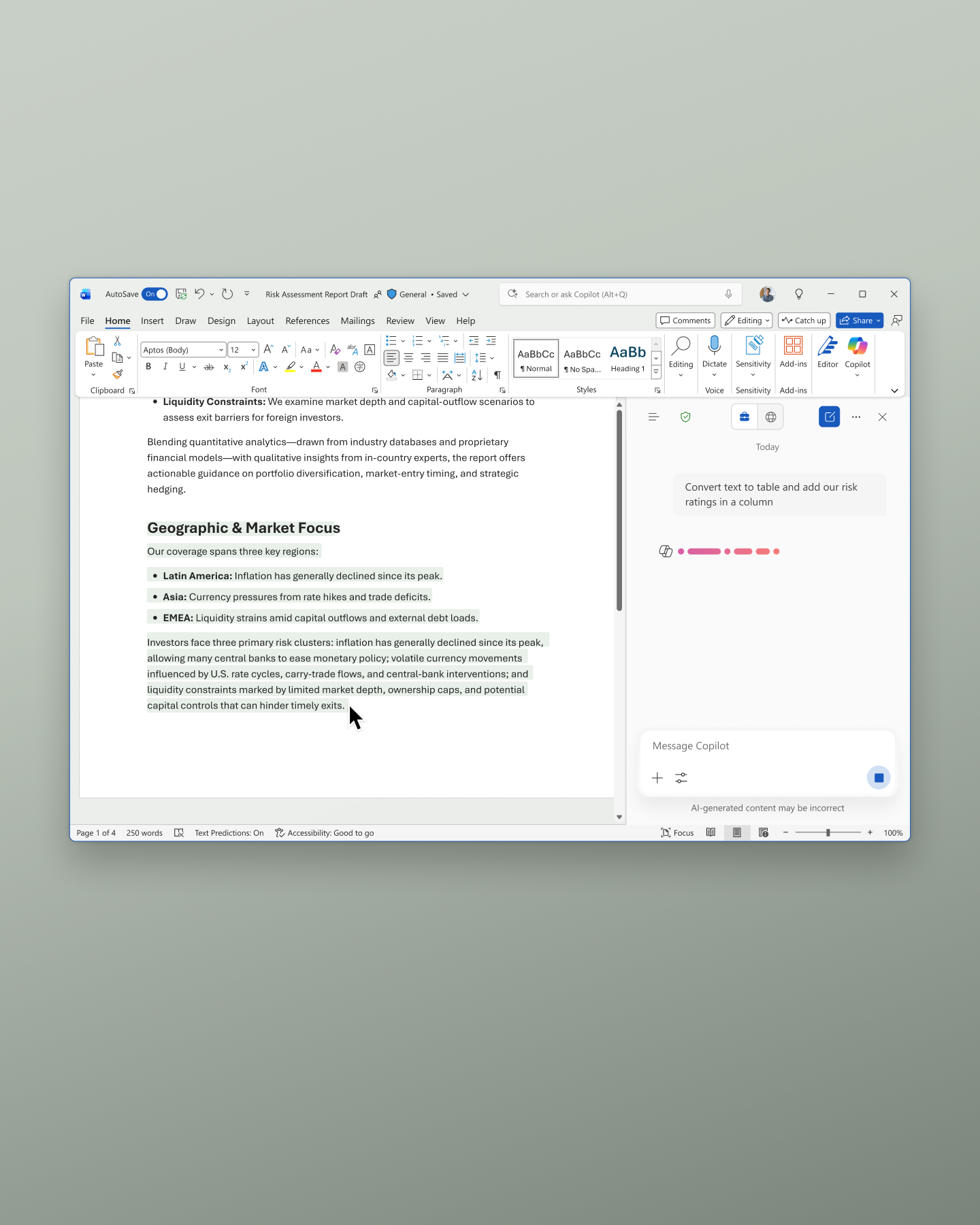
    Create, communicate, and collaborate faster with Copilot10 in the Microsoft 365 suite11.

  • MSFT-SCom-Laptop-Editorial-Card-Section1-Card4-Desktop-poster-1400x1750-0901

    Power intelligent growth

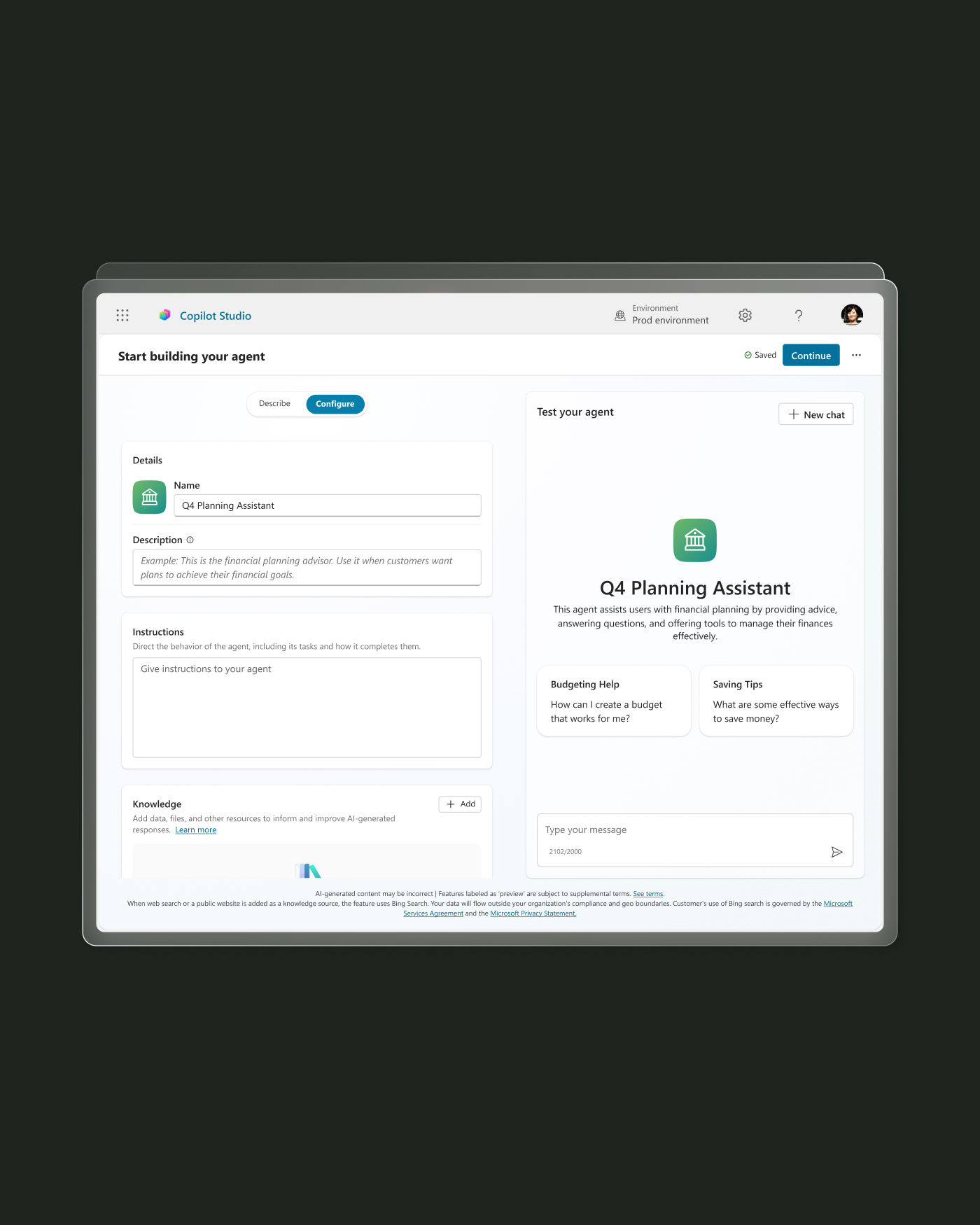
    Create custom agents and workflows with Windows AI Foundry, Copilot Studio, and Copilot Agents12.

  • Enterprise and management resources

  • A man sitting at an office desk working on a Surface Laptop

    Quick configuration

    Accelerate setup and provisioning with Windows Autopilot and retain data with removable SSDs.

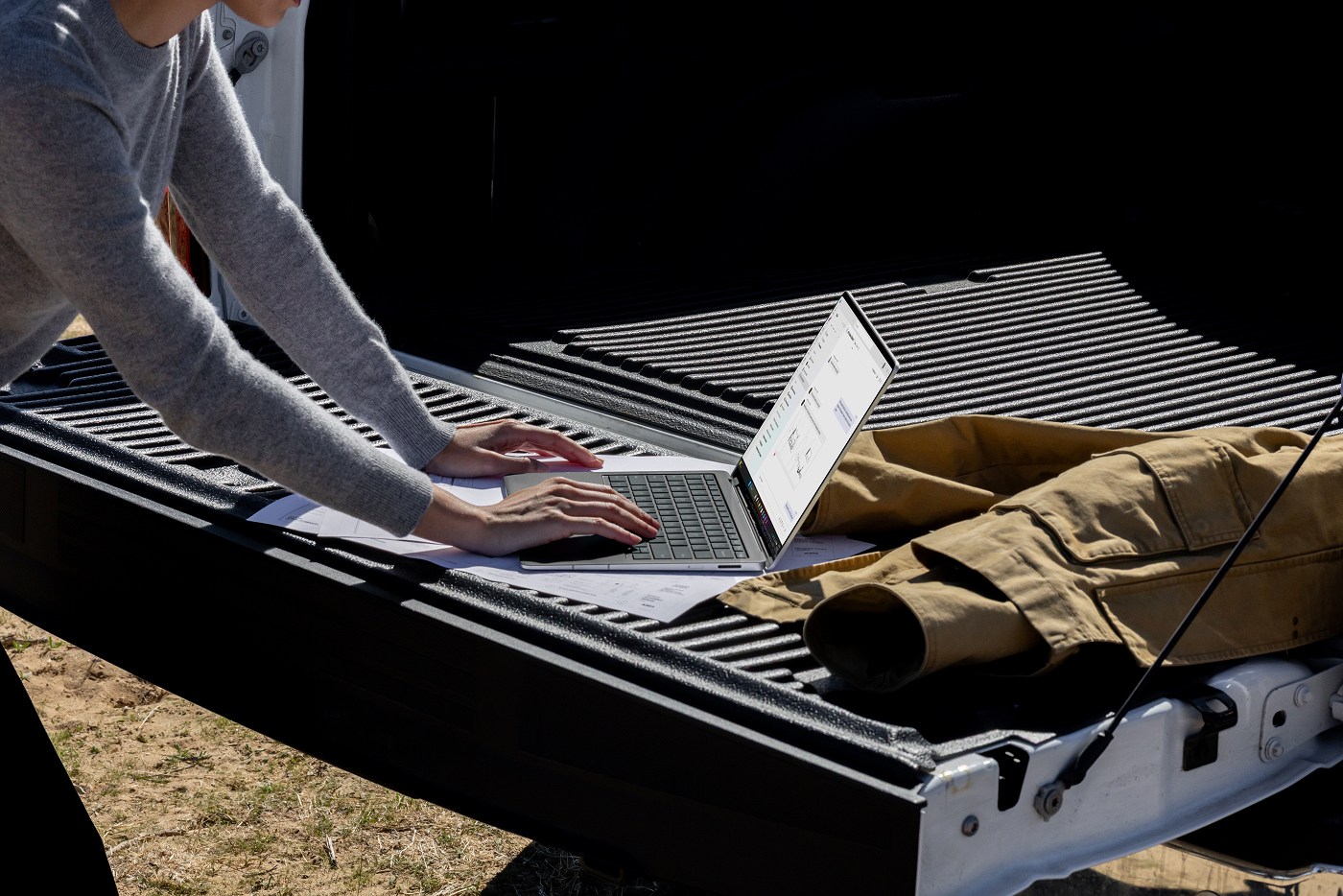
  • A woman working on a Surface Laptop outside on the bed of a truck

    Surface Laptop protection plans

    Keep devices protected and productive while avoiding unexpected repair and replacement costs with Microsoft Protection Plans.

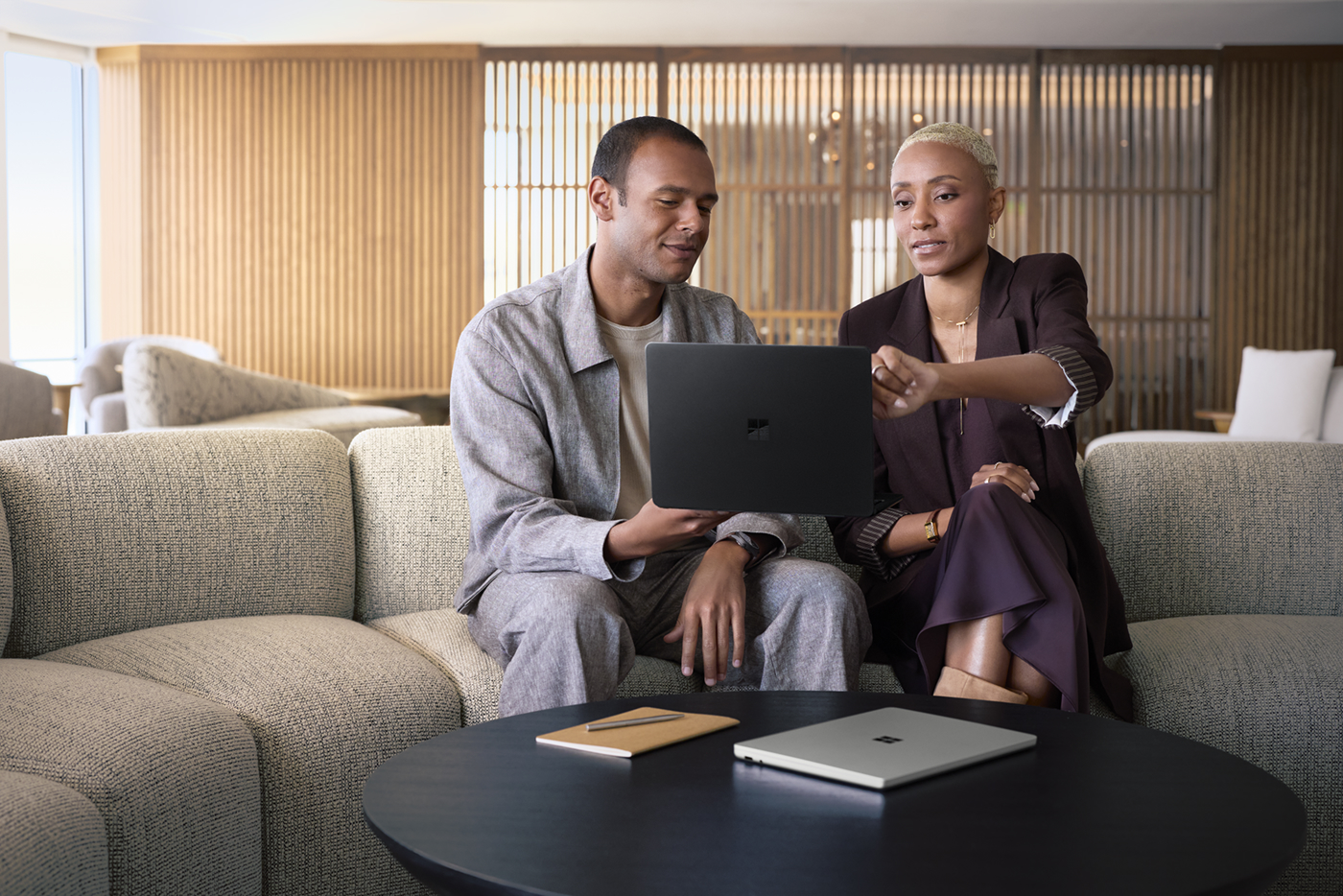
  • A man and woman sitting on a couch working on a Surface Laptop

    Proactive fleet insights

    Improve planning, strengthen support, and address issues faster with actionable insights from Surface Management Portal13 and hands-on remediation through Surface IT Toolkit.

  • Meet Surface Laptop, 13-inch (Snapdragon®), our most portable laptop

    Do your best work anywhere with the new mobile 13-inch business laptop that adapts to your workstyle. Get answers with Copilot, find files fast with Improved Windows Search9, and stay protected with built-in security.

    MSFT-SCom-Laptop-Mega-Promo-Mobile-poster-334x459-0902

    Work, create, and connect from anywhere with a thin, light design, speedy performance, and all-day battery life14.

    Meet our most advanced business laptop lineup yet

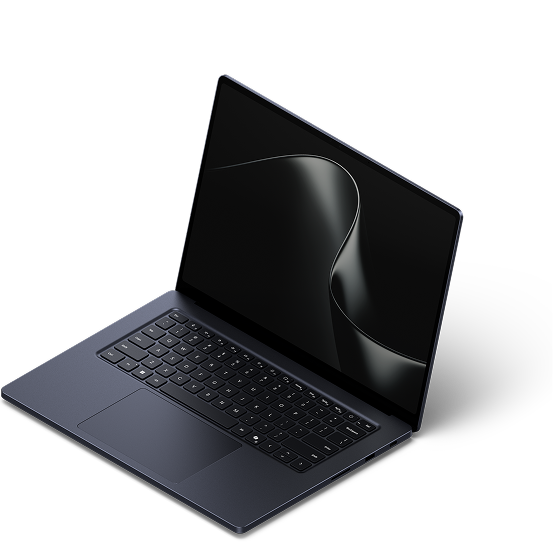
    An open Surface Laptop with the dark ribbon screen saver against a white background
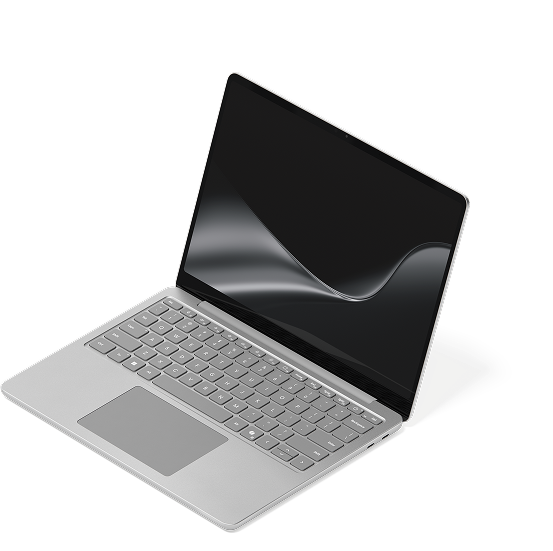
    An open Surface Laptop with the dark ribbon screen saver against a white background
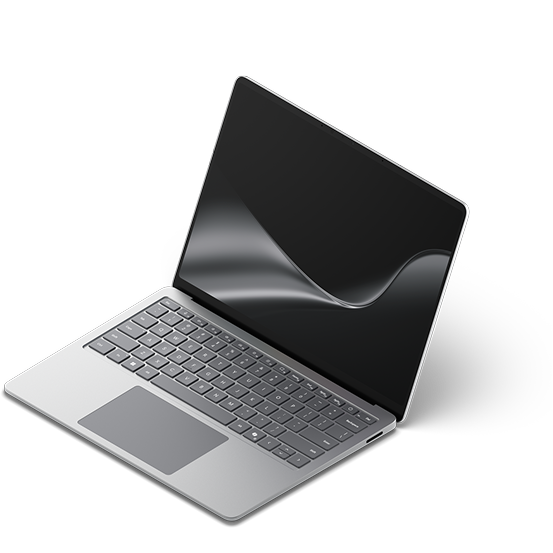
    An open Surface Laptop with the dark ribbon screen saver against a white background
    Surface Laptop for Business, 13-inch (Snapdragon®)Surface Laptop for Business, 13.8 and 15-inch (Snapdragon®)Surface Laptop for Business, 13.8 and 15-inch (Intel®)
    Starting at $1,499.99
    Starting at $1,649.99
    Starting at $1,949.99
    Processor

    Snapdragon® X2 Plus processor (6 Core) with 80 TOPS NPU

    Snapdragon® X2 processor with 80 TOPS NPU

    Intel® Core™ Ultra processor (Series 3) with 50 TOPS NPU

    Battery life

    Up to 22.5 hours of local video playback14

    Up to 18 hours of active web usage14

    Up to 20 hours of battery life14

    Up to 23 hours of battery life14

    Display

    13-inch15 PixelSense™ display touchscreen16

    13.8-inch or 15-inch26 PixelSense™ Flow touchscreen16

    13.8-inch or 15-inch26 PixelSense™ Flow touchscreen16

    Windows Hello

    Windows Hello8 Fingerprint Power Button with Enhanced Sign-in Security

    Windows Hello8 face authentication camera with Enhanced Sign-in Security

    Windows Hello8 face authentication camera with Enhanced Sign-in Security

    Ports

    2x USB-C®/USB 3.2

    2x USB-C®/USB4®

    2x USB-C® with USB4®/Thunderbolt™ 4

    Weight

    2.7 lbs

    3.00 lbs

    2.97 lbs

    Explore Laptops
    A woman working on a Surface Laptop while scrolling with the new Surface Mouse at a desk

    New Surface Mouse: Comfort. Control. Haptics.

    Precision at your fingertips

    Work comfortably with one-click access to Copilot17 and common shortcuts alongside responsive OS and app-level haptics18.

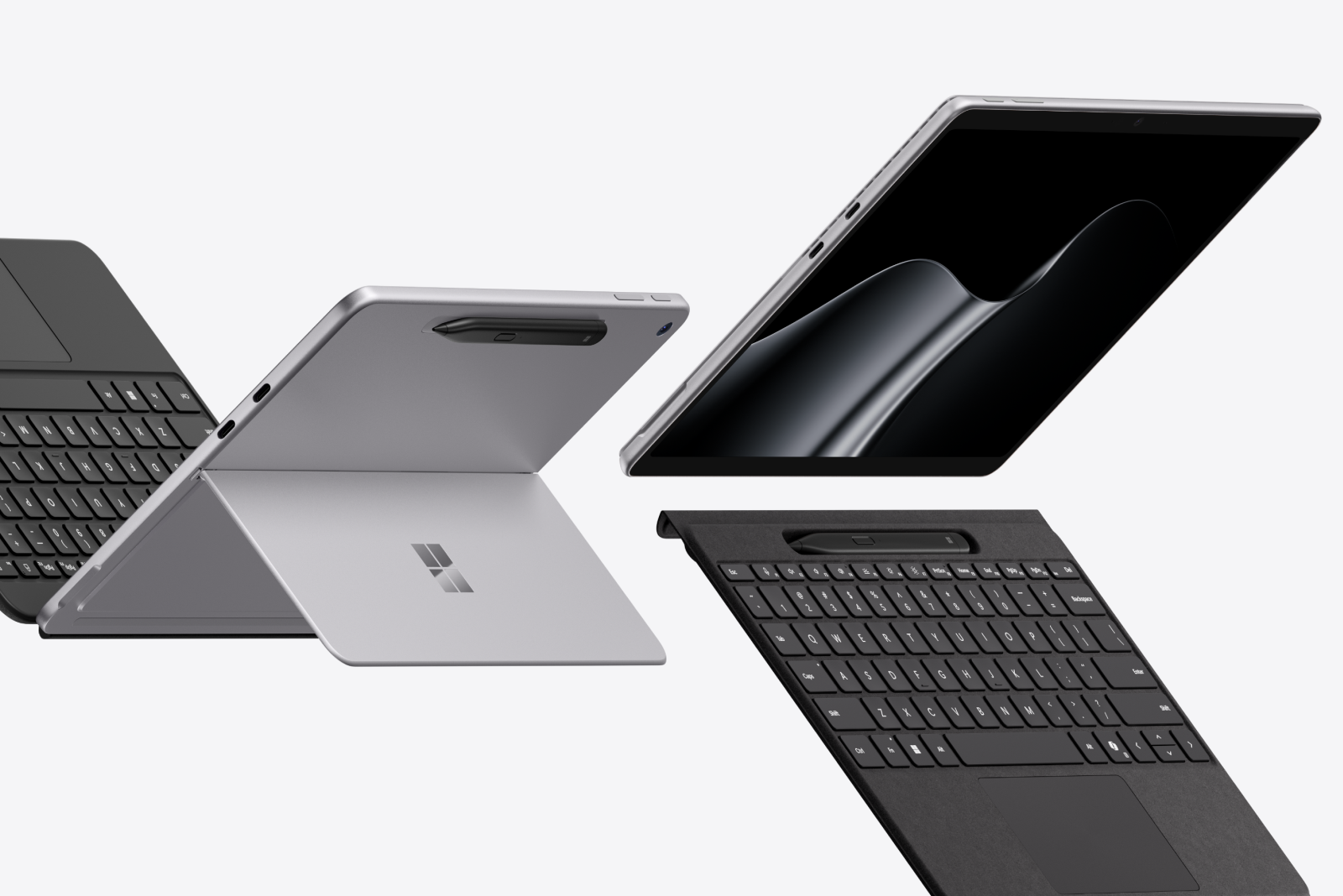
    An open 2-in-1 displaying the dark ribbon image with detachable keyboard and stylus dramatically tipped against a gray background

    Interested in Surface Pro for Business?

    Laptop-level performance with full AI power in a slim, flexible tablet.

    Frequently asked questions

    1. [1]

      The Surface Laptop for Business display has been designed to minimize unwanted reflections and has been certified by TÜV SÜD to meet the requirements of ISO 9241-307.

    2. [2]

      Anti-glare is only on select 13.8-inch devices.

    3. [3]

      Replacement components available through Surface Commercial authorized device resellers. Components can be replaced on-site by a skilled technician following Microsoft’s Service Guide. Microsoft tools (sold separately) may also be required. Availability of replacement components and service options may vary by product, market and over time. See Surface service options - Surface | Microsoft Learn. Opening and/or repairing your device can present electric shock, fire and personal injury risks and other hazards. Use caution if undertaking do-it-yourself repairs. Unless required by law, device damage caused during repair will not be covered under Microsoft’s Hardware Warranty or protection plans.

    4. [4]

      Copilot+ PCs feature; available effects vary by device.

    5. [5]

      Voice focus requires activation, requires Windows 11 and is available in apps which use integrated device microphones and use certain Windows audio processing modes.

    6. [6]

      Keyboard sold separately.

    7. [7]

      Haptic touchpads are only available on 13.8-inch and 15-inch devices.

    8. [8]

      Requires Microsoft Intune and Windows Autopilot; available on eligible Autopilot-deployed Surface devices. Supported DFCI settings vary by device.

    9. [9]

      Improved Windows Search works with specific text, image, and document formats only; optimized for select languages [English, Chinese (Simplified), French, German, Japanese, and Spanish].

    10. [10]

      Microsoft 365 Copilot license required. Supports multiple languages; some features only available in English. See what’s new in Voice Access.

    11. [11]

      Requires eligible Microsoft 365 license. File upload and image generation limits apply.

    12. [12]

      Requires Microsoft 365 along with tenant and per user licensing.

    13. [13]

      Surface Management Portal is available to customers who use Microsoft Intune Admin Center and enroll at least one Surface device through Microsoft Intune.

    14. [14]

      Battery life varies significantly by configuration and with settings, usage, and other factors. See Surface battery testing and estimated performance | Microsoft Support.

    15. [15]

      Surface Laptop display has rounded corners within a standard rectangle. When measured as a standard rectangular shape the screen is 13-inch diagonally (actual viewable area is less).

    16. [16]

      Optimized for touch interaction only. Pen input and compatibility with Surface Pen, Surface Slim Pen, or similar accessories is not supported.

    17. [17]

      Functionality may vary.

    18. [18]

      Supported for select apps and features.

    19. [19]

      System software uses significant storage space. Available storage is subject to change based on system software updates and apps usage. 1GB = 1 billion bytes. 1TB = 1,000 GB. Surface.com/Storage more details.

    20. [20]

      5G not available in all areas. Compatibility and performance depend on carrier network, plan and other factors. See carrier for details and pricing. Optional 5G available on Surface Laptop, 13.8-inch Intel® configurations.

    21. [21]

      6GHz band not available in all regions.

    22. [22]

      External monitor support requires compatible displays, cables, and accessories. See Surface tested peripherals page for compatibility information.

    23. [23]

      Available on select 13.8-inch models at additional cost.

    24. [24]

      Microsoft Intune and Azure Active Directory required: sold separately.

    25. [25]

      Drive Retention is only available on Microsoft Surface devices in which the Drive is marketed as removable in the technical specifications. Devices returned without a drive may incur a replacement fee unless covered by a Drive Retention benefit (sold separately). Available plans and options may vary by device and region. See Surface Warranty, Protection Plans & Support – Microsoft Surface for Business for details.

    26. [26]

      Surface display has rounded corners within a standard rectangle. When measured as a standard rectangular shape the screen is 13.8-inch or 15-inch diagonally (actual viewable area is less).

    27. [27]

      Enclosure includes A Cover and C Bucket. 64% recycled aluminum alloy in A Cover and C Bucket. 100% recycled rare earth metals in magnets. Based on validation performed by Underwriters Laboratories, Inc. using Environmental Claim Validation Procedure (ECVP) for Recycled Content, dated June, 2024.