Secure and versatile, Surface Pro fits your work. A detachable keyboard completes it.
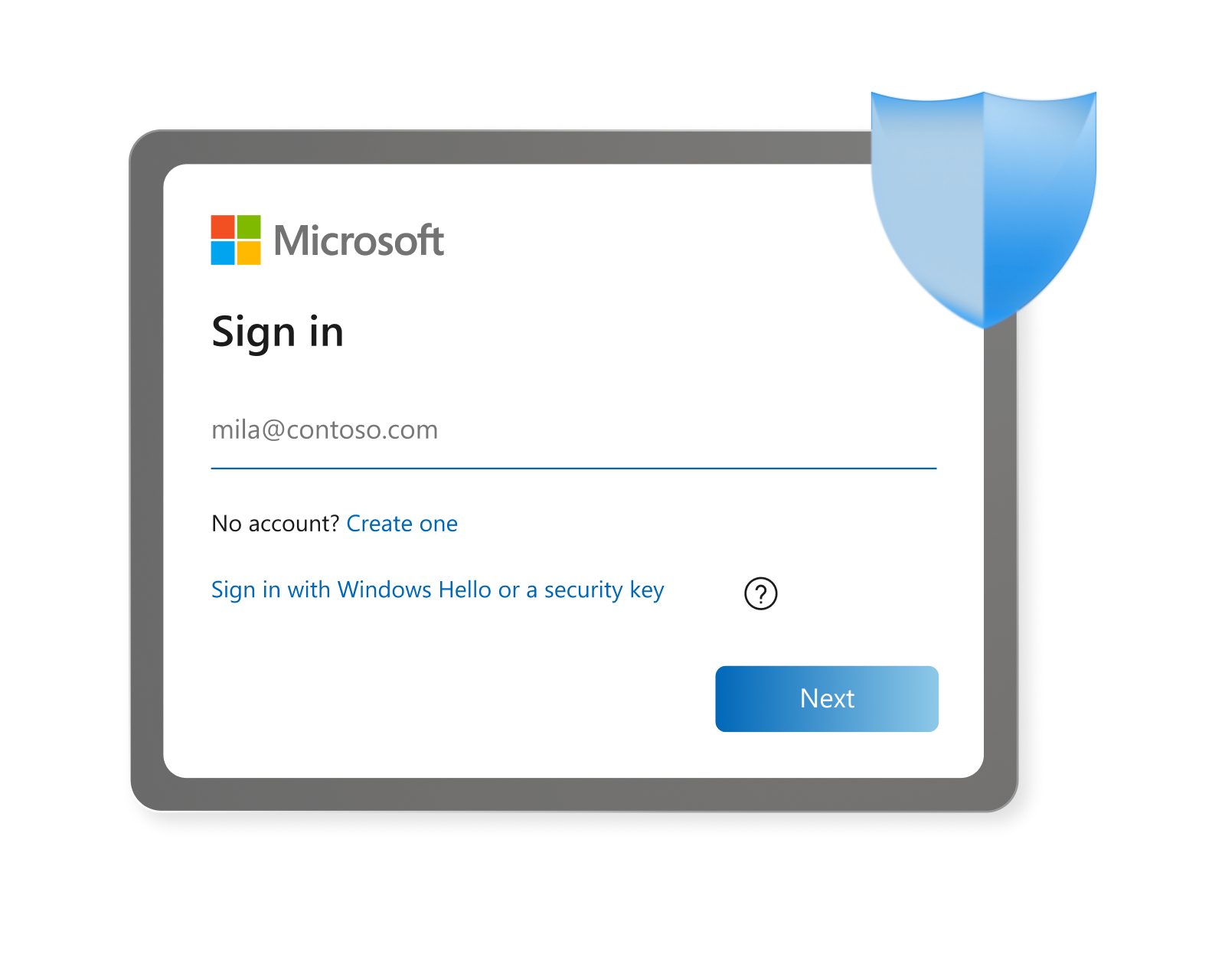
Zero Trust framework
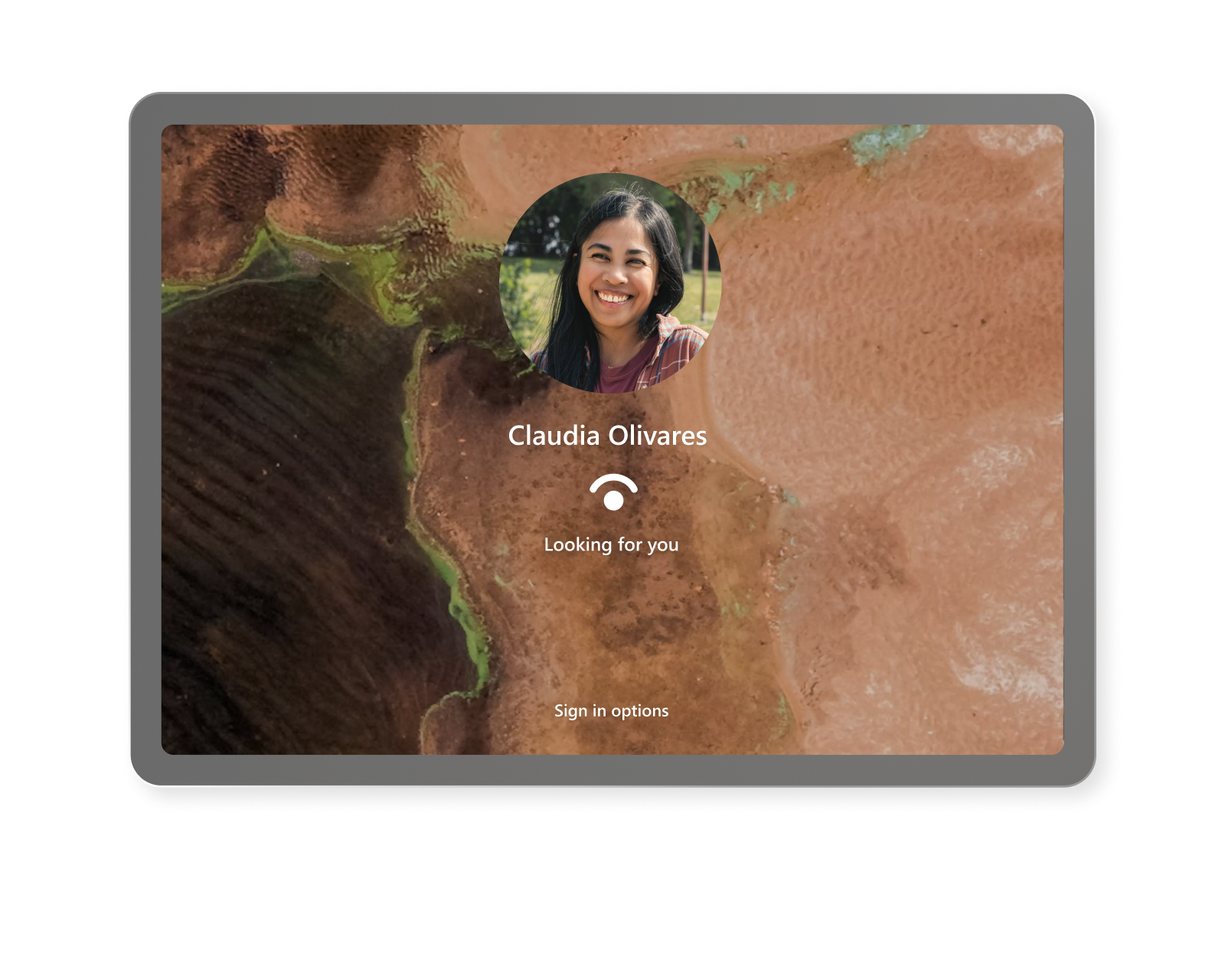
Verify access and protect identity with Windows Hello and Microsoft’s Zero Trust principles.
 Surface for Business
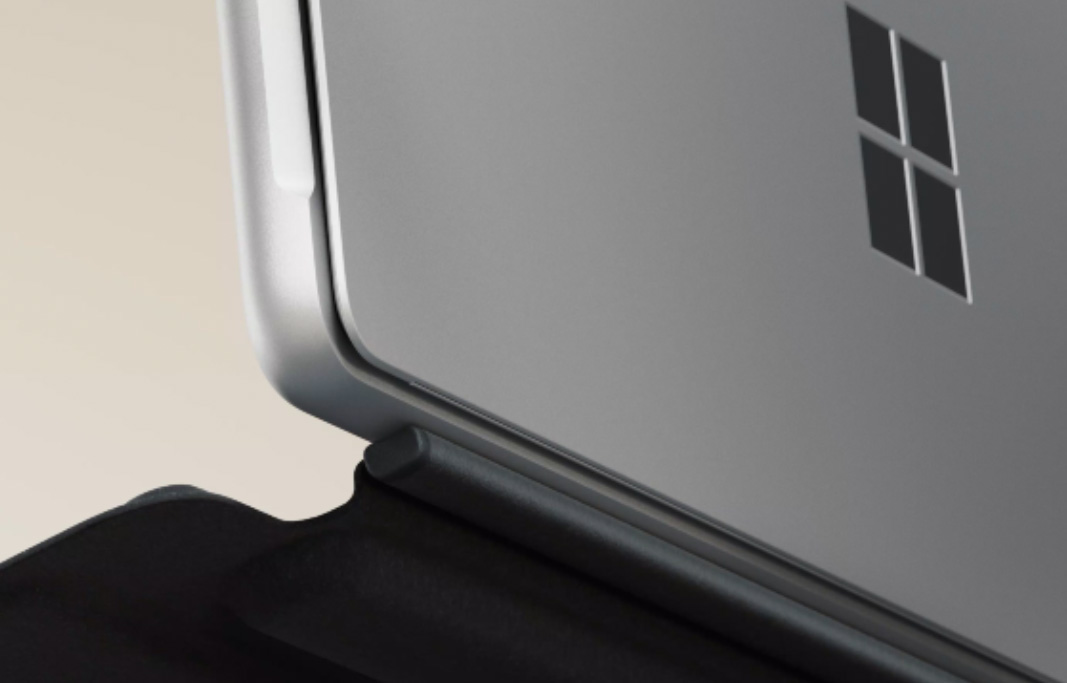
Explore the Surface Pro for Business lineup
Secure and versatile, Surface Pro fits your work. A detachable keyboard completes it.
Fast, secure, and flexible, Surface Pro 2-in-1s are engineered to help teams push boundaries beyond the office.

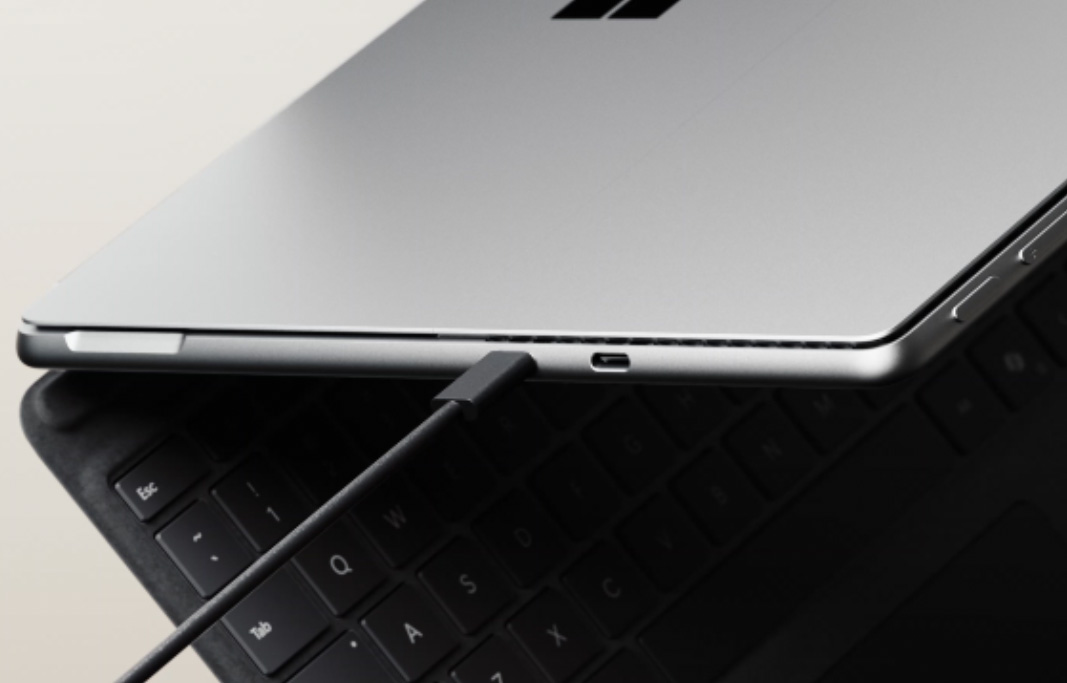


Designed for versatile, intuitive work across changing environments and demands, Surface Pro for Business, 12-inch (Snapdragon®) is the most portable era of Pro for real work, optional 5G1 with NFC.
Choose an Intel® or Snapdragon® processor with a built-in NPU designed to accelerate workflows with AI-powered performance and all-day battery life2.
Make a strong impression with crisp video on an ultrawide front camera enhanced by Windows Studio Effects8.
Move seamlessly with adaptable accessories, including the Surface Slim Pen9.
Verify access and protect identity with Windows Hello and Microsoft’s Zero Trust principles.
Block advanced attacks by default with protections built into Surface hardware such as Microsoft Pluton.
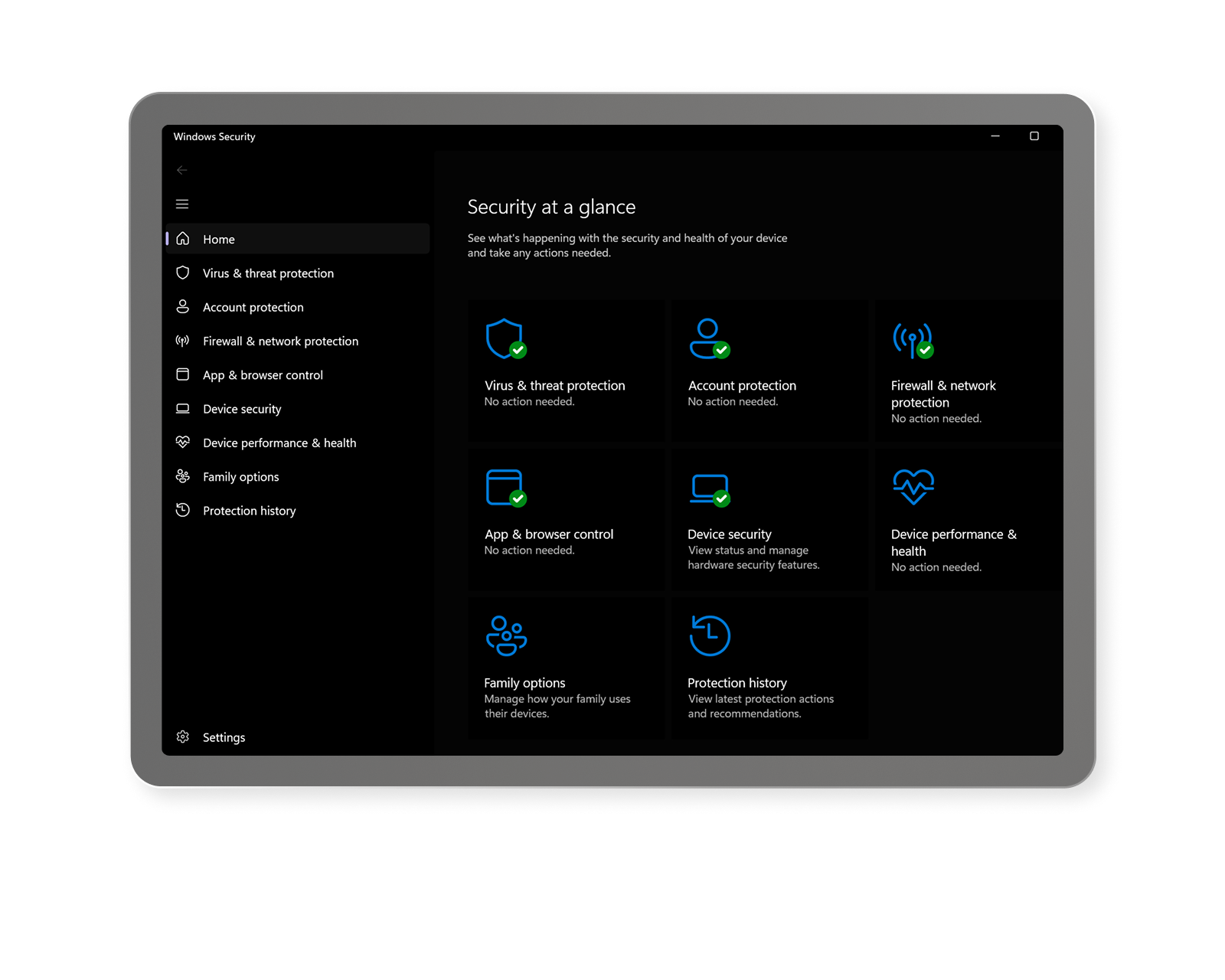
Remotely configure Surface UEFI settings via Microsoft Intune10 using DFCI.
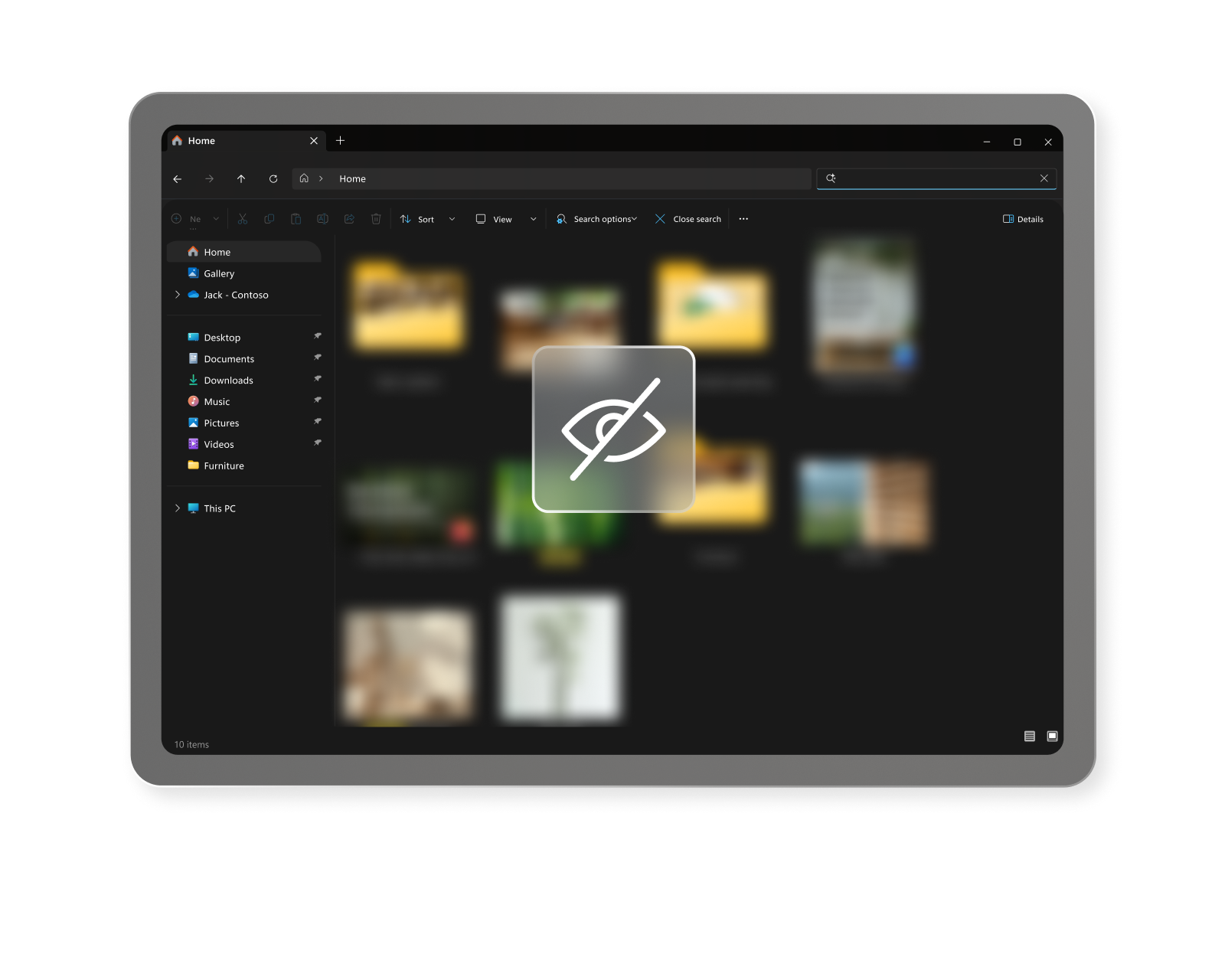
Protect credentials and streamline recovery with BitLocker device encryption and secure authentication options.

Quick configuration
Accelerate setup, simplify recovery, and reduce downtime with Windows Autopilot.
Surface Pro protection plans
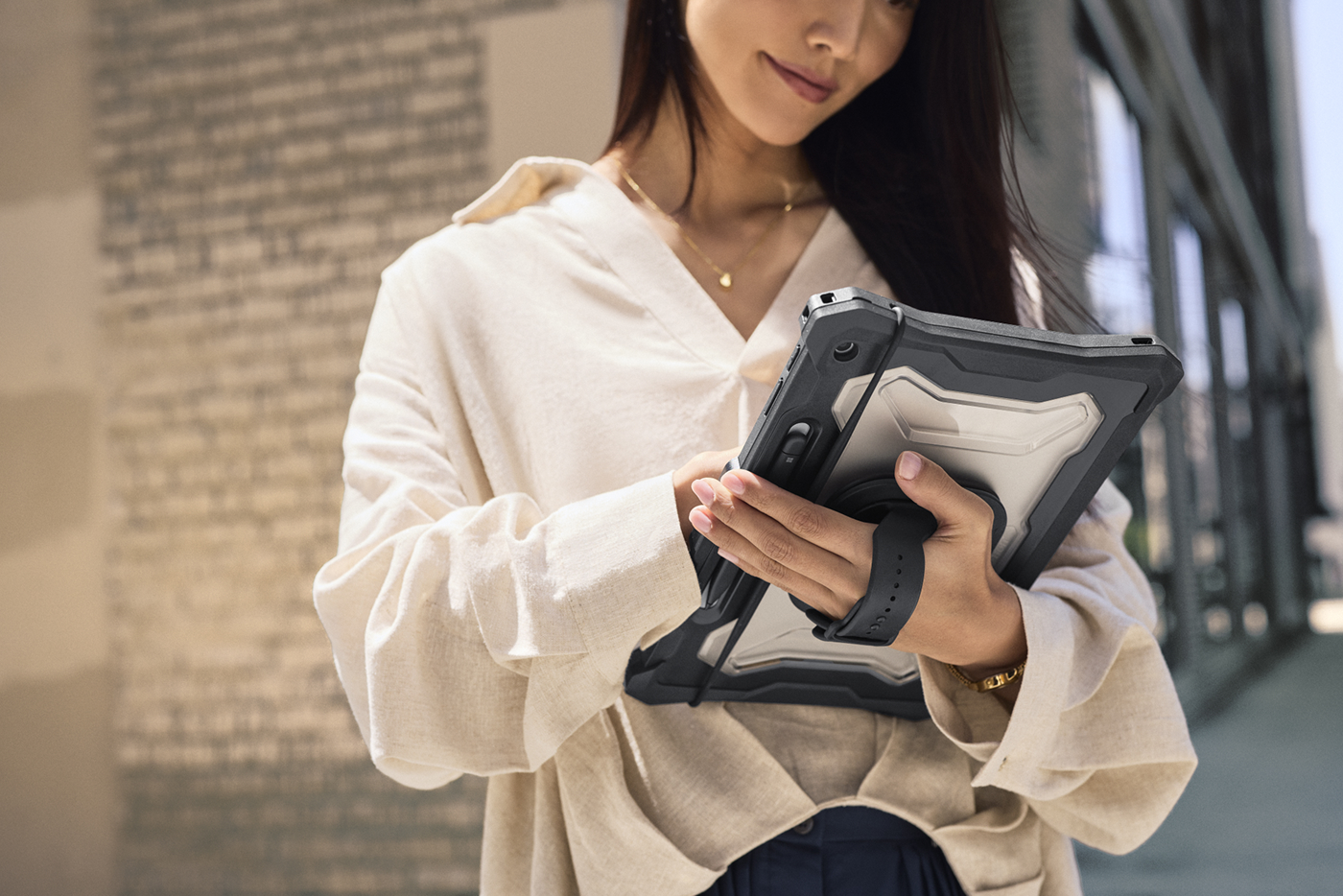
Keep devices protected and productive while avoiding unexpected repair and replacement costs with Microsoft Protection Plans.
Proactive fleet insights
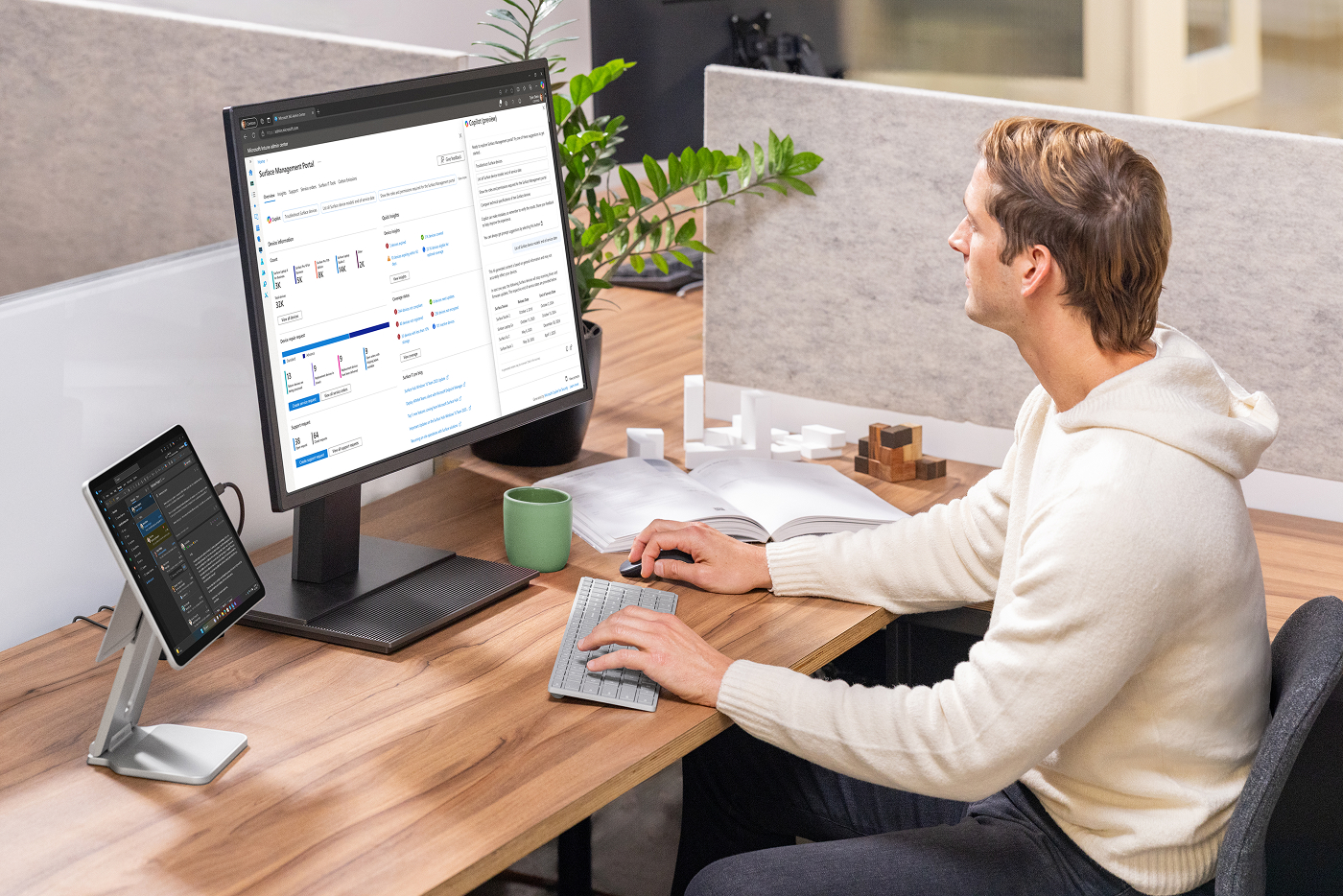
Improve planning and quickly resolve issues with Surface Management Portal16 and Surface IT Toolkit.
The next generation of 2-in-1s is engineered for fast, flexible work beyond the desk. With the full Windows experience in a tablet and optional 5G1, Surface Pro, 12-inch supports every innovation.

Experience sharp clarity with an enhanced display with 500 nits of brightness.
 | 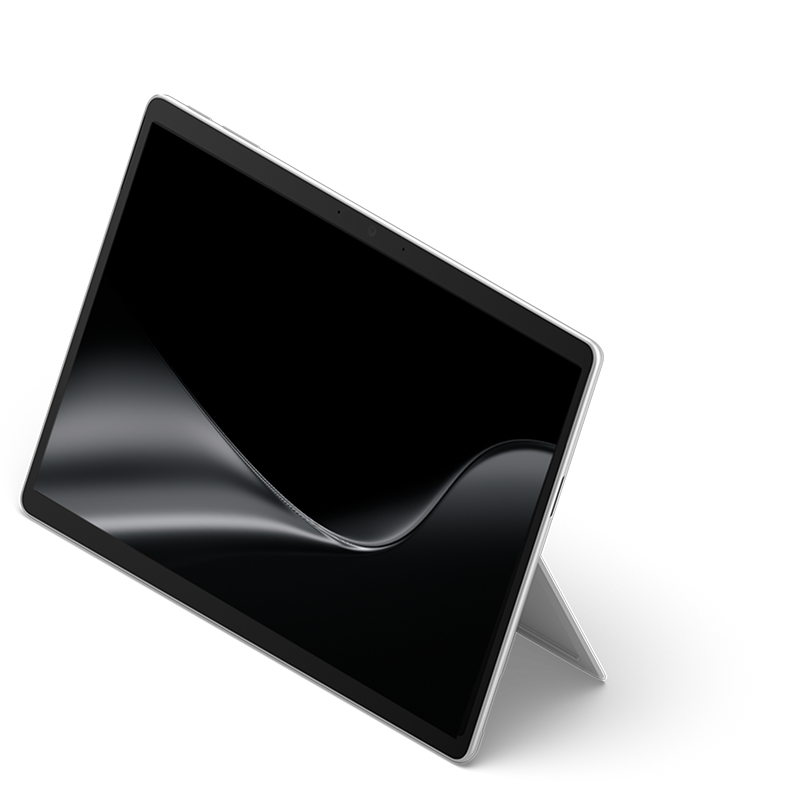 | 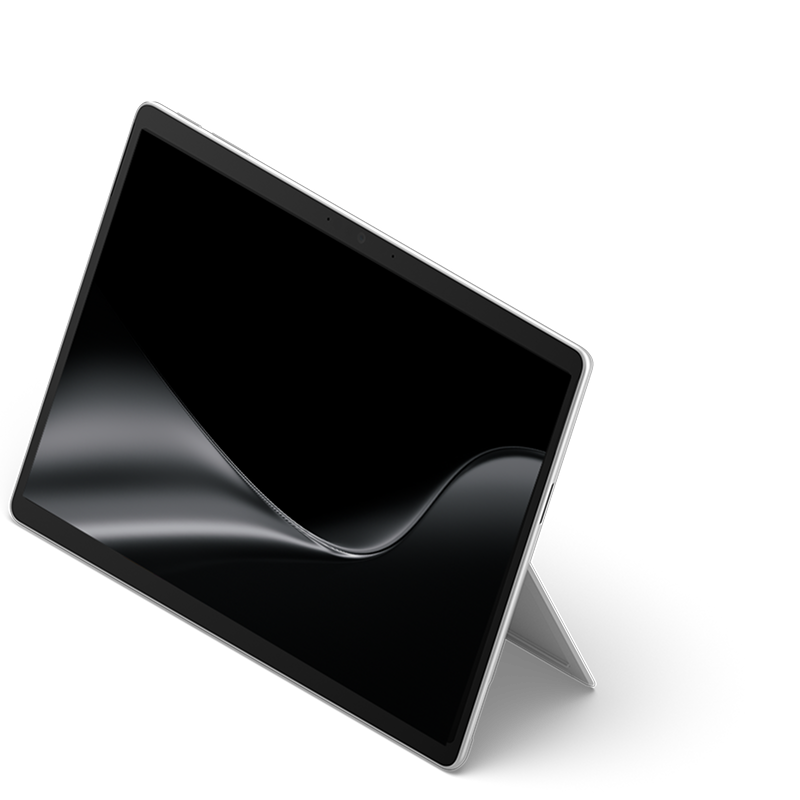 | |
|---|---|---|---|
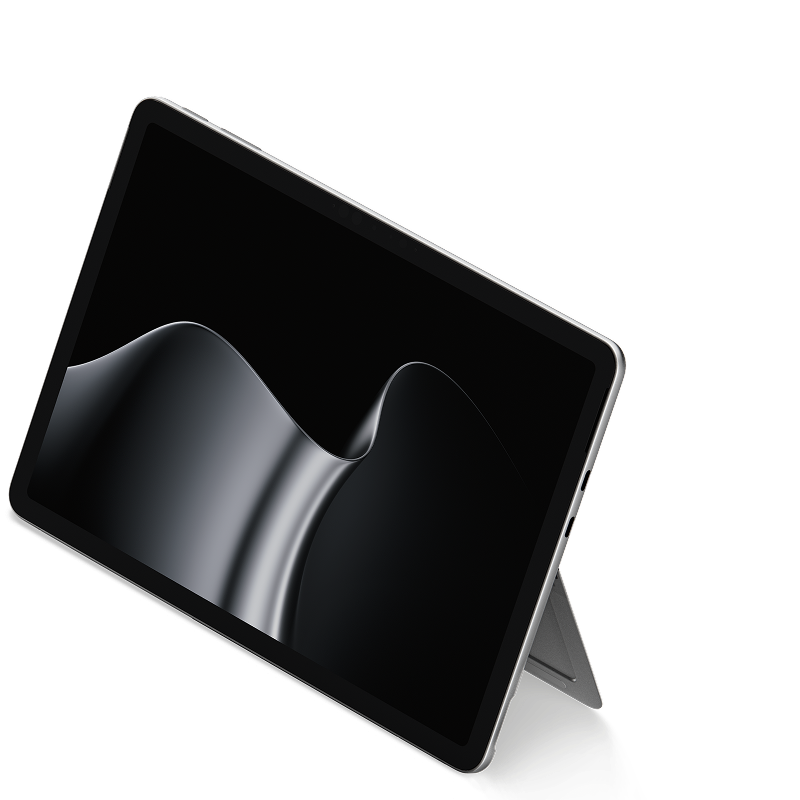
| New Surface Pro for Business, 12-inch (Snapdragon®) | Surface Pro for Business, 13-inch (Snapdragon®) | Surface Pro for Business, 13-inch (Intel®) | |
Starting at $1,449.99 | Starting at $1,799.99 | Starting at $2,299.99 | |
| Processor | Snapdragon® X2 Plus (6 Core) with 80 TOPS NPU Copilot+ PC23 | Snapdragon® X2 Plus processor (10 Core) Snapdragon® X2 Elite processor (12 Core) | Intel® Core™ Ultra 5 processor 335 (Series 3) |
| Battery life | |||
| Display | |||
| Windows Hello | Windows Hello facial recognition with Enhanced Sign-in Security | Windows Hello face authentication camera with Enhanced Sign-in Security | Windows Hello face authentication camera with Enhanced Sign-in Security |
| Ports | 2x USB-C®/ USB 3.2 | 2x USB-C® / USB4® | 2x USB-C® with USB4®/ Thunderbolt™ 4 |
| Weight | Wi-Fi only models 1.5 lbs (686 g) Wi-Fi+5G models 1.6 lbs (707 g) | 1.97 lbs (894 g) | Wi-Fi only models 1.97 lbs (894 g) Wi-Fi+5G models 2.00 lbs (907 g) |
| Explore 2-in-1s |

Lightweight and durable accessories, including a detachable keyboard and accessible pen9, touch, and keyset input.
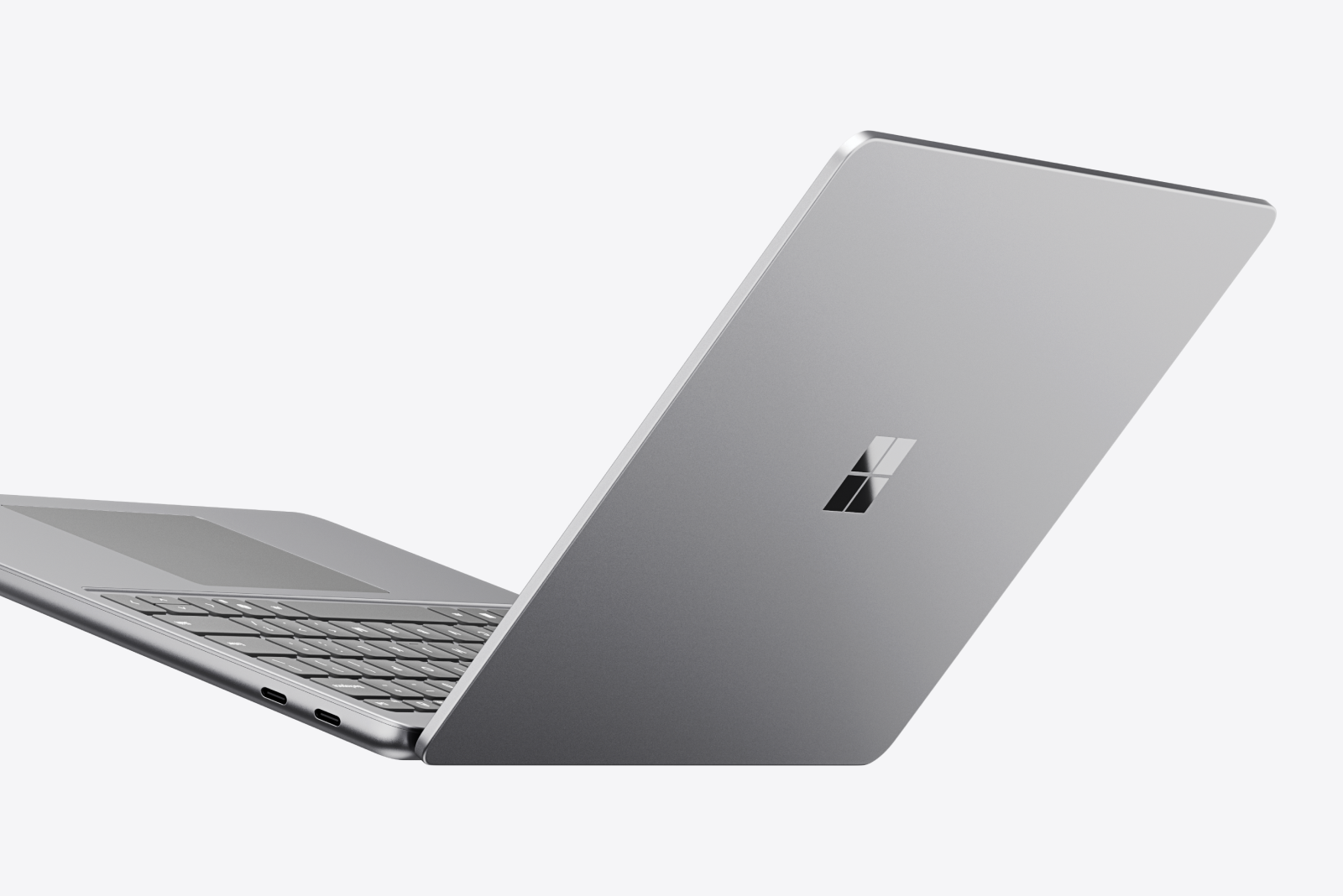
Premium performance and AI power in a thin, durable design.
5G not available in all areas. Compatibility and performance depend on configuration, carrier network, plan and other factors. See carrier for details and pricing. Optional 5G available on the new Surface Pro for Business, 12-inch (Snapdragon®); Surface Pro for Business, 13-inch (Intel®); Surface Pro, 13-inch (12th Ed) (Snapdragon®); and the new Surface Pro for Business, 12-inch (Snapdragon®) configurations.
Battery life varies significantly by configuration and with settings, usage, and other factors. See Surface battery testing and estimated performance | Microsoft Support.
The Surface Pro for Business display has been designed to minimize unwanted reflections and has been certified by TÜV SÜD to meet the requirements of ISO 9241-307.
LCD PixelSense™ Flow displays and OLED screen option available on the Surface Pro for Business, 13-inch (Intel®) and Surface Pro for Business, 13-inch (Snapdragon®) configurations. On devices with Intel®, OLED is only available on the Intel® Core™ Ultra X7 processor 368H (Series 3) configuration.
Optimized for touch interaction only. Pen input and compatibility with Surface Pen, Surface Slim Pen, or similar accessories is not supported.
Enclosure includes bucket, kickstand 100% recycled aluminum alloy in bucket. 100% recycled rare earth metals in magnets. Based on validation performed by Underwriter Laboratories, Inc. using Environmental Claim Validation Procedure (ECVP) for Recycled Content, UL ECVP 2809-2, Second Edition, dated June 2024.
Replacement components available through Surface Commercial authorized device resellers. Components can be replaced on-site by a skilled technician following Microsoft’s Service Guide. Microsoft tools (sold separately) may also be required. Availability of replacement components and service options may vary by product, market and over time. See Surface service options - Surface | Microsoft Learn. Opening and/or repairing your device can present electric shock, fire and personal injury risks and other hazards. Use caution if undertaking do-it-yourself repairs. Unless required by law, device damage caused during repair will not be covered under Microsoft’s Hardware Warranty or protection plans.
Copilot+ PCs feature; available effects vary by device.
Pen and keyboards sold separately.
Microsoft Intune and Azure Active Directory required: sold separately.
Requires eligible Microsoft 365 license. File upload and image generation limits apply.
Improved Windows search works with specific text, image, and document formats only; optimized for select languages [English, Chinese (Simplified), French, German, Japanese, and Spanish].
Use Copilot key with supported Windows 11 devices; feature availability varies by device and market, see Key Support.
Microsoft 365 Copilot license required. Supports multiple languages; some features only available in English. See what’s new in Voice Access.
Requires Microsoft 365 along with tenant and per user licensing.
Surface Management Portal is available to customers who use Microsoft Intune Admin Center and enroll at least one Surface device through Microsoft Intune.
Surface display has rounded corners within a standard rectangle. When measured as a standard rectangular shape the screen is 13-inch diagonally (actual viewable area is less).
Surface display has rounded corners within a standard rectangle. When measured as a standard rectangular shape the screen is 12-inch diagonally (actual viewable area is less).
System software uses significant storage space. Available storage is subject to change based on system software updates and apps usage. 1GB = 1 billion bytes. 1TB = 1,000 GB. Surface.com/Storage more details.
6GHz band not available in all regions.
Requires Microsoft Intune and Windows Autopilot; available on eligible Autopilot-deployed Surface devices. Supported DFCI settings vary by device.
App Assure is available for eligible Microsoft 365 and Windows customers. Device-based licensing for Microsoft 365 Apps is available via Enterprise Agreement. Learn more at aka.ms/appassure and Microsoft Learn.
Copilot+ PC features available only on select configurations with 16+GB RAM; additional system requirements may apply. For details, see Windows 11 Specs and System Requirements | Microsoft Windows.