

Choose a Windows PC

Find the Windows PC that’s right for you

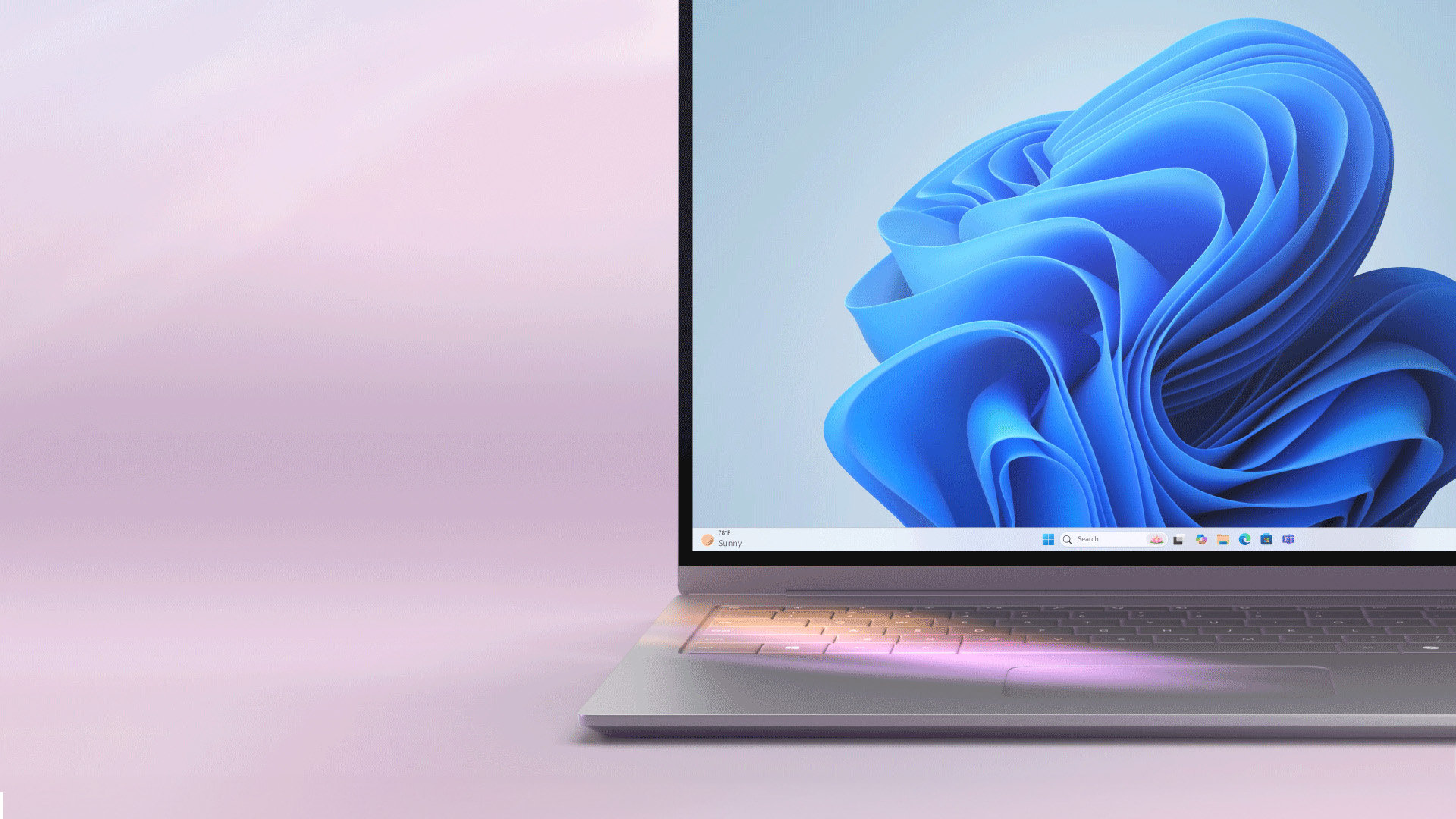
How to get Windows 11
See if this PC is eligible for an upgrade to Windows 11—or experience all Windows has to offer with a new PC.
- Ready to upgrade
- System requirements

Settings
Select the Start button, then click on Settings.

Update & Security
Click on Update & Security.
Windows Update
Select Check for updates to see if your PC can run Windows 11, or if the upgrade is ready for your PC.1
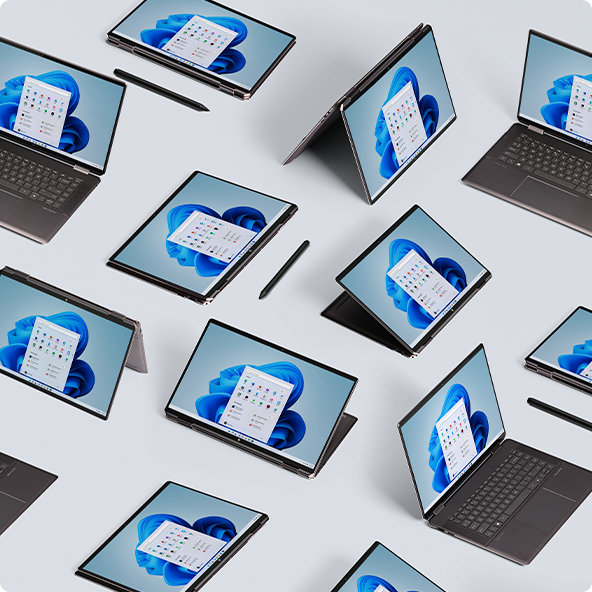
Your time is valuable
Windows 11 PCs come with a better interface, intuitive navigation, and faster performance. Maximize your productivity with improved Microsoft tools you use every day. Just answer a few questions and get a PC recommendation that matches your needs.
Want Windows 11 on your custom-built PC?
Whether installing Windows on your custom PC or building a new one, you may need to purchase a license to run Windows 11.2
Windows 11 brings next generation performance, security, and a modern design built for today’s PCs. With AI-powered experiences like Copilot, advanced gaming optimizations, and smart tools, it’s easier than ever to stay productive and entertained. Explore streamlined navigation, enhanced speed, and features designed to help you do more with confidence. Learn more.
Windows 11 is the most secure Windows ever built, with comprehensive end-to-end security that covers antivirus, firewall, internet protections, and more. This means more security features, dashboard displays, and ongoing updates to help safeguard against future threats—all built-in at no extra cost. To receive updates, internet access is required, and service fees may apply. Read more about Windows security.
Most accessories that meet standard third-party requirements should work with Windows 11, including popular items like headphones, speakers, printers, and more. Compatibility depends on whether the accessory supports Windows 11 drivers and protocols. For the best experience, check the manufacturer’s website and install any required updates.
Yes. A Microsoft account is required to set up Windows 11 Home and Pro and will connect all your Microsoft apps and services. Microsoft accounts come with free online access to Microsoft 365 apps and 5GB of cloud storage. If you don’t have a Microsoft account, it’s easy to sign up using your existing or new email address here.
The minimum hardware requirements for Windows 11 are available here.
PCs running Windows 10 will continue to function, however they will no longer receive software and feature updates, security updates and fixes, or technical support.
While your Windows 10 PC will continue to function, it will no longer receive regular security updates, making the device more vulnerable and susceptible to viruses and malware. Windows 10 PCs may also experience slower performance and functionality across the device and applications.
Click here to learn additional information regarding Windows 10 end of support.
Support for Windows 10 ended on October 14, 2025. To stay protected, Microsoft recommends one of the following options:
- If your PC is eligible, upgrade to Windows for free via Settings > Privacy and Security > Windows Update.
- If your PC isn’t eligible or you’re ready for a new device, consider purchasing a Windows 11 PC and leveraging trade-in and recycling programs available at many of our Windows ecosystem partners including, OEMs such as Acer, ASUS, Dell, HP, Lenovo, Samsung and global retailers like Best Buy, Boulanger, Costco, Currys, Elkjøp, Fnac, Harvey Norman, JB Hi-Fi, MediaMarkt & SATURN, officeworks, and Sharaf DG.
- If you need more time, the Extended Security Updates (ESU) program is available on eligible Windows 10 PCs through October 12, 2027. Learn more.
Yes, you can trade in your older Windows 10 laptop or PC through the Microsoft Store Trade-in Program available in select countries. You may be eligible for cash back if your device meets the criteria. Just answer a few questions about your device’s brand, model, and condition to see if it qualifies. Get started by checking your device’s trade-in value.
To upgrade to Windows 11, devices must meet the Windows 11 minimum system requirements. Some Windows 10 features aren't available in Windows 11. For more information, see Find Windows 11 specs, features, and computer requirements.
By default, all your files and data will be transferred. However, we recommend backing up your files before installation. Learn more about transferring to a new PC.
If your PC meets the minimum hardware specifications, the Windows 10 Home edition in S mode can upgrade to the Windows 11 Home edition in S mode. If your Windows 10 PC is running the Pro edition in S mode, you will need to switch out of S mode to upgrade to Windows 11 Pro. Windows 11 Pro edition is not available in S mode.
Learn about Windows for Business here.
The free upgrade is for the same edition as you have on your Windows 10 device. If you have Windows 10 Home edition, you will be upgraded to Windows 11 Home edition.
Microsoft 365 and Windows 11 are optimized to work together and give you the best customer experience. To learn more, view the Microsoft 365 page.
PC Health Check is an app on your PC that helps you understand the health of your computer better. It will also let you know if your computer meets the minimum system requirements to upgrade to Windows 11. And if your computer is not eligible for the upgrade, it will show you why. See this article for more information on how to run PC Health Check.
- Screens simulated. Features and app availability may vary by region.
- 1 Windows 11 upgrade is available for eligible PCs that meet minimum device specifications. Upgrade timing may vary by device. Internet service fees may apply. Features and app availability may vary by region. Certain features require specific hardware (see Windows 11 Specifications).
- 2 Certain features require specific hardware, see Windows 11 Specifications.
Follow Microsoft Windows
Share this page