If you customized your CRM 2011 sitemap and then upgraded to CRM 2013, you might be missing out on all the new content: eBooks, videos, Training and Adoption Kit, and more.
By design, we take care not to change your sitemap customizations during upgrade. This means that only you can make the fix to point users to the right help. The infographic and links below will help you on your way!
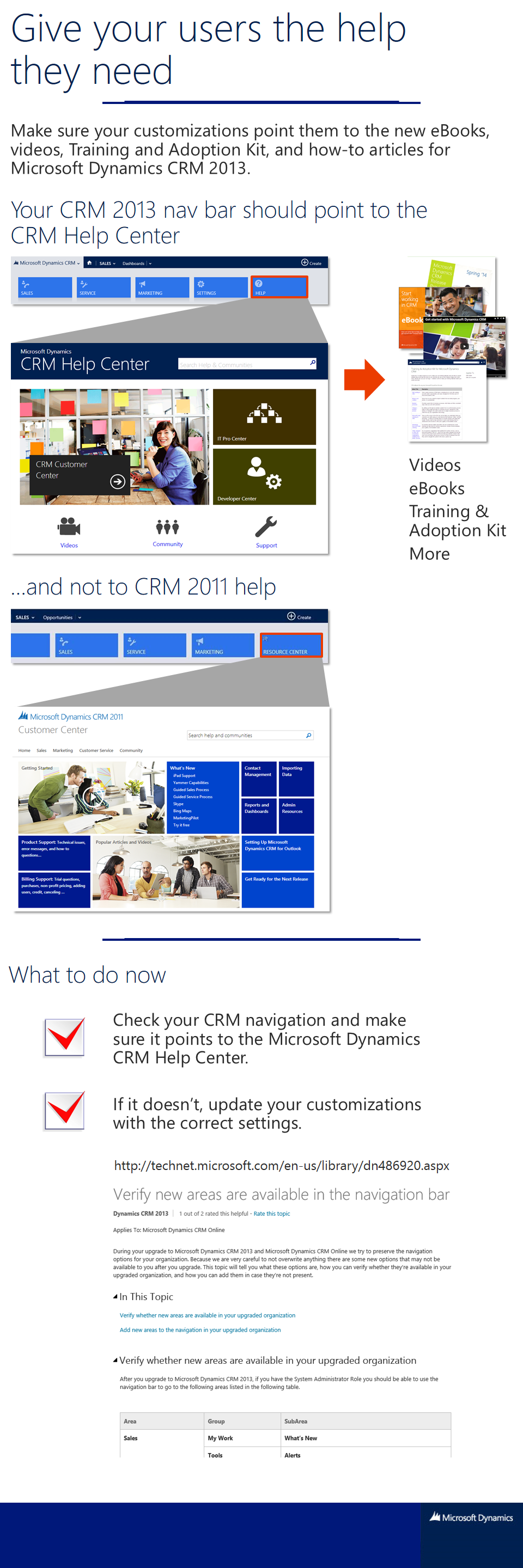
Check your customizations
If your CRM is pointing to the wrong help, be sure to change your customizations to point your users to the right help. If you need more information about what you might need to change, check out:
- Make sure you get everything when you upgrade (blog post)
- Verify new areas are available in the navigation bar (TechNet article)
Andrea Bichsel
Technical Writer